
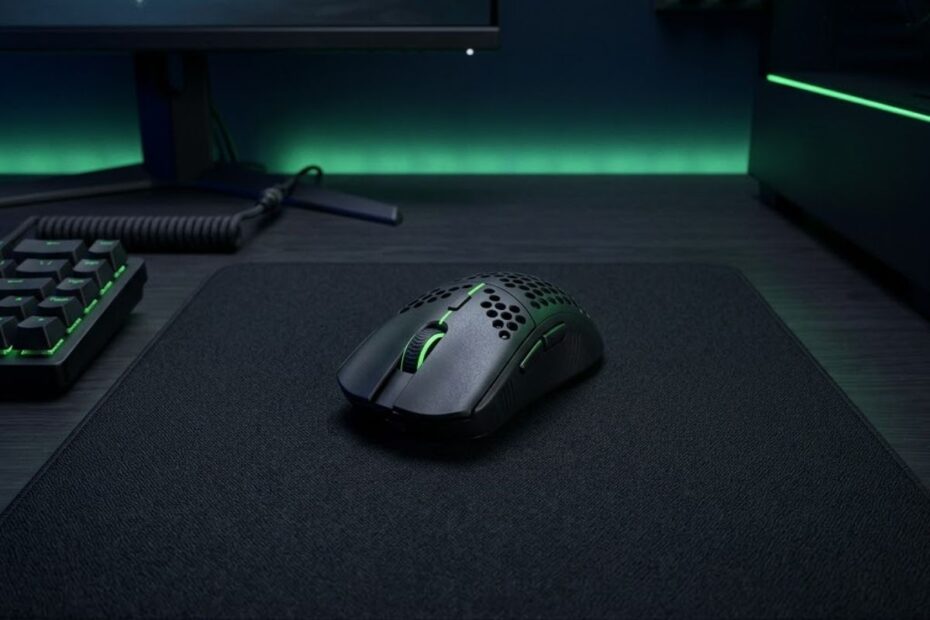
Choosing the right wireless gaming mouse for Valorant can improve aim consistency, reaction speed, and overall comfort during long competitive sessions. Modern wireless mice now deliver latency that is virtually identical to wired models, which is why many Valorant pros prefer lightweight wireless mice for tactical FPS gameplay.
Wireless technology has evolved far beyond the old reputation of laggy or unreliable gaming performance. Today’s flagship wireless gaming mice offer ultra low click latency, stable polling rates, high-end sensors, and battery life that can easily handle daily ranked grinding. For Valorant players, that means cleaner flicks, smoother tracking, and fewer cable distractions during intense rounds.
If you are still deciding between shapes, sensitivity settings, or aiming styles, it helps to first understand how a mouse fits into the broader FPS setup ecosystem. The GearTP pillar guide at Gaming Mouse for FPS Games explains how mouse weight, shape, sensor behavior, and grip style all affect competitive performance in tactical shooters.
Why Wireless Gaming Mice Are Popular in Valorant
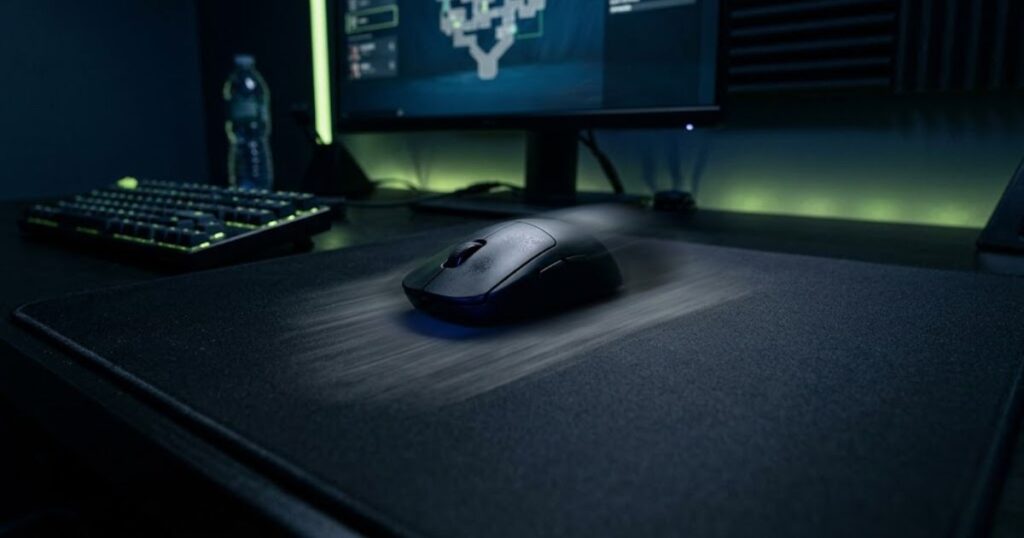
Wireless gaming mice are popular in Valorant because they eliminate cable drag while maintaining extremely low latency. This gives players a cleaner and more consistent aiming experience, especially during fast flicks and wide arm movements.
Several years ago, many competitive players avoided wireless mice due to concerns about input delay and signal instability. That perception changed once brands like Logitech, Razer, and ASUS started developing esports-grade wireless technology designed specifically for FPS gaming. Modern wireless connections are now fast enough that even professional Valorant players trust them on stage.
Valorant rewards precision over chaotic movement, so anything that improves micro adjustments can help during clutch situations. Cable friction may seem minor at first, but over long sessions it creates inconsistency in aiming arcs and movement speed. Removing that friction often makes aiming feel smoother and more natural.
| Feature | Wireless Mouse Benefit | Impact in Valorant |
|---|---|---|
| No cable drag | Smoother swipes | More consistent flick shots |
| Low latency wireless tech | Near wired performance | Reliable competitive gameplay |
| Lightweight designs | Reduced hand fatigue | Better long session comfort |
| Cleaner desk setup | More mousepad freedom | Easier low sensitivity aiming |
Many players also transition to wireless mice after experimenting with lower sensitivities. Wide arm swipes become much easier without a cable pulling against the mouse. This is especially noticeable if you use large mousepads and low eDPI settings.
Players who are still optimizing aim mechanics should also study low sensitivity aiming in Valorant because wireless mice often pair extremely well with low sensitivity gameplay styles.
At the competitive level, small improvements compound together. A cleaner glide, lower fatigue, and unrestricted movement can all contribute to more stable aim under pressure.
Do Wireless Gaming Mice Have Input Lag?
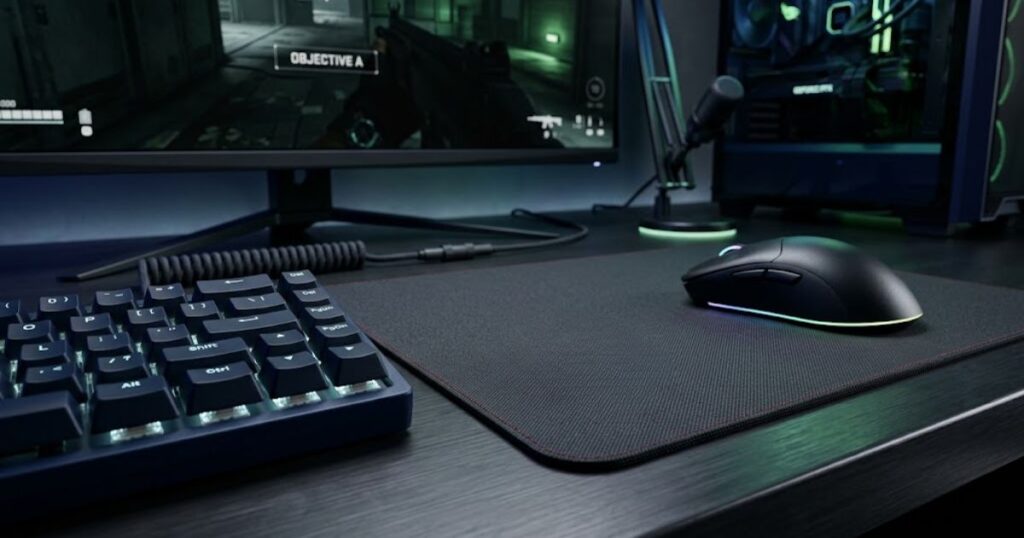
Modern wireless gaming mice designed for esports do not have noticeable input lag in Valorant. High-end wireless mice now perform close to wired mice in real competitive environments.
Older wireless mice suffered from poor polling stability, slower transmission, and inconsistent signal performance. That caused delayed cursor movement and unreliable click timing. However, esports-focused wireless technology has improved dramatically over the last few years.
Today, flagship wireless mice often operate at 1000Hz or even 4000Hz polling rates with highly optimized wireless protocols. In practice, the latency difference between wired and wireless is so small that most players cannot detect it during gameplay.
Professional Valorant players widely use wireless mice during tournaments. If wireless latency were still a serious issue, competitive players would immediately avoid them in high stakes matches.
| Mouse Type | Typical Latency | Competitive Viability |
|---|---|---|
| Office wireless mouse | High latency | Not suitable |
| Budget gaming wireless mouse | Moderate latency | Acceptable for casual play |
| Esports wireless mouse | Extremely low latency | Excellent for Valorant |
| Modern wired gaming mouse | Very low latency | Excellent for Valorant |
Latency problems are more likely to appear when using cheap wireless mice with poor sensors or unstable receivers. That is why choosing a reputable esports model matters significantly for tactical FPS games.
Wireless performance also depends on setup quality. Keeping the USB receiver close to the mouse and away from interference improves consistency. Many esports mice include receiver extenders specifically for this reason.
The reality is simple. If you buy a modern esports-grade wireless gaming mouse, input lag should not be your main concern anymore.
What Makes a Wireless Mouse Good for Valorant?
A good wireless gaming mouse for Valorant combines low weight, reliable wireless stability, accurate sensors, comfortable shape, and responsive clicks. A good wireless gaming mouse for Valorant combines low weight, reliable wireless stability, accurate sensors, comfortable shape, and responsive clicks. If you want to compare wireless options with wired models, shape types, and competitive FPS priorities, the best gaming mouse for Valorant guide gives a broader buying direction before you choose one specific wireless model. These elements directly affect aiming precision and consistency during tactical gunfights.
Many players focus only on DPI numbers or marketing specifications, but competitive mouse performance depends far more on real-world usability. A mouse that feels stable in your hand and supports your grip style will outperform an uncomfortable mouse with flashy specifications.
Valorant is fundamentally different from fast arena shooters. Precision, positioning, and crosshair control matter more than chaotic movement. Because of that, your mouse should prioritize control and consistency over gimmicks.
Mouse Weight Matters More Than Most Players Think
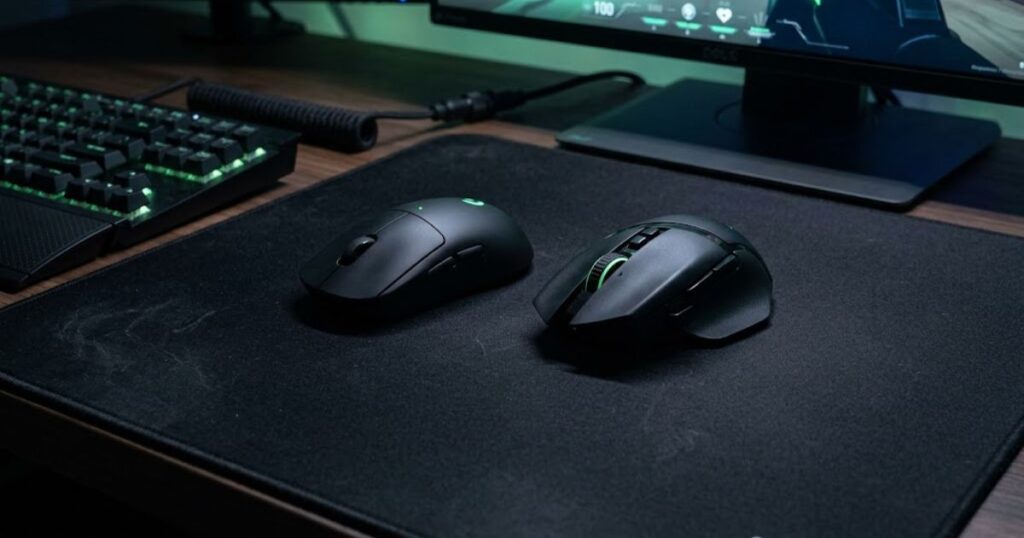
Lightweight wireless mice help reduce fatigue and improve micro adjustment control in Valorant. Most competitive players now prefer mice under 70 grams for tactical FPS gameplay.
Heavy mice can feel stable at first, but they become tiring during long ranked sessions. Quick flicks also require more force when using heavier mice, which can create inconsistent aim timing.
Lightweight mice make reactive movements easier while helping players stop their crosshair more precisely. This becomes especially valuable when holding tight angles or adjusting to enemy peeks.
| Weight Range | Feel | Valorant Suitability |
|---|---|---|
| 90g+ | Heavy and stable | Less ideal for competitive play |
| 75g to 89g | Balanced | Good for many players |
| 55g to 74g | Lightweight | Excellent for Valorant |
| Below 55g | Ultra lightweight | Fast but may feel unstable |
If you want a deeper breakdown of how mouse weight affects FPS aiming, read why Valorant pros use lightweight mice.
Weight preference still depends on comfort and control. Some players aim better with slightly heavier mice because they prefer more stopping power and stability.
Shape Is More Important Than Specifications
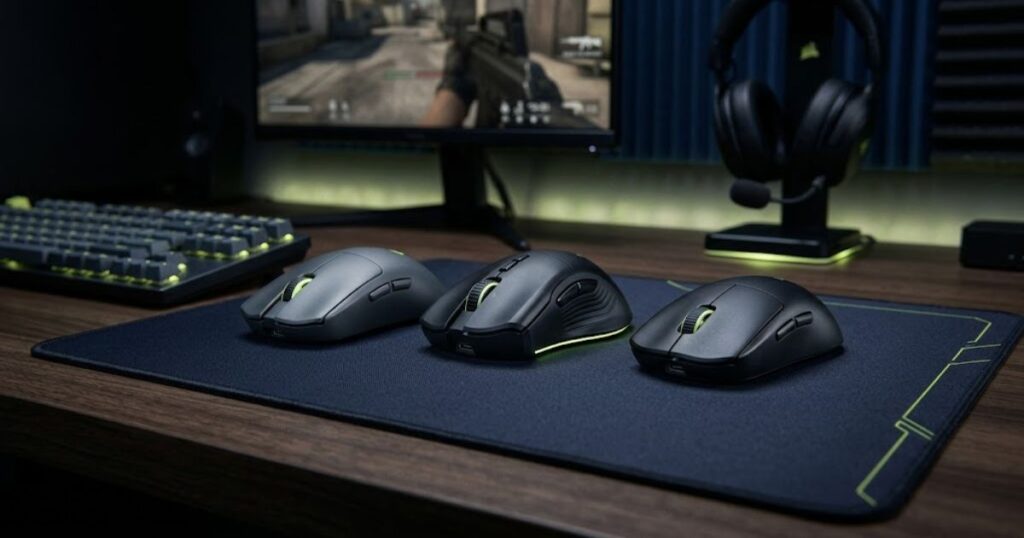
Mouse shape influences comfort, consistency, and aiming confidence more than raw specifications. Even a top-tier sensor cannot compensate for an uncomfortable shape.
Different hand sizes and grip styles require different mouse designs. Some players perform better with symmetrical shapes, while others prefer ergonomic curves that support the palm more naturally.
Shape affects how stable your crosshair feels during flicks, tracking, and spray transfers. An uncomfortable shape forces your hand into awkward positions that create tension over time.
- Symmetrical mice often work well for fingertip and claw grip players
- Ergonomic mice may improve palm support and comfort
- Low profile mice help players who prefer agile wrist movement
- Larger mice provide more hand contact and stability
Understanding your preferred shape can dramatically improve consistency in Valorant. That is why many competitive players spend years refining their mouse preferences.
For a more detailed comparison, check the GearTP guide on best mouse shape for Valorant.
Sensor Quality and Tracking Stability
A good sensor ensures accurate tracking without spinouts, acceleration issues, or inconsistent movement behavior. Modern flagship sensors are already excellent, so consistency matters more than extreme DPI numbers.
Many gaming brands advertise absurd DPI counts like 30000 or higher. In reality, most Valorant players use between 400 and 1600 DPI. Sensor implementation quality matters far more than maximum DPI capability.
Reliable tracking helps maintain muscle memory consistency. Poor sensors can introduce micro inconsistencies that become frustrating during high precision gunfights.
| Sensor Characteristic | Why It Matters | Competitive Importance |
|---|---|---|
| Tracking accuracy | Cursor consistency | Very important |
| Low lift-off distance | Cleaner repositioning | Important |
| Stable polling rate | Smoother movement | Very important |
| High max DPI | Mostly marketing | Low importance |
Sensor quality becomes especially noticeable during low sensitivity gameplay because larger movements expose inconsistencies more clearly.
Players who are still adjusting mouse sensitivity should also study best DPI for Valorant and best sensitivity for Valorant to better understand how hardware and settings work together.
Wireless vs Wired Mouse for Valorant
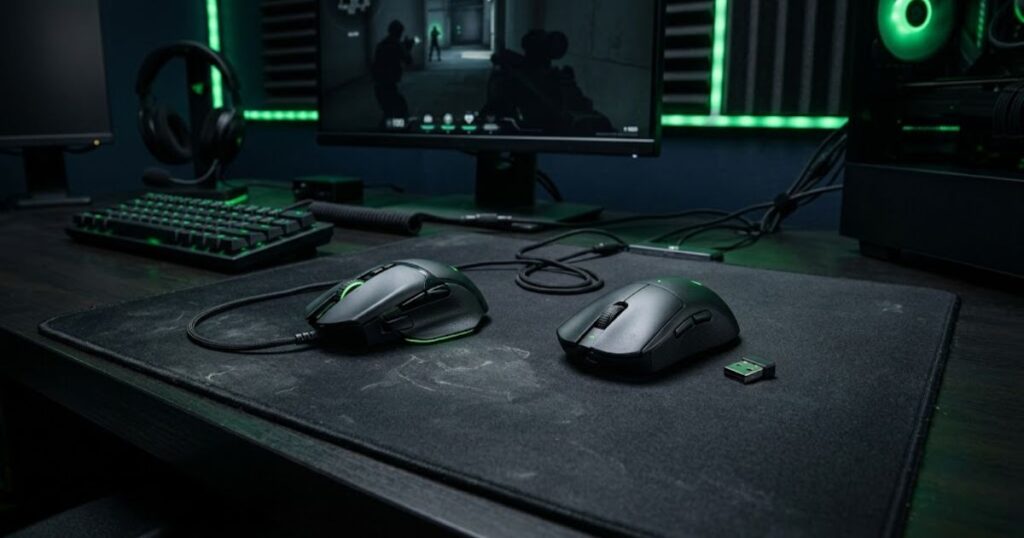
Wireless gaming mice now compete directly with wired mice in Valorant performance. Wireless gaming mice now compete directly with wired mice in Valorant performance. The choice usually comes down to comfort preferences, budget, and weight rather than pure latency concerns. If you want to compare strong options across both wired and wireless setups, this top best gaming mouse for FPS games in 2026 roundup can help you choose a mouse that fits more than one tactical FPS use case. The choice usually comes down to comfort preferences, budget, and weight rather than pure latency concerns.
Wired mice still have advantages in simplicity and battery independence. Some players also prefer the psychological consistency of never charging a mouse. However, cable drag remains a real factor for many tactical FPS players.
Wireless mice offer greater freedom of movement and cleaner desk setups. This becomes increasingly important for low sensitivity players who perform large arm movements across wide mousepads.
| Category | Wireless Mouse | Wired Mouse |
|---|---|---|
| Movement freedom | Excellent | Limited by cable |
| Battery management | Required | Not required |
| Desk cleanliness | Cleaner | More cable clutter |
| Weight | Slightly heavier historically | Usually lighter before |
| Modern esports viability | Excellent | Excellent |
The gap between wired and wireless performance has narrowed dramatically. Today, shape preference and comfort often matter more than the connection type itself.
Some players still prefer wired mice because they dislike battery anxiety or charging routines. Others immediately notice the freedom wireless mice provide during fast flicks and repositioning.
Both options can work extremely well in Valorant if the mouse fits your aiming style and comfort preferences.
Best Wireless Mouse Features for Tactical FPS Games
The best wireless mouse features for tactical FPS games prioritize consistency, control, and responsiveness instead of unnecessary extras. Valorant players benefit most from stable fundamentals.
Many gaming mice include flashy RGB systems, dozens of buttons, or aggressive software features that add little value in tactical shooters. Competitive FPS players usually prefer clean and focused designs.
Responsive Clicks
Responsive clicks improve firing consistency and reduce delay between intention and action. Crisp click implementation matters heavily in a game built around first-shot accuracy.
Click feel is subjective, but most competitive players prefer switches that feel tactile without being excessively stiff. Mushy clicks can reduce confidence during fast reactions.
Click consistency becomes especially important for tapping weapons like the Vandal and Guardian where timing precision matters heavily.
Reliable Polling Rate Stability
Stable polling rates help maintain smooth cursor movement and consistent aim feedback. Most Valorant players already perform well at 1000Hz polling rates.
Higher polling rates like 4000Hz may improve smoothness slightly, but the real-world difference is often subtle. System stability and performance consistency matter more than chasing extreme numbers.
Many players benefit more from improving crosshair placement and movement discipline than upgrading polling rates beyond 1000Hz.
The GearTP guide on best polling rate for Valorant explains how polling rate affects tactical FPS gameplay.
Battery Life That Supports Long Sessions
Strong battery life helps maintain uninterrupted gameplay without frequent charging. Competitive players value reliability over unnecessary RGB lighting that drains power quickly.
Modern wireless gaming mice often provide dozens of hours of battery life even at competitive polling rates. Many players simply charge overnight once every few days.
Battery performance becomes more important for tournament environments, travel setups, or extended gaming sessions where interruptions become frustrating.
- Turn off unnecessary RGB lighting for longer battery life
- Keep the receiver positioned close to the mouse
- Charge consistently before long sessions
- Monitor battery levels before ranked grinding
Wireless reliability has improved enough that battery management is now a minor inconvenience rather than a major problem.
How Wireless Mice Affect Different Aim Styles
Wireless gaming mice can support different aiming styles by reducing drag and improving movement freedom. However, the ideal mouse still depends on how you aim in Valorant.
Some players rely heavily on wrist movement for fast reactions, while others use large arm motions for precision tracking and stability. Wireless freedom benefits both approaches differently.
Arm Aim Players
Arm aim players often benefit significantly from wireless mice because large swipes feel smoother without cable resistance. This creates cleaner movement consistency during wide crosshair repositioning.
Low sensitivity arm aiming requires large mousepad coverage. Cable drag becomes more noticeable during long flicks or repeated repositioning movements.
Many professional Valorant players combine lightweight wireless mice with large cloth mousepads specifically for this reason.
If you primarily aim with your arm, the GearTP guide on arm aiming in Valorant can help refine your setup further.
Wrist Aim Players
Wrist aim players may prioritize shape and click responsiveness more than movement freedom. Smaller and agile wireless mice often pair well with wrist-focused gameplay.
Compact wireless mice can feel extremely responsive during micro flicks and fast directional adjustments. Lightweight designs also reduce wrist strain during rapid movement.
However, some wrist aim players still prefer slightly heavier mice for added stability and stopping control.
Hybrid Aim Players
Hybrid aim players combine wrist and arm movement depending on the situation. Wireless mice often feel particularly natural for this balanced aiming style.
Hybrid aiming allows flexible movement during both precise angle holding and reactive close-range fights. A comfortable wireless mouse helps support this versatility.
The most important factor remains consistency. A mouse should feel predictable across every type of movement you perform in Valorant.
Do Valorant Pros Use Wireless Gaming Mice?
Yes, many Valorant professionals use wireless gaming mice because modern esports wireless technology offers excellent latency performance and cleaner movement freedom.
Professional players prioritize consistency above everything else. If wireless mice created noticeable disadvantages, they would immediately disappear from tournament play.
Instead, many top Valorant players actively choose wireless mice because they prefer unrestricted movement and lightweight designs. Wireless adoption in esports has grown rapidly over the last several years.
| Reason Pros Use Wireless | Competitive Benefit |
|---|---|
| No cable drag | Smoother arm movements |
| Lightweight designs | Lower fatigue |
| Modern low latency | Competitive reliability |
| Cleaner setup | More movement freedom |
Professional preferences still vary widely depending on shape comfort and grip style. There is no universally perfect mouse for every Valorant player.
Some pros prefer symmetrical lightweight mice, while others use ergonomic shapes with more palm support. Mouse choice remains highly personal even at the highest level.
What matters most is finding a shape and weight that allow consistent aim under pressure.
“The best FPS gaming mouse is not always the one with the highest specs. The best mouse is the one that supports consistent aim, comfort, and confident movement under pressure.”
That principle applies heavily in Valorant because consistency matters more than flashy mechanics alone.
Common Mistakes When Buying a Wireless Mouse for Valorant
Many players choose wireless gaming mice based on marketing numbers instead of real gameplay comfort and consistency. This often leads to poor long-term performance satisfaction. Competitive FPS performance depends more on shape compatibility and comfort than exaggerated specifications.
Focusing Too Much on DPI
Extremely high DPI numbers do not automatically improve Valorant performance. Most competitive players use relatively moderate DPI settings.
Marketing often pushes absurd DPI values that have little practical value in tactical shooters. Sensor quality and consistency matter far more. Understanding eDPI and sensitivity balance is usually more important than chasing maximum DPI specifications.
Ignoring Mouse Shape
Ignoring shape compatibility is one of the biggest mistakes FPS players make. A poorly fitting mouse can create tension, instability, and inconsistent aim. Comfort affects every aspect of gameplay including flicks, tracking, spray control, and micro adjustments. Even the best wireless technology cannot compensate for an uncomfortable shape. Testing shapes whenever possible helps reduce expensive trial-and-error purchases.
Buying Based Only on Professional Players
Professional player setups may not work for everyone because hand size, grip style, and aiming habits differ significantly between players. Using the exact same mouse as a professional player does not guarantee similar performance. Comfort and consistency should always come first. Professional setups can still provide useful inspiration, but personal fit matters more than imitation.
Choosing a Mouse That Is Too Heavy
Heavy mice can increase fatigue and reduce movement fluidity during long sessions. This becomes especially noticeable in tactical shooters that reward precision.
Many players switching from heavier mice immediately notice smoother aiming once they transition to lightweight wireless designs. However, stability preferences still matter. Some players genuinely perform better with slightly heavier mice.
How to Choose the Right Wireless Mouse for Your Playstyle
The right wireless gaming mouse depends on hand size, grip style, sensitivity preference, and aiming habits. There is no universal answer that works perfectly for everyone. Players should focus on real comfort and consistency instead of obsessing over specifications alone.
Choose Based on Grip Style
Grip style heavily affects which mouse shapes feel stable and natural during gameplay.
- Palm grip players often prefer ergonomic support and larger shapes
- Claw grip players usually benefit from rear hump support
- Fingertip grip players often like smaller lightweight designs
Your grip style changes how the mouse interacts with your hand during aiming movements. Stability and comfort should always feel natural instead of forced.
The GearTP article on best grip style for Valorant explains how different grips affect tactical FPS gameplay.
Consider Sensitivity and Mousepad Size
Low sensitivity players often benefit from lightweight wireless mice because wide swipes become easier and smoother. High sensitivity players may prioritize shape agility and click precision instead.
Mousepad size also matters heavily. A large mousepad pairs naturally with low sensitivity wireless setups because movement freedom becomes more important.
Tracking stability and stopping control should always feel comfortable during actual gameplay situations.
Balance Comfort and Performance
The best wireless gaming mouse should disappear in your hand during gameplay. If you constantly notice discomfort or awkward positioning, the shape probably does not fit you properly.
Competitive improvement comes from consistent repetition and comfort over time. A slightly less popular mouse that fits your hand perfectly is often the better long-term choice.
Performance and comfort should work together rather than compete against each other.
Wireless Mouse Setup Tips for Valorant
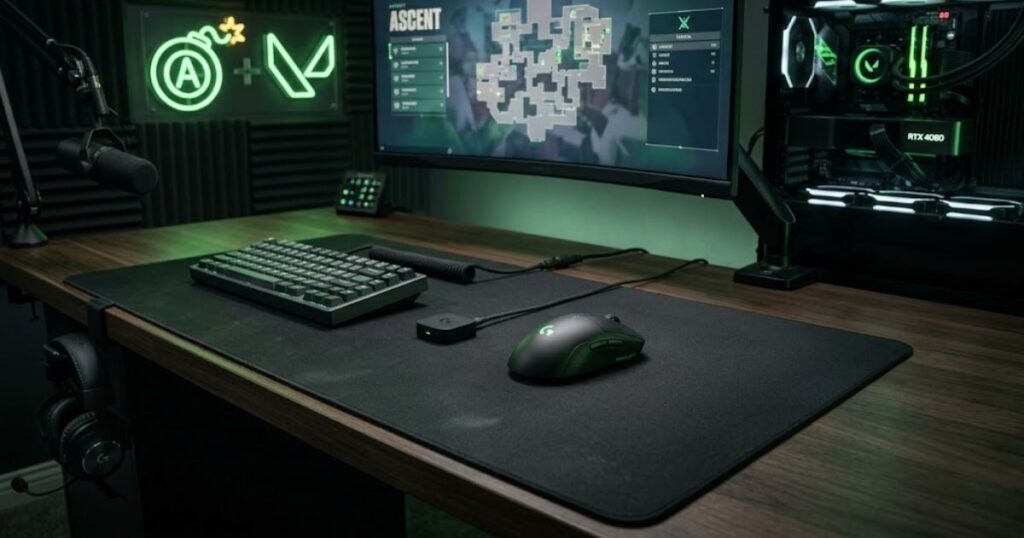
Proper wireless mouse setup improves consistency and helps reduce technical issues during competitive gameplay.
Even the best wireless mouse can perform poorly if the setup environment creates interference or unstable positioning.
Place the Receiver Close to the Mouse
Keeping the wireless receiver close to the mouse improves signal stability and reduces potential interference.
Many gaming mice include receiver extension adapters specifically for esports setups. This helps maintain reliable communication during fast movement.
Stable wireless connections help preserve consistent polling performance during gameplay.
Use the Right Mousepad Surface
Mousepad texture affects glide speed, stopping power, and overall control. Wireless mice still depend heavily on good mousepad synergy.
Control-focused cloth mousepads remain extremely popular among Valorant players because they support precise stopping accuracy.
Players seeking more mousepad guidance should read best mousepad for Valorant.
Optimize In-Game Settings
Mouse performance depends heavily on proper sensitivity and crosshair settings. Hardware alone cannot compensate for poor aiming fundamentals.
Strong crosshair placement and disciplined movement remain more important than buying expensive gear.
The GearTP guide on crosshair placement in Valorant explains why positioning discipline matters heavily in tactical FPS gameplay.
FAQ About Wireless Gaming Mouse for Valorant
Wireless gaming mice are now a major part of competitive Valorant setups because modern esports technology provides low latency, strong reliability, and lightweight freedom. These are the most common questions players ask before choosing a wireless FPS mouse.
Is a wireless gaming mouse good for Valorant?
Yes, a modern esports wireless gaming mouse is excellent for Valorant because it provides low latency performance and unrestricted movement.
Do wireless mice have delay in Valorant?
High-end wireless gaming mice have extremely low latency that feels nearly identical to wired mice during real gameplay.
Why do Valorant pros use wireless mice?
Many Valorant pros use wireless mice because they eliminate cable drag and support smoother aiming movement.
Are lightweight wireless mice better for FPS games?
Lightweight wireless mice often improve movement speed and reduce fatigue during long competitive sessions.
What weight is best for a Valorant mouse?
Many competitive players prefer mice between 55g and 75g because they balance agility and stability well.
Does mouse shape matter in Valorant?
Yes, mouse shape strongly affects comfort, aim consistency, and long-term control during tactical FPS gameplay.
Should I use 1000Hz or 4000Hz polling rate?
Most players perform extremely well at 1000Hz, while 4000Hz may provide slightly smoother movement on capable systems.
What grip style works best with wireless mice?
Wireless mice support all grip styles, but the ideal shape depends on your hand size and aiming habits.
Do wireless mice need special mousepads?
No, but control-oriented cloth mousepads are especially popular among Valorant players.
How often do wireless gaming mice need charging?
Most modern wireless gaming mice last several days or even weeks depending on usage and RGB settings.
Can wireless interference affect gaming performance?
Interference can affect poor setups, but keeping the receiver close to the mouse greatly improves stability.
Should beginners buy a wireless mouse for Valorant?
Yes, beginners can absolutely benefit from wireless gaming mice if comfort and budget align with their needs.
Conclusion
Wireless gaming mice have become one of the most popular choices for Valorant because modern esports technology delivers excellent competitive performance without the limitations of cable drag. Lightweight designs, stable wireless connections, and accurate sensors now allow players to focus entirely on aim consistency and movement precision.
The best wireless gaming mouse for Valorant is not necessarily the most expensive or the one used by professional players. The ideal mouse is the one that fits your grip style, supports your sensitivity preferences, and feels stable during high pressure gunfights. Shape, comfort, and consistency matter far more than exaggerated marketing numbers.
Players who want to improve further should continue refining the full aiming ecosystem rather than focusing only on hardware. Sensitivity, crosshair placement, grip style, mousepad control, and movement discipline all work together to shape performance in tactical FPS games. A great wireless mouse simply helps remove friction from that process.
Thanks for reading GearTP.