
Shape Fit Matters First
Your mouse should match your hand size and grip style so every flick, reset, and micro-adjustment feels repeatable.
Gaming Mouse for FPS Games
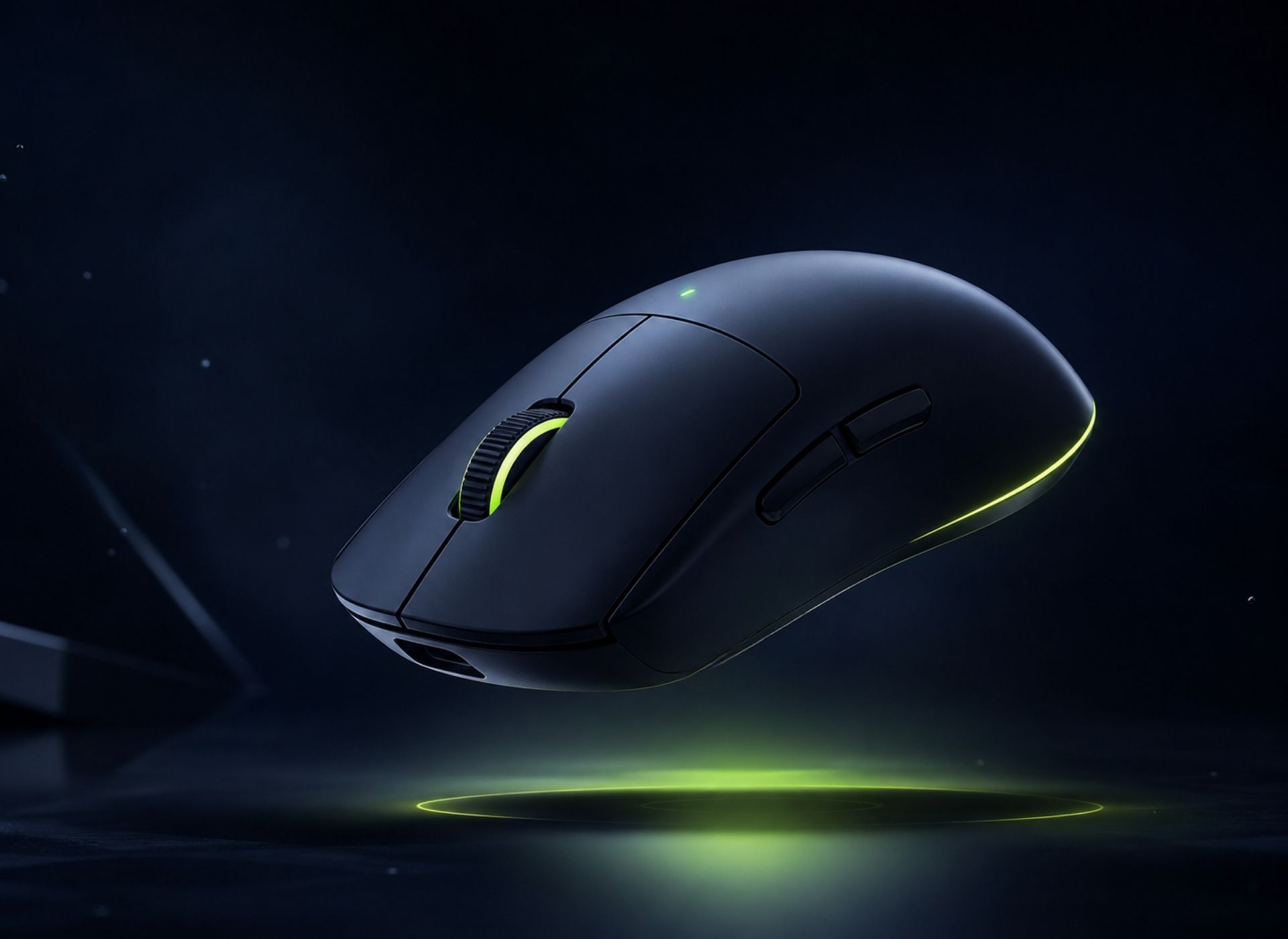
The best gaming mouse for FPS games should combine low click latency, lightweight design, accurate sensors, and a shape that fits your grip style and hand size. Most competitive FPS players prefer wireless mice under 70g because they feel faster for flicks, tracking, and quick resets.
FPS Mouse Fundamentals
A good FPS gaming mouse should combine a comfortable shape, lightweight control, accurate sensor tracking, low click latency, and stable wireless performance. For most competitive players, the best choice is not the mouse with the most RGB or highest DPI, but the one that feels consistent during flicks, tracking, micro-adjustments, and long ranked sessions.
Before comparing brands or prices, focus on the factors that actually change how your aim feels in-game. These six areas explain why some mice feel fast, stable, and natural while others feel awkward even when the specs look good.
Your mouse should match your hand size and grip style so every flick, reset, and micro-adjustment feels repeatable.
A lighter mouse makes fast swipes and lift-offs easier, especially for low-sensitivity FPS players.
A strong sensor tracks fast movement without spinouts, skipping, acceleration, or unstable cursor behavior.
Fast click response helps taps, sprays, and reaction shots feel more connected during competitive fights.
1000Hz is already strong for most players, while 4000Hz and 8000Hz can feel smoother on powerful systems.
Better comfort reduces finger strain, wrist fatigue, and grip tension across long ranked sessions.
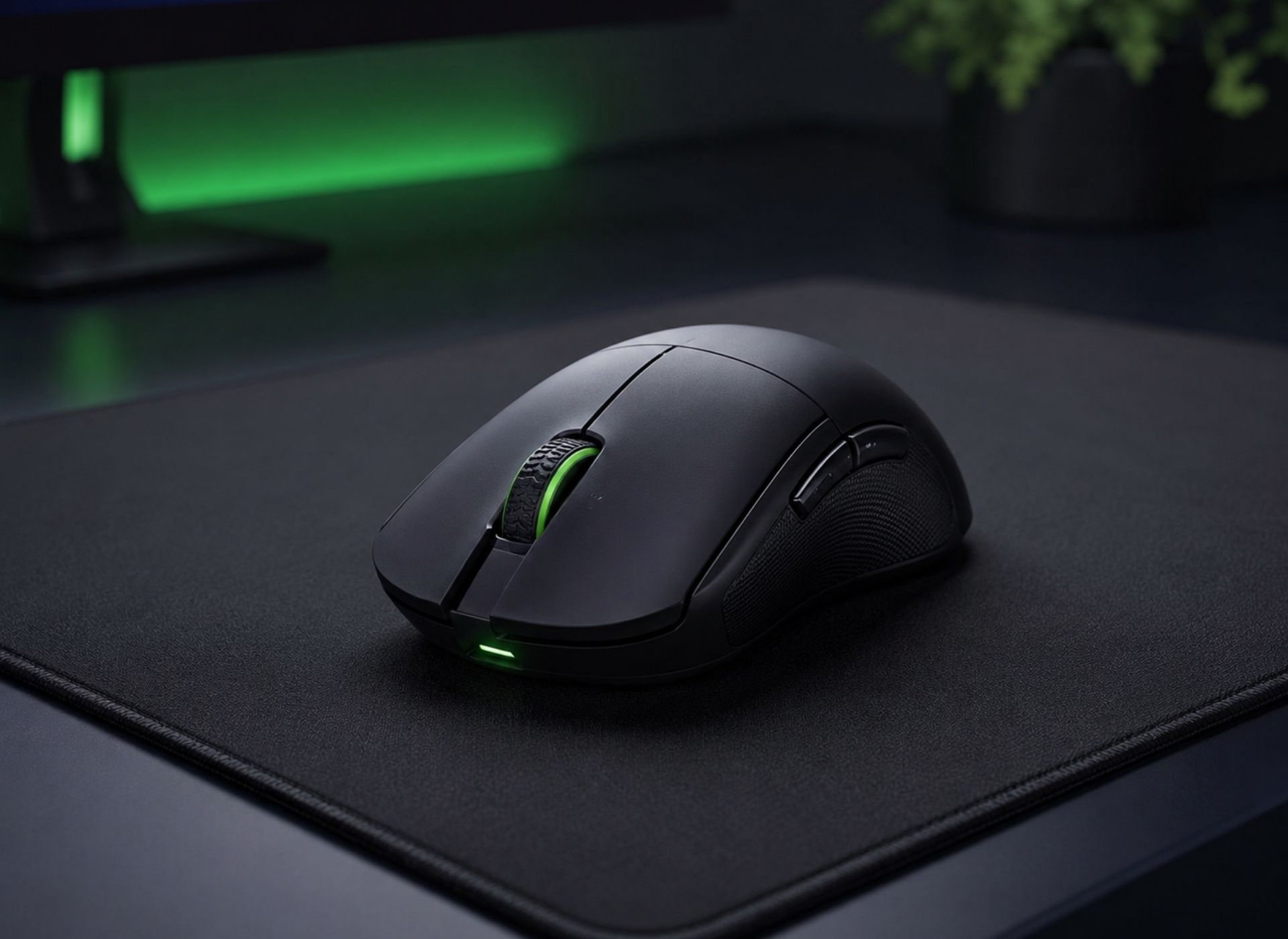
A great FPS mouse is not defined by one number. The best choice is usually the mouse that gives you a stable grip, low effort movement, reliable tracking, and fast response without creating fatigue.
In games like Valorant, CS2, and Apex Legends, small differences in shape, weight, sensor behavior, and latency can directly affect how repeatable your flicks, tracking, and micro-corrections feel over hundreds of rounds.
Competitive FPS Reality
Office mice are designed for spreadsheets, browsing, and slow cursor movement — not for fast flick shots, target tracking, spray control, or low-sensitivity arm aiming in games like Valorant and CS2.
Most FPS players blame their aim first. In reality, many are fighting against a mouse that was never designed for competitive tracking.
Shape & Aim Control
Mouse shape affects how naturally your hand controls flicks, tracking, micro-adjustments, and lift-offs. A good FPS mouse shape should match your hand size and grip style, reduce grip tension, and help your hand return to the same stable position every round.
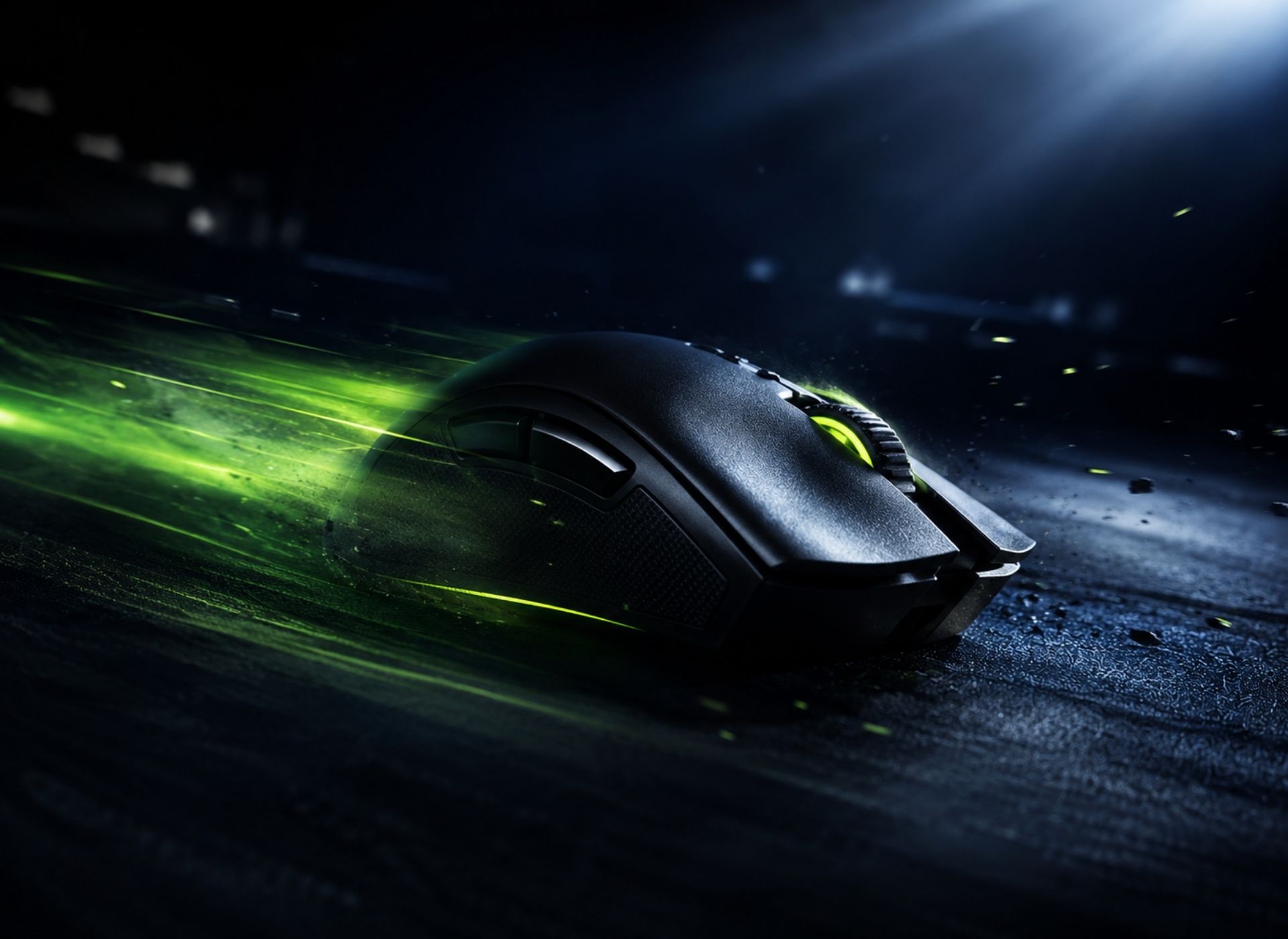
Some players need a stable rear hump for control, while others need a flatter shape for speed. The goal is not to copy a pro player’s mouse, but to find a shape that lets your grip stay relaxed and repeatable during real FPS fights.
The right shape should feel natural for palm, claw, or fingertip grip without forcing your fingers to stretch or squeeze.
A rear hump supports palm and relaxed claw grip, while a lower hump can feel faster for fingertip control.
Good side curves help your thumb and fingers lock in naturally for cleaner resets and repositioning.
Symmetrical shapes feel flexible for claw and fingertip aim, while ergonomic shapes give more palm support.
If the mouse feels too wide, narrow, tall, or short, you may over-squeeze and lose aim consistency.
A mouse shape is good when your grip stays stable during fast flicks, small corrections, and repeated lift-offs. If you keep adjusting your hand mid-game, the shape probably does not match your hand size or aiming style.
Mouse Weight & Speed
For most competitive FPS players, a lightweight mouse under 70g feels faster for flicks, lift-offs, resets, and low-sensitivity aiming because it takes less force to start and stop. A heavier mouse can feel more planted, but it usually requires more effort during long ranked sessions.
Lightweight mice are usually better for players who rely on fast target switching, wide arm movement, and quick repositioning.
Heavier mice can feel stable for players who prefer slower control, but they usually demand more physical effort.
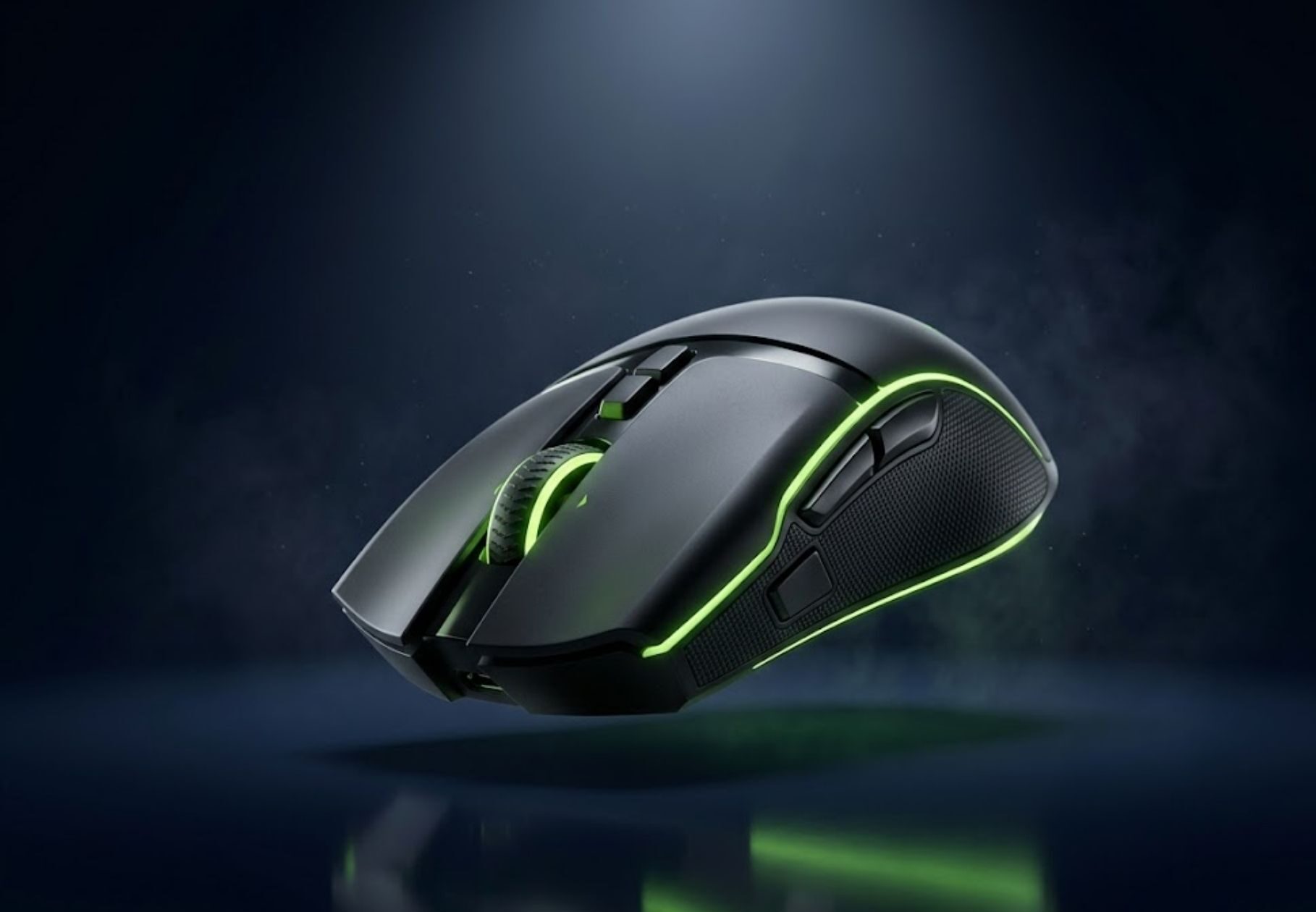
These lightweight wireless mice fit the speed-focused side of FPS gaming, especially for players who want easier flicks, cleaner resets, and lower fatigue.
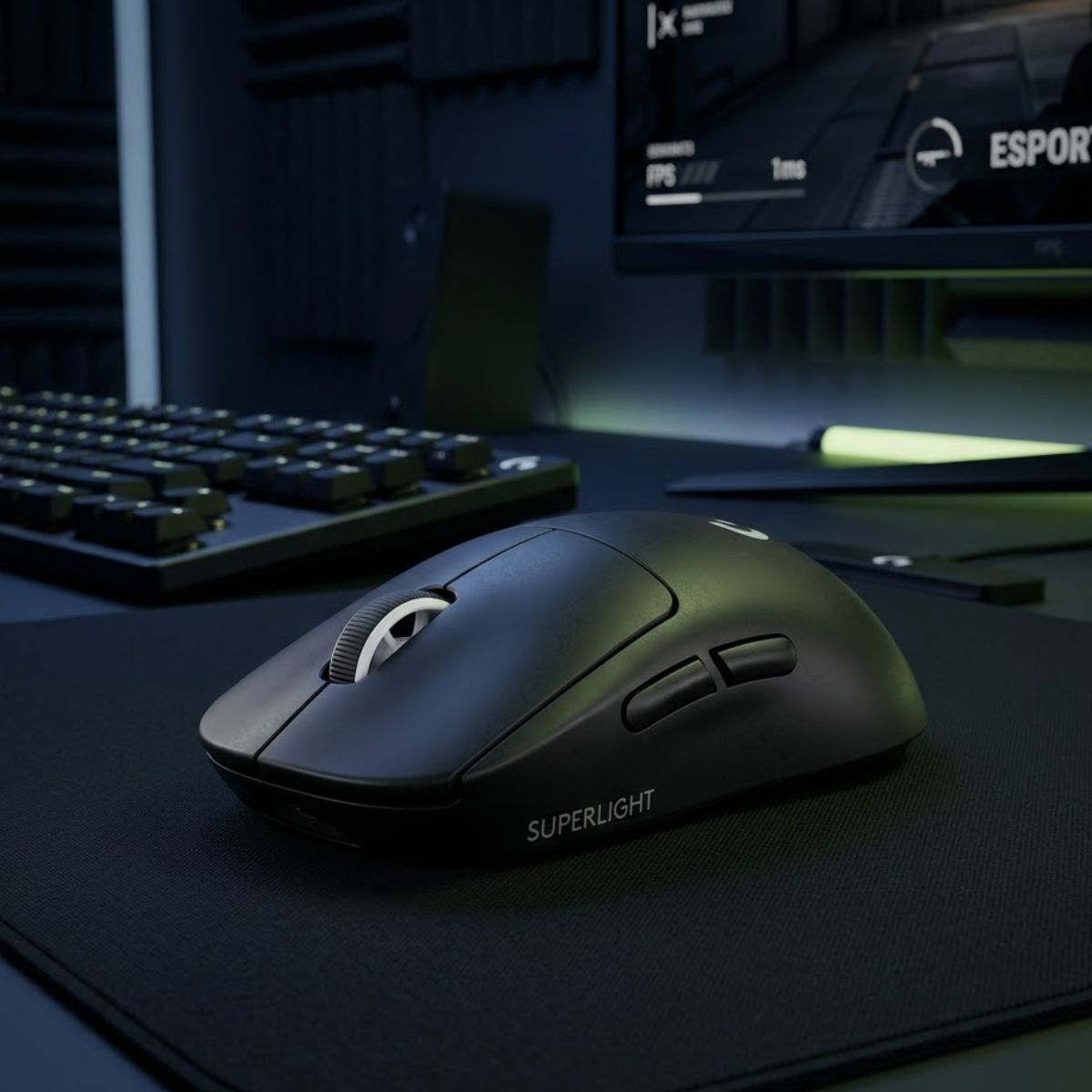
A lightweight wireless esports mouse often chosen by competitive FPS players for fast flicks, stable tracking, and low-effort movement.
Check Price on Amazon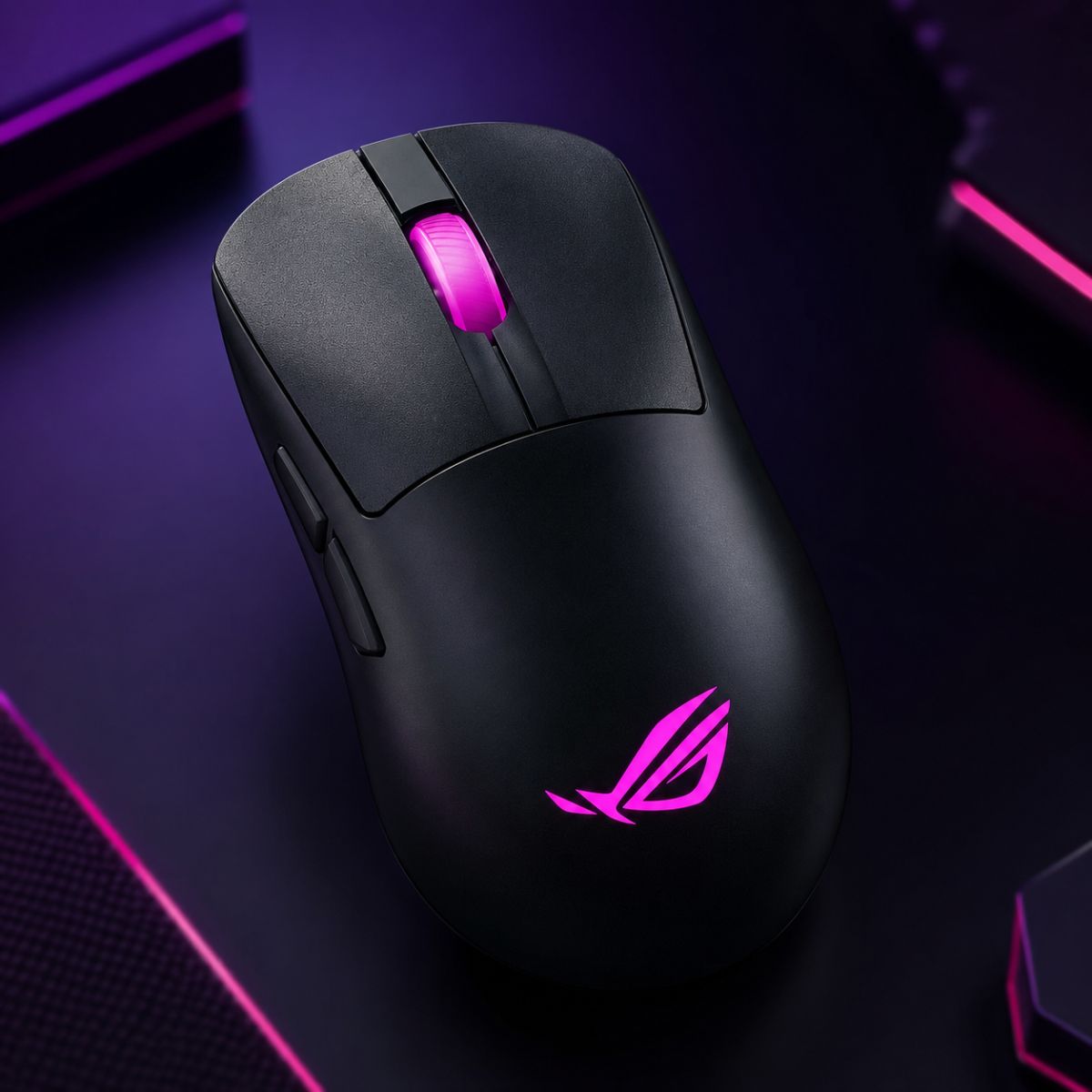
A right-handed lightweight wireless mouse built for fast movement, high sensor performance, and comfortable FPS control.
Check Price on AmazonChoose a lightweight mouse if you want faster flicks, easier lift-offs, and lower fatigue. Choose a heavier mouse only if you strongly prefer a slower, grounded feel and do not mind the extra effort during long sessions.
Connection & Latency
Modern wireless FPS mice are no longer “too slow” for competitive gaming. For most players, the real difference is not wired versus wireless — it is sensor quality, click latency, weight balance, battery life, and how clean the mouse feels during fast aim movement.
Wired mice are still great for FPS players who want stable performance without worrying about battery life or charging.
Premium wireless gaming mice can feel cleaner because there is no cable pulling against fast swipes or micro-adjustments.
Choose wired if you want the best value. Choose wireless if you want cleaner movement, less cable resistance, and a more premium FPS setup.
Mouse Shape Comparison
Symmetrical mice usually feel faster and more flexible for claw or fingertip grip, while ergonomic mice can feel more supportive for palm grip and longer sessions. For FPS games, the better shape depends on how your hand controls the mouse under pressure.
Symmetrical shapes are common in competitive FPS because they support quick grip changes, fast flicks, and precise micro-adjustments.
Ergonomic shapes can feel more natural for palm grip players, but they may feel less flexible for fast fingertip adjustments.
Sensor Performance
A good FPS mouse sensor should feel accurate, stable, and predictable during fast swipes and micro-adjustments. Modern flagship sensors are already extremely good — consistency and implementation matter more than marketing numbers alone.
A strong FPS sensor should track consistently without random acceleration, spin-outs, or unstable movement.
Fast click and movement response helps aim feel more connected during competitive matches.
Lift-off distance affects how the cursor behaves when repositioning the mouse during low-sensitivity aiming.
Stable polling rate matters more than chasing extreme numbers most players cannot realistically feel.
Most premium gaming mice today use flagship-level sensors capable of excellent competitive performance. Instead of focusing only on DPI marketing, players should pay more attention to shape, click feel, weight, and implementation quality.
Wired vs Wireless FPS Picks
Modern FPS mice are no longer separated only by cable or no cable. The better choice depends on latency confidence, weight preference, polling rate support, and how much freedom you want on your mousepad. These three picks give clear examples of wireless performance, lightweight esports design, and wired 8K responsiveness.
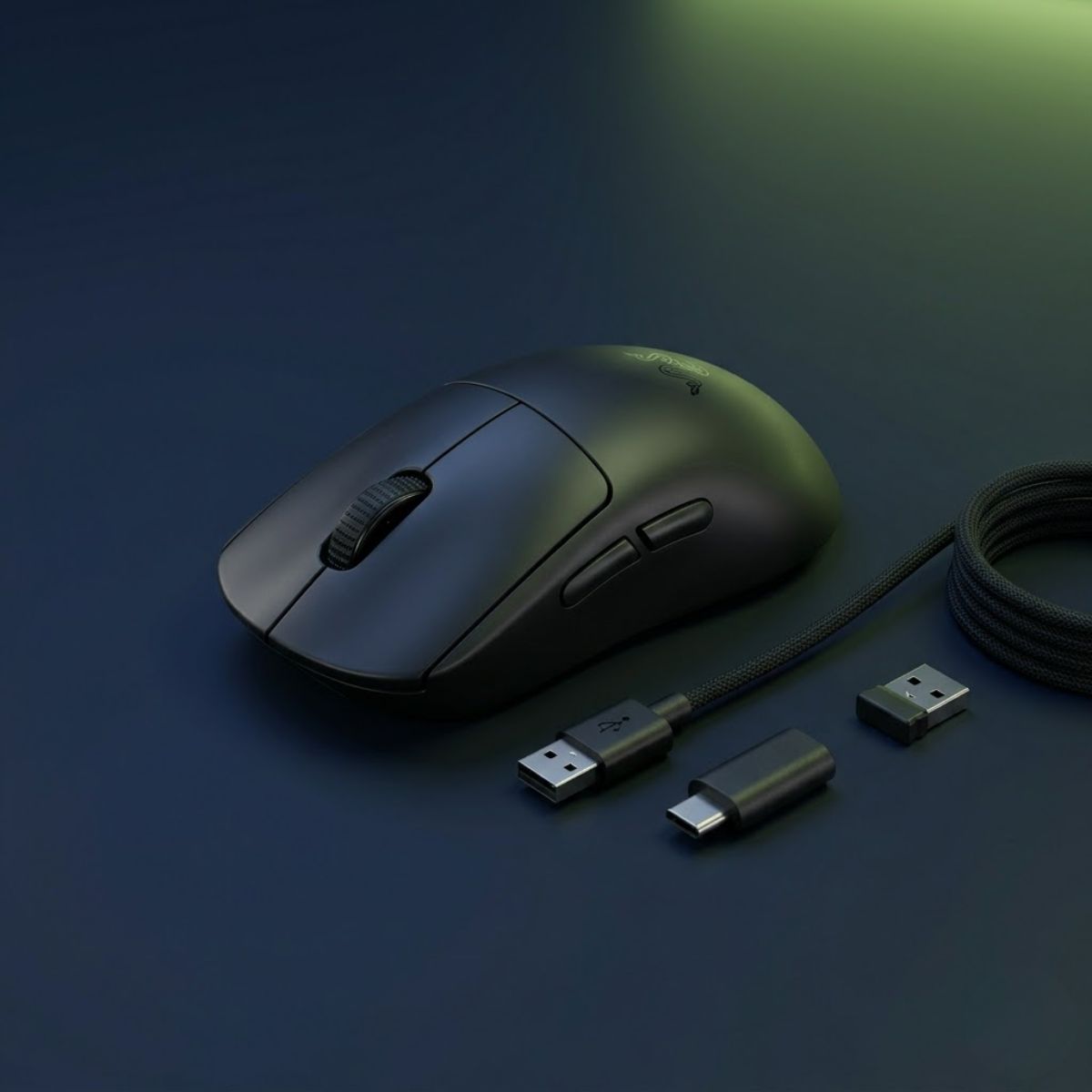
A strong choice for players who want a lightweight symmetrical wireless mouse with modern sensor performance and competitive battery life.
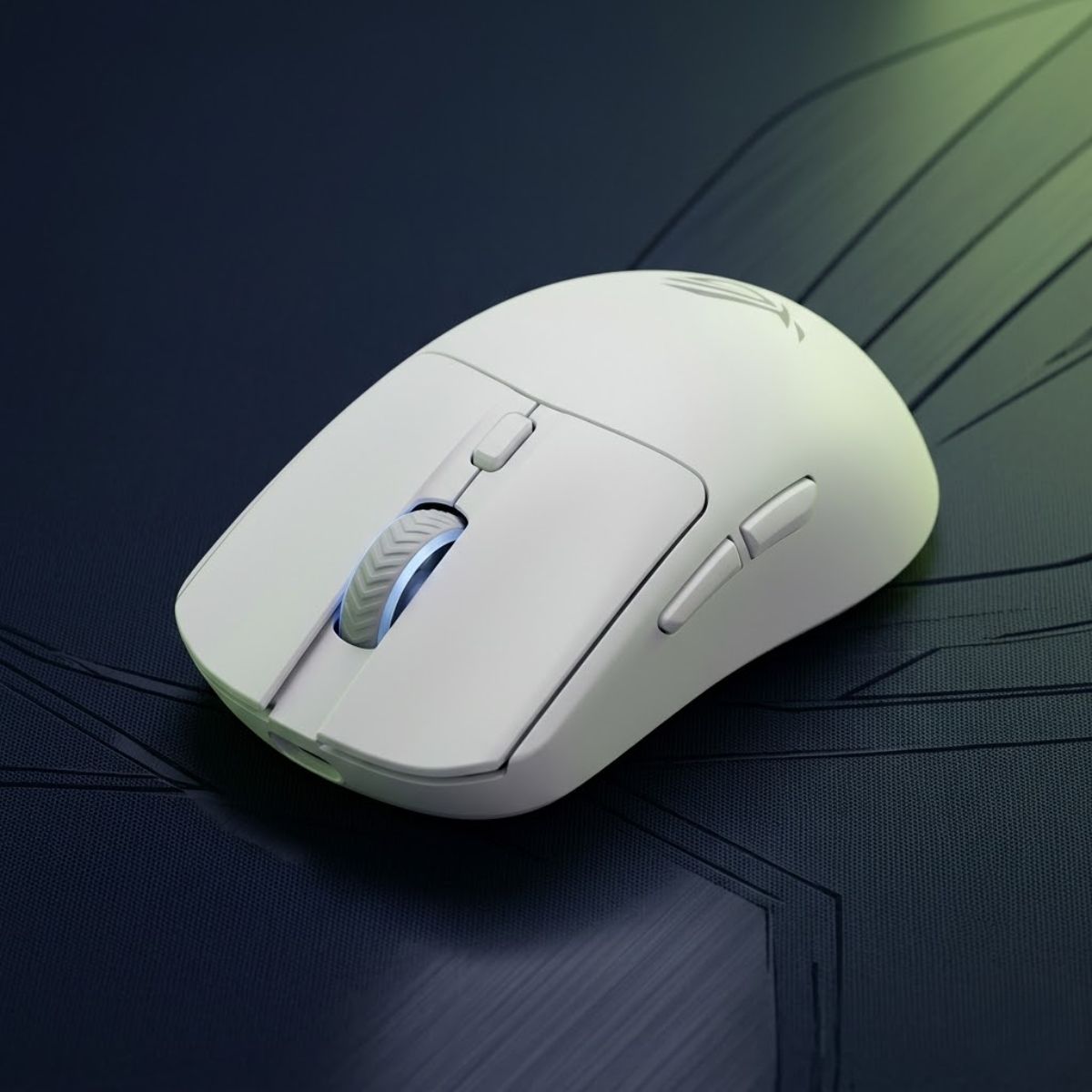
A clean wireless option for FPS players who want an ultra-light shape, high DPI ceiling, and 8K polling support in a white esports design.
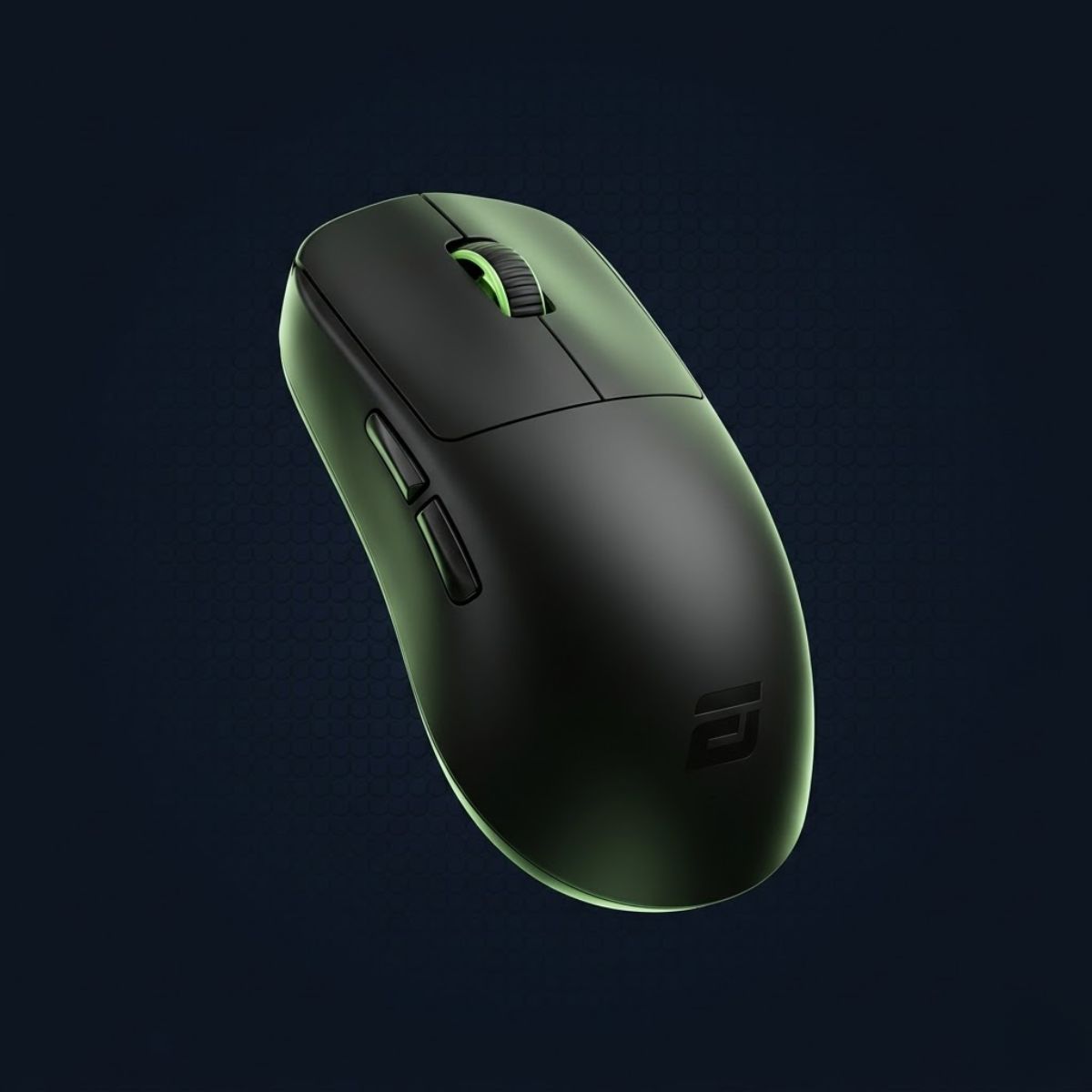
A wired FPS mouse for players who still prefer cable consistency, compact control, and high polling rate responsiveness.
DPI & Sensitivity
Higher DPI does not automatically improve aim. Most competitive FPS players use moderate DPI settings because consistency, muscle memory, and controlled crosshair movement matter more than raw sensitivity speed.
800 DPI is a common balanced range for Valorant, CS2, and Apex players who want speed without losing control.
Lower DPI can help with micro-adjustments and long-range precision.
Around 800 DPI gives a strong balance between speed and control.
Higher DPI feels quicker, but it can make precise control harder.
Valorant Decision Path
Valorant pros usually choose a mouse based on safe shape, low weight, stable wireless performance, and repeatable aim feel. For a broader shortlist across competitive shooters, start with our top best gaming mouse for FPS games in 2026 guide, then narrow it down with our guide and fine-tune your aim through the right mouse settings for Valorant .
A safe shape supports claw or fingertip grip without forcing your hand into uncomfortable positioning.
Lightweight gaming mice often feel easier to control during micro-adjustments, flicks, and long practice sessions.
Modern wireless performance removes cable drag and creates smoother movement across large mousepads.
Even top-tier mice feel inconsistent if DPI, polling rate, and sensitivity are not tuned correctly for Valorant.
Copying a professional player’s mouse does not automatically improve aim. Your hand size, grip style, sensitivity, and overall comfort still matter more than chasing hype or specs alone.
Start with the right FPS gaming mouse, narrow the choice for Valorant, then optimize your DPI and sensitivity settings for smoother aim consistency.
Mouse Shape Guide
Mouse shape affects comfort, grip consistency, and aiming confidence more than most technical specs. The best FPS mouse shape depends on how you naturally hold and move your mouse during competitive games.
Symmetrical mice usually feel lighter and more adaptable for claw and fingertip grip styles.
Ergonomic mice are shaped to support the hand naturally during long gaming sessions.
Grip Style Guide
Your grip style affects comfort, mouse control, flick speed, and aiming consistency. Most FPS players naturally fall into claw grip, fingertip grip, or palm grip depending on how they move and stabilize the mouse during gameplay.
Balanced between fast flicks and controlled aim. Common in Valorant and CS2.
Minimal palm contact for lightweight movement and extremely quick flicks.
Full hand support with stable tracking and relaxed long-session comfort.
Hand Size Guide
Hand size affects how stable your grip feels during flicks, tracking, and lift-offs. A mouse that is too large can feel slow, while a mouse that is too small can make your hand tense during long FPS sessions.
Smaller FPS mice are easier to lift, adjust, and control with claw or fingertip grip.
Medium-sized mice usually offer the best balance between comfort, speed, and grip flexibility.
Larger mice can feel more stable and supportive, especially for palm grip players.
Your mouse should let your fingers rest naturally without forcing your hand to stretch, squeeze, or constantly reposition during aim movement.
Hand Size Recommendations
Players with smaller hands usually need compact, lightweight mice that feel easy to grip, lift, and reset during fast FPS movement. Medium and large hands need more shell support, grip stability, and enough room to avoid cramped aim movement.
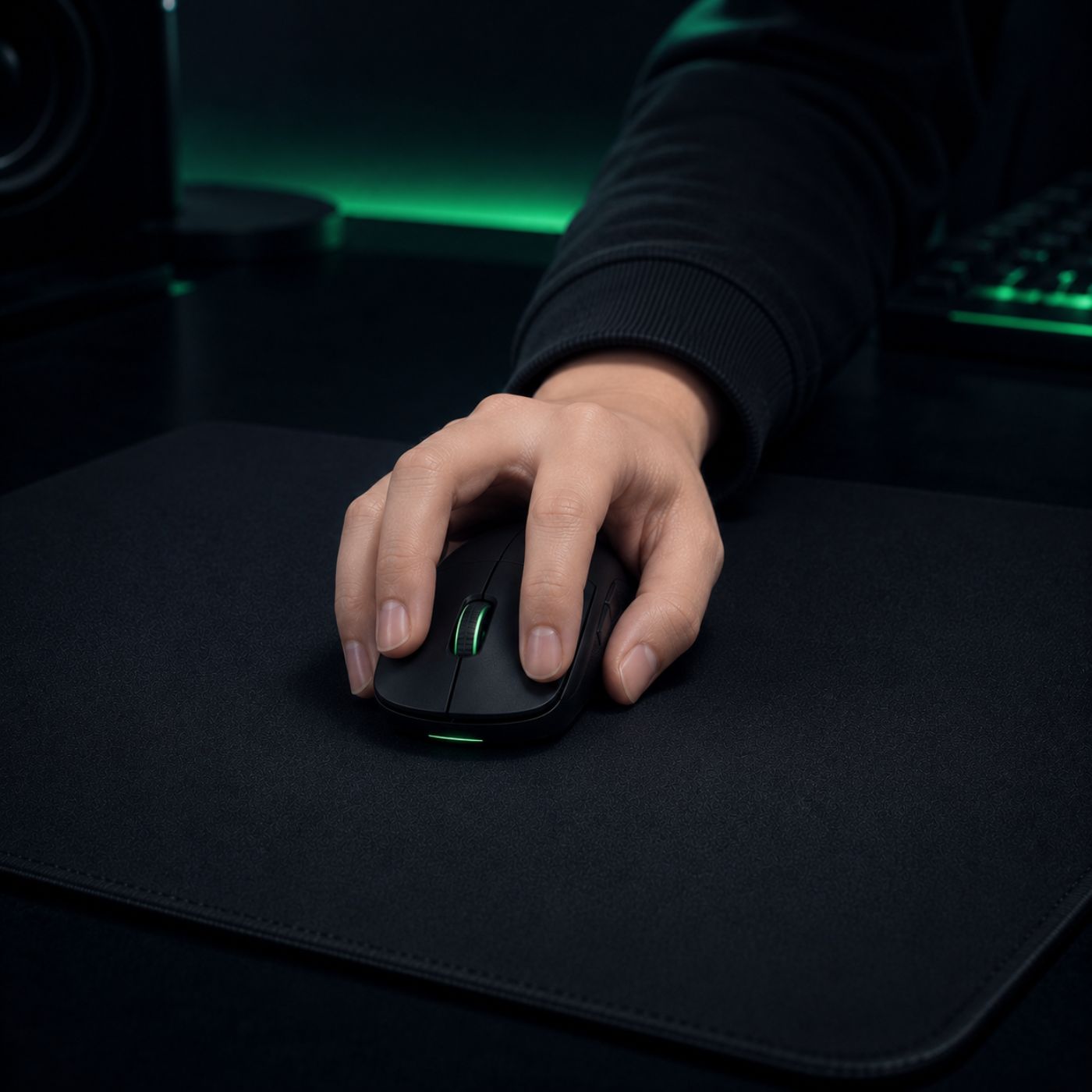
Mouse size affects how naturally your hand grips, lifts, and stabilizes the mouse during FPS aim. The right fit reduces finger tension, supports cleaner micro-adjustments, and helps your crosshair stay more consistent during tracking, flicks, and quick resets.
In fast FPS games, a mouse that is too large can feel slow to lift, while a mouse that is too small can force your fingers to squeeze harder than necessary. A better size match lets your hand stay relaxed without losing control.
A simple rule: choose the smallest mouse that still feels stable, relaxed, and easy to control during repeated aim resets.
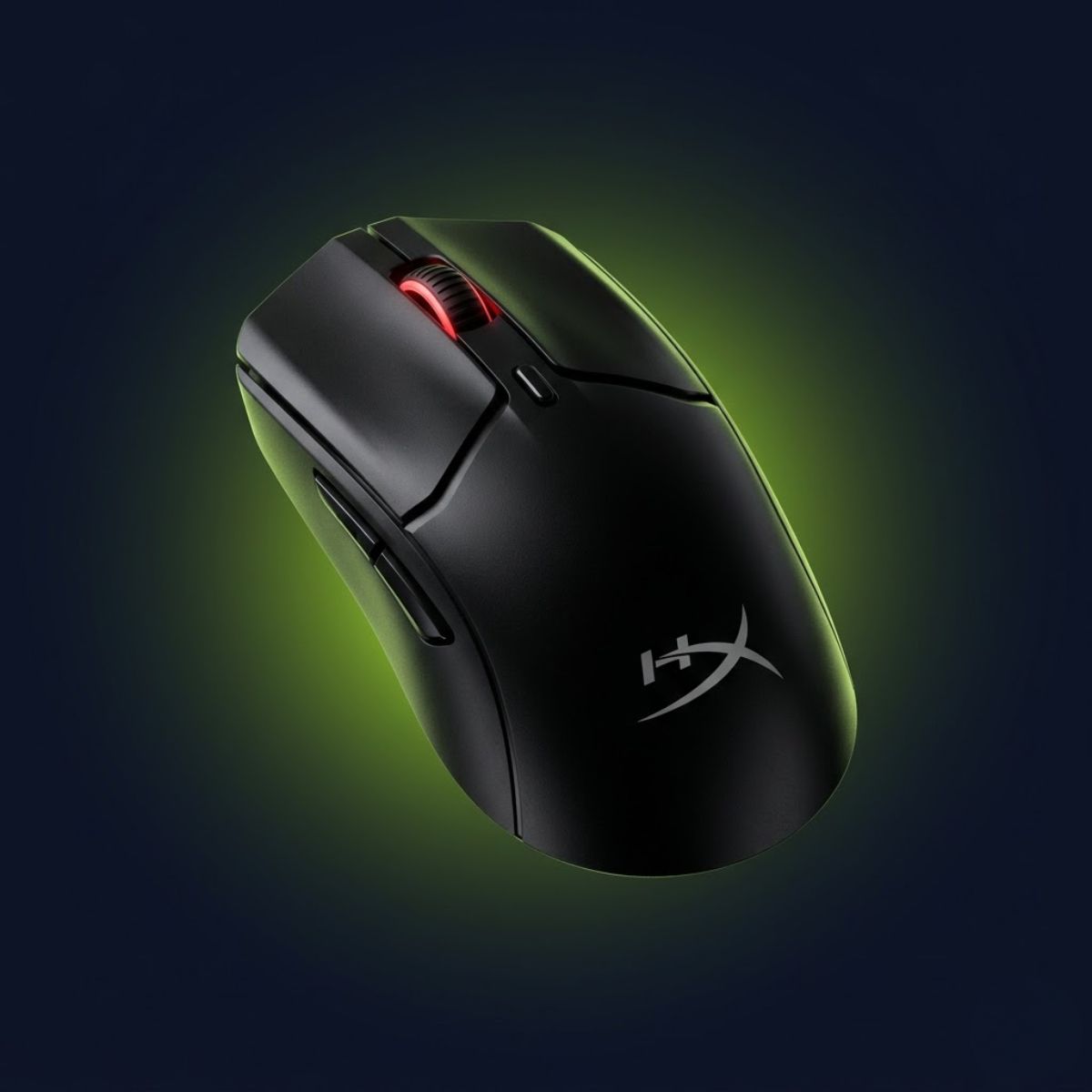
Small Hands < 17cm
A compact wireless FPS mouse for players who want easier grip control, quicker lift-offs, and less finger stretching.
Check Price on Amazon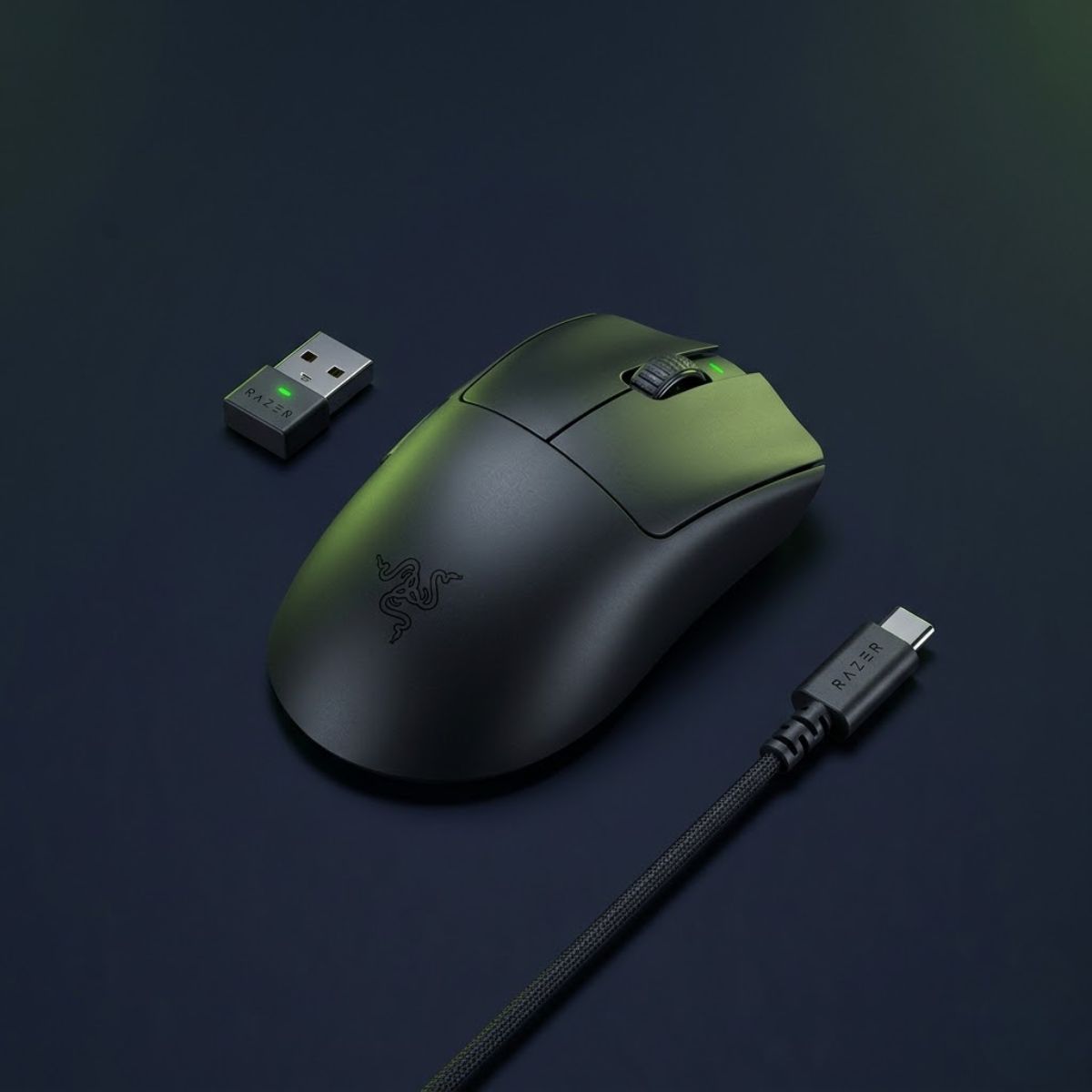
Medium Hands 17cm – 19cm
A lightweight ergonomic option for medium hands that need more palm support without feeling too large or slow.
Check Price on Amazon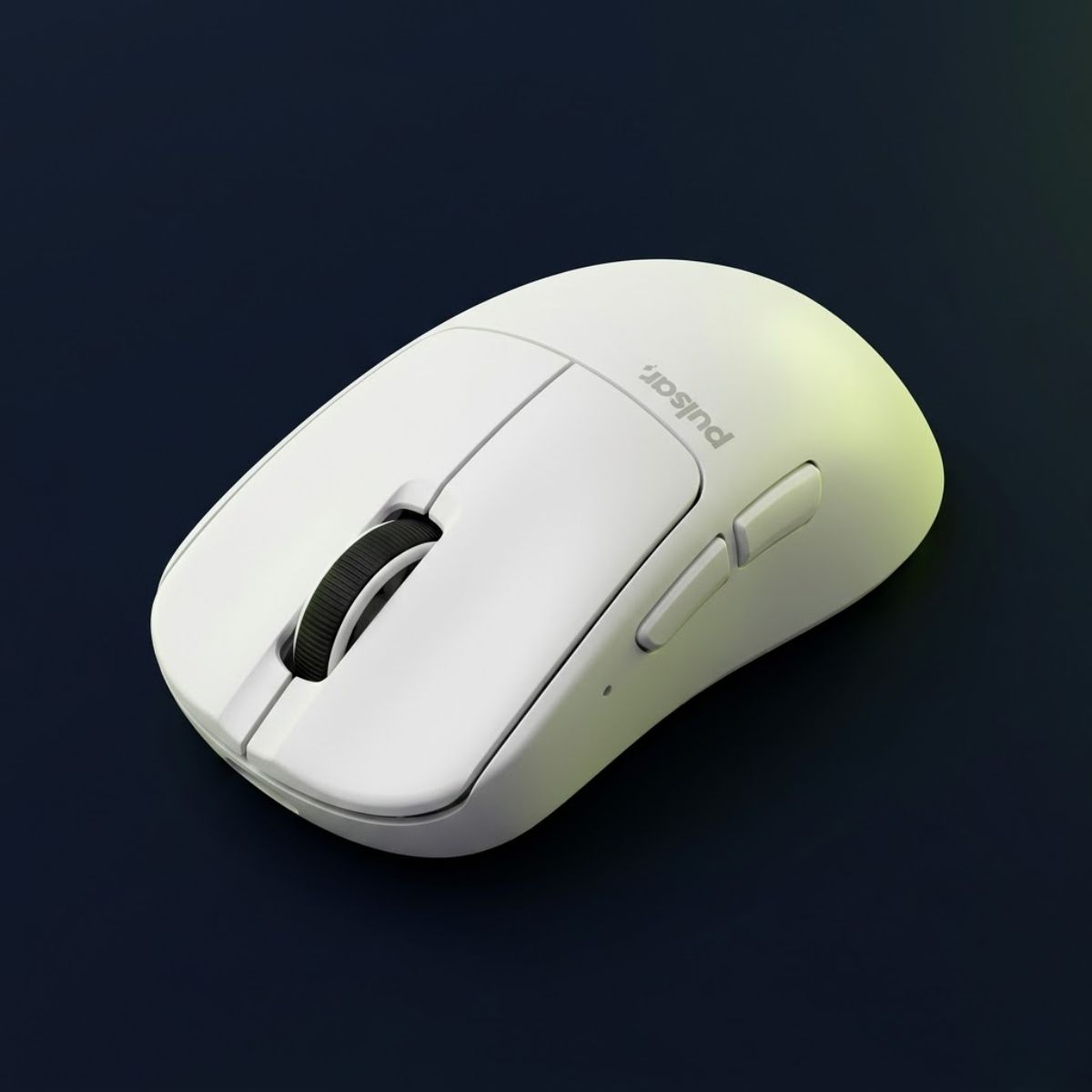
Large Hands > 19cm
A larger ergonomic wireless mouse for players who want more shell length, side grip stability, and relaxed palm support.
Check Price on AmazonLarge Hand Recommendations
The best FPS gaming mouse for large hands should give your fingers enough shell length, your palm enough support, and your grip enough side stability without feeling slow during flicks. Large-hand players usually do best with medium-large ergonomic mice, longer symmetrical shapes, or supportive control mice that keep the hand relaxed during long FPS sessions.
A longer mouse gives larger fingers more room to rest naturally, which can reduce cramped clicking, forced fingertip tension, and awkward aim resets.
A fuller hump or ergonomic back curve helps large hands stay relaxed during tracking, angle holding, and long practice sessions.
Wider side walls make the mouse easier to lift, reset, and control without squeezing too hard during fast FPS movement.
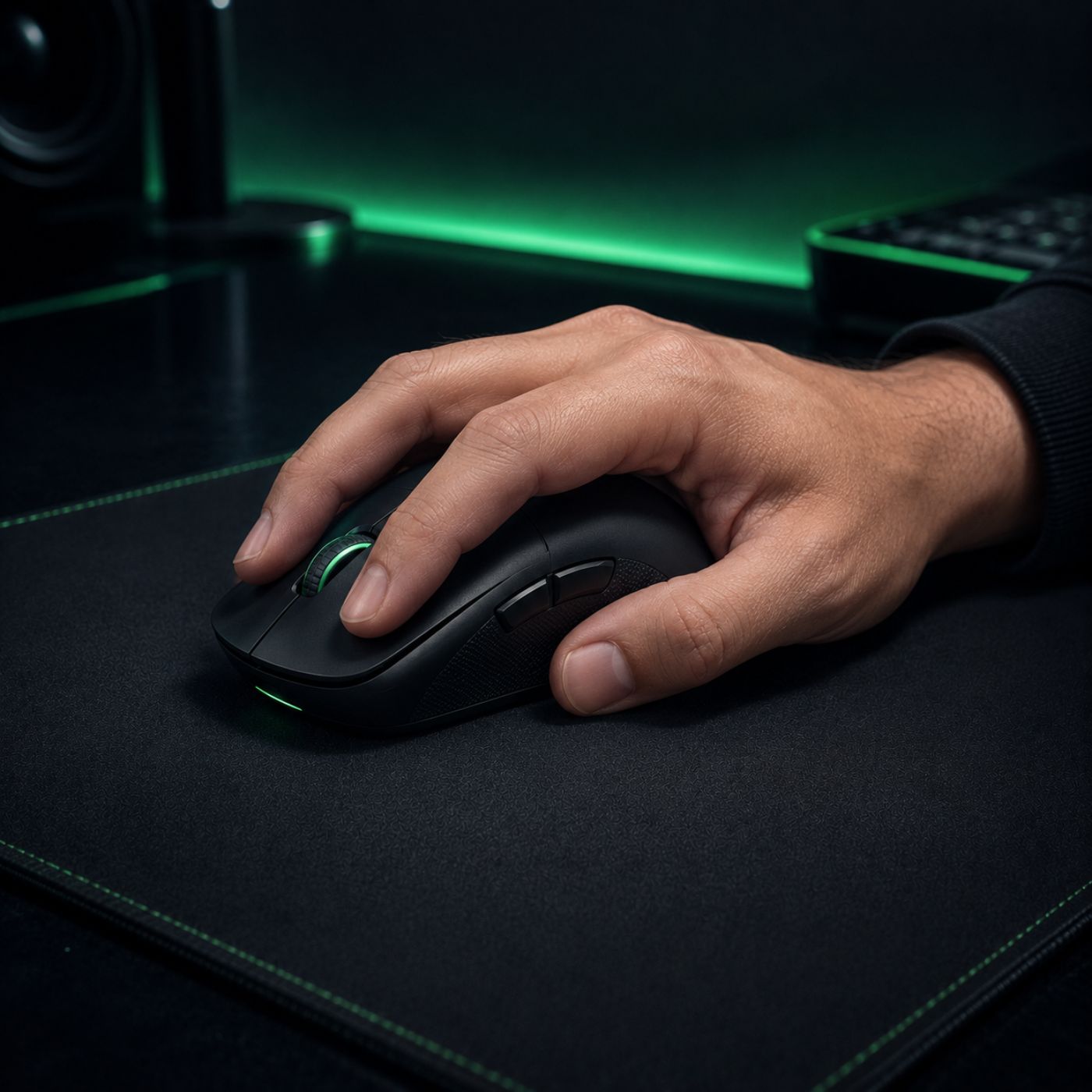
A lightweight mouse can still feel uncomfortable if the shell is too short or narrow for your hand. For large hands, comfort usually comes from enough front-to-back length, a supportive hump, and side contact that lets you lift the mouse without over-gripping.
Before choosing a mouse, check whether your grip feels relaxed when your fingers rest on the buttons and whether your thumb can reach the side buttons without shifting your aim position.
Large-Hand Product Picks
These three mice cover the most common large-hand grip needs: palm comfort, claw-grip speed, and a larger control-focused shell with extra buttons.
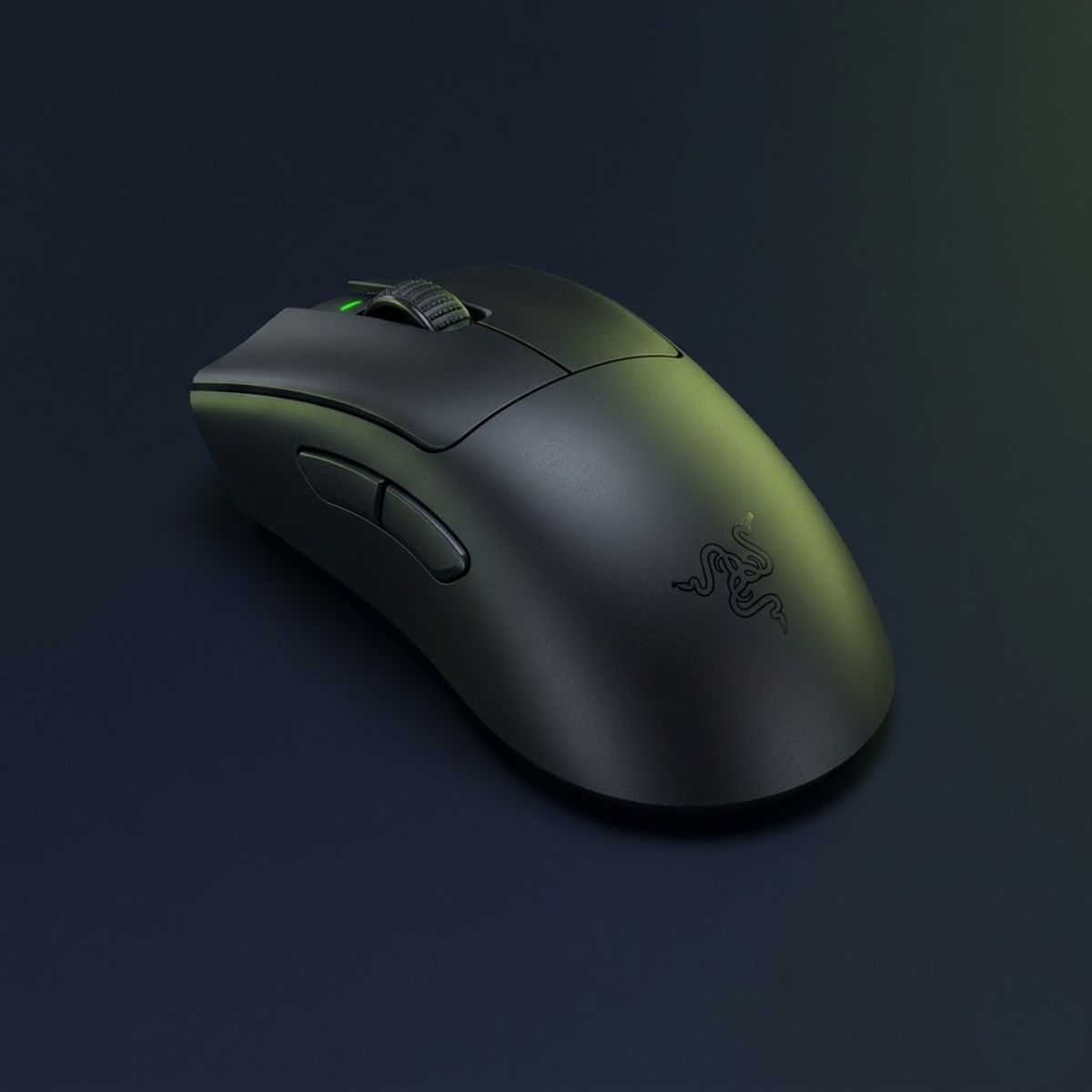
A lightweight ergonomic FPS mouse for large hands that prefer palm grip support, relaxed contact, and a proven esports shape.
A symmetrical wireless FPS mouse for large-hand claw grip players who want a broad back hump, quick flicks, and very low weight.
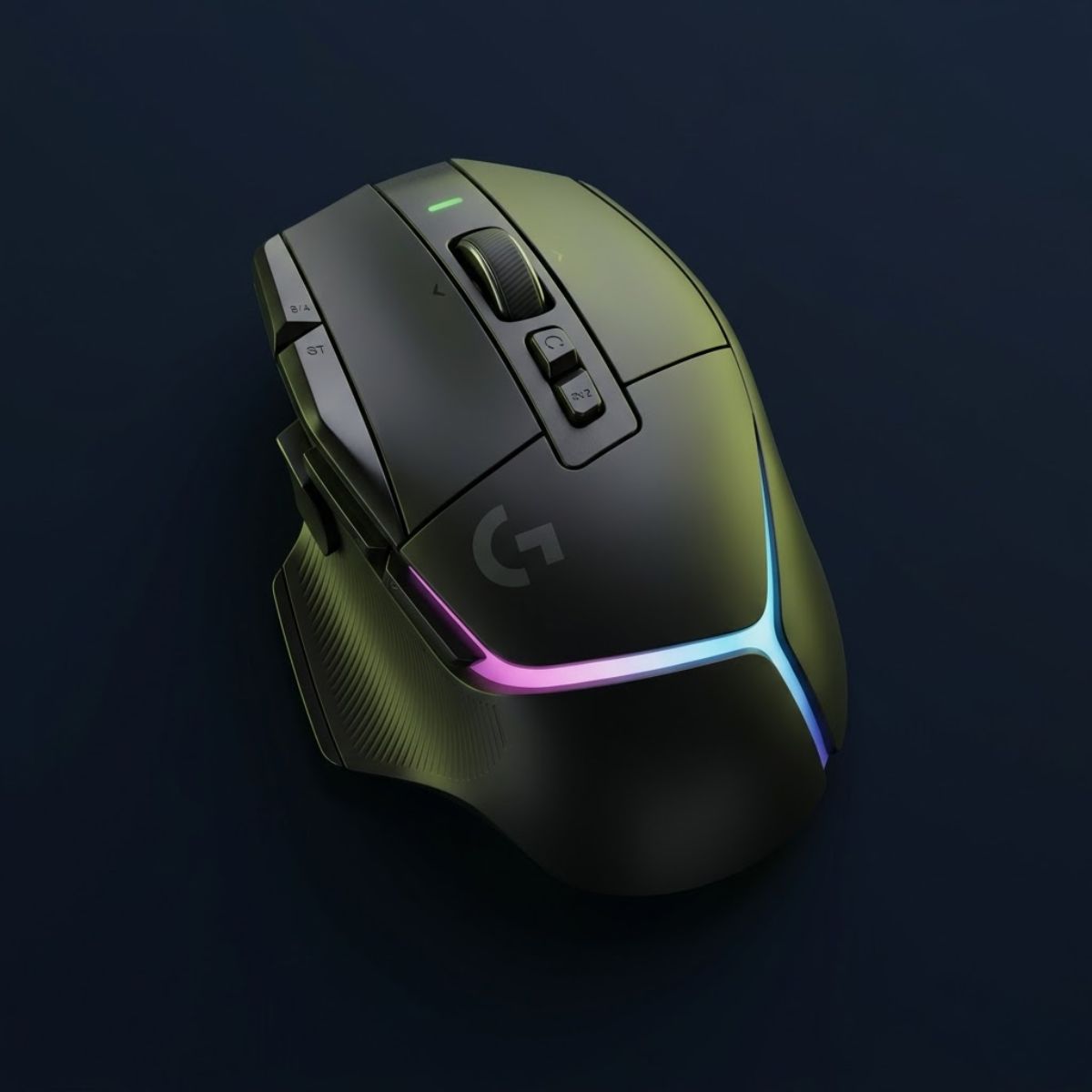
A larger right-handed gaming mouse for players who want palm support, a thumb rest, extra controls, and a more planted feel.
Grip Style Guide
The best gaming mouse for claw grip FPS players should feel light, controlled, and easy to lift without forcing your fingers to over-squeeze. Claw grip usually works best with mice that have a stable rear hump, narrow enough sides for finger control, and a shape that supports fast flicks, micro-adjustments, and repeated aim resets.
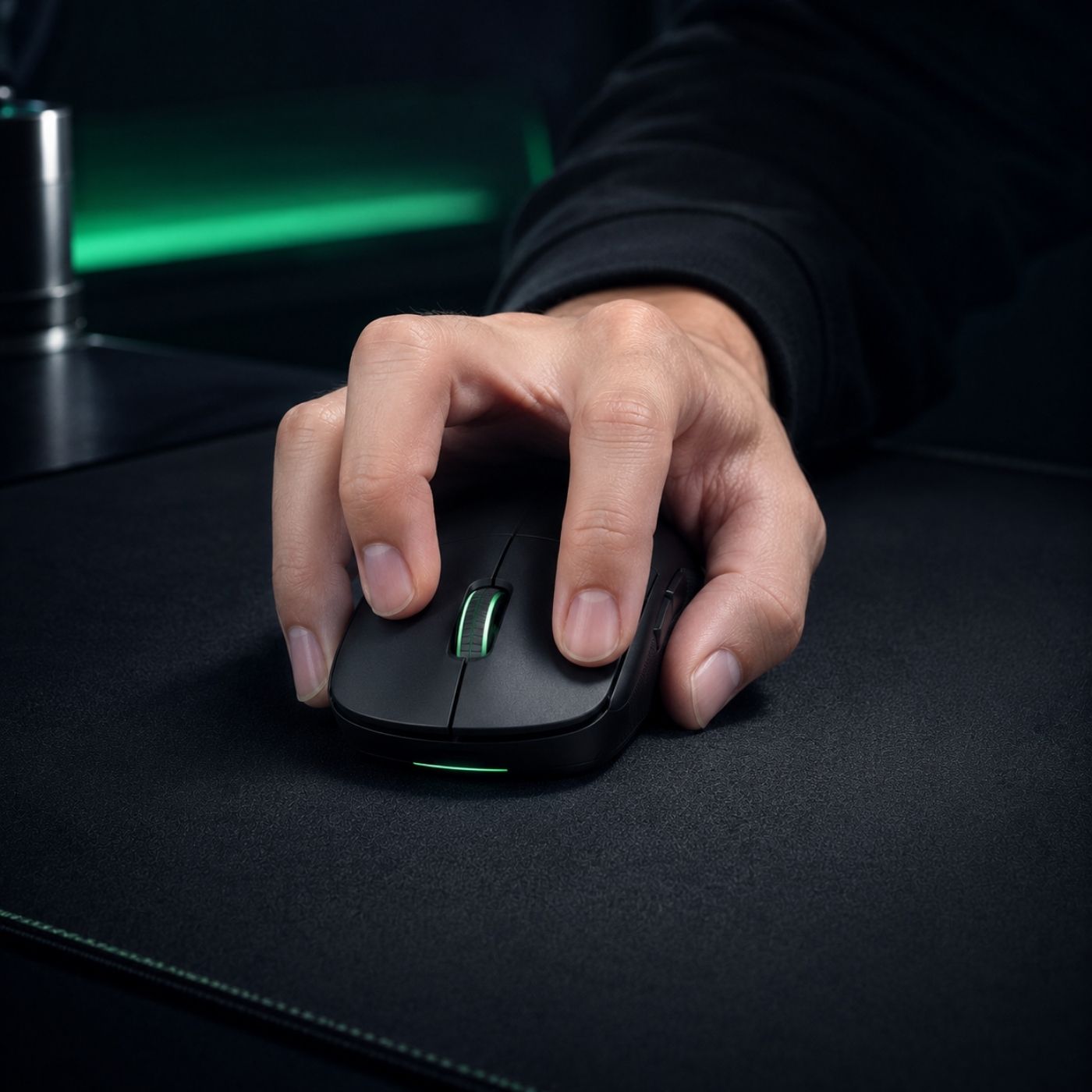
A defined rear hump gives claw grip players a contact point near the palm, helping stabilize the mouse during fast tracking and directional changes.
Lower weight makes repeated resets easier, especially for low-sensitivity FPS players who lift the mouse often across large mousepads.
Tapered sides and a balanced shell let your fingers guide small corrections without making the mouse feel unstable during flicks.
Claw grip sits between palm stability and fingertip speed. The right FPS mouse should lock into the back of your hand enough to stay stable, while still leaving your fingers free to make quick corrections.
For most claw grip FPS players, a lightweight mouse with a controlled rear hump will feel more consistent than a large comfort-focused shape.
Claw Grip Product Picks
These three picks cover the most common claw-grip needs: ultralight speed, compact competitive control, and pro-level wireless performance.
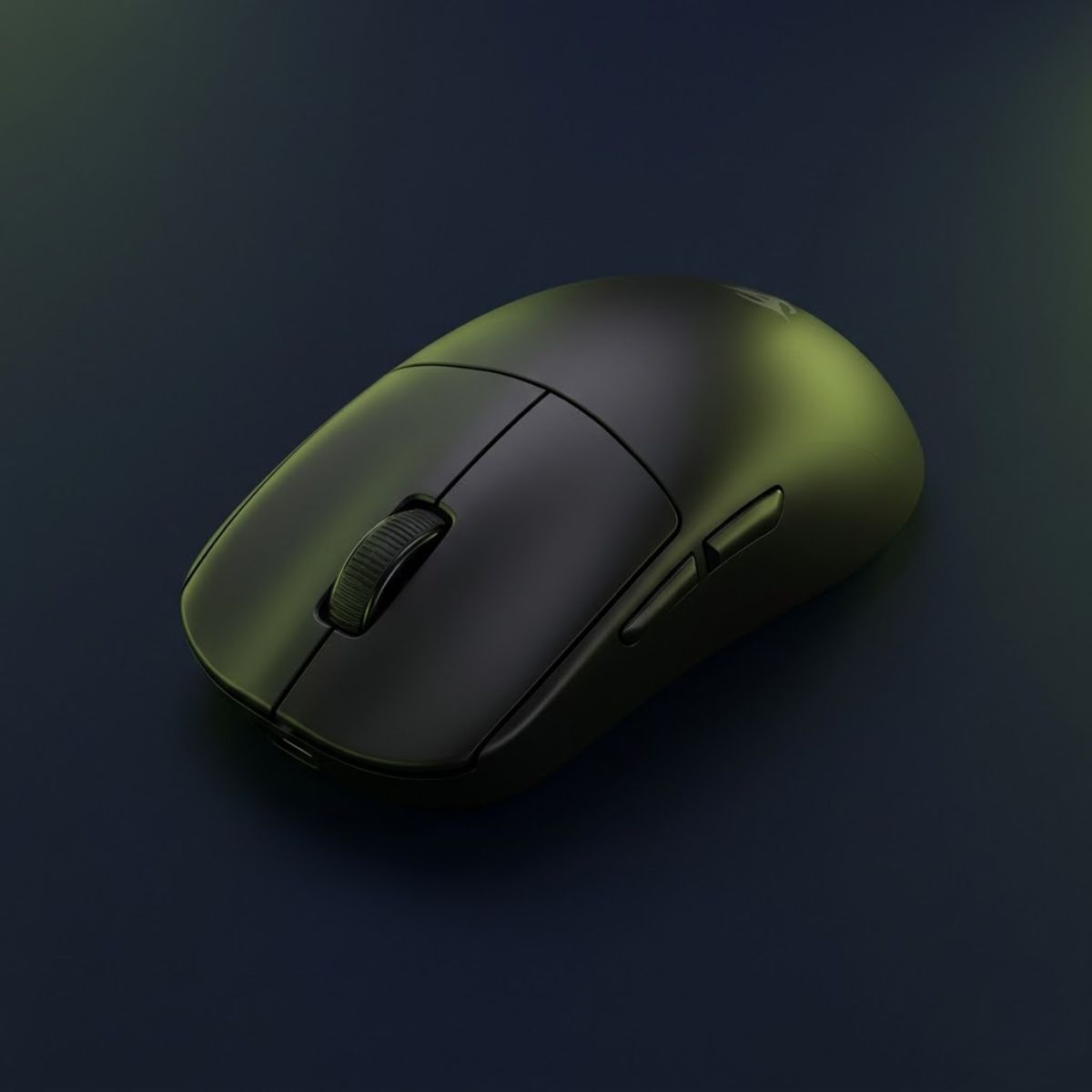
A 48g wireless FPS mouse for claw grip players who want very fast lift-offs, strong finger control, and a modern high-DPI sensor package without a bulky shell.
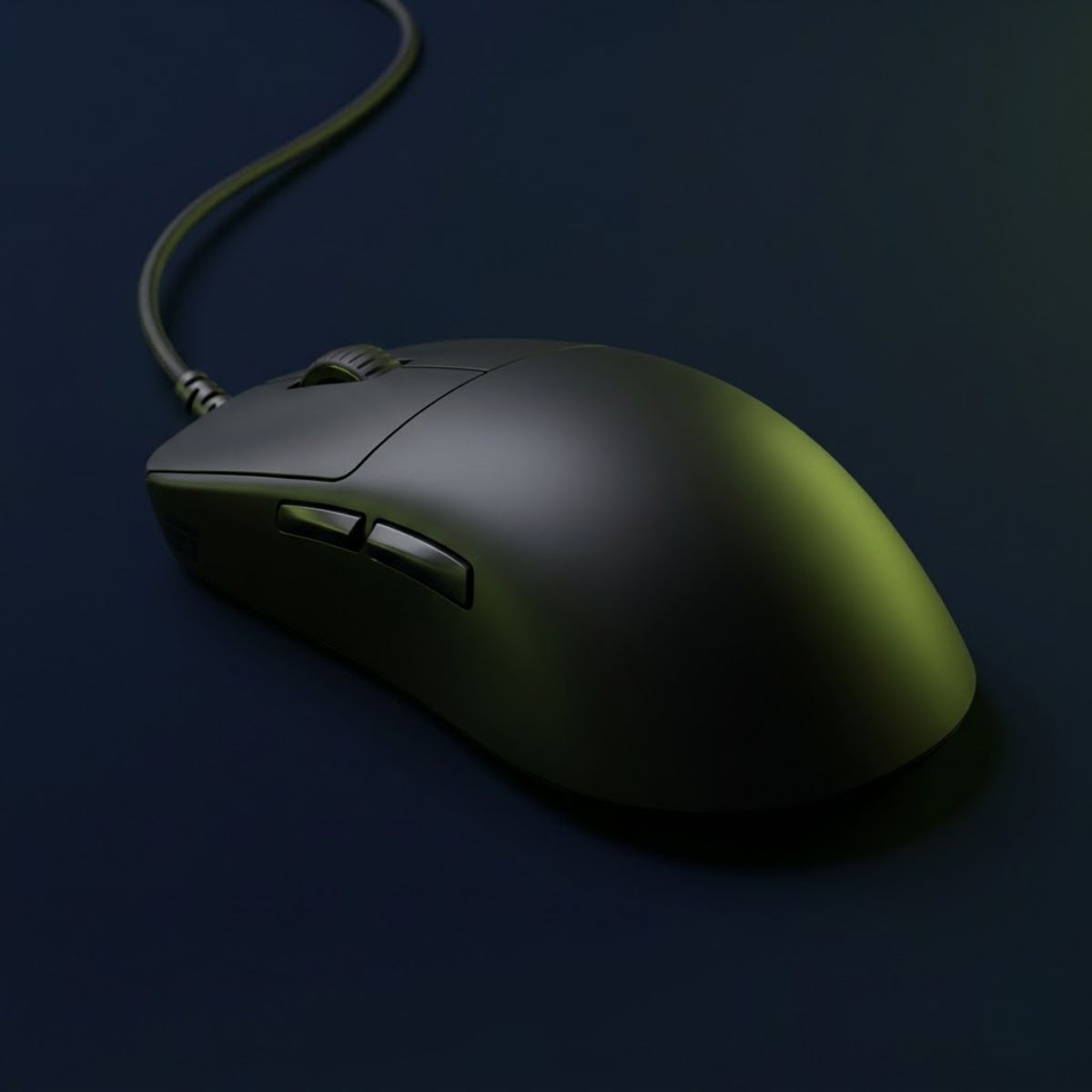
A compact claw-focused mouse for FPS players who prefer a controlled shape, stable side contact, and a lower-profile shell that supports precise micro-adjustments.
A pro-level symmetrical wireless mouse for claw grip players who want a broad rear shape, low weight, and fast control for competitive FPS tracking and flicks.
Budget FPS Recommendations
A good budget FPS mouse should still deliver lightweight movement, reliable sensor tracking, and stable shape control without forcing players into heavy or outdated designs. These three affordable FPS gaming mice stand out in 2026 because they balance competitive responsiveness, comfort, and value across different aiming styles.
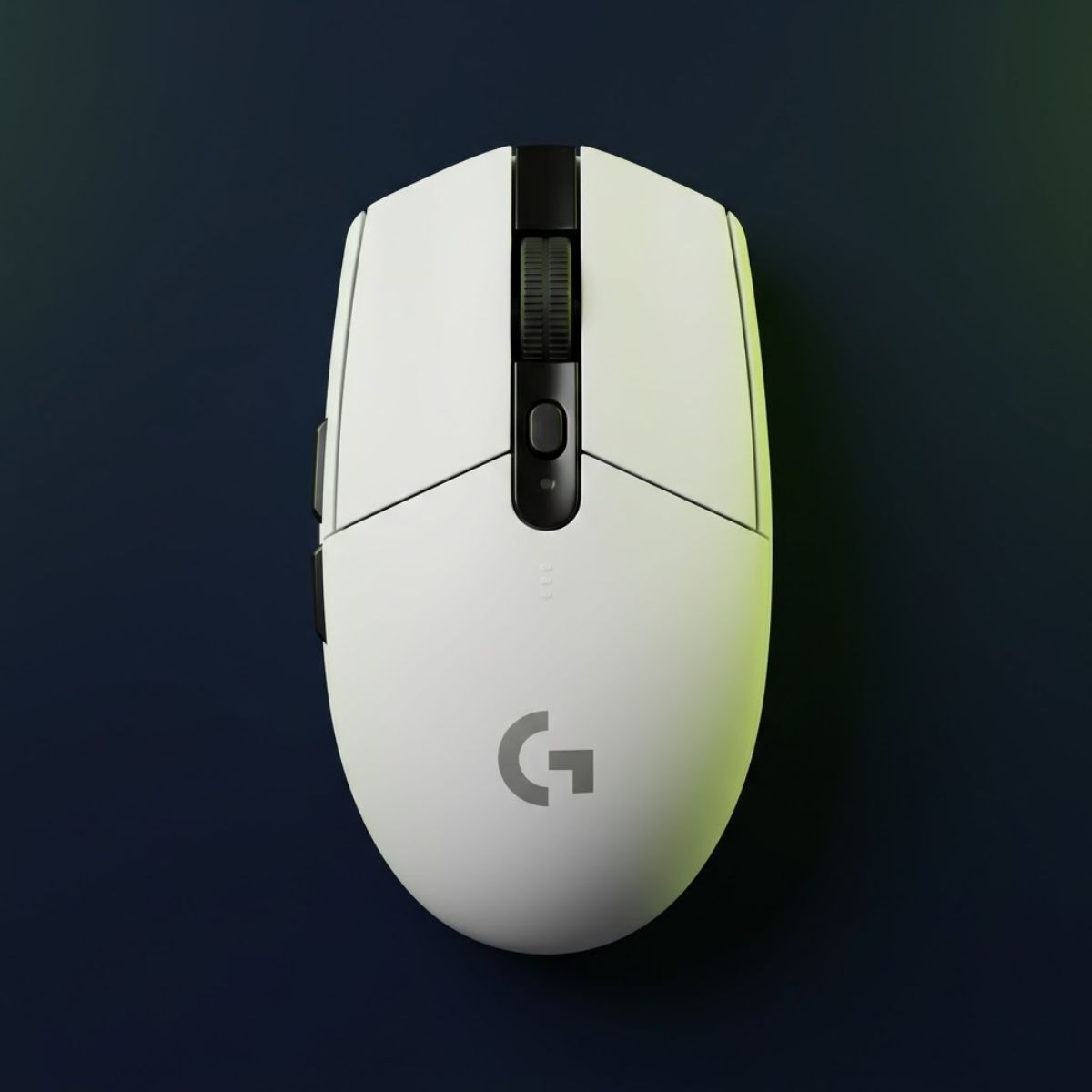
A reliable wireless FPS mouse with a safe symmetrical shape and long-lasting battery performance.
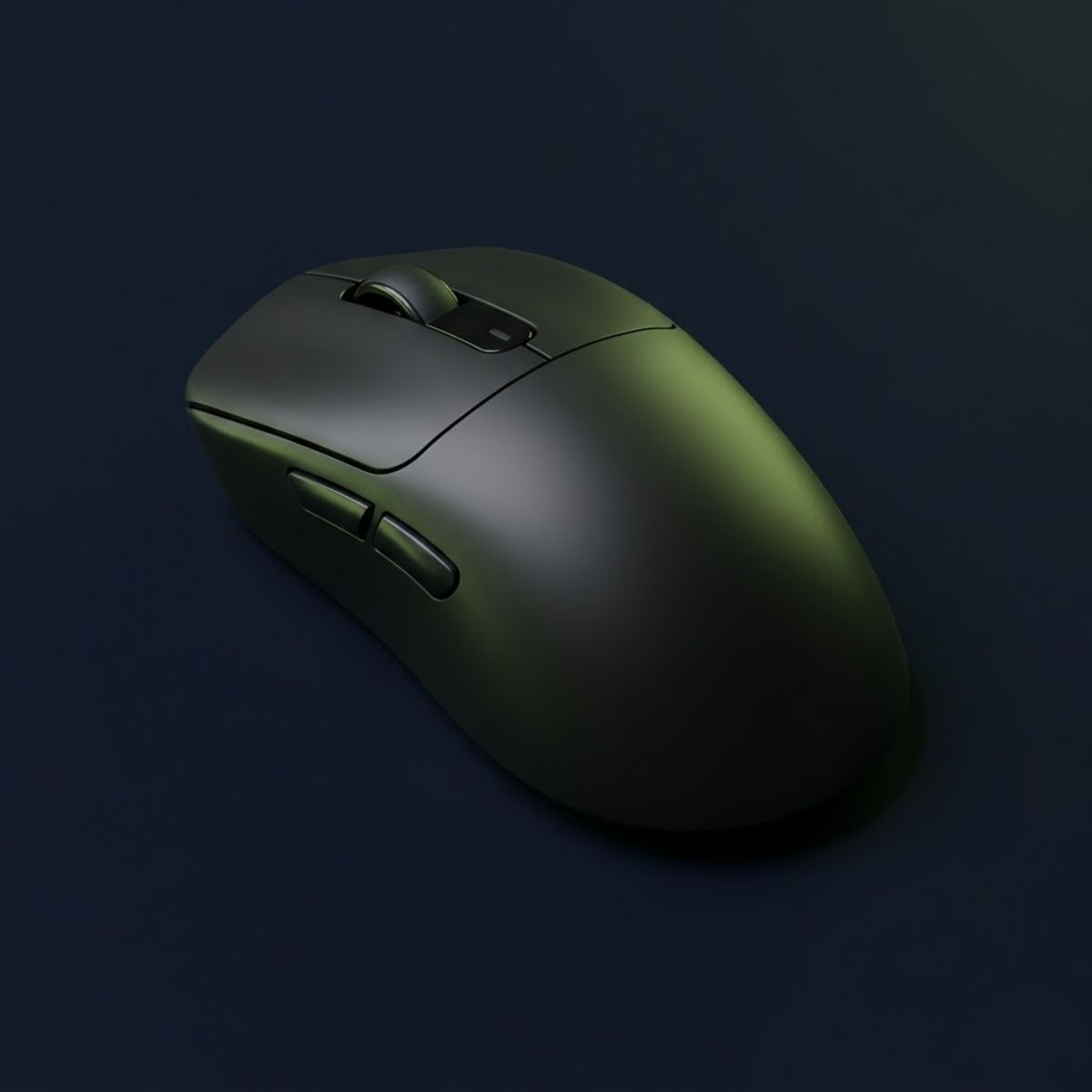
Lightweight wireless FPS performance with a modern PAW3395 sensor and competitive low-weight design.
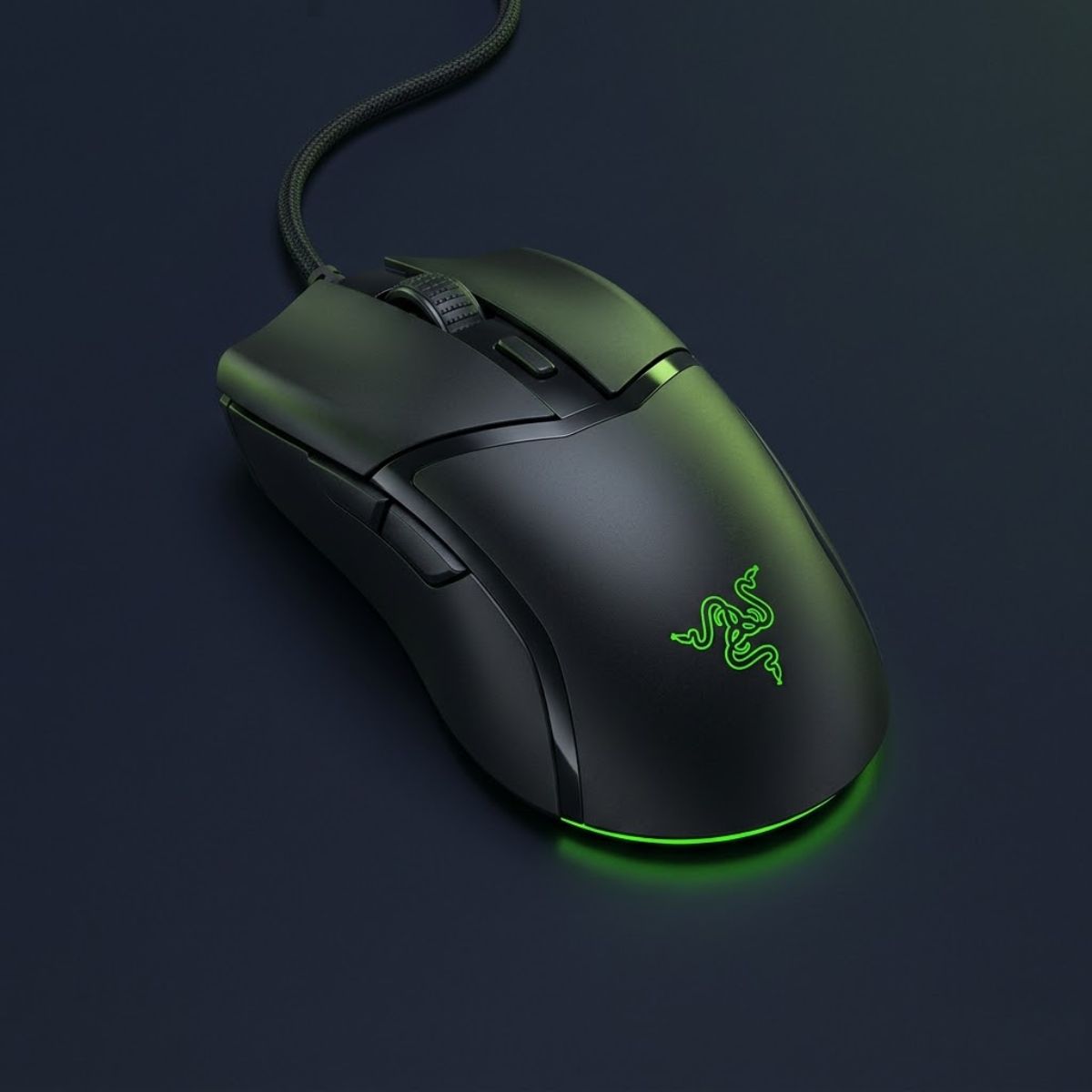
A compact wired FPS mouse with lightweight movement and responsive click feel for fast aiming.
Premium FPS Upgrade
The best FPS gaming mouse under $100 should feel close to flagship performance without forcing you into flagship pricing. In this range, competitive players should prioritize lightweight shells under 60g, stable low-latency wireless, accurate modern sensors, and shapes that support consistent aim in Valorant, CS2, Apex Legends, and other FPS games.
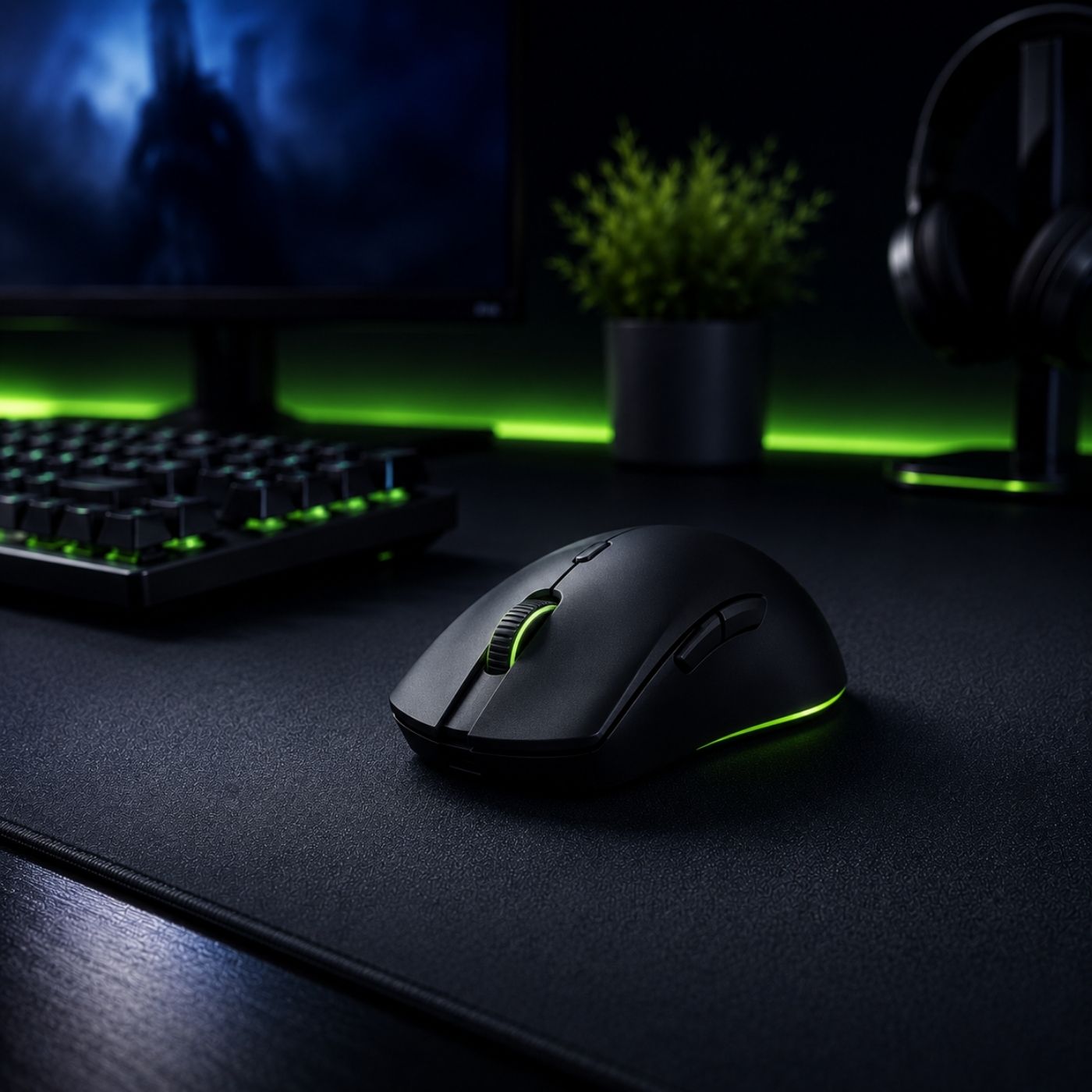
Many sub-$100 FPS mice now use sensors accurate enough for competitive tracking, flicks, and fast micro-corrections.
Modern wireless mice in this price tier can feel responsive enough for serious Valorant, CS2, and Apex gameplay.
Better coatings, stronger clicks, lighter shells, and cleaner feet often make under-$100 mice feel like real competitive upgrades.
Under $100 is the upgrade tier where FPS players can get low weight, dependable wireless performance, and precise sensor tracking without paying for the most expensive flagship model. The best choices in this range usually focus on practical competitive gains: easier lift-offs, smoother tracking, faster click response, and shapes that stay comfortable during long aim sessions.
Under $100 Product Picks
These three picks cover the strongest upgrade paths in this price range: pro-style wireless performance, lightweight mini control, and ergonomic FPS comfort.
A lightweight symmetrical wireless mouse for competitive FPS players who want pro-style speed, strong tracking, and a familiar esports shape.
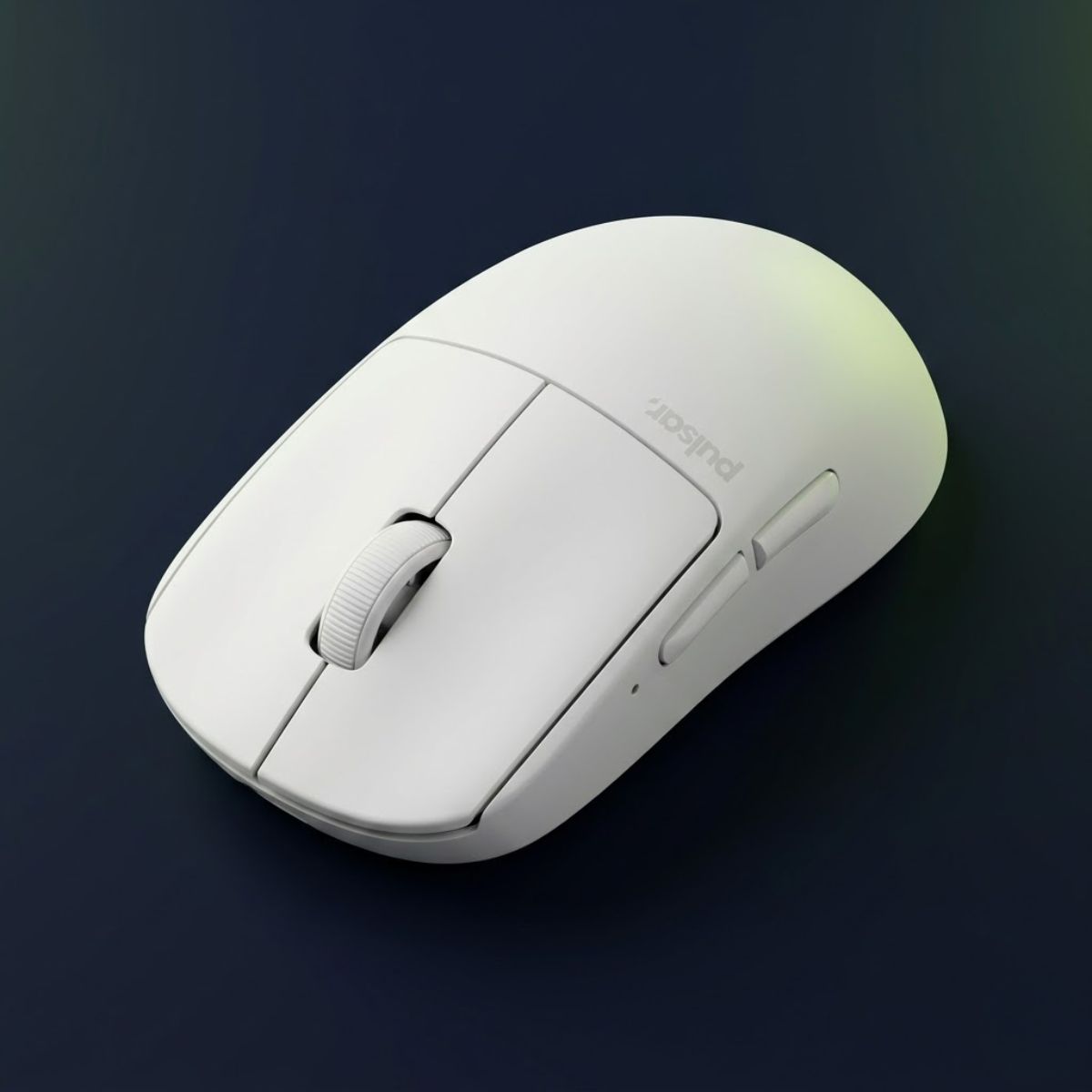
A compact lightweight wireless mouse for players who prefer smaller symmetrical shapes, claw grip control, and fast aim resets.
A lightweight ergonomic wireless mouse for FPS players who want palm support, stable side grip, and lower weight than traditional ergonomic shapes.
Final Buying Guide
The best FPS gaming mouse is not always the most expensive one. Your ideal choice depends on hand size, grip style, weight preference, and how competitive you actually play.
A mouse that feels natural in your hand will improve consistency more than chasing expensive marketing features you may never notice in real gameplay.
Start by identifying whether you use palm, claw, or fingertip grip during FPS games.
Small hands usually benefit from compact mice, while larger hands need longer shell support.
Most competitive players already get excellent performance between the $50–$100 range.
Find quick answers to the most common questions about choosing the best gaming mouse for FPS games. These FAQs summarize the key concepts covered throughout this guide and help you make better buying decisions.
A gaming mouse for FPS games is a mouse specifically designed to deliver precise tracking, low latency, responsive clicks, and ergonomic comfort for fast-paced shooters such as Counter-Strike 2, Valorant, Apex Legends, and Call of Duty.
FPS gaming mice typically feature high-performance sensors, lower click latency, lightweight designs, durable switches, and shapes optimized for accurate aiming, making them significantly more suitable for competitive gaming than standard office mice.
No, but a dedicated gaming mouse provides greater precision, consistency, and comfort during long gaming sessions. While casual players can use almost any mouse, competitive FPS players generally benefit from purpose-built gaming hardware.
Sensor accuracy, mouse shape, weight, click feel, wireless performance, build quality, and grip compatibility are the most important factors when selecting a gaming mouse for FPS games.
There is no universal ideal weight. Many competitive FPS players prefer lightweight mice between approximately 50 and 70 grams, but the best choice depends on your grip style, sensitivity, and personal comfort.
Modern wireless gaming mice deliver latency that is virtually indistinguishable from wired models. Choosing between them depends more on battery preferences, cable management, and overall convenience than raw gaming performance.
Higher polling rates can reduce input delay, especially on high refresh rate monitors. However, the improvement from 1000 Hz to 4000 Hz or 8000 Hz is relatively small for most players and should not outweigh factors like shape or sensor quality.
Palm, claw, and fingertip grips can all perform well in FPS games. The best choice depends on your hand size, aiming style, and the mouse shape that feels the most natural during extended gameplay.
Start by selecting a comfortable shape that matches your grip style, then compare weight, sensor quality, wireless performance, button feel, and overall build quality instead of focusing on specifications alone.
There is no single best gaming mouse for everyone. The right model depends on your hand size, preferred grip, budget, and the types of FPS games you play most frequently.
Yes, a gaming mouse that fits your hand and playstyle can improve aiming consistency, reduce fatigue, and make long practice sessions more comfortable. However, it cannot replace regular practice and good game mechanics.
A high-quality gaming mouse can often last several years with proper care. Lifespan depends on build quality, switch durability, battery health for wireless models, and how heavily the mouse is used.
Thanks for reading! We hope this guide helps you make a more confident gaming gear decision. See you in the next GearTP guide.