Skip to content

FPS Gaming Mouse

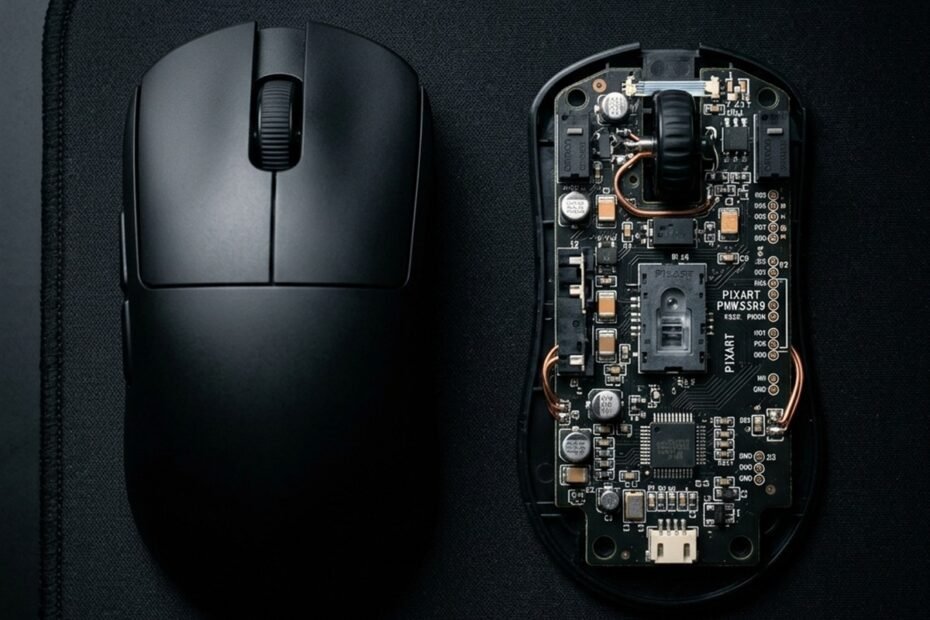
Top down view of an unbranded matte black gaming mouse next to an open circuit board with an optical sensor

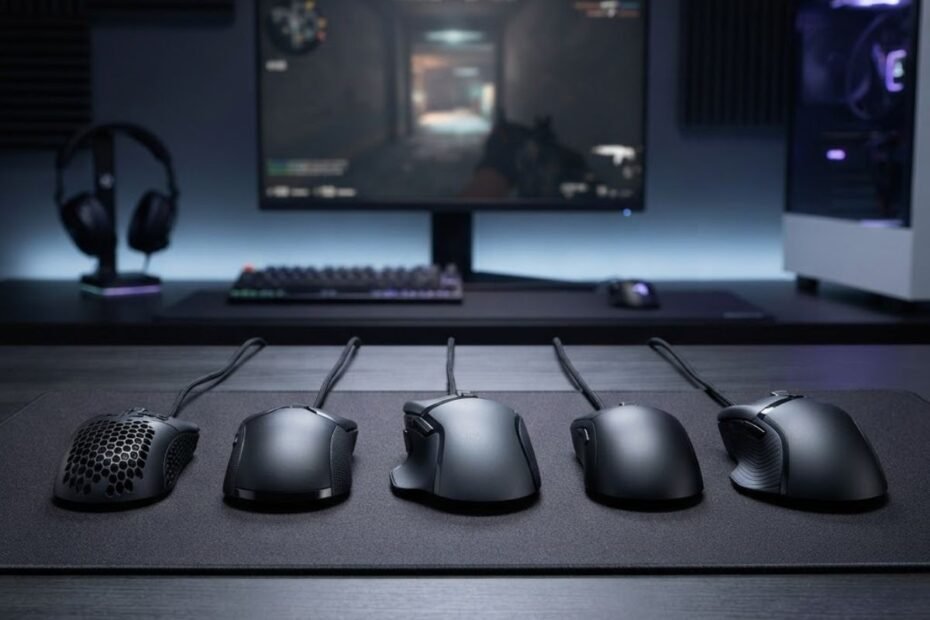
Recognizing critical cheap gaming mouse mistakes is essential for competitive first-person shooter players seeking tournament-grade precision on an entry-level budget. Inexpensive peripherals frequently promise astronomical DPI figures and flamboyant RGB illumination, yet beneath flashy shells… 
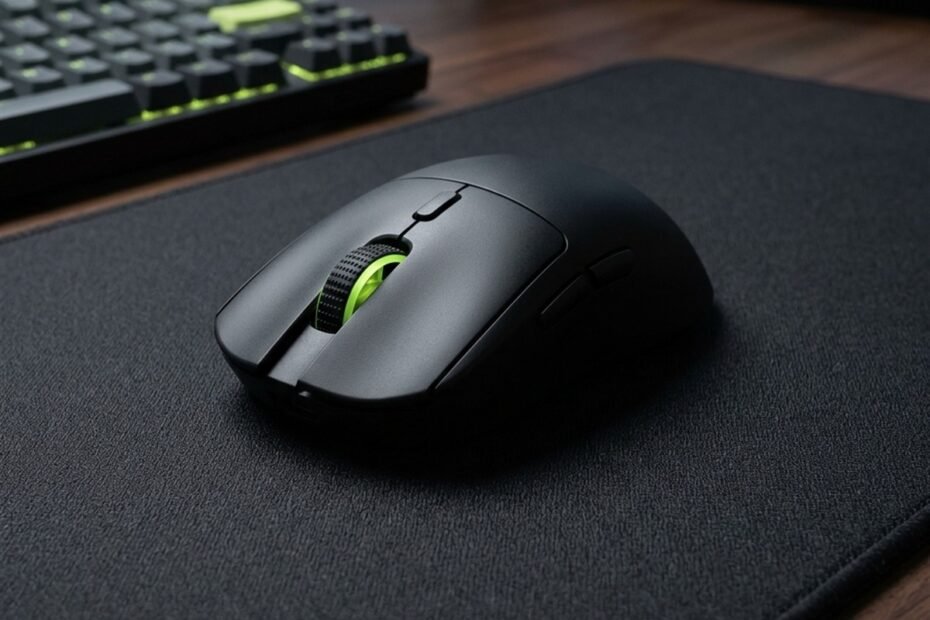
Cheap Gaming Mouse Mistakes: 7 Critical Pitfalls to Avoid in FPS Gaming

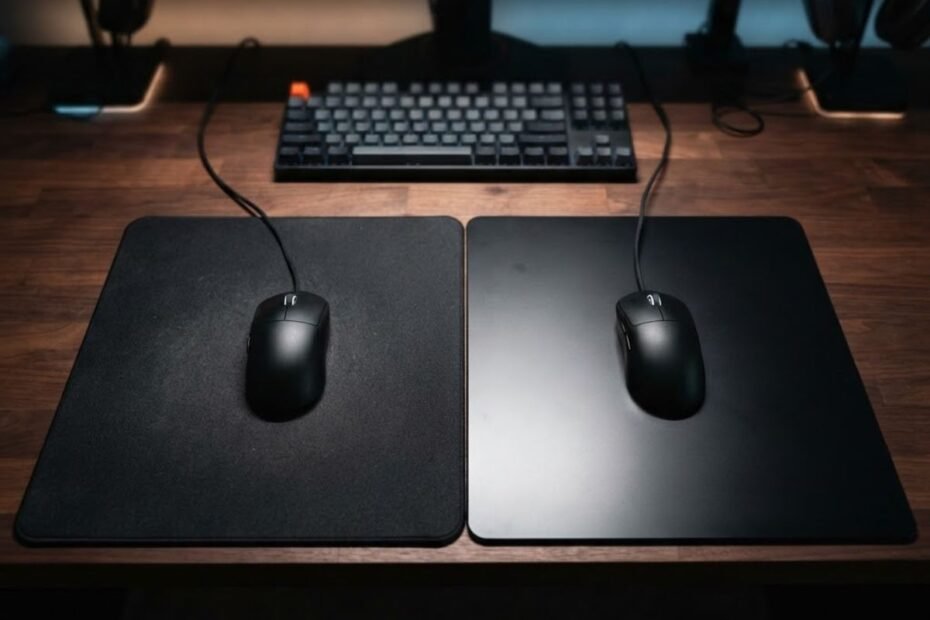
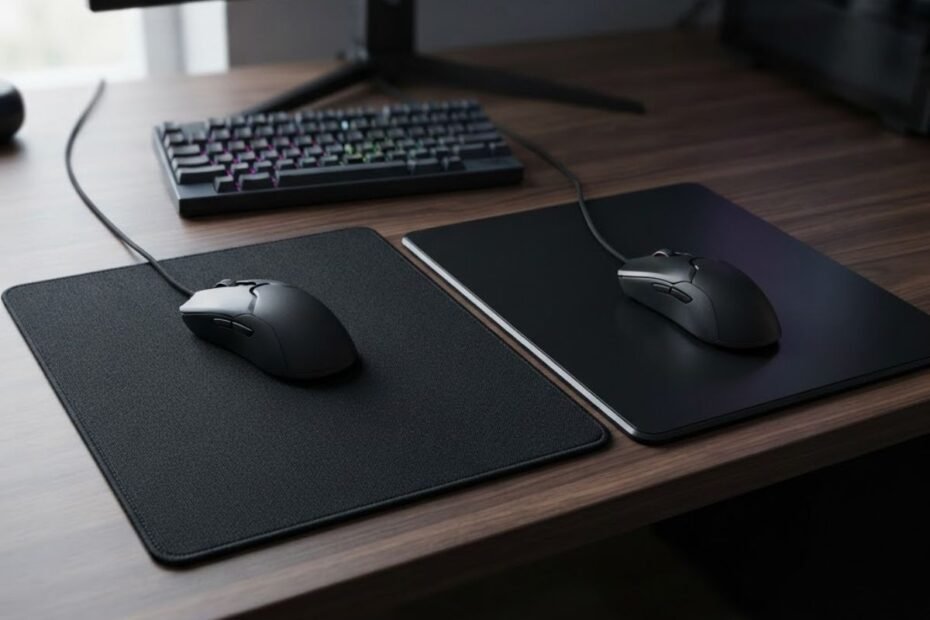
A gaming mouse positioned between a black cloth mouse pad and a black hard mouse pad

Cloth and hard mouse pads can both work well for CS2, but they create different movement feels. Cloth generally provides more resistance and stopping feedback, while hard surfaces usually offer faster, lower-resistance glide. The better… 

Cloth vs Hard Mouse Pad for CS2: Which Is Better?

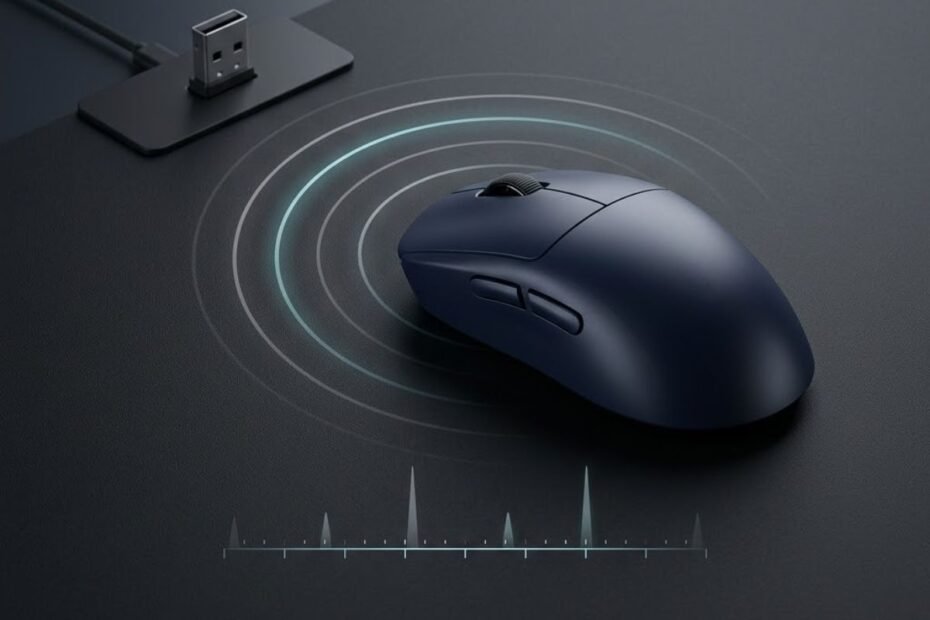
A wireless gaming mouse on a dark desk beside a partially charged battery indicator and wireless signal symbol.

Understanding real-world wireless mouse battery life has become a vital performance consideration for competitive gamers making the permanent transition away from tethered cables. While peripheral manufacturers frequently promote continuous battery claims exceeding 70 to 100… 

Wireless Mouse Battery Life: Real-World FPS Runtimes Tested