Skip to content

What Is a Gaming Mouse for FPS Games?

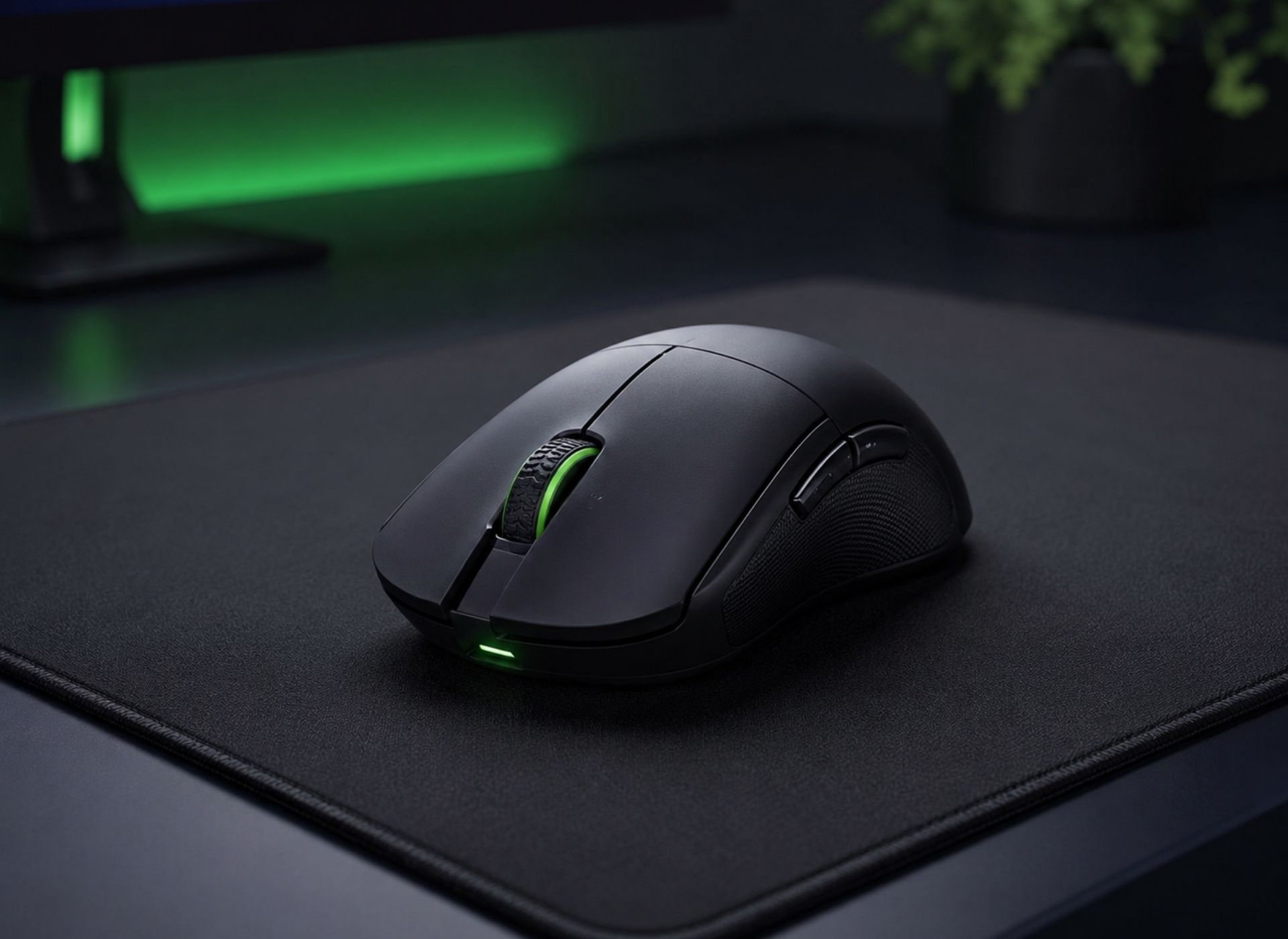
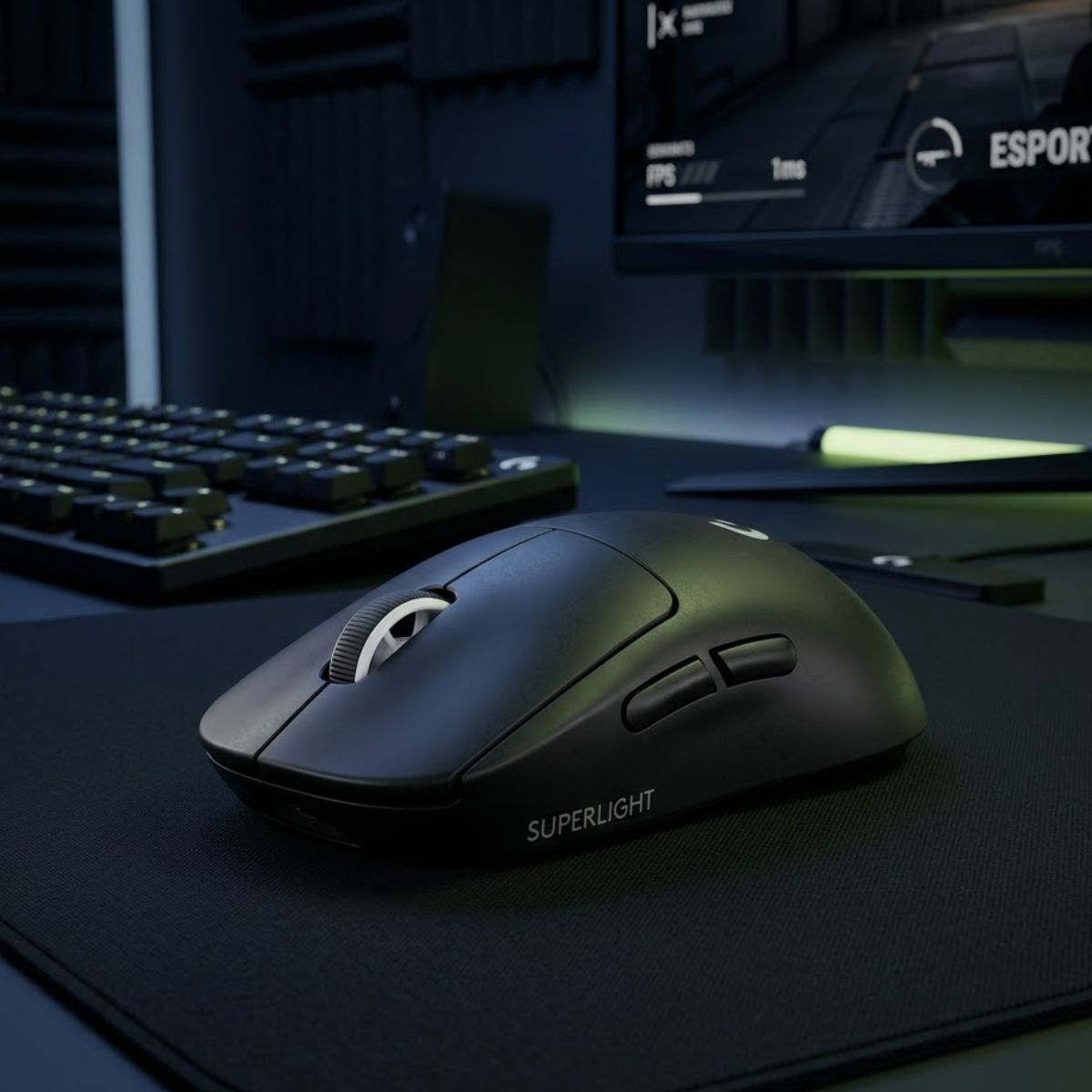
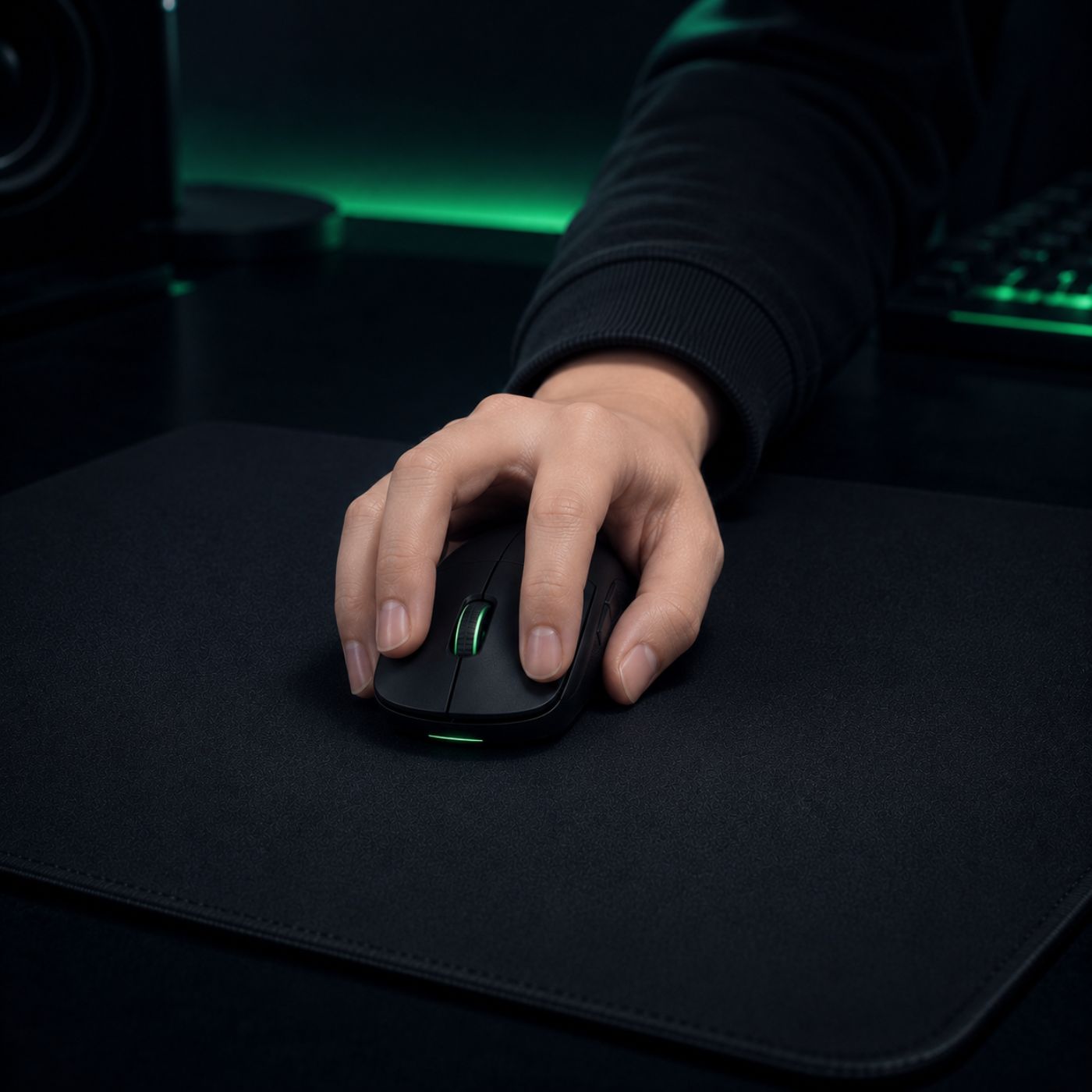
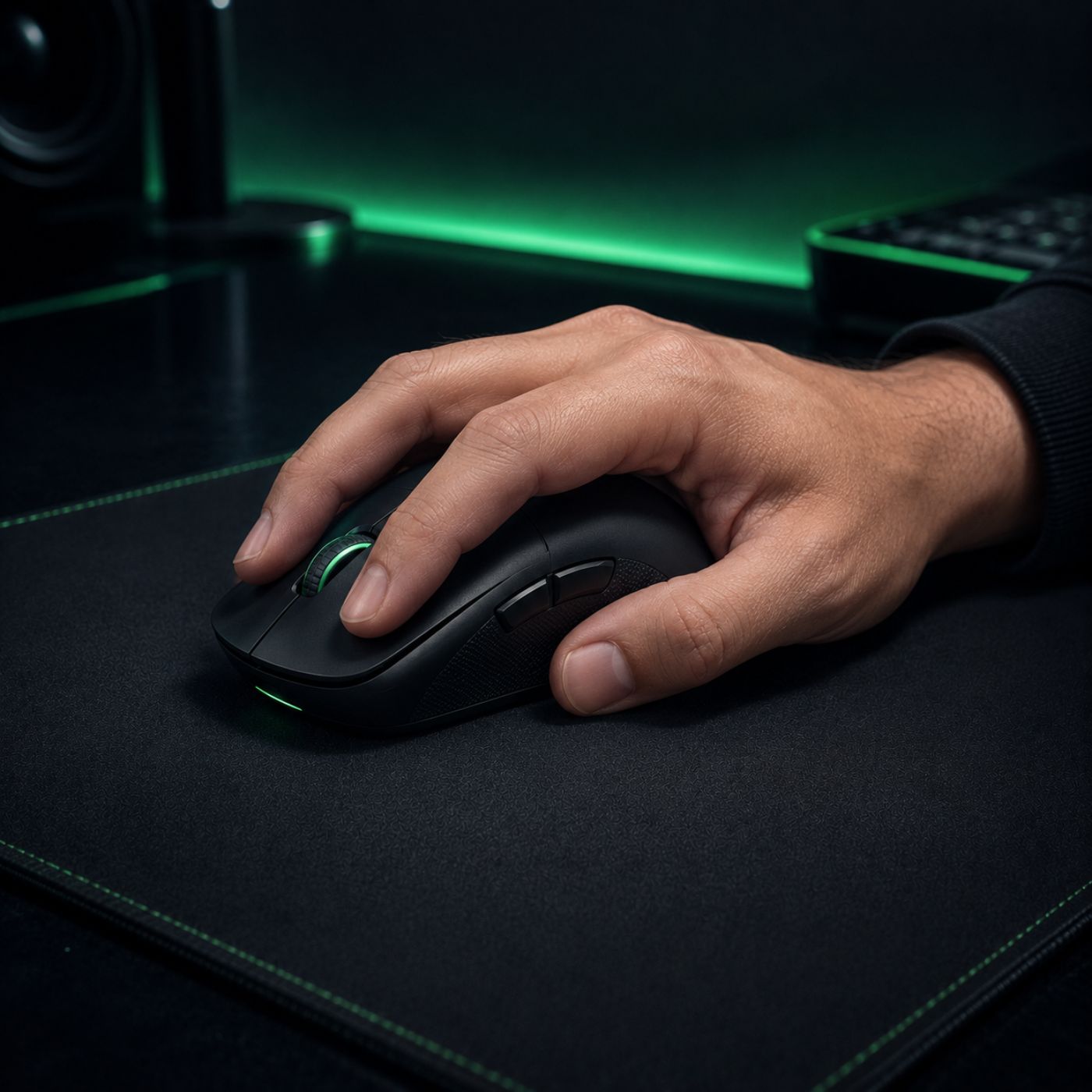
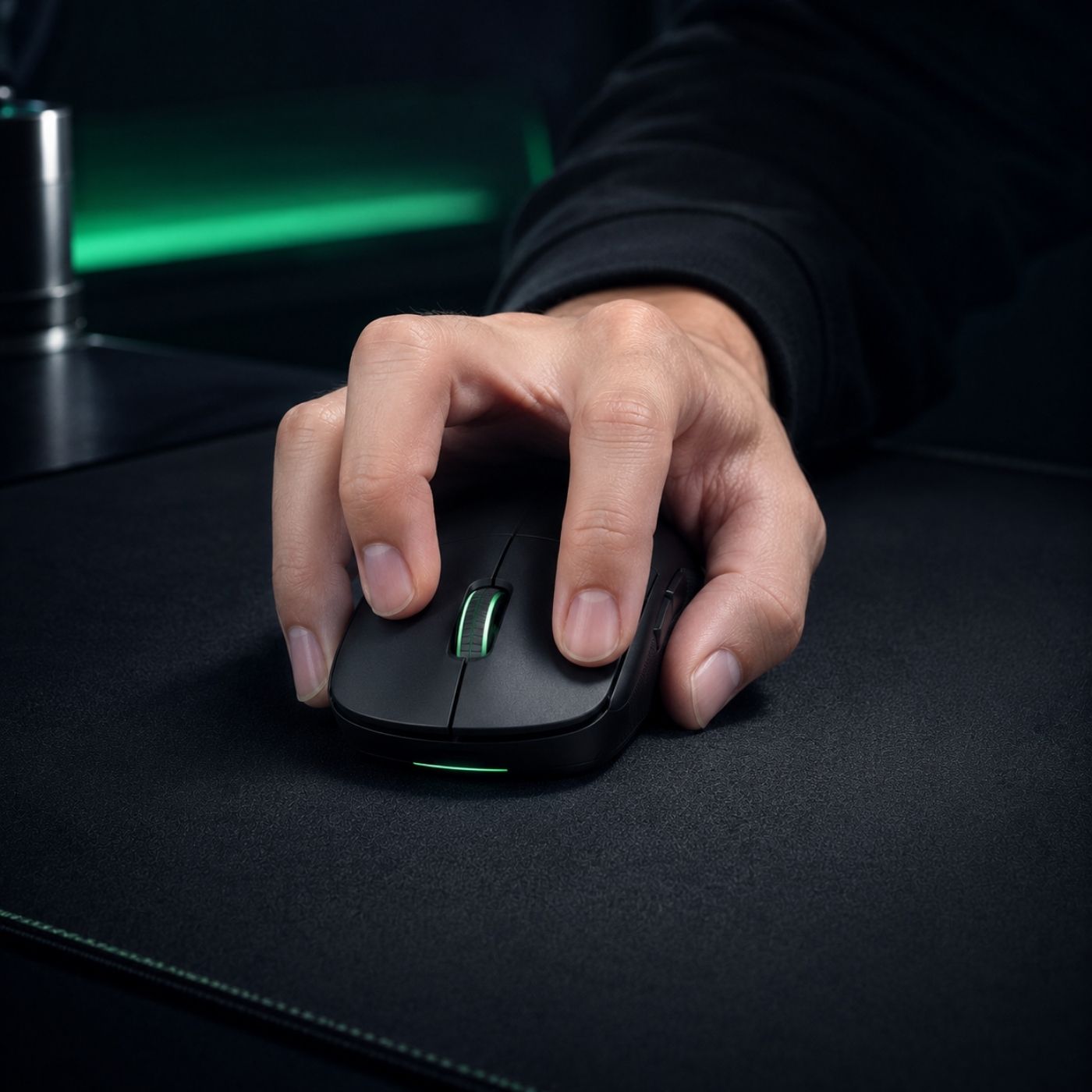
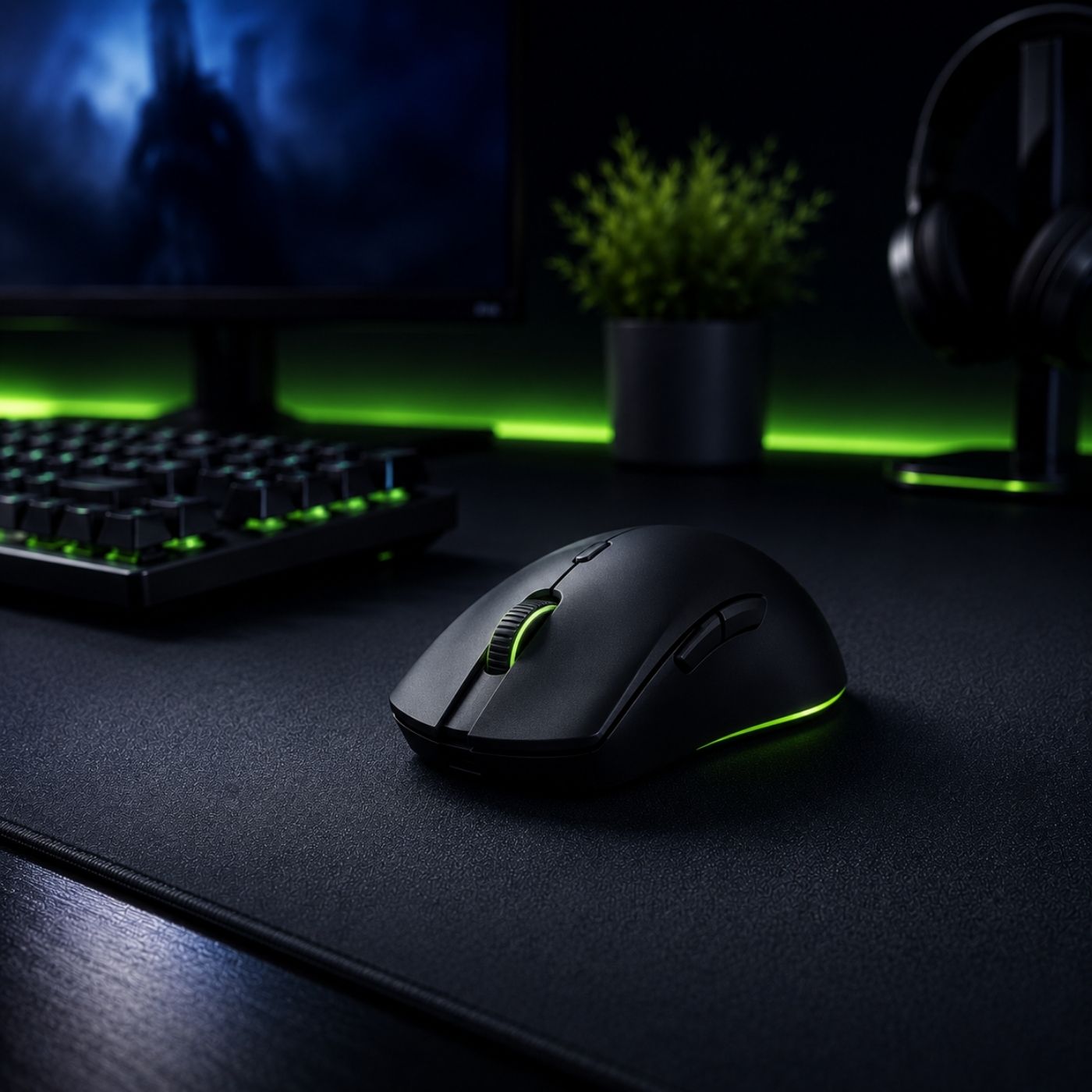
A modern gaming mouse on a large mousepad in a competitive FPS gaming setup, representing the key factors that influence aiming performance and control.

A gaming mouse for FPS games is a specialized mouse designed for competitive first-person shooter gameplay and helps players achieve more accurate tracking, lower input delay, and more consistent aiming than a regular office mouse. It helps improve flick shots, micro-adjustments, and crosshair control in games such as Valorant, Counter-Strike 2, Apex Legends, and Rainbow Six Siege,… where small aiming errors can directly affect the outcome of a gunfight.

If you want a broader overview of FPS gaming mice, including buying recommendations, shape selection, weight considerations, and performance factors, explore our complete guide to gaming mouse for FPS games.

What Is a Gaming Mouse for FPS Games?

A gaming mouse for FPS games is more than a mouse with RGB lighting or extra buttons. It is designed specifically to support the precision, speed, and consistency required in competitive first-person shooters, where accurate aiming often matters more than raw reaction speed.

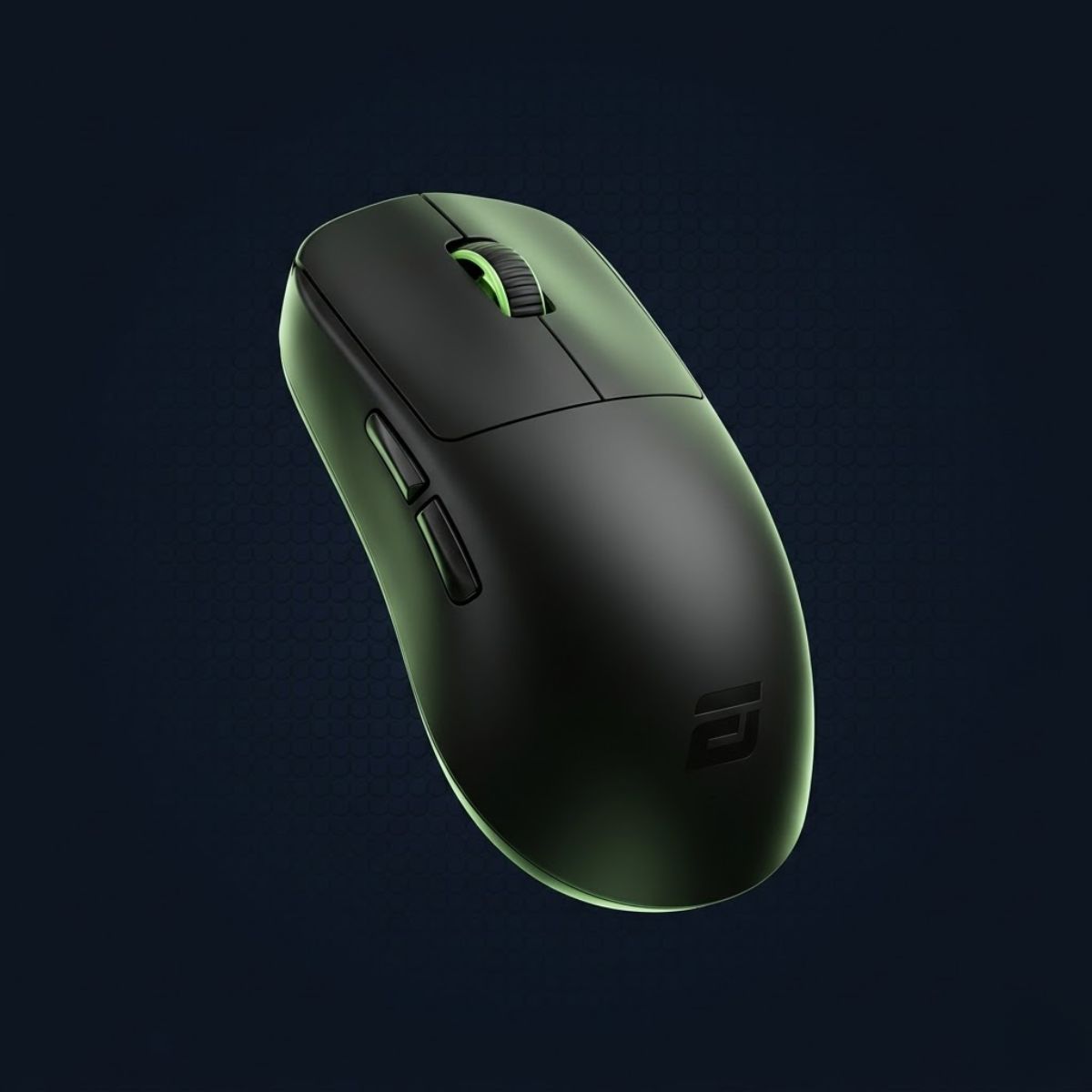
The image below highlights the core elements that separate an FPS gaming mouse from a standard computer mouse:

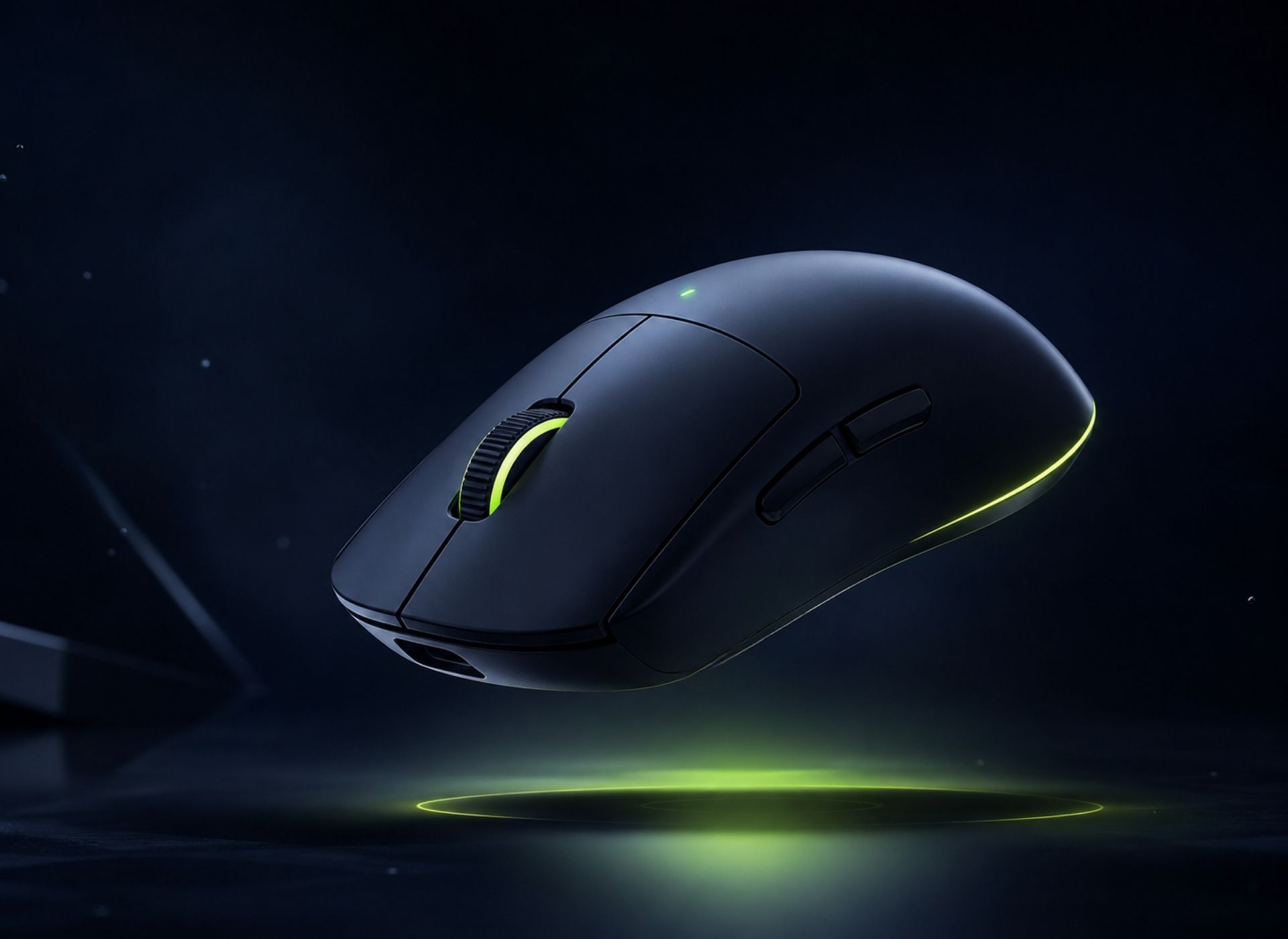
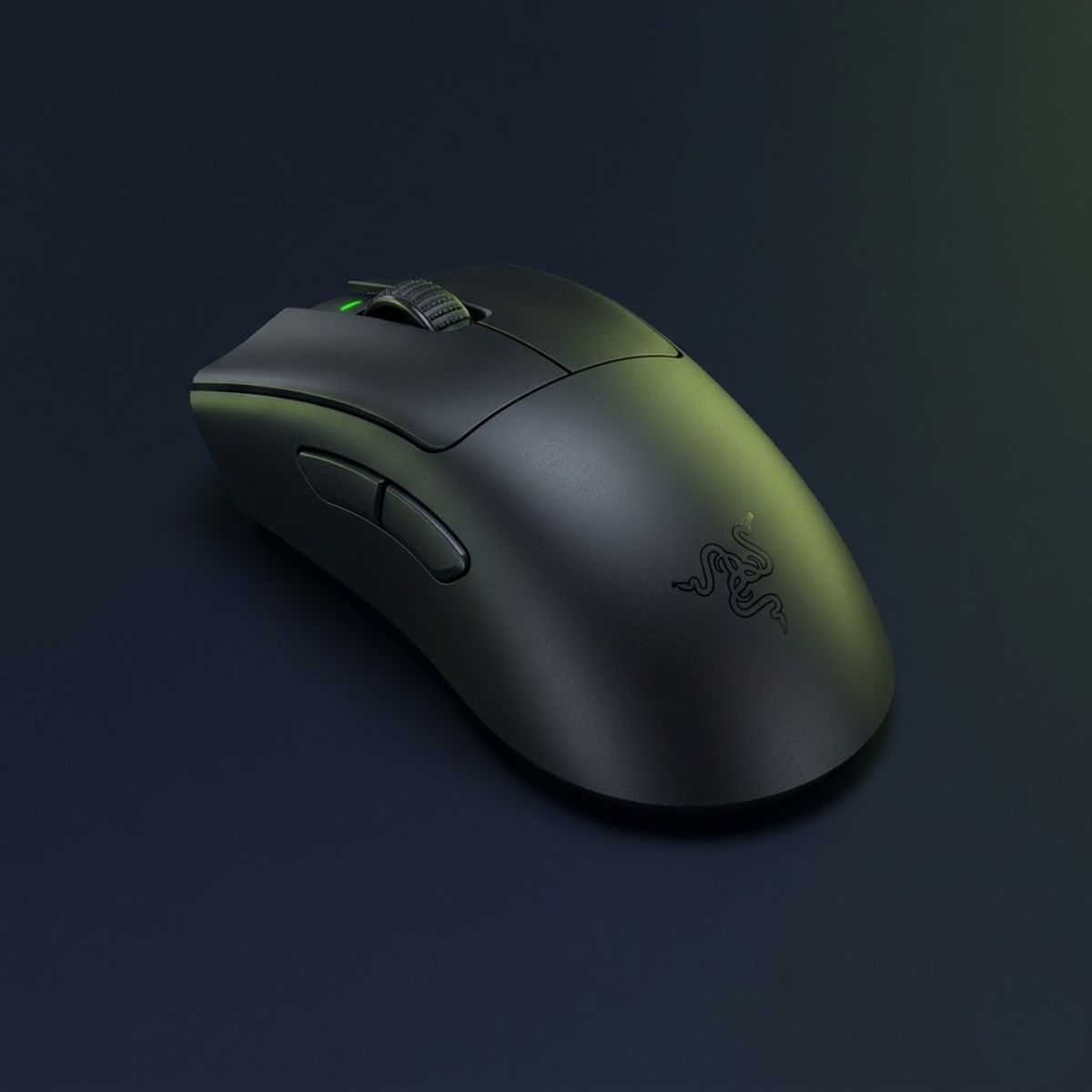
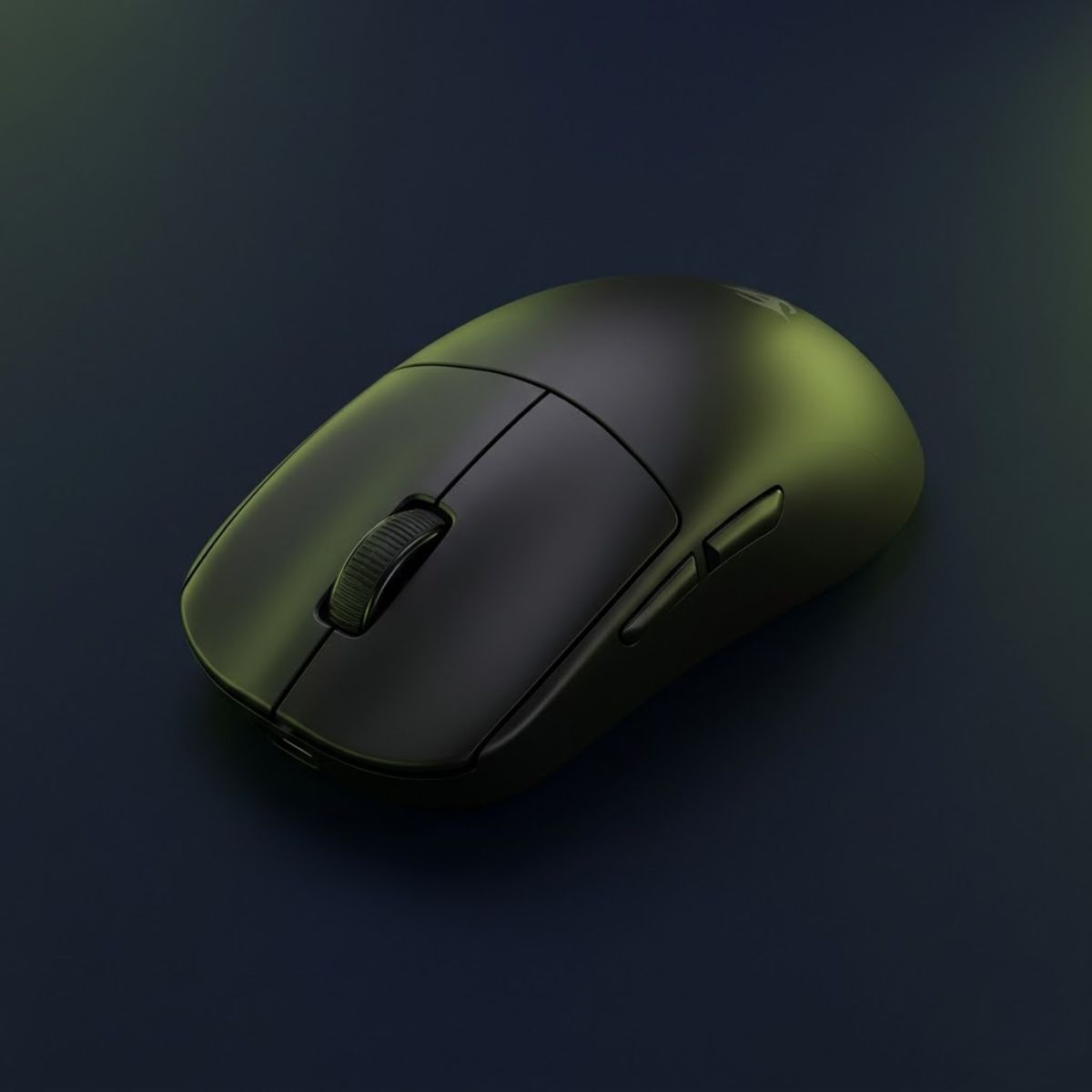
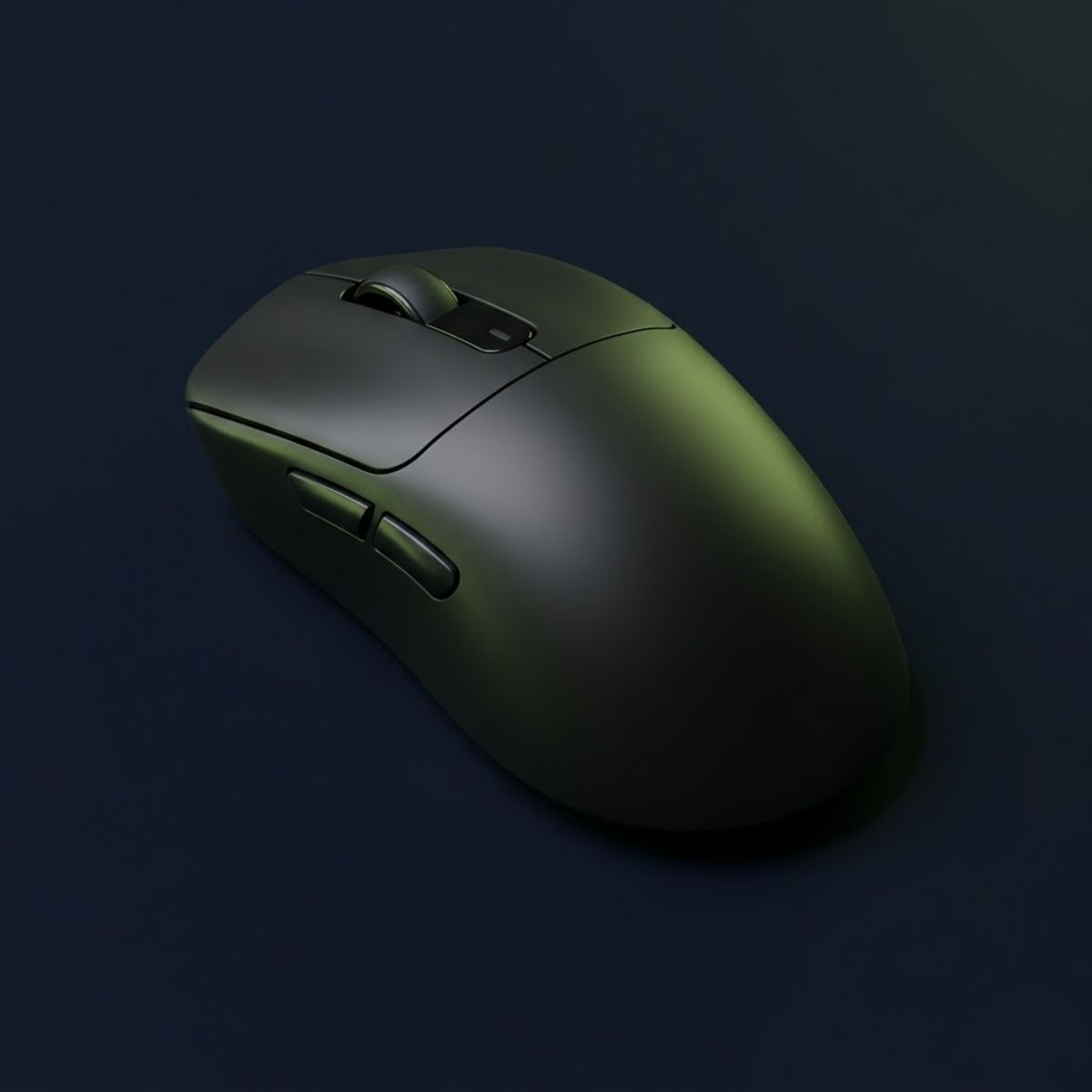
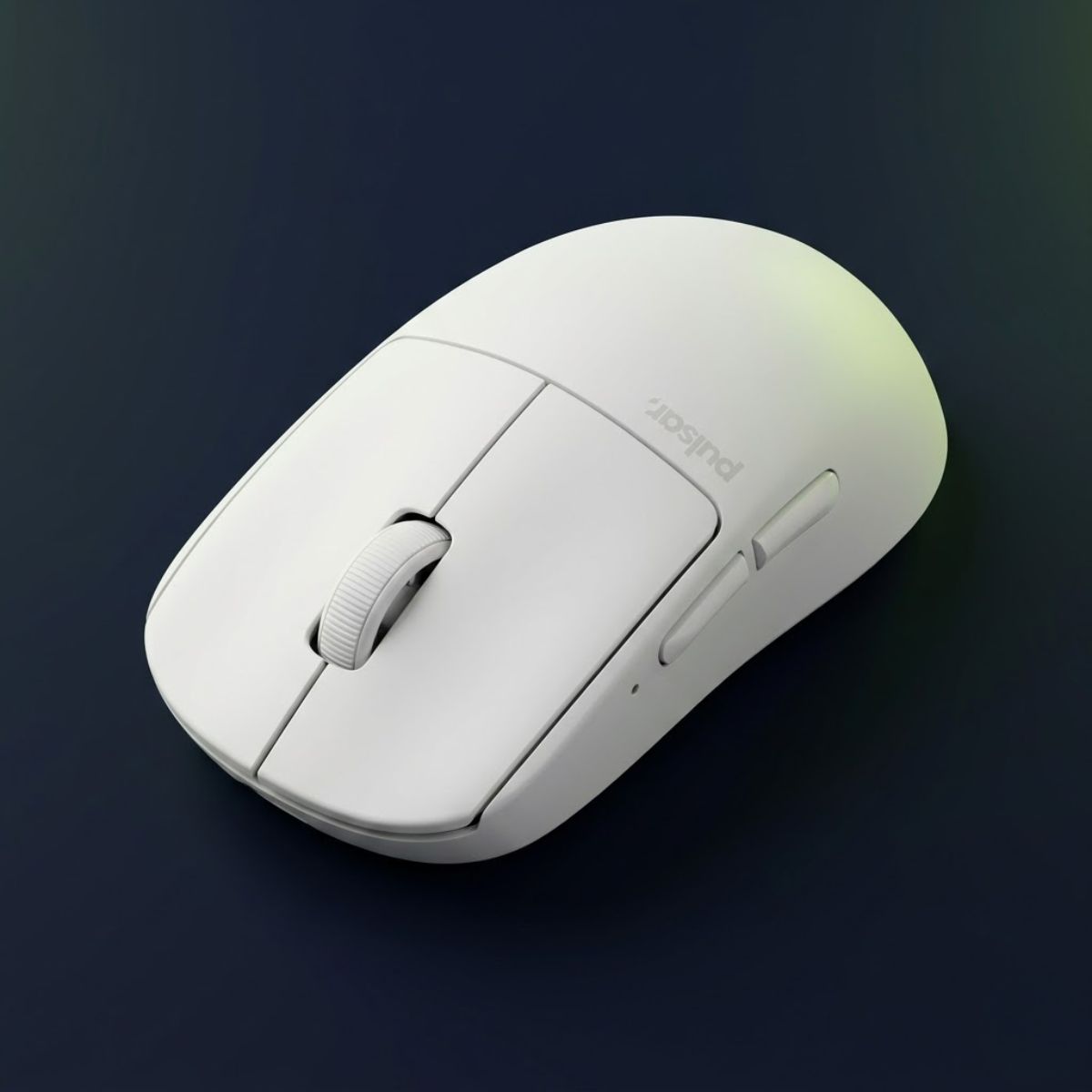
A gaming mouse displayed with emphasis on sensor accuracy, shape, weight, and responsiveness in a competitive FPS environment.
FPS gaming mice prioritize consistency, control, and responsiveness rather than general productivity.

Understanding what separates an FPS gaming mouse from a standard computer mouse helps players make better upgrade decisions and focus on the features that actually affect in-game performance. Factors such as sensor accuracy, shape, weight, and responsiveness play a much larger role than marketing claims or cosmetic features.

How an FPS Gaming Mouse Differs From a Standard Computer Mouse

An FPS gaming mouse is designed specifically for accurate and repeatable movement, while a standard office mouse is built primarily for general productivity tasks. It helps players maintain reliable tracking during fast swipes, rapid target switches, and precise aiming movements that occur frequently in competitive FPS games.

Most office mice can move a cursor across a screen without problems, but FPS games place much higher demands on tracking consistency. Players often perform large arm movements, quick flicks, and small micro-adjustments within seconds. Hardware that works perfectly for browsing or office work may struggle to provide the same level of precision during intense gameplay.

Gaming mice also prioritize features that directly affect aiming performance. Manufacturers focus on sensor quality, weight reduction, shape optimization, and lower latency because these characteristics influence how accurately movement from the hand translates to movement in-game.

Understanding these differences helps explain why many competitive players invest in gaming mice even when an office mouse appears to function normally for everyday computer use.

Why Precision Matters More in FPS Games Than Other Genres

Precision matters more in FPS games because small aiming errors can immediately result in missed shots, lost duels, or failed rounds. Unlike many other game genres, first-person shooters often reward exact crosshair placement rather than broad character movement or ability usage.

In tactical FPS titles such as Valorant and Counter-Strike 2, players frequently need to place their crosshair on very small targets while reacting within fractions of a second. Even minor inconsistencies in mouse movement can make these actions more difficult under pressure.

Other genres may tolerate less accurate input because success depends on strategy, resource management, character progression, or larger movement patterns. FPS games place much greater emphasis on mechanical execution, making reliable mouse control significantly more important.

This is why competitive FPS players often focus heavily on factors such as mouse shape, sensor performance, sensitivity settings, and overall aiming consistency.

Which Gameplay Limitations a Gaming Mouse Helps Eliminate

A gaming mouse for FPS games helps eliminate several hardware-related limitations that can interfere with aiming consistency. While it cannot replace practice or game knowledge, it can reduce obstacles that make accurate mouse control more difficult.

Common limitations include inconsistent tracking, excessive input delay, unstable movement during fast swipes, and uncomfortable shapes that force players to constantly adjust their grip. These issues may not always be obvious during casual play, but they often become noticeable during competitive matches.

Gaming mice are designed to minimize these problems by providing more reliable tracking performance, lower latency, lighter weight options, and shapes that better support different grip styles. As a result, players can focus more on decision-making and mechanics rather than fighting against their hardware.

Removing unnecessary limitations does not automatically improve skill, but it creates a more consistent environment for developing aim, building muscle memory, and maintaining control during high-pressure situations.

Ultimately, an FPS gaming mouse is valuable because it helps reduce hardware restrictions and allows player skill to have a greater influence on in-game performance.

Gaming Mouse vs Regular Office Mouse for FPS Gaming

A gaming mouse and a regular office mouse may appear similar at first glance, but they are designed with very different goals in mind. A gaming mouse helps prioritize tracking accuracy, responsiveness, and aiming consistency, while an office mouse focuses on everyday productivity tasks such as browsing, document editing, and general computer use.

For FPS players, these differences become more noticeable during fast movements, precise target adjustments, and long gaming sessions. Understanding how the two categories differ helps players determine whether a gaming mouse provides meaningful advantages for their specific needs.

Players who want a deeper breakdown can read our detailed comparison of gaming mouse vs office mouse, including differences in tracking accuracy, responsiveness, comfort, and long-term FPS performance.

Sensor Performance and Tracking Accuracy Differences

Sensor performance is one of the biggest differences between a gaming mouse and an office mouse. Gaming mice are designed to maintain accurate tracking during both slow precision movements and fast swipes, while office mice are optimized for basic cursor movement on desktop applications.

Competitive FPS games often require sudden flicks, rapid target switching, and precise micro-adjustments. During these movements, a high-quality gaming sensor is more likely to preserve consistent tracking without introducing unwanted acceleration, skipping, or irregular movement behavior.

Although modern office mice have improved significantly, they are typically not engineered with the same focus on high-speed gaming performance. This distinction becomes more important as aiming demands increase.

Reliable tracking gives FPS players greater confidence that mouse movement will translate accurately into in-game movement.

Input Latency and Responsiveness Comparison

Input latency refers to the delay between moving the mouse and seeing that movement reflected on the screen. Gaming mice are designed to minimize this delay and help create a more responsive feeling during gameplay.

In FPS games, players constantly react to enemy movement, changing angles, and unexpected engagements. Even though skill remains the primary factor, lower latency helps ensure that hardware contributes as little delay as possible to the aiming process.

Office mice are generally designed for comfort and efficiency rather than competitive responsiveness. For everyday tasks, slight differences in latency may be difficult to notice. During fast-paced FPS gameplay, however, responsiveness becomes a much more relevant consideration.

A responsive mouse helps players maintain a closer connection between physical movement and in-game actions.

Design Features That Benefit FPS Players

A gaming mouse includes several design choices that specifically support FPS gameplay. These features often focus on improving comfort, consistency, and control during extended gaming sessions.

Many gaming mice use lightweight shells, optimized shapes, low-friction mouse feet, and performance-oriented switches. These design elements help reduce fatigue and make repeated aiming movements feel more predictable over time.

Office mice usually prioritize ergonomic comfort for productivity tasks, battery efficiency, and general usability. While these goals are beneficial for workplace environments, they do not always align with the demands of competitive FPS gaming.

Design differences may seem subtle initially, but they often have a noticeable impact on long-term aiming comfort and consistency.

The table below summarizes the most important differences between gaming mice and office mice for FPS gameplay:

FeatureGaming MouseOffice Mouse
Primary PurposeCompetitive gaming performanceGeneral productivity
Sensor QualityHigh-precision trackingBasic cursor tracking
Input LatencyOptimized for responsivenessLess performance focused
WeightOften lightweightTypically heavier
Shape DesignAiming and grip optimizationLong-term office comfort
Mouse FeetDesigned for smooth glideStandard movement surfaces
FPS SuitabilityHighLimited
Key differences between gaming mice and office mice for FPS gaming.

While both types of mice can control a character in an FPS game, gaming mice are specifically built to support the accuracy, responsiveness, and consistency that competitive players often require.

Why FPS Games Require Better Mouse Performance

FPS games require better mouse performance because aiming accuracy often determines whether a player wins or loses a gunfight. Unlike many other genres where success may depend more on strategy, character abilities, or resource management, first-person shooters place constant emphasis on precise mouse control.

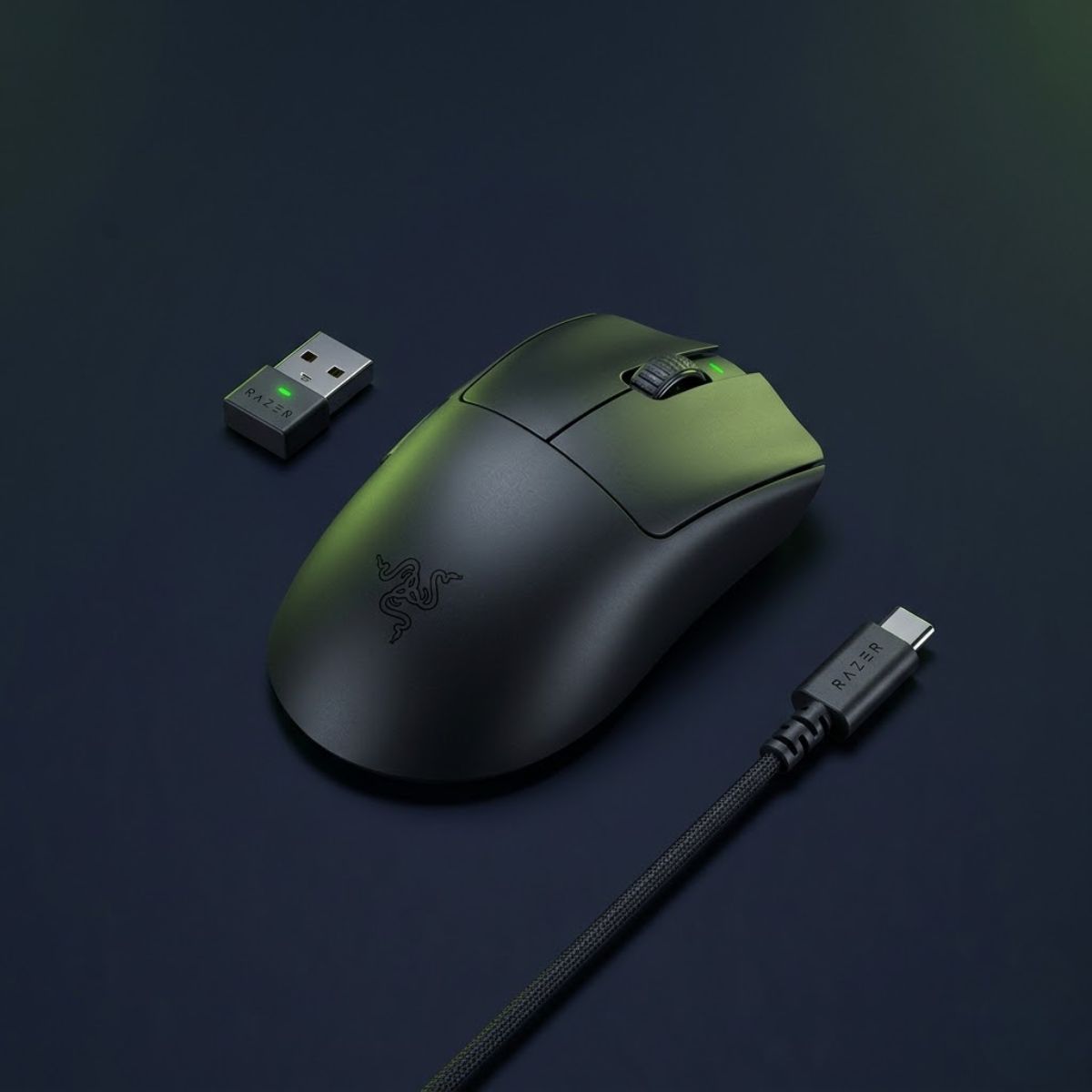
The image below demonstrates why precise mouse performance becomes critical during competitive FPS gameplay:

An FPS player performing a precise flick shot during a competitive match while using a gaming mouse on a large mousepad.
FPS games place constant demands on aiming accuracy, movement control, and tracking consistency.

Every movement of the mouse influences crosshair positioning, target acquisition, and shot placement. As a result, tracking consistency, responsiveness, and overall control become far more important than they would be during everyday computer use or less mechanically demanding games.

Why Flick Shots Depend on Fast and Reliable Mouse Tracking

Flick shots rely heavily on accurate mouse tracking because they require players to move their crosshair quickly from one position to another while maintaining control. A flick is often performed in response to a sudden enemy appearance, leaving very little time to correct mistakes.

When tracking remains consistent during fast movement, players can build reliable muscle memory and develop greater confidence in their aim. This allows the crosshair to reach the intended target more predictably, especially during high-pressure situations.

Although flicking skill primarily comes from practice, stable mouse performance helps ensure that hardware does not introduce unnecessary inconsistencies during rapid aiming movements.

Reliable tracking provides a stronger foundation for developing fast and repeatable flick mechanics.

How Small Micro Adjustments Influence Gunfight Accuracy

Micro adjustments are the small aiming corrections players make immediately before taking a shot. These movements are often only a few pixels wide, but they can determine whether a bullet lands on target or misses completely.

Many FPS engagements are decided by tiny corrections rather than large flicks. Players frequently place their crosshair near an enemy and then make a subtle adjustment to achieve accurate placement before firing.

Because these movements are so small, consistency becomes extremely important. Stable tracking and predictable mouse control help players make precise corrections without overshooting or losing control of the crosshair.

Strong micro-adjustment mechanics often separate consistent aimers from players who struggle with precision during competitive matches.

Why Consistent Crosshair Placement Starts With Stable Hardware

Crosshair placement is one of the most important aiming fundamentals in FPS games because it reduces the amount of movement needed before taking a shot. Players who maintain proper crosshair positioning usually react faster and require fewer corrections during engagements.

Good crosshair placement depends primarily on game knowledge, discipline, and experience. However, stable hardware helps support these habits by providing predictable movement whenever the player adjusts their aim.

When mouse performance feels inconsistent, maintaining precise positioning over long gaming sessions becomes more difficult. Small variations can gradually affect confidence and make aiming feel less controlled.

Consistent hardware cannot replace strong fundamentals, but it helps reinforce them by providing reliable feedback throughout every match.

The table below shows how different aspects of mouse performance influence common FPS aiming skills:

FPS SkillHow Mouse Performance Contributes
Flick ShotsSupports fast and accurate target acquisition
Micro AdjustmentsImproves precision during final aiming corrections
Crosshair PlacementHelps maintain consistent positioning
Target SwitchingProvides smoother transitions between enemies
Tracking Moving TargetsSupports stable movement control
Aim ConsistencyReduces hardware-related variability
How mouse performance affects common FPS aiming skills.

While skill development remains the most important factor in FPS improvement, reliable mouse performance helps create a stable environment where aiming mechanics can develop more consistently over time.

The Most Important Features of an FPS Gaming Mouse

The most important features of an FPS gaming mouse are the characteristics that directly influence aiming consistency, comfort, and control during gameplay. While marketing often highlights RGB lighting, extreme DPI numbers, or additional buttons, competitive FPS players typically focus on features that affect real in-game performance.

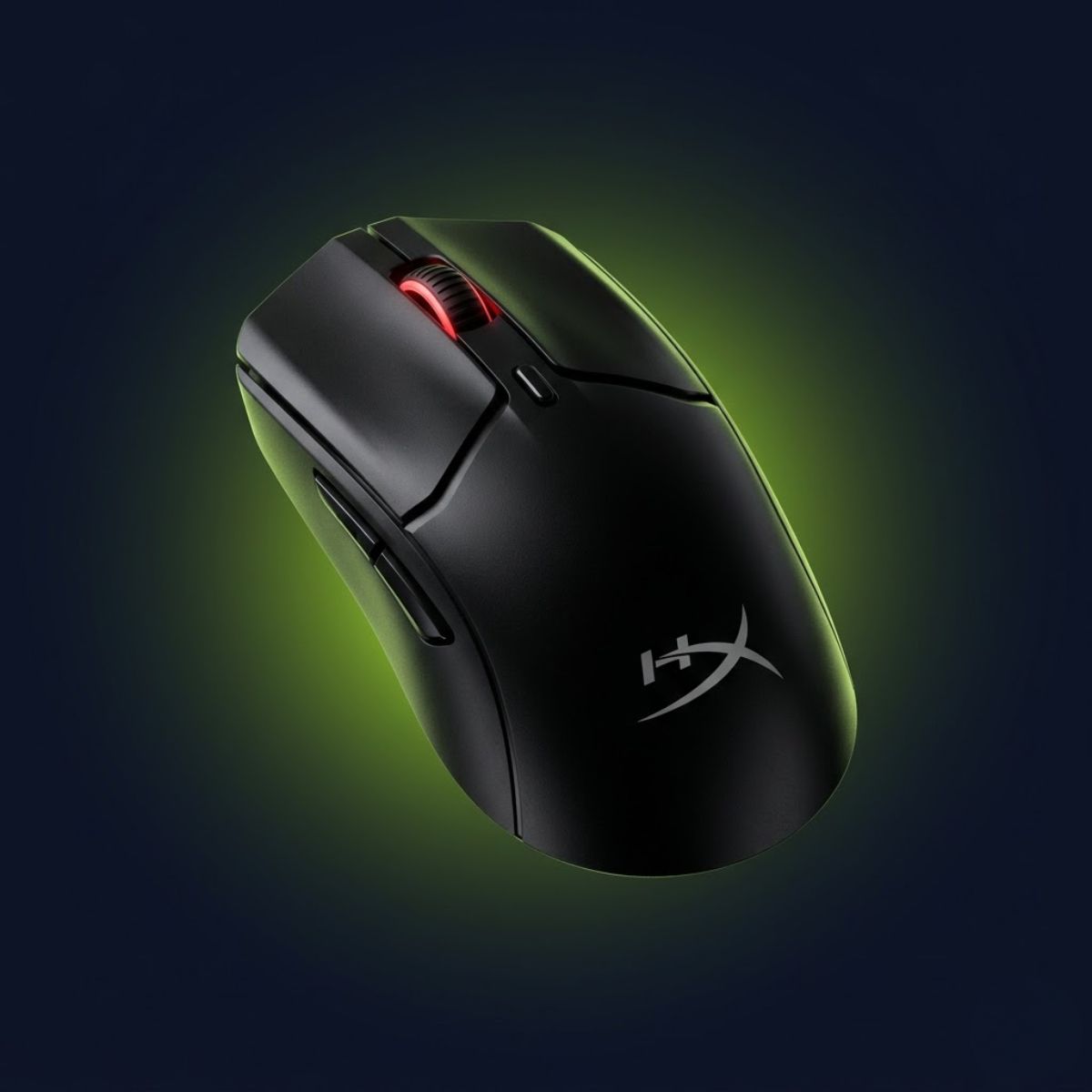
The image below illustrates the most important gaming mouse features that influence FPS aiming performance:

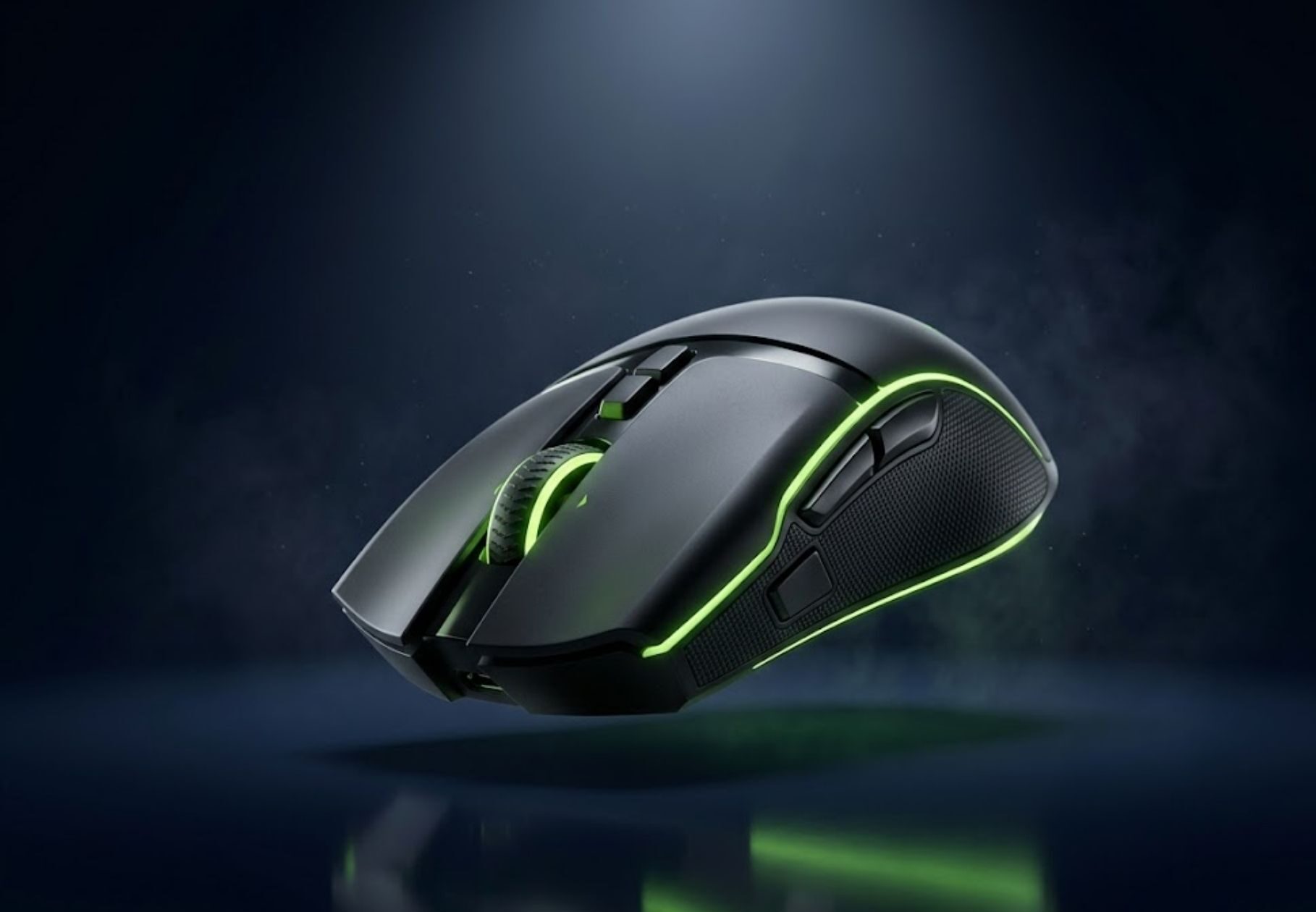
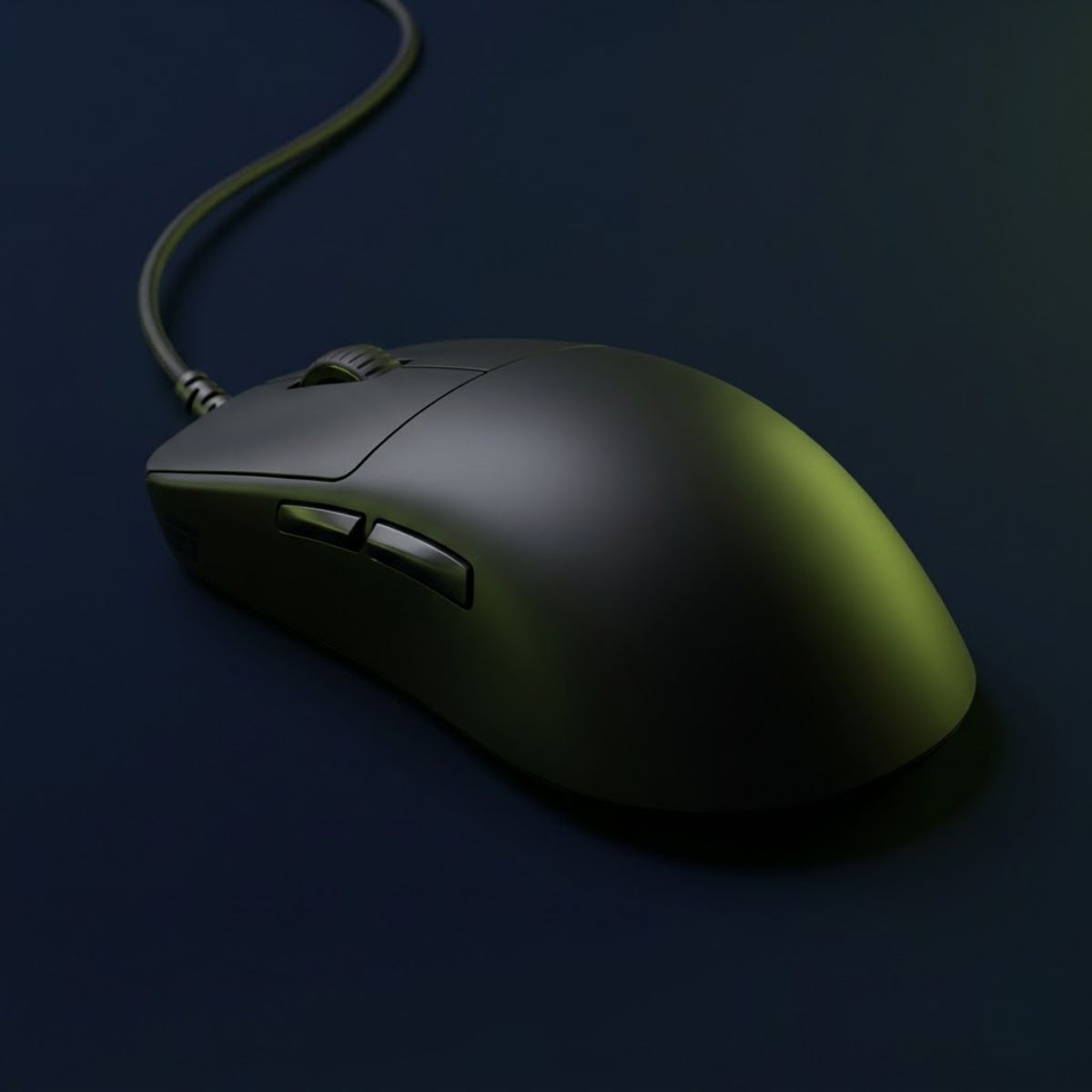
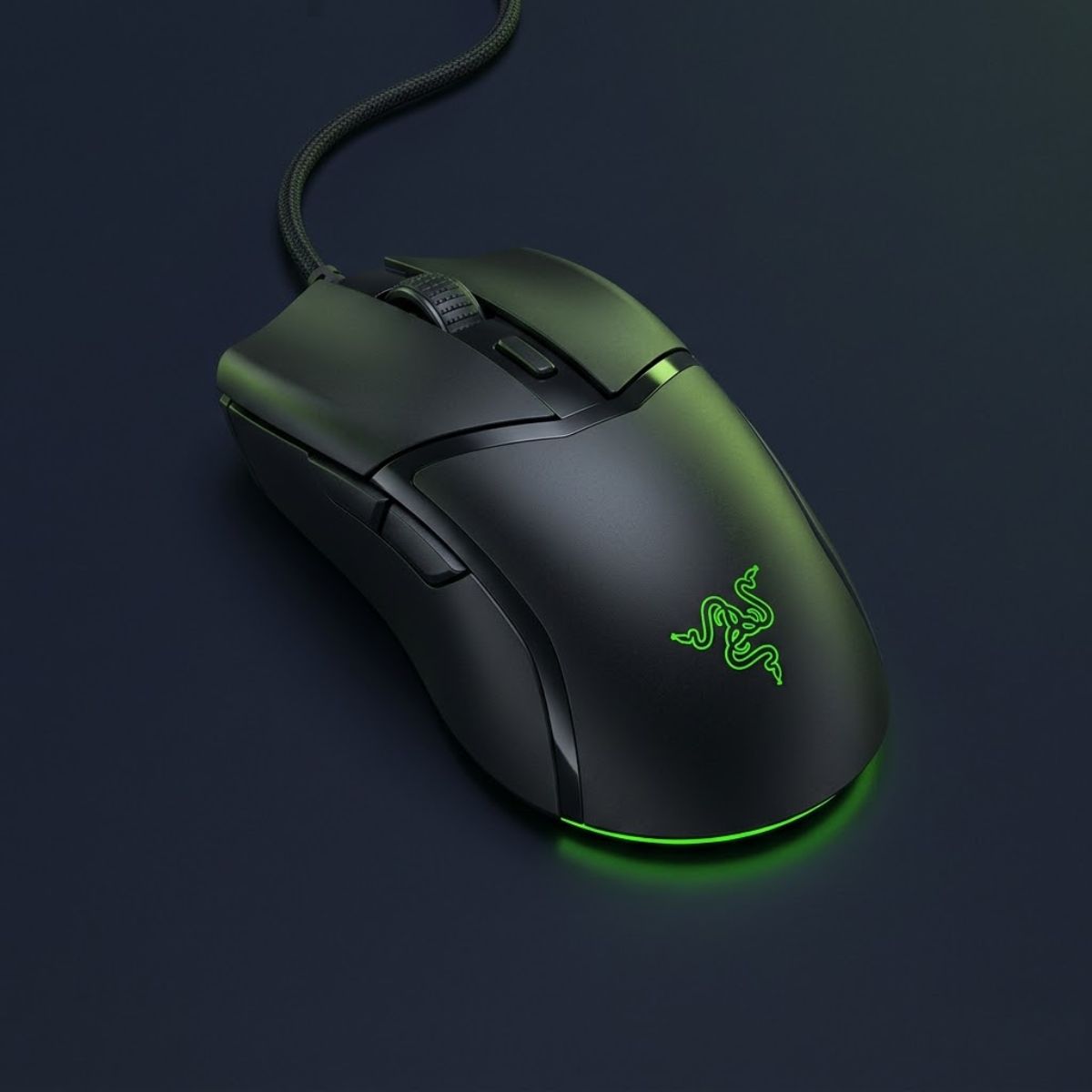
A gaming mouse displayed with focus on sensor quality, shape, weight, polling rate, and glide performance.
Shape, sensor quality, weight, and glide characteristics usually matter more than marketing features.

Understanding which features matter most helps players avoid unnecessary upgrades and prioritize the factors that genuinely contribute to a better aiming experience. Sensor quality, shape, weight, polling rate, and glide characteristics all play different roles in how a mouse feels during competitive play. Players who want a deeper breakdown of these specifications can explore our guide to gaming mouse features that matter for FPS.

Why Sensor Quality Affects Tracking Accuracy in Competitive FPS Games

Sensor quality determines how accurately a mouse converts physical movement into cursor movement on screen. A reliable sensor helps maintain consistent tracking across different speeds and movement styles, which is essential for competitive FPS gameplay.

Modern gaming sensors are designed to handle everything from slow precision adjustments to rapid flicks without introducing unwanted behavior. This allows players to build muscle memory with greater confidence because the mouse responds predictably during different aiming situations.

Although most modern gaming mice already include capable sensors, sensor quality remains one of the most important foundations of overall mouse performance.

A strong sensor helps ensure that player movement is represented accurately and consistently throughout every match.

How Mouse Shape Influences Comfort and Aim Consistency

Mouse shape affects how naturally a player’s hand interacts with the mouse during gameplay. Even two mice with identical sensors can feel completely different if their shapes support different grip styles or hand sizes.

A comfortable shape allows players to maintain stable control without constantly adjusting their grip. This becomes increasingly important during long gaming sessions where discomfort can gradually affect aiming consistency.

Shape also influences how easily players perform flicks, tracking movements, and micro-adjustments. For many FPS players, shape has a larger long-term impact on performance than raw specifications.

Finding a shape that matches natural hand positioning often contributes more to consistency than chasing the newest hardware features.

What Mouse Weight Feels Best for Different FPS Playstyles

Mouse weight influences how much effort is required to start, stop, and control movement. Different players prefer different weight ranges depending on their sensitivity settings, aiming habits, and personal comfort preferences.

Lighter mice generally require less force to move and may feel more agile during rapid flicks or large arm movements. Heavier mice often provide a more controlled feeling that some players prefer during slower and more deliberate aiming styles.

There is no universal weight that works best for everyone. The ideal choice depends on how a player interacts with the mouse rather than a specific number on a specification sheet.

The goal is not finding the lightest mouse possible but finding a weight that supports consistent control.

When Polling Rate Makes a Noticeable Difference in Gameplay

Polling rate describes how frequently a mouse reports its position to the computer each second. Higher polling rates allow movement data to be updated more frequently, which can contribute to a smoother overall experience.

For most FPS players, a stable polling rate matters more than simply chasing the highest number available. Factors such as system performance, monitor refresh rate, and individual sensitivity settings can influence whether differences become noticeable during gameplay.

Modern gaming mice commonly support polling rates that are already sufficient for competitive play. As a result, polling rate should be viewed as a supporting feature rather than the primary factor when choosing a gaming mouse.

Consistency and stability generally provide greater benefits than focusing solely on maximum polling rate specifications.

How Mouse Feet Affect Glide Speed and Stopping Control

Mouse feet are the contact points between the mouse and the mousepad. Their material and design influence how smoothly the mouse moves across a surface and how easily it can be stopped.

Smooth mouse feet can create a faster glide feeling that benefits players who prefer quick movements. Feet with more friction may provide additional stopping control, which some players find helpful for precision-focused aiming.

The interaction between mouse feet and the mousepad plays a major role in overall movement feel. Two identical mice can feel noticeably different when paired with different glide characteristics.

Well-designed mouse feet help create a more predictable aiming experience by balancing movement speed and control.

Essential FPS gaming mouse features and their impact on gameplay:

FeaturePrimary PurposeImpact on FPS Gameplay
Sensor QualityAccurate trackingImproves aiming consistency
Mouse ShapeComfort and grip supportInfluences long-term control
Mouse WeightMovement feelAffects speed and stopping power
Polling RateData reporting frequencyContributes to responsiveness
Mouse FeetSurface interactionChanges glide and control balance
Overview of the most important gaming mouse features for FPS players.

Rather than focusing on a single specification, FPS players should evaluate how these features work together to create a comfortable, predictable, and consistent aiming experience.

How a Gaming Mouse Improves Aim in FPS Games

A gaming mouse improves aim in FPS games by providing more consistent tracking, predictable movement, and better control during aiming actions. While a gaming mouse cannot replace practice, game sense, or mechanical skill, it helps remove hardware limitations that can interfere with aiming performance.

Many players assume a gaming mouse automatically creates better aim, but the real benefit comes from consistency. When mouse movement feels reliable across different situations, players can build stronger muscle memory and develop more repeatable aiming habits over time.

Improving Flick Accuracy During Fast Target Switching

Flick accuracy depends on how consistently a player can move their crosshair from one location to another and stop precisely on target. Gaming mice help support this process by providing stable tracking during both short and long-distance movements.

Fast target switching is common in FPS games when clearing angles, reacting to unexpected enemies, or fighting multiple opponents. In these situations, players rely heavily on muscle memory and movement consistency.

A gaming mouse helps create a more predictable connection between hand movement and crosshair movement, allowing players to perform flicks with greater confidence over time.

Reliable flick mechanics are built through practice, but consistent hardware makes that practice easier to develop and maintain.

Supporting More Controlled Micro Corrections

Micro corrections occur when players make small adjustments to their crosshair immediately before shooting. These movements often decide whether a shot lands accurately or misses the target by a small margin.

Gaming mice help support these fine movements by delivering smooth and predictable tracking at low movement speeds. This allows players to make subtle corrections without feeling like the mouse is fighting against them.

Because micro corrections happen constantly throughout a match, even small improvements in movement consistency can contribute to a more controlled aiming experience.

The ability to make precise adjustments becomes increasingly important as players face stronger opponents and more demanding engagements.

Reducing Inconsistency Caused by Hardware Limitations

Hardware limitations can sometimes create unnecessary obstacles that affect aiming consistency. Factors such as unstable tracking, excessive weight, poor shape compatibility, or inconsistent movement characteristics may interfere with a player’s ability to perform at their normal level.

A gaming mouse is designed to reduce these potential issues by focusing on performance-oriented design. The goal is not to improve skill directly but to create a stable environment where skill can be expressed more consistently.

When hardware behaves predictably, players spend less attention compensating for equipment and more attention focusing on positioning, decision-making, and mechanical execution.

Reducing unnecessary variables helps create a more dependable aiming experience across different matches and practice sessions.

Areas of aim performance influenced by a gaming mouse:

Aiming AreaHow a Gaming Mouse Helps
Flick ShotsSupports faster and more predictable target acquisition
Micro CorrectionsImproves control during small aiming adjustments
Crosshair StabilityHelps maintain consistent positioning
Target SwitchingSupports smoother transitions between enemies
Aim ConsistencyReduces hardware-related variability
Muscle Memory DevelopmentCreates more repeatable movement feedback
Examples of aiming areas that can benefit from consistent gaming mouse performance.

A gaming mouse does not guarantee better aim overnight, but it can provide a more stable foundation for developing the skills that matter most in competitive FPS games.

Do You Really Need a Gaming Mouse for FPS Games?

You do not absolutely need a gaming mouse to play FPS games, but it can provide meaningful advantages depending on your goals, skill level, and the limitations of your current setup. Some players can perform surprisingly well with basic hardware, while others quickly notice the benefits of equipment designed specifically for competitive aiming.

The real question is not whether a gaming mouse is required to play FPS games. The more useful question is whether a gaming mouse helps remove obstacles that may be holding back consistency, comfort, or long-term improvement.

When a Beginner Can Benefit From Switching to a Gaming Mouse

Beginners can benefit from a gaming mouse when their current mouse creates obvious limitations that make aiming feel inconsistent or uncomfortable. Common examples include unstable tracking, poor ergonomics, excessive weight, or unreliable movement during fast swipes.

At the beginner level, improvement still depends primarily on learning crosshair placement, positioning, movement, and game fundamentals. However, using hardware that behaves consistently can make these skills easier to practice and develop over time.

A gaming mouse should not be viewed as a shortcut to better aim. Instead, it should be viewed as a tool that provides a more stable environment for learning FPS mechanics.

For many new players, comfort and consistency often matter more than advanced specifications.

Why Competitive Players Usually Invest in Better Mouse Hardware

Competitive FPS players often invest in better mouse hardware because small performance differences become more noticeable as skill levels increase. When players spend hundreds or thousands of hours refining aim, they naturally want equipment that supports consistent execution.

At higher levels of play, gunfights are frequently decided by tiny aiming adjustments and rapid reactions. Reliable hardware helps reduce unnecessary variables that could interfere with these actions.

This does not mean every competitive player needs the most expensive mouse available. Many professionals choose equipment based on comfort, shape, and consistency rather than chasing the newest specifications.

The goal is usually not gaining an advantage through technology alone but ensuring hardware does not become a disadvantage.

Situations Where a Casual Player May Not Need an Upgrade Yet

Casual players may not need a gaming mouse immediately if their current setup already feels comfortable and supports their typical gaming habits. Players who enjoy FPS games occasionally may see less benefit from upgrading than someone who plays competitively every day.

If aiming feels consistent, tracking is reliable, and comfort is not an issue, upgrading may not create a dramatic difference in overall enjoyment. In some cases, investing time into practice can produce greater results than replacing hardware.

Upgrades become more valuable when existing equipment starts creating noticeable limitations or when a player develops stronger competitive goals.

Choosing whether to upgrade should depend on actual needs rather than feeling pressured to copy professional setups.

The comparison below shows when different types of FPS players may benefit from upgrading to a gaming mouse:

Player TypeNeed for a Gaming MouseReason
BeginnerHelpfulProvides a more consistent learning environment
Casual PlayerSituationalDepends on comfort and current hardware quality
Ranked GrinderRecommendedConsistency becomes increasingly important
Competitive PlayerStrongly RecommendedPerformance and reliability matter more at higher levels
Esports PlayerEssentialRequires dependable hardware for peak performance
General gaming mouse recommendations based on player goals and competitive involvement.

Ultimately, a gaming mouse becomes more valuable as aiming precision, consistency, and competitive ambitions become larger parts of the FPS experience.

Common Myths About FPS Gaming Mice

Many FPS gaming mouse myths persist because players often focus on specifications, marketing claims, or professional setups without understanding the factors that actually influence aiming performance. As a result, some players spend money on upgrades that do not solve their real problems or expect hardware alone to improve their gameplay.

Understanding these misconceptions helps players make better purchasing decisions and focus on the features that genuinely affect comfort, consistency, and control in FPS games.

Why Higher DPI Does Not Automatically Improve Accuracy

Higher DPI does not automatically create better aim because DPI only determines how sensitive mouse movement feels. While DPI changes how far the crosshair moves relative to physical hand movement, it does not directly increase tracking precision or player skill.

Many new players assume that extremely high DPI settings provide a competitive advantage because larger numbers appear more advanced. In reality, most competitive FPS players use moderate DPI values and focus on building consistent mouse control rather than maximizing sensitivity.

Accuracy comes primarily from crosshair placement, muscle memory, and movement control. DPI should be selected based on comfort and consistency rather than marketing numbers.

The most effective DPI setting is usually the one that allows repeatable and predictable aiming.

The Truth About Expensive Gaming Mice and Player Performance

An expensive gaming mouse does not automatically produce better results than a more affordable option. Price often reflects factors such as materials, wireless technology, build quality, battery performance, and additional features rather than direct aiming improvement.

Many mid-range gaming mice already provide excellent sensors and performance that are more than sufficient for competitive FPS play. Once core performance requirements are met, differences between products often become smaller than many players expect.

Comfort, shape compatibility, and personal preference frequently have a greater impact on the user experience than simply choosing the most expensive mouse available.

A well-matched mouse usually provides more value than a premium mouse that does not fit the player’s hand or grip style.

When Lightweight Mice Can Actually Hurt Control

Lightweight mice are not automatically better for every FPS player. Although many competitive players prefer lighter mice because they require less effort to move, some users find extremely light designs difficult to control consistently.

Players who prefer slower movements, higher stopping control, or a more planted feeling may perform better with slightly heavier mice. Individual aiming habits, sensitivity settings, and grip styles all influence how weight feels during gameplay.

The ideal mouse weight depends on balancing movement speed and control rather than pursuing the lowest possible number.

Weight should support a player’s aiming style instead of forcing them to adapt to a trend.

Why Professional Player Settings Do Not Always Transfer Well

Professional player setups do not always work for everyone because aiming performance depends on many personal factors. Hand size, grip style, desk space, posture, sensitivity, and years of developed muscle memory all influence how a setup feels.

A mouse that performs exceptionally well for one professional player may feel uncomfortable or inconsistent for someone with different physical characteristics and habits. Copying equipment without understanding these differences often leads to frustration.

Professional setups can provide useful reference points, but they should be treated as examples rather than universal solutions.

The misconceptions below are among the most common misunderstandings surrounding FPS gaming mice:

  • Higher DPI improves aim: DPI changes sensitivity, but it does not automatically improve accuracy.
  • More expensive mice perform better: Shape, comfort, and consistency often matter more than price.
  • Lighter mice are always superior: The ideal weight depends on individual preferences and aiming style.
  • Professional player settings work for everyone: Hand size, grip style, and sensitivity all influence what feels best.
  • Hardware can replace practice: Equipment supports performance, but skill development still comes from practice and experience.

Understanding why these beliefs are misleading helps players make more informed decisions when selecting a gaming mouse for FPS games.

What Makes a Good FPS Gaming Mouse?

A good FPS gaming mouse is a mouse that supports consistent aiming, comfortable long-term use, and reliable performance during competitive gameplay. While many gaming mice advertise dozens of features, only a small number of characteristics have a meaningful impact on FPS performance.

The best gaming mouse is not necessarily the most expensive or the newest model available. Instead, it is the mouse that matches a player’s hand size, grip style, aiming habits, and overall gameplay preferences while providing dependable tracking and control.

Which Characteristics Matter Most for Tactical FPS Games

Tactical FPS games reward precision, consistency, and controlled movement far more than raw speed. As a result, the most important mouse characteristics are usually those that help players maintain reliable aim throughout long competitive sessions.

Shape often sits at the top of the priority list because it influences comfort and control during every movement. Sensor performance is equally important because it ensures tracking remains accurate during both fast flicks and slow adjustments. Weight also plays a major role by affecting how quickly and comfortably players can move the mouse.

When these core characteristics work together, players can focus on improving mechanics rather than adapting to hardware limitations.

Strong fundamentals usually begin with a mouse that feels natural and predictable in the hand.

Which Features Are Often Overrated by New Players

Many new players focus on specifications that sound impressive but provide limited practical value in real gameplay. Marketing often emphasizes extreme DPI values, excessive RGB lighting, or large numbers of programmable buttons, even though these features rarely determine aiming performance.

While advanced features can be useful in specific situations, they generally contribute far less to FPS performance than shape, sensor quality, and overall comfort. Players who prioritize specifications over usability sometimes end up with a mouse that looks impressive on paper but feels uncomfortable during actual gameplay.

Understanding the difference between meaningful performance features and marketing features can prevent unnecessary spending and frustration.

Practical performance usually matters more than impressive specifications.

How Competitive Players Prioritize Mouse Features

Competitive FPS players often evaluate gaming mice differently than casual buyers. Rather than focusing on long feature lists, they typically prioritize characteristics that directly influence aiming consistency and comfort.

Most experienced players place shape near the top of their decision-making process because it affects every aspect of mouse control. Sensor reliability, weight balance, build quality, and glide characteristics usually follow closely behind. Features that do not significantly influence gameplay are often treated as secondary considerations.

This approach helps players choose equipment based on performance needs rather than marketing trends or popularity alone.

Prioritizing the right features often leads to a more effective and satisfying gaming experience over the long term.

The characteristics below typically have the greatest influence on FPS performance:

  • Comfort: Supports longer gaming sessions without fatigue.
  • Consistency: Delivers predictable movement during repeated aiming actions.
  • Control: Helps players stop and adjust the crosshair accurately.
  • Reliability: Maintains stable performance across different gameplay situations.
  • Compatibility: Matches the player’s hand size and grip style.

Together, these characteristics contribute far more to FPS performance than cosmetic features, marketing claims, or unnecessary extras.

Best Mouse Shapes for FPS Games

The best mouse shape for FPS games is the one that allows a player to maintain consistent control, comfortable grip positioning, and repeatable aiming movements over long periods of play. While specifications such as sensor quality and polling rate matter, shape is often the feature players physically interact with the most.

The image below compares different mouse shape styles and how they support various FPS grip preferences:

An FPS player comparing gaming mouse shapes, hand measurements, and grip styles while researching a new mouse purchase.
The best FPS gaming mouse is usually the one that matches your hand, grip style, and aiming habits.

Different shapes support different hand sizes, grip styles, and aiming habits. Because of this, a mouse that feels perfect for one FPS player may feel uncomfortable or difficult to control for another, even if both mice offer similar technical performance.

Why Symmetrical Mouse Shapes Dominate Competitive FPS Esports

Symmetrical mouse shapes are commonly seen in competitive FPS esports because they provide a balanced design that works well with a wide range of grip styles. Many professional players prefer symmetrical shapes because they allow flexible hand positioning and consistent control during both flicking and tracking movements.

These designs typically support claw grip and fingertip grip users particularly well, while also remaining comfortable for many palm grip players depending on hand size. Their neutral structure allows players to make rapid directional changes without feeling restricted by the mouse body.

This versatility explains why many of the most popular FPS gaming mice use symmetrical designs rather than highly specialized shapes.

A balanced shape often gives competitive players greater freedom to develop their own aiming style.

Who Benefits Most From an Ergonomic Mouse Design

Ergonomic mouse shapes are designed to support the natural contours of the hand and often provide a more relaxed grip experience. These shapes can be especially appealing to players who prioritize comfort during extended gaming sessions.

Many ergonomic mice offer additional palm support and encourage a more stable hand position. This can help reduce fatigue for some users, particularly those who prefer palm grip or larger mouse designs.

Although ergonomic shapes are less common in professional FPS esports than symmetrical designs, they remain popular among players who value comfort and controlled movement.

The right ergonomic design can create a more natural connection between the hand and the mouse.

How Grip Style Changes the Ideal Mouse Shape Choice

Grip style plays a major role in determining which mouse shape feels most comfortable and controllable. A shape that works perfectly for one grip style may feel awkward or restrictive for another.

Claw grip players often prefer shapes with pronounced rear humps that provide additional palm contact while leaving room for finger control. Fingertip grip users frequently favor smaller shapes that maximize finger movement and agility. Palm grip players typically benefit from designs that provide broader hand support.

Choosing a shape that complements natural grip habits often improves comfort more effectively than forcing a grip style around a specific mouse design.

The most effective shape is usually the one that supports how a player already aims rather than changing how they naturally hold a mouse.

Why Hand Size Matters When Evaluating Mouse Shape

Hand size influences how comfortably a player can reach buttons, maintain grip stability, and control mouse movement. Even a highly regarded FPS gaming mouse may feel uncomfortable if its dimensions do not match the user’s hand.

Players with smaller hands often struggle with oversized mice because they require additional effort to control. Players with larger hands may find compact mice difficult to grip securely during extended sessions.

Evaluating shape without considering hand size can lead to discomfort, reduced control, and unnecessary grip adjustments during gameplay.

Matching mouse dimensions to hand size helps create a more stable and comfortable aiming experience.

The table below shows which mouse shape characteristics generally work best for different FPS grip styles:

Grip StylePreferred Shape CharacteristicsPrimary Benefit
Claw GripPronounced rear hump, medium widthStrong balance of control and agility
Fingertip GripCompact shape, lower profileMaximum finger mobility
Palm GripLarger body, increased palm supportGreater comfort and stability
Hybrid GripBalanced symmetrical designVersatility across multiple aiming styles
General mouse shape preferences associated with common FPS grip styles.

Because shape directly influences comfort, control, and consistency, many experienced FPS players consider it the most important factor when selecting a gaming mouse.

How to Choose the Right Gaming Mouse for FPS Games

Choosing the right gaming mouse for FPS games depends on matching the mouse to your hand size, grip style, sensitivity settings, and overall aiming habits. A gaming mouse that performs well for one player may feel uncomfortable or difficult to control for another because individual preferences and physical characteristics vary significantly.

Instead of searching for a universally perfect mouse, FPS players should focus on finding a model that supports their own aiming style. Evaluating a few key factors before buying can greatly increase the chances of selecting a mouse that remains comfortable and effective over the long term. If this is your first purchase, our guide to choosing a first gaming mouse for FPS beginners walks through the process step by step.

How Hand Size Influences Mouse Selection

Hand size affects how naturally a player can grip and control a mouse. A mouse that is too large may force awkward finger positioning, while a mouse that is too small can reduce stability and create unnecessary hand tension.

Players with smaller hands often benefit from compact shapes that allow easier access to buttons and more comfortable movement. Larger hands generally require additional support to maintain control during extended gaming sessions.

Matching mouse dimensions to hand size helps create a more natural grip and reduces the need for constant adjustments while aiming.

A properly sized mouse often feels more comfortable and predictable during both practice and competitive play.

Why Grip Style Should Be Considered Before Specifications

Grip style influences how a player interacts with the mouse during every movement. Because grip affects comfort, control, and movement mechanics, it often deserves consideration before comparing technical specifications.

Different grip styles place different demands on mouse shape, size, and overall design. A mouse that complements a player’s natural grip usually feels easier to control and requires less effort to use consistently.

Many players focus heavily on specifications while overlooking grip compatibility. In practice, shape and grip comfort frequently have a larger impact on the user experience than minor differences in technical performance.

Choosing a mouse that works naturally with existing grip habits can improve long-term consistency and comfort.

How Desk Space and Sensitivity Affect Mouse Choice

Desk space and sensitivity settings influence how a mouse will be used during gameplay. Players who use lower sensitivities generally perform larger arm movements and may benefit from lightweight designs that feel easier to move across a larger area.

Higher sensitivity users often rely more on wrist movement and may prioritize different aspects of control and comfort. Available mousepad space also affects how freely players can perform large aiming motions without restriction.

Understanding these factors helps players choose equipment that complements their existing setup rather than creating unnecessary adjustments.

A gaming mouse should work with a player’s environment and settings rather than forcing major changes to established habits.

Choosing Between Wired and Wireless Gaming Mice

Wired and wireless gaming mice are both capable of excellent FPS performance. Modern wireless technology has improved significantly, allowing many wireless gaming mice to deliver responsiveness that satisfies even competitive players.

Wired mice eliminate battery concerns and provide a permanent physical connection. Wireless mice offer greater freedom of movement by removing cable drag, which some players find beneficial during fast aiming motions.

The decision often comes down to personal preference, budget, charging habits, and overall setup priorities rather than a major performance difference.

Both options can support competitive FPS gameplay when paired with a quality gaming mouse.

The following process can help narrow down the most suitable gaming mouse for your needs:

  1. Measure your hand size: Determine whether a small, medium, or large mouse will fit comfortably.
  2. Identify your grip style: Understand whether you naturally use palm, claw, or fingertip grip.
  3. Consider your sensitivity settings: Evaluate how your aiming style influences mouse size, shape, and weight preferences.
  4. Evaluate available desk space: Ensure there is enough room for your preferred aiming movements.
  5. Choose a comfortable weight range: Select a weight that matches your control and movement preferences.
  6. Decide between wired and wireless: Choose the connection type that best fits your setup and daily habits.
  7. Set a realistic budget: Focus on the features that genuinely affect FPS performance.

Following these steps often leads to better long-term satisfaction than choosing a mouse based solely on popularity, marketing claims, or professional player recommendations.

Mistakes Players Make When Buying an FPS Mouse

Many FPS players choose the wrong gaming mouse because they focus on trends, specifications, or professional setups instead of evaluating their own needs. While modern gaming mice are generally capable devices, buying the wrong shape, size, or weight can create comfort and control issues that negatively affect long-term consistency.

Avoiding common purchasing mistakes helps players make better decisions and reduces the likelihood of replacing equipment repeatedly in search of a perfect setup. Understanding what not to prioritize can be just as important as knowing which features matter most. For a deeper look at the buying errors many FPS players make, read our guide to common gaming mouse mistakes.

Choosing a Mouse Based Only on Professional Player Setups

Professional player setups are often used as references, but copying a professional’s mouse choice does not guarantee similar results. Every player has different hand sizes, grip styles, sensitivity settings, desk space, and years of developed muscle memory.

A mouse that feels excellent for a professional player may feel uncomfortable or difficult to control for someone with different physical characteristics. This is especially true when players choose a mouse simply because it is popular within the esports community.

Professional recommendations can provide useful starting points, but they should not replace personal evaluation and comfort testing.

The best mouse is usually the one that fits the individual player rather than the one used by the most famous competitor.

Prioritizing Specifications While Ignoring Shape and Comfort

Specifications often attract attention because they are easy to compare, but shape and comfort frequently have a larger impact on real-world performance. Many players spend time comparing DPI ranges, polling rates, and sensor names while overlooking how the mouse actually feels in their hand.

A technically impressive mouse can still become a poor choice if it causes discomfort, awkward grip positioning, or unnecessary hand fatigue. Since players physically interact with the shape throughout every match, comfort directly affects long-term consistency.

Focusing exclusively on specifications can lead to buying a mouse that performs well on paper but feels difficult to use during actual gameplay.

Comfort and control should remain central parts of any gaming mouse decision.

Replacing Mice Too Frequently Instead of Building Consistency

Constantly changing gaming mice can make it harder to develop stable aiming habits. Many players switch hardware after a few poor matches, assuming a different mouse will immediately solve performance problems.

In reality, aim consistency often improves through practice, familiarity, and muscle memory rather than frequent equipment changes. Regularly switching between shapes, weights, and sizes can interrupt adaptation and make performance feel less predictable.

Unless a mouse creates genuine comfort or performance issues, spending time adapting to one setup is often more productive than constantly searching for alternatives.

Consistency usually develops faster when hardware remains stable over extended periods.

Buying Features That Do Not Match Actual Gameplay Needs

Not every gaming mouse feature is equally important for FPS players. Some buyers pay extra for functions they rarely use, while overlooking features that directly influence aiming performance.

Additional buttons, extensive RGB lighting, and niche software functions may provide value in certain situations, but they often contribute less to FPS gameplay than shape, sensor reliability, and overall comfort.

Evaluating how a mouse will actually be used helps prevent unnecessary spending and keeps attention focused on performance-related characteristics.

A gaming mouse should support gameplay requirements rather than simply offering the longest feature list.

The mistakes below are among the most common reasons players end up buying a gaming mouse that does not fit their needs:

  • Copying professional setups: Choosing a mouse based on popularity rather than personal comfort and control.
  • Prioritizing specifications: Focusing on numbers while ignoring shape and ergonomics.
  • Replacing mice too frequently: Changing hardware before allowing enough time to adapt.
  • Paying for unnecessary features: Spending more on features that have little impact on FPS performance.
  • Ignoring hand size and grip style: Selecting a mouse that does not naturally fit the user’s hand.

Avoiding these mistakes can make the buying process more effective and increase the chances of finding a mouse that remains comfortable over the long term.

The examples below highlight several common buying mistakes and the alternatives that often lead to better long-term results:

Common MistakeBetter Alternative
Copying a pro player’s mouse blindlyChoose based on hand size and grip style
Focusing only on specificationsPrioritize shape and comfort first
Switching mice after every bad sessionAllow time for adaptation and practice
Buying unnecessary featuresFocus on features that affect FPS performance
Ignoring personal preferencesBuild a setup around individual needs
Common FPS mouse buying mistakes and more effective alternatives.

Avoiding these mistakes allows players to make smarter purchasing decisions and build a setup that supports consistent improvement rather than constant experimentation.

Are Gaming Mice Worth It for FPS Games?

Gaming mice are worth it for many FPS players because they provide better consistency, comfort, and control than most standard office mice. However, the value of a gaming mouse depends on how often someone plays, what level of competition they pursue, and whether their current hardware is creating noticeable limitations.

For some players, upgrading to a gaming mouse can make aiming feel more predictable and comfortable. For others, especially those already using decent hardware, improvements may be more subtle and focused on long-term consistency rather than immediate performance gains.

Situations Where a Gaming Mouse Creates a Noticeable Advantage

A gaming mouse creates the most noticeable advantage when a player’s current mouse struggles with tracking consistency, comfort, or responsiveness. In these situations, upgrading can remove obstacles that directly affect aiming performance.

Players who spend significant time playing tactical shooters often benefit from hardware designed specifically for precise control. Consistent tracking, comfortable shapes, and reliable movement become increasingly important as skill levels improve and aiming demands become more demanding.

The difference is often most noticeable during extended gaming sessions where comfort and consistency play a larger role than short bursts of performance.

Removing hardware limitations allows players to focus more attention on mechanics and decision-making.

When Upgrading Other Parts of Your Setup May Matter More

A gaming mouse is not always the most important upgrade. In some situations, other parts of a setup may have a larger impact on overall gameplay experience and improvement potential.

Players using extremely limited desk space, worn-out mousepads, unstable frame rates, or poor monitor performance may benefit more from addressing those issues before purchasing a new mouse. Hardware works as a complete system, and weaknesses elsewhere can reduce the benefits of a gaming mouse upgrade.

Evaluating the entire setup helps players identify the changes most likely to improve comfort and consistency.

Sometimes solving a larger bottleneck provides greater value than replacing a mouse that already performs adequately.

Why a Comfortable Mouse Matters More Than Chasing Upgrades

The biggest value of a gaming mouse often appears over time rather than immediately after purchase. A mouse that fits comfortably and performs consistently helps players develop stable habits, reliable muscle memory, and greater confidence in their equipment.

Long-term familiarity allows players to focus less on hardware and more on gameplay improvement. As aiming mechanics become more refined, consistency becomes increasingly important, and dependable equipment helps support that process.

The goal is not finding a mouse that magically improves aim overnight. The goal is finding a mouse that remains comfortable, predictable, and effective throughout months or years of play.

Long-term consistency often delivers more value than short-term excitement from constantly changing equipment.

The table below summarizes when investing in a gaming mouse is likely to provide meaningful value for FPS players:

SituationGaming Mouse Value
Using an old office mouseHigh
Playing FPS games regularlyHigh
Competing in ranked playHigh
Already using a modern gaming mouseModerate
Playing FPS games occasionallyModerate
Experiencing setup limitations elsewhereSituational
Situations where a gaming mouse may provide different levels of value for FPS players.

For most FPS players, a gaming mouse is not a requirement for enjoying the game, but it can be a worthwhile investment when comfort, consistency, and aiming performance become priorities.

Frequently Asked Questions About Gaming Mice for FPS Games

Many FPS players have similar questions when researching gaming mice, especially when trying to understand how different features influence aiming performance. The answers below address some of the most common concerns surrounding gaming mice, FPS gameplay, and equipment selection.

Can You Play FPS Games Without a Gaming Mouse?

Yes, you can play FPS games without a gaming mouse. However, a gaming mouse often provides better tracking consistency, comfort, and responsiveness, which can become increasingly valuable as competitive demands increase.

Do Gaming Mice Improve Aim?

Gaming mice can support better aim, but they do not automatically improve skill. Their primary benefit is reducing hardware limitations and providing a more consistent platform for developing aiming mechanics through practice.

Are Gaming Mice Better Than Office Mice for FPS Games?

Gaming mice are generally better suited for FPS games because they prioritize tracking accuracy, responsiveness, and control. Office mice are designed mainly for productivity tasks and may not offer the same level of performance during competitive gameplay.

What DPI Should FPS Players Use?

There is no single best DPI for every FPS player. Many competitive players use 400 DPI, 800 DPI, or 1600 DPI because these values provide a balance between precision and flexibility when combined with appropriate in-game sensitivity settings.

Does Polling Rate Matter for FPS Games?

Polling rate can affect responsiveness, but it is usually not the most important factor when choosing a gaming mouse. A stable polling rate combined with good shape, sensor quality, and comfort often has a greater impact on overall performance.

What Mouse Weight Is Best for FPS Gaming?

The best mouse weight depends on personal preference and aiming style. Some players prefer lightweight mice for faster movement, while others prefer slightly heavier options that provide a greater sense of control.

Are Wireless Gaming Mice Good for Competitive FPS Games?

Modern wireless gaming mice are fully capable of competitive FPS performance. Advances in wireless technology have significantly reduced latency, making many wireless models suitable for both casual and professional play.

How Long Does a Gaming Mouse Typically Last?

A quality gaming mouse can often last several years with proper care. Durability depends on factors such as build quality, usage habits, switch lifespan, and overall maintenance.

What Mouse Shape Is Best for FPS Games?

The best mouse shape is the one that feels comfortable and controllable for your hand size and grip style. Shape preference varies significantly between players, which is why no single design works best for everyone.

Can a Gaming Mouse Improve Reaction Time?

A gaming mouse cannot directly improve reaction time. However, lower latency and more predictable performance can help ensure that mouse input responds consistently when reactions occur.

Should Beginners Buy an Expensive FPS Mouse?

Beginners do not need the most expensive gaming mouse to enjoy FPS games or improve their skills. Comfort, shape compatibility, and reliable performance are usually more important than premium features.

What Is the Most Important Feature in an FPS Gaming Mouse?

Mouse shape is often considered the most important feature because it directly affects comfort, control, and consistency. Even a technically advanced mouse may perform poorly if its shape does not suit the player’s hand and grip style.

These answers cover the most common questions surrounding FPS gaming mice and provide a practical starting point for players looking to make more informed equipment decisions.

Key Takeaways About Gaming Mice for FPS Games

A gaming mouse for FPS games is designed to provide more consistent tracking, better control, and greater comfort during competitive gameplay. While it cannot replace practice, game knowledge, or mechanical skill, it can help remove hardware limitations that interfere with aiming performance and long-term consistency.

Throughout this guide, we explored how gaming mice differ from office mice, why FPS games demand reliable mouse performance, which features matter most, and how players can choose a mouse that fits their individual needs. Factors such as shape, comfort, sensor quality, and overall control consistently have a greater impact than marketing specifications or trends.

For most players, the goal should not be finding the most expensive gaming mouse available. The goal should be finding a mouse that feels natural, supports existing aiming habits, and remains comfortable throughout long gaming sessions. If you are ready to compare actual recommendations, explore our list of the best gaming mouse for FPS games in 2026.

A well-chosen gaming mouse becomes a stable foundation for developing aim, building muscle memory, and maintaining confidence during competitive matches. As skill improves, consistent hardware helps ensure that performance is determined more by player ability and less by equipment limitations.

Ultimately, the best FPS gaming mouse is the one that allows you to focus on the game instead of thinking about the mouse in your hand.

Thank you for taking the time to read this guide. We hope it helped you better understand what makes a gaming mouse suitable for FPS games and how to choose one that supports your aiming style, comfort preferences, and long-term improvement goals.

Leave a Reply

Your email address will not be published. Required fields are marked *