
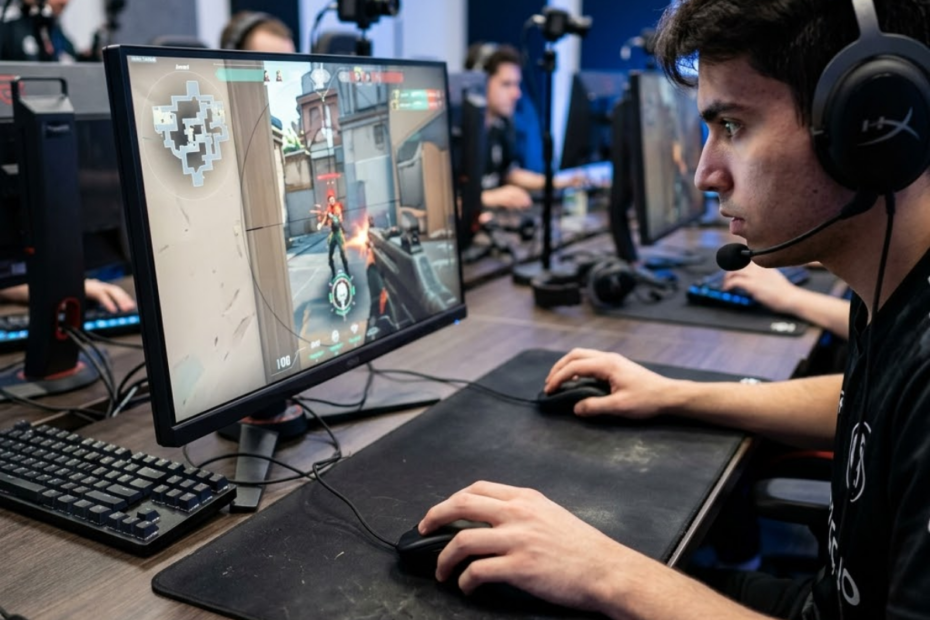
Gaming mice can improve aim, but they do not magically make someone more skilled. They mainly help by making mouse movement more consistent, predictable, and easier to control. That matters most in FPS games, where small aiming errors can decide a fight.
For the question do gaming mice improve aim, the honest answer is yes, but only in the right situation. If you are still learning the basics, it helps to first understand what a gaming mouse is for FPS games before evaluating its impact on aiming performance.
The real value of a gaming mouse is not instant accuracy. It gives players a more reliable tool, so their practice and mechanics can show up more consistently in real matches.
Do Gaming Mice Actually Improve Aim?
Gaming mice can improve aim when they reduce hardware problems that make movement inconsistent. They help most with mechanical aim, such as flicking, tracking, and micro-adjustments.
The image below illustrates how repeatable hand movement helps build more consistent aiming over time:
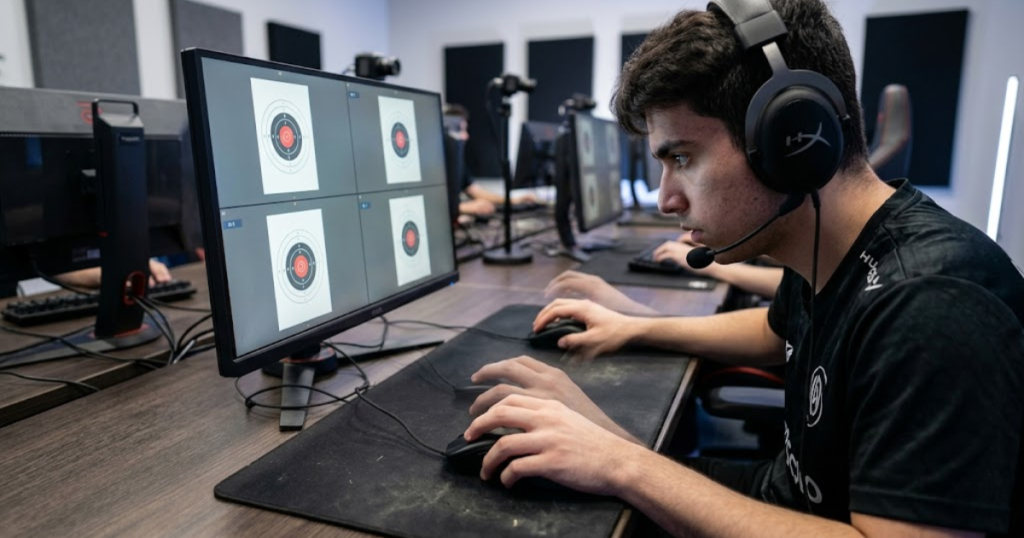
Aim depends on repeatable motion. When the same hand movement creates the same on-screen result, players can build better control over time. A gaming mouse supports that process by making input feel more stable.
How Much Aim Improvement Should You Expect From a Gaming Mouse?
A gaming mouse can create noticeable improvement if your current mouse is uncomfortable, inaccurate, or slow to respond. The improvement is usually about consistency, not suddenly becoming a much better player overnight.
Players switching from a basic office mouse may feel a bigger difference than players who already use a decent gaming mouse. The biggest change is often that aim feels easier to trust during repeated movements.
The best expectation is simple. A gaming mouse can help you aim more reliably, but it will not replace practice.
Which Parts of Aim Can a Gaming Mouse Improve?
A gaming mouse can improve the parts of aim that depend on clean physical input. This includes flick shots, tracking aim, target switching, and small crosshair corrections.
These areas rely on how smoothly the mouse follows your hand. If the mouse is too heavy, badly shaped, or inconsistent, the player may fight the hardware instead of focusing on the target.
The strongest improvements usually appear when the mouse removes friction from movements the player already knows how to perform.
Which Parts of Aim Still Depend on Skill?
A gaming mouse cannot improve the parts of aim that come from game knowledge and decision-making. Crosshair placement, movement discipline, timing, and positioning still depend on the player.
If a player aims at the floor before every duel, a better mouse will not automatically place the crosshair at head level. If a player takes poor fights, faster input will not fix the decision.
A gaming mouse supports mechanical execution, but the player still has to build the habits that make aim effective.
The table below summarizes which parts of aiming can realistically benefit from a gaming mouse:
| Aim Area | Can A Gaming Mouse Help? | Why It Matters |
|---|---|---|
| Flick Shots | Yes | Lower weight and stable tracking can make fast movement easier to control. |
| Tracking Aim | Yes | Consistent sensor behavior helps the crosshair follow moving targets smoothly. |
| Micro-Adjustments | Yes | A comfortable shape can make small corrections feel more natural. |
| Crosshair Placement | No | This depends on awareness, map knowledge, and discipline. |
| Game Sense | No | Decision-making is not controlled by mouse hardware. |
A gaming mouse can improve aim when the limitation is physical control. It cannot replace the skill habits that make aim useful in real matches. For a broader look at mouse selection, shapes, weight, and performance factors, explore this complete guide to gaming mice for FPS games.
When Do Gaming Mice Improve Aim the Most?
Gaming mice improve aim the most when a player is using a mouse that limits control. The difference becomes easier to notice in competitive FPS games where precision, speed, and repeatability matter.
The image below highlights situations where a gaming mouse upgrade can create the most noticeable aiming improvement:
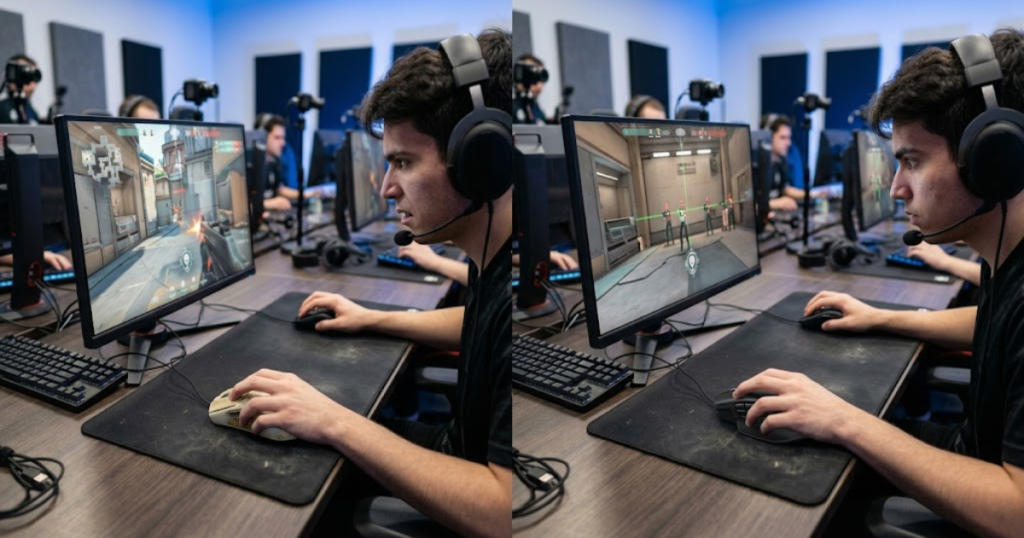
The more a game punishes small aiming errors, the more valuable a reliable mouse becomes. A better mouse is especially useful when the current mouse makes aim feel inconsistent or uncomfortable.
Why Competitive FPS Players Notice The Difference Faster
Competitive FPS players notice gaming mouse benefits faster because their games demand more precise input. These same advantages help explain why FPS players use gaming mice instead of relying on standard office hardware.
Tactical shooters reward clean first-shot accuracy and controlled micro-adjustments. Tracking-heavy shooters reward smooth target following. A gaming mouse supports both by making movement more predictable.
The more serious the aiming environment, the easier it is to feel hardware differences.
Why Old Office Mice Can Make Aim Feel Inconsistent
Old office mice can make aim feel inconsistent because they are usually designed for basic computer use, not fast FPS movement. They may feel fine for browsing but unreliable during quick swipes and sudden corrections.
A basic mouse may have limited shape options, heavier movement, lower polling behavior, or less consistent tracking during fast movement. These issues can make aim feel disconnected from the hand.
Switching from a weak office mouse to a gaming mouse often creates the most noticeable upgrade.
Why Long Gaming Sessions Reveal Mouse Problems
Long gaming sessions reveal mouse problems because discomfort and tension build over time. A mouse that feels acceptable for a short warmup may become distracting after several matches.
If the shape forces your hand into an awkward position, your grip may tighten without you noticing. That tension can make small corrections feel stiff and reduce consistency.
A good gaming mouse should stay comfortable enough to support aim across the whole session.
The table below highlights situations where a gaming mouse is most likely to improve aim:
| Situation | Improvement Potential | Main Reason |
|---|---|---|
| Switching From An Office Mouse | High | The upgrade can improve tracking, shape, weight, and response. |
| Playing Competitive FPS Games | High | Precision and repeatability matter more under pressure. |
| Using Low Sensitivity | Moderate to High | Lighter movement can make larger swipes easier. |
| Playing Long Sessions | Moderate | Better comfort can reduce fatigue and hand tension. |
| Casual Gaming Only | Low to Moderate | The game may not demand enough precision to reveal the difference. |
A gaming mouse is most useful when it removes a real limitation from the player’s current setup.
Why Do Gaming Mice Make Aim Feel More Consistent?
Gaming mice make aim feel more consistent because they are built around controlled movement, stable tracking, and comfortable handling. These qualities help players repeat the same motion with fewer unexpected changes.
The image below demonstrates how stable hardware can make aiming feel more predictable across repeated movements:
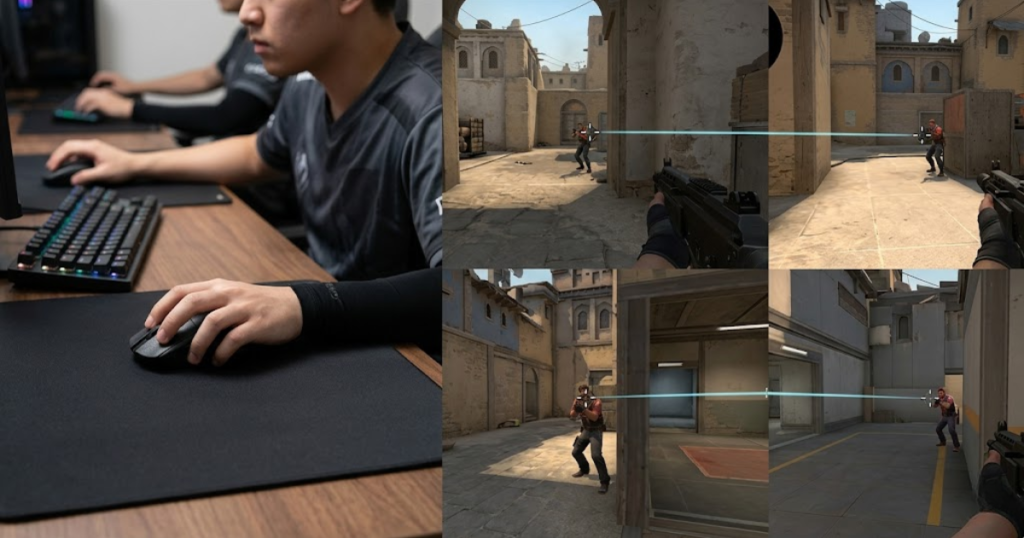
Consistency is the main bridge between hardware and aim improvement. A gaming mouse does not decide where to aim, but it can make the physical act of aiming more predictable.
How Sensor Consistency Helps Players Trust Their Aim
Sensor consistency helps players trust their aim because the mouse movement feels more connected to hand movement. When tracking is reliable, the crosshair behaves more predictably.
This matters during fast flicks and small corrections. If the sensor feels unstable, players may hesitate or overcorrect because they cannot fully trust the movement.
A consistent sensor helps aim feel more controlled under pressure.
Why A Comfortable Shape Can Improve Repeatable Movement
A comfortable shape can improve repeatable movement by helping the hand stay in a stable position. If the shape fits poorly, the player may constantly adjust grip during a match.
Grip changes can affect aim because small differences in hand position change how the mouse moves. A shape that supports the player’s natural grip reduces this problem.
Shape matters because consistent hand contact creates more consistent movement.
Why Lower Weight Can Make Aim Feel Easier To Control
Lower weight can make aim easier to control because the mouse requires less effort to move. This can help with fast flicks, wide swipes, and long sessions.
However, lighter is not automatically better for everyone. Some players prefer more resistance because it helps them stop on targets more confidently.
The best mouse weight is the one that makes movement feel controlled without creating tension.
The table below explains the main reasons gaming mice can make aim feel more consistent:
| Feature | How It Helps Aim | What Players May Notice |
|---|---|---|
| Consistent Sensor | Tracks movement more predictably. | Crosshair movement feels more stable. |
| Comfortable Shape | Supports a more repeatable grip. | Less hand adjustment during matches. |
| Lower Weight | Reduces effort during fast movement. | Flicks may feel easier and less tiring. |
| Responsive Clicks | Makes input timing feel more immediate. | Shooting can feel more connected. |
Gaming mice improve aim feel by making physical input more stable, not by changing how the player thinks during fights.
When Will A Gaming Mouse Not Improve Aim?
A gaming mouse will not improve aim much when the main problem is skill, settings, or practice habits. Hardware can support mechanics, but it cannot fix weak fundamentals.
The image below highlights the difference between hardware limitations and skill-related aiming problems:
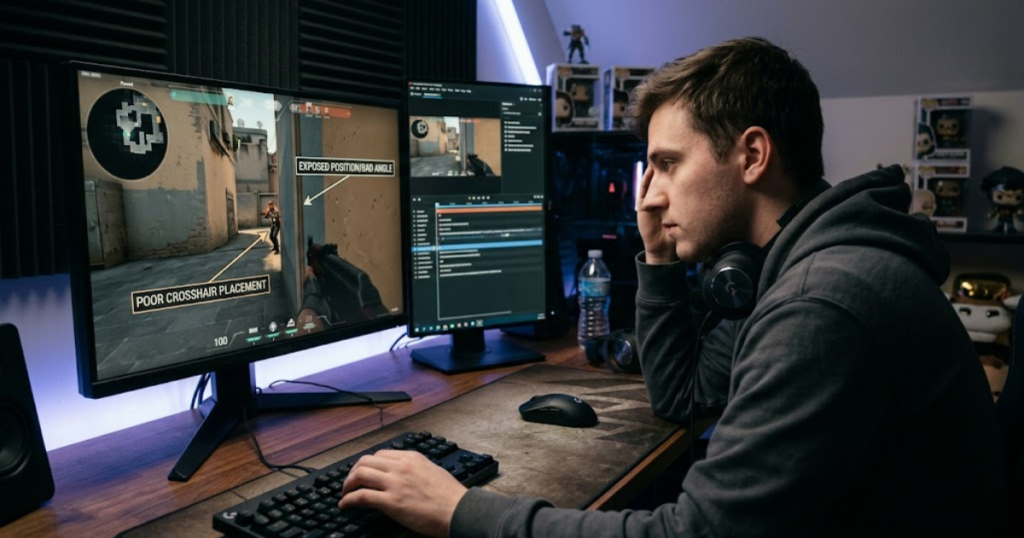
This is where many players get disappointed. They upgrade the mouse, expect instant results, and ignore the issues that actually caused their missed shots.
Why Bad Crosshair Placement Still Causes Missed Shots
Bad crosshair placement still causes missed shots because the mouse cannot decide where the player should aim. The player must learn common angles, head level, and enemy positioning.
If the crosshair starts far away from the target, even a better mouse only makes the correction feel smoother. It does not remove the need for better placement.
Crosshair placement is a habit problem, not a mouse problem.
Why Changing Sensitivity Too Often Ruins Improvement
Changing sensitivity too often ruins improvement because the player never gives the body enough time to adapt. A new mouse cannot create consistency if the settings keep changing.
Stable sensitivity helps players understand whether the mouse is actually helping. Without stable settings, every session feels different, and progress becomes harder to measure.
A gaming mouse works best when the player gives it a stable setup.
Why A Poor Mousepad Can Limit A Good Gaming Mouse
A poor mousepad can limit a good gaming mouse because the surface affects glide and stopping control. A dirty, rough, or tiny mousepad can make movement feel inconsistent.
Players using low sensitivity may also need more space for arm movement. If the mousepad is too small, the mouse upgrade cannot fully solve restricted movement.
The mouse and mousepad work together, so both affect aim feel.
The table below explains common reasons a gaming mouse may not improve aim much:
| Problem | Why The Mouse Cannot Fix It | Better First Step |
|---|---|---|
| Poor Crosshair Placement | The mouse does not choose where to aim. | Practice holding angles at head level. |
| Constant Sensitivity Changes | Muscle memory cannot stabilize. | Keep one sensitivity long enough to adapt. |
| Weak Practice Habits | Hardware cannot replace repeated training. | Use consistent drills and track progress. |
| Poor Mousepad Surface | Bad glide can make movement unstable. | Use a clean surface with enough space. |
A gaming mouse helps most when the player has enough consistency to benefit from the upgrade.
Gaming Mouse Vs Regular Mouse: Which Helps Aim More?
A gaming mouse usually helps aim more than a regular mouse because it is built for faster, more precise, and more repeatable movement. If you want a full comparison beyond aim performance alone, check out this detailed gaming mouse vs office mouse guide.
The difference is not just about looking more aggressive or having RGB lighting. The real differences are sensor behavior, shape options, weight tuning, and response feel.
Why Regular Mice Can Feel Fine Until You Play FPS Games
Regular mice can feel fine until you play FPS games because basic computer tasks do not require extreme precision. Browsing, schoolwork, and office use rarely expose tracking or response limitations.
FPS games create faster and more stressful movement demands. A mouse that feels normal on the desktop may feel less reliable during flicks, tracking, and rapid target switching.
Gaming exposes mouse weaknesses that everyday use often hides.
Why Gaming Mice Are Built Around Control
Gaming mice are built around control because players need stable movement during fast actions. Their shapes, sensors, switches, and weight are usually designed with fast input in mind.
This does not mean every gaming mouse is automatically good. A poor shape or uncomfortable weight can still hurt performance. But as a category, gaming mice usually offer more aim-focused design than office mice.
The advantage is more about control quality than marketing labels.
When A Regular Mouse Is Still Enough
A regular mouse can still be enough for casual play or non-competitive games. If the player does not care about ranked performance, the difference may not matter much.
Some players also perform fine with basic hardware because their mechanics are already adapted to it. However, most competitive FPS players eventually benefit from a mouse designed for gaming.
A regular mouse is acceptable for casual use, but it is rarely ideal for serious FPS aiming.
The table below compares how gaming mice and regular mice affect aim-related performance:
| Factor | Gaming Mouse | Regular Mouse |
|---|---|---|
| Tracking Reliability | Usually stronger during fast movement. | May feel less stable during quick swipes. |
| Shape Options | Often available for different grip styles. | Usually designed for general comfort. |
| Weight Choices | More variety for different playstyles. | Usually limited. |
| Click Response | Often tuned for faster input feel. | Usually not gaming-focused. |
| Competitive FPS Suitability | High. | Limited. |
If your goal is better FPS aim, a gaming mouse usually gives you a more suitable tool than a regular mouse.
Signs Your Current Mouse Is Holding Back Your Aim
Your current mouse may be holding back your aim if it creates inconsistent movement, discomfort, or delayed response. These signs matter more than whether the mouse is old or cheap.
A player should not blame the mouse for every missed shot. However, repeated physical issues can make improvement harder, especially when they appear across different games and practice sessions.
The signs below may indicate that your current mouse is limiting your aim:
- Cursor Skipping: Your crosshair feels unstable during fast swipes.
- Grip Discomfort: Your hand keeps shifting during fights.
- Heavy Movement: Flicks feel slow or tiring after several matches.
- Delayed Click Feel: Shooting feels slightly disconnected from your input.
- Hand Fatigue: Your grip becomes tense before the session ends.
- Unstable Tracking: Following moving targets feels uneven or shaky.
These signs suggest that the mouse may be adding friction to your aim instead of supporting it.
If several of these problems happen often, a gaming mouse upgrade may create a real improvement in aim feel.
How To Test Whether A Gaming Mouse Improves Your Aim
The best way to test whether a gaming mouse improves aim is to compare performance with stable settings and repeatable drills. One good or bad match is not enough to judge the upgrade.
Testing matters because every new mouse has an adjustment period. A new shape or weight may feel strange at first even if it becomes better after a few days.
The following process can help you test whether a gaming mouse actually improves your aim:
- Keep The Same Sensitivity: Use the same DPI and in-game sensitivity during the test.
- Use The Same Practice Routine: Repeat identical flick, tracking, and micro-adjustment drills.
- Track Comfort: Notice whether your hand feels more relaxed after longer sessions.
- Compare Several Days: Avoid judging the mouse from only one match or one warmup.
- Review Real Matches: Check whether aim feels more controlled under pressure, not just in practice.
This process makes the test more reliable because it reduces random variation.
The table below shows what to compare when testing aim improvement:
| Test Area | What To Watch | Positive Sign |
|---|---|---|
| Flick Control | How often fast movements stop near the target. | Less overshooting or undershooting. |
| Tracking | How smoothly the crosshair follows moving targets. | Cleaner target following. |
| Micro-Adjustments | How easily small corrections line up with the target. | More precise final corrections. |
| Comfort | How your hand feels after repeated games. | Less tension and fatigue. |
A gaming mouse should be judged by repeated consistency, not by a single session.
Is A Gaming Mouse Worth It For Better Aim?
A gaming mouse is worth it for better aim if the player cares about FPS performance and currently uses a mouse that limits consistency. It is one of the most practical hardware upgrades for competitive aiming.
That does not mean every player needs an expensive mouse. The right mouse should fit your hand, support your grip, move comfortably, and track reliably. Price alone does not guarantee better aim.
Which Players Should Upgrade First?
Players should upgrade first if their current mouse causes tracking issues, discomfort, heavy movement, or delayed input. If you are ready to compare actual options, this list of the best gaming mice for FPS games in 2026 is a good place to start.
Competitive FPS players using office mice are the clearest upgrade group. They are more likely to feel the difference because their games demand precise and repeatable control.
An upgrade makes the most sense when the current mouse is clearly limiting movement.
Which Players Should Wait Before Buying?
Players should wait before buying if their main problems are poor fundamentals or unstable settings. A new mouse will not help much if practice habits are inconsistent.
If a player changes sensitivity constantly or ignores crosshair placement, buying a better mouse may only hide the real issue for a short time.
Fixing core habits first can make the eventual upgrade more useful.
What Features Matter Most For Aim Improvement?
The features that matter most for aim improvement are shape, weight, sensor consistency, click feel, and comfort. If you want a deeper breakdown of these factors, see our guide to gaming mouse features that matter for FPS.
A mouse that fits your hand will usually help more than a mouse with impressive specs but poor comfort. The goal is repeatable movement, not the longest feature list.
The best gaming mouse for aim is the one you can control consistently across many sessions.
The table below summarizes which types of players are most likely to benefit from a gaming mouse upgrade:
| Player Type | Upgrade Value | Reason |
|---|---|---|
| Competitive FPS Players | High | Precision and consistency strongly affect performance. |
| Ranked Players | High | Reliable input helps across repeated competitive matches. |
| Casual Gamers | Moderate | Comfort may improve, but performance gains may be smaller. |
| Office Users | Low | General use does not require aim-focused features. |
The table shows that gaming mouse value depends on how much precision the player actually needs.
For serious FPS players, a gaming mouse is usually worth it because it supports more consistent aiming. It will not replace practice, but it can help players get cleaner results from the skill they are building.
FAQ: Do Gaming Mice Improve Aim?
The questions below answer the most common concerns players have before deciding whether a gaming mouse can actually improve aim:
Do gaming mice improve aim accuracy?
Yes, gaming mice can improve aim accuracy by making movement more consistent and easier to control. The improvement is most noticeable when switching from a weak office mouse or an uncomfortable older mouse.
Can a gaming mouse make you better at Valorant?
A gaming mouse can help Valorant aim feel more consistent, but it will not replace crosshair placement, movement discipline, and map awareness. It supports mechanics rather than replacing skill.
Why do FPS players use gaming mice?
FPS players use gaming mice because they provide more reliable tracking, better control, lower delay, and shapes designed for fast hand movement. These traits help players repeat aiming actions more consistently.
Does mouse weight affect aim?
Yes, mouse weight affects aim because it changes how easily the mouse starts, stops, and redirects. Lighter mice can feel faster, while heavier mice can feel steadier for some players.
Are expensive gaming mice always better for aiming?
No, expensive gaming mice are not always better for aiming. Shape, comfort, weight, and sensor consistency matter more than price alone.
Can a gaming mouse improve flick shots?
A gaming mouse can improve flick shots if it offers better movement control and stopping consistency. Lightweight designs often make fast flicks feel easier, but accuracy still requires practice.
Do gaming mice help tracking aim?
Yes, gaming mice can help tracking aim by providing smoother and more reliable movement. This is useful in FPS games where players need to follow moving targets for longer periods.
Is a gaming mouse necessary for competitive gaming?
A gaming mouse is not strictly necessary, but it is strongly recommended for competitive FPS gaming. It gives players a more reliable tool for precise and repeatable input.
Can an office mouse be used for FPS games?
An office mouse can be used for FPS games, but it may not provide the same tracking stability, response, weight balance, or grip control as a gaming mouse.
How long does it take to adapt to a new gaming mouse?
Most players need several days to a few weeks to adapt to a new gaming mouse. The adjustment depends on shape, weight, sensitivity, and how different the new mouse feels from the old one.
What gaming mouse features matter most for aim?
The most important gaming mouse features for aim are shape, weight, sensor consistency, click response, and comfort. Extreme DPI numbers matter less than stable control.
Should beginners buy a gaming mouse?
Beginners should buy a gaming mouse if their current mouse feels uncomfortable, inconsistent, or poorly suited for FPS games. A good mouse can support learning, but practice remains the main driver of improvement.
Final Thoughts: Do Gaming Mice Improve Aim?
Gaming mice can improve aim when they remove limitations that make movement feel inconsistent, uncomfortable, or difficult to control. They help players execute existing mechanics more reliably, especially in FPS games where precision and repeatability matter.
However, a gaming mouse is not a shortcut to better performance. Strong aim still depends on practice, crosshair placement, positioning, and decision-making. A better mouse can support those skills, but it cannot replace them.
If your current mouse feels uncomfortable, inconsistent, or restrictive during gameplay, upgrading to a gaming mouse may be one of the most noticeable hardware improvements you can make. The goal is not to buy the most expensive mouse available. The goal is to find a mouse that helps your aim feel natural, stable, and repeatable every time you play.
Thank you for reading.