
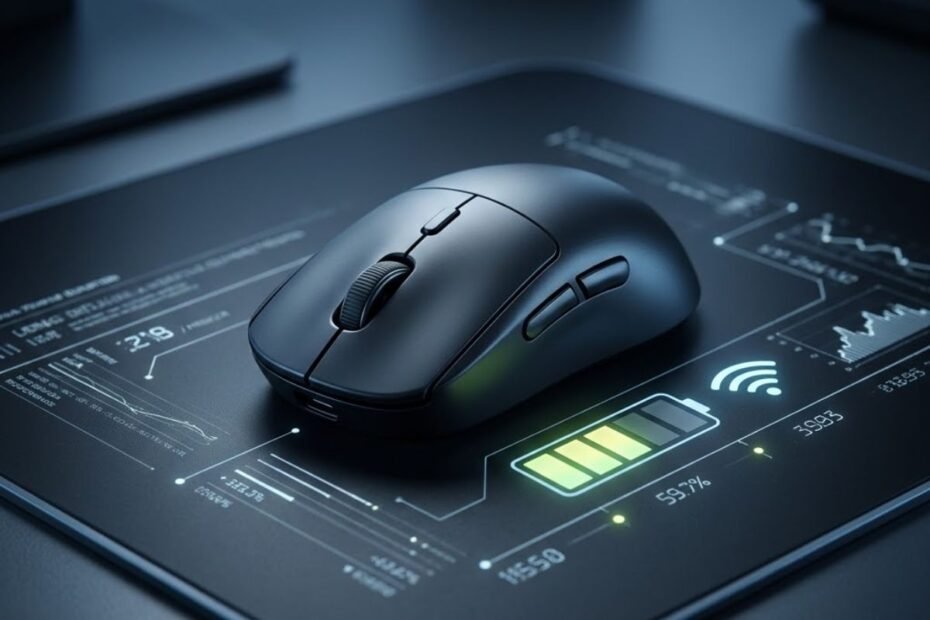
Understanding real-world wireless mouse battery life has become a vital performance consideration for competitive gamers making the permanent transition away from tethered cables. While peripheral manufacturers frequently promote continuous battery claims exceeding 70 to 100 hours, intense esports use—especially high-frequency wireless polling and active sensor tracking—rapidly diminishes real-world operating time.
Power consumption in a modern gaming peripheral depends directly on internal microcontroller efficiency, optical sensor sleep states, and radio frequency broadcast strength. Evaluating how transmission rates impact hardware endurance in our comprehensive breakdown of 1000Hz vs 4000Hz polling rate will help you strike the perfect balance between tournament responsiveness and dependable battery runtime.
How Long Does a Wireless Mouse Battery Last in Competitive Gaming?
Modern wireless gaming mice deliver 60 to 95 hours of continuous play at 1000Hz with RGB off. Stepping up to 4000Hz or 8000Hz drastically cuts battery life down to 15 to 25 hours.

The gap between manufacturer marketing claims and everyday gaming reality stems from testing methodology. Brands typically evaluate battery endurance under controlled, synthetic laboratory conditions using continuous slow circular sweeps at 1000Hz with all cosmetic illumination completely deactivated. In everyday scenarios involving rapid directional flicks, variable wireless interference, and higher polling frequencies, runtime inevitably drops.
For standard 1000Hz gaming sessions averaging three to four hours per day, a quality 300mAh to 500mAh lithium-polymer mouse easily lasts two to three full weeks between charges. However, competitive FPS players who unlock 4000Hz or 8000Hz transmission modes must prepare for a fundamentally different charging routine, requiring replenishment every two to three days.
What Hardware Factors Directly Dictate Wireless Mouse Battery Life?
Wireless runtime is primarily determined by internal battery capacity, wireless protocol choice (2.4GHz vs Bluetooth), USB polling rate frequency, and onboard RGB LED illumination.
Internal Battery Capacity Versus Overall Mouse Weight
The relentless esports trend toward ultra-lightweight gaming mice has forced engineers to make difficult compromises regarding battery dimensions. A standard 500mAh lithium-polymer battery cell weighs approximately 9 to 11 grams, representing nearly twenty percent of the total chassis weight on a modern sub-60g mouse.
To achieve featherweight targets under 50 grams, many manufacturers deliberately shrink internal battery capacity down to 250mAh or 300mAh. While this reduction yields effortless glide dynamics and reduces wrist fatigue during extended aim training, it inherently halves total continuous operating hours compared to heavier desktop models.
Bluetooth Low Energy Versus 2.4GHz Proprietary Wireless Protocols
Dual-mode wireless mice feature both Bluetooth Low Energy (BLE) and low-latency 2.4GHz dongle connectivity. Bluetooth achieves massive battery longevity—often reaching 200 to 400 hours on a single charge—by limiting data reporting frequency to a conservative 125Hz or 133Hz.

In contrast, 2.4GHz proprietary wireless connections utilize robust radio frequency amplifiers to transmit uncompressed packets with sub-millisecond latency. This high-speed radio transmission draws substantially more electrical current, explaining why gaming mode delivers approximately one-third of the operational hours provided by office Bluetooth modes.
How Much Does Higher Polling Rate Accelerate Battery Drain?
Scaling polling rate from 1000Hz up to 8000Hz increases microcontroller packet broadcasts eightfold, draining battery capacity up to five times faster during continuous motion.

GEARTP HARDWARE PROTOCOL: THE WIRELESS POWER DRAIN LAW
The Polling Multiplier: A wireless gaming mouse transmitter consumes negligible power at idle, but transmission amplifiers draw peak current every time an RF packet is broadcast. Increasing from 1000Hz to 8000Hz forces the Nordic or Realtek MCU to broadcast 8,000 radio bursts per second, multiplying RF power draw by up to 600 percent.
The RGB Tax: Onboard RGB LEDs consume between 20mA and 40mA of constant current—often exceeding the entire power draw of the optical sensor itself. Disabling RGB lighting instantly doubles wireless runtime on compact 300mAh lithium-polymer cells.
Real-world battery runtime comparison across USB polling rates with 300mAh to 500mAh internal batteries:
| Polling Rate | Average Runtime (RGB Off) | Charging Frequency | Relative Power Draw | Competitive Recommendation |
|---|---|---|---|---|
| 1000 Hz | 70 to 95 hours | Every 2 to 3 weeks | 1.0x (Baseline) | Ideal for daily competitive play and tournament reliability |
| 2000 Hz | 35 to 45 hours | About once a week | ~2.0x consumption | Excellent sweet spot between high smoothness and solid endurance |
| 4000 Hz | 18 to 24 hours | Every 3 to 4 days | ~4.0x consumption | Recommended for serious competitive matches on 360Hz displays |
| 8000 Hz | 10 to 15 hours | Daily charging required | ~6.5x consumption | Requires dedicated daily charging habit after match sessions |
The mathematical reality outlined above demonstrates why esports professionals carefully evaluate their transmission settings. When pairing high polling rates with sensor features like motion sync mouse technology, the microcontroller operates under near-continuous workload, necessitating a disciplined post-game charging routine.
Does Disabling RGB Lighting Make a Significant Difference to Battery Life?
Deactivating RGB lighting increases wireless mouse runtime by 100 to 200 percent, transforming a 30-hour battery life into 70 to 90 hours of uninterrupted performance.

While dynamic RGB lighting creates an appealing desk aesthetic, light-emitting diodes represent the single most wasteful power consumer in battery-powered peripherals. Modern optical sensors consume minuscule amounts of power during movement, but illuminating multiple RGB zones requires a continuous electrical draw that drains compact cells regardless of how fast you move your hand.
Most dedicated competitive mice designed for international esports completely omit RGB zones from their shells. By removing LED circuitry and diffusers, manufacturers simultaneously save several grams of chassis weight and eliminate parasitic battery drainage, ensuring your mouse remains fully powered throughout marathon gaming weekends.
Rechargeable Lithium-Polymer Versus Replaceable AA and AAA Batteries
Internal rechargeable batteries offer lighter weight and USB-C convenience, while replaceable AA and AAA batteries deliver months of uninterrupted runtime without cable tethering.
Modern esports mice overwhelmingly favor internal lithium-polymer cells recharged through flexible paracord USB-C cables. This architecture allows engineers to centralize internal weight distribution and minimize overall mass, giving aimers perfect balance during swift wrist and forearm resets.
Conversely, mice utilizing replaceable alkaline or lithium AA batteries—such as the classic Logitech G305—appeal to gamers seeking maximum convenience. A single lithium AA battery can power everyday 1000Hz gaming for upwards of 250 continuous hours, eliminating the need to ever remember a nightly charging cable.
Top Verified Wireless Gaming Mice with Proven Battery Performance
The tournament-tested models below showcase the industry gold standards in battery longevity, ranging from 95-hour marathon endurance to ultra-high polling efficiency.
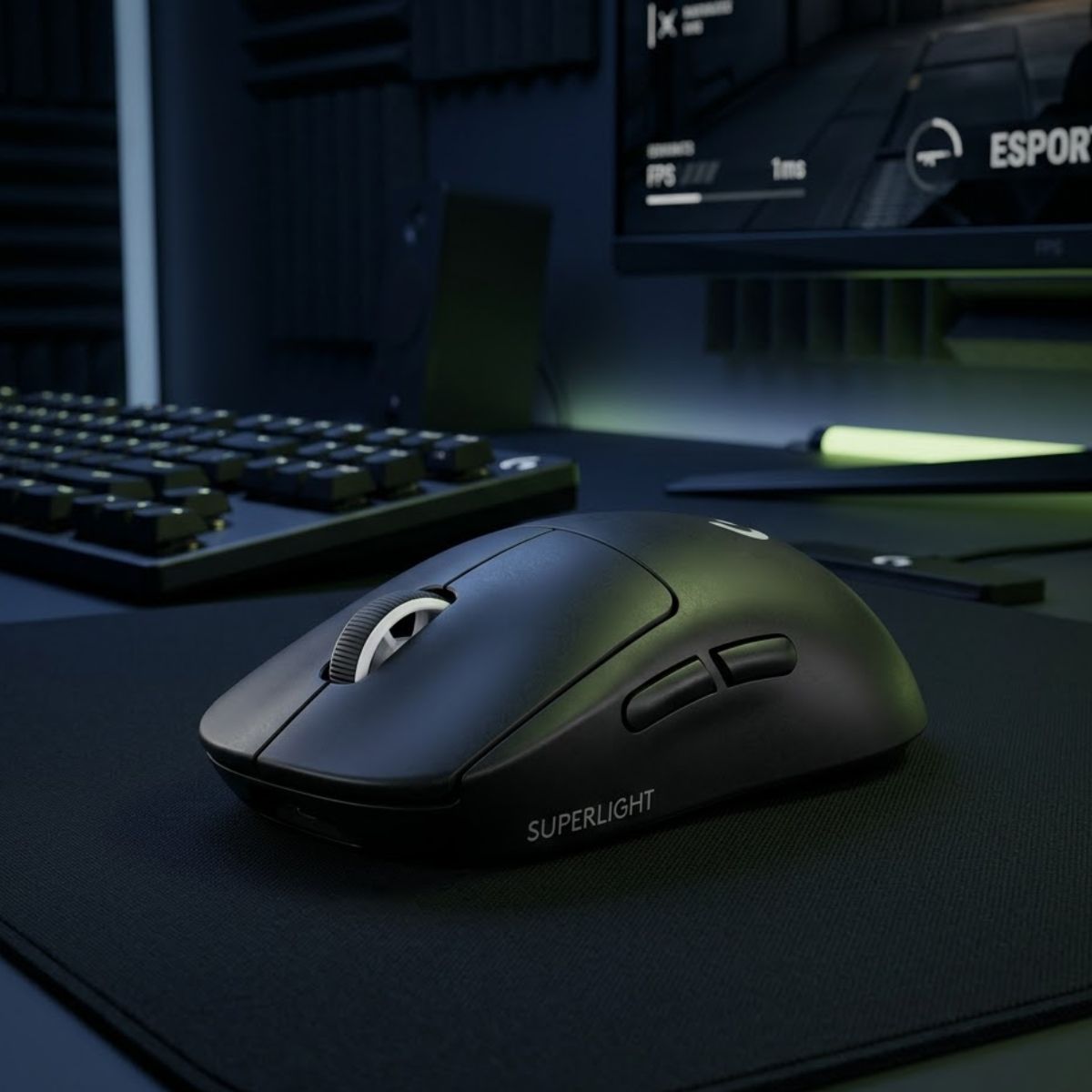
Logitech G PRO X Superlight 2
Delivers up to 95 hours of continuous tournament gaming over rock-solid LIGHTSPEED wireless with zero frame drops or unexpected battery shutdowns.
Check Price on Amazon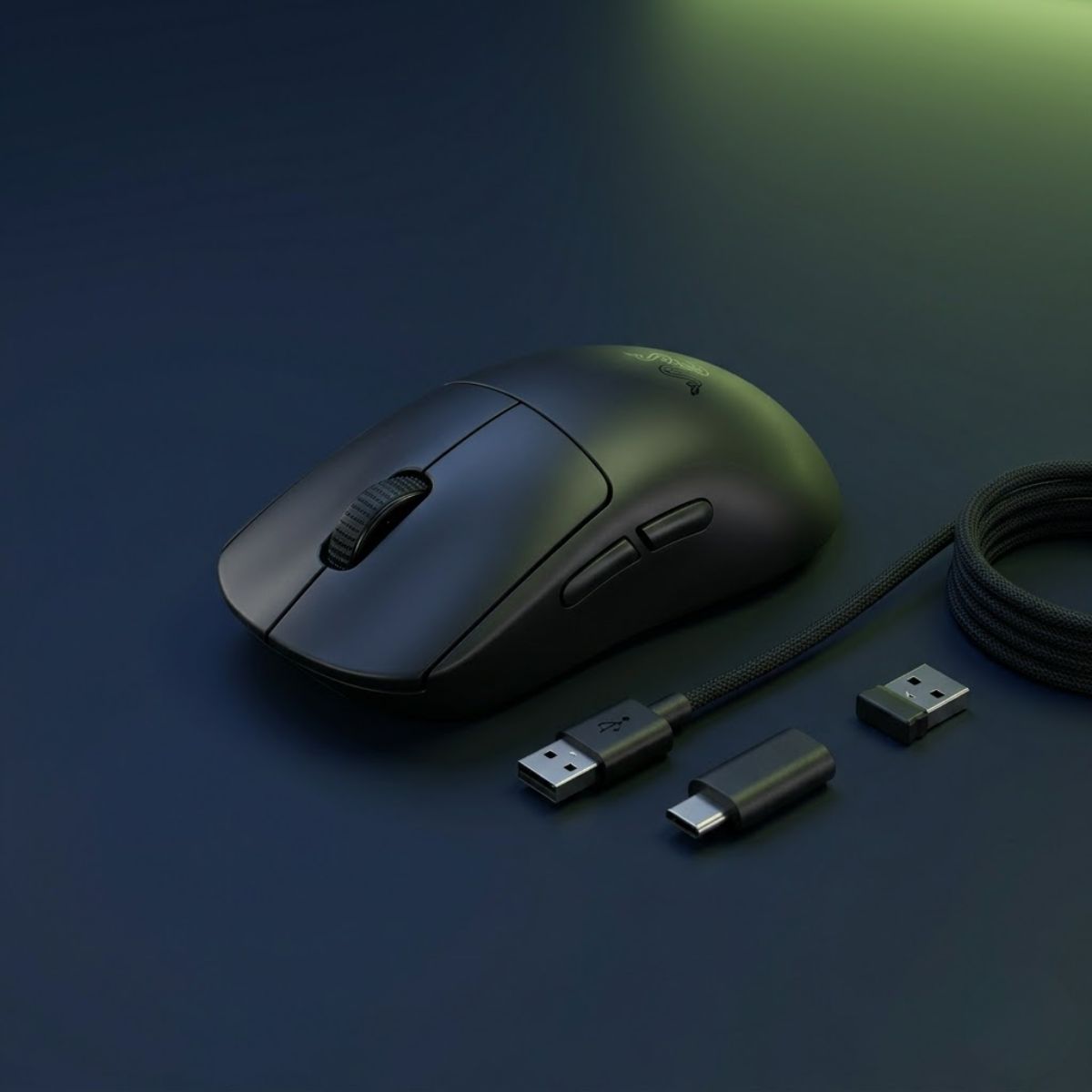
Razer Viper V3 Pro Wireless
Engineered for elite esports with up to 8000Hz wireless transmission, balanced by a fast-charging Type-C internal battery providing 17 hours at 8K and 95 hours at 1K.
Check Price on AmazonOptimizing your sensitivity and grip mechanics alongside your peripheral choice ensures you make the most of every battery charge. Reviewing our technical guide on mouse grip styles for FPS will help you align mechanical stability with hardware performance.
Practical Tips to Maximize Wireless Gaming Mouse Runtime
You can significantly extend operating hours by configuring automatic sleep timers, turning off RGB lighting, and using 1000Hz for practice sessions while reserving higher polling for ranked matches.
Most companion software packages allow you to customize the idle sleep timeout. Setting your mouse to enter deep sleep after one to two minutes of inactivity prevents background power drain when stepping away from your desk between competitive rounds.
Additionally, keeping your wireless receiver dongle within twenty centimeters of your mousepad via an included extension adapter ensures optimal radio signal-to-noise ratio. Strong wireless reception prevents the mouse from ramping up transmission power to compensate for packet loss, preserving precious battery reserves over long gaming sessions.
Frequently Asked Questions About Wireless Mouse Battery Life
Direct technical answers to the twelve most common questions regarding wireless mouse battery runtimes, charging habits, and power management:
How long does a wireless gaming mouse battery usually last?
A quality wireless gaming mouse lasts between 60 and 95 hours of continuous play at 1000Hz with RGB illumination turned completely off.
What is the difference between rechargeable and AA battery gaming mice?
Rechargeable mice feature lighter internal lithium batteries recharged via USB-C, while AA battery mice are heavier but provide hundreds of operating hours.
Does Bluetooth mode extend battery life compared to 2.4GHz wireless?
Yes, Bluetooth operates at a lower 125Hz polling rate and reduced radio amplification, delivering two to three times more battery life than 2.4GHz mode.
How do manufacturers calculate advertised battery life claims?
Brands test continuous movement at 1000Hz with all RGB lighting turned off under optimal laboratory conditions with zero radio interference.
Does higher polling rate reduce wireless mouse battery life?
Yes, higher polling rates transmit movement packets more frequently, reducing battery life by 50 percent at 2000Hz and up to 75 percent at 4000Hz.
How much battery does 8000Hz polling consume compared to 1000Hz?
Operating at 8000Hz increases radio transmission density eightfold, reducing a 90-hour battery runtime down to approximately 12 to 17 continuous hours.
How much battery runtime do RGB lighting effects drain?
Active RGB lighting draws continuous electrical current that cuts total wireless runtime in half, reducing 80-hour mice down to roughly 30 to 40 hours.
Does mouse sensor DPI setting affect power consumption?
No, optical sensor resolution settings like 400, 800, or 1600 DPI consume identical power because the sensor captures the exact same frame rate.
Can you safely play FPS games while your wireless mouse is charging?
Yes, modern gaming mice function seamlessly as wired mice during charging through their included flexible paracord USB-C connection cables.
How often should daily FPS players recharge their gaming mouse?
Players using standard 1000Hz should charge every one to two weeks, while players competing at 4000Hz or 8000Hz should charge every two to three days.
Why does my wireless gaming mouse battery drain faster than advertised?
Faster battery drain is typically caused by enabled RGB illumination, ultra-high polling rate modes, or radio interference forcing transmission retries.
What are the most effective ways to maximize wireless mouse battery runtime?
Turn off all RGB illumination, shorten the idle sleep timeout to one minute, and position the USB wireless dongle close to your mousepad.
Conclusion: Balancing Esports Responsiveness with Battery Endurance
Wireless gaming mouse technology has matured to the point where battery anxiety is completely unnecessary when hardware settings are properly calibrated.
By deactivating parasitic RGB illumination and reserving ultra-high polling rates like 4000Hz and 8000Hz for high-stakes competitive matches, you can enjoy dozens of hours of seamless wireless freedom without ever sacrificing tracking fidelity or input speed.