
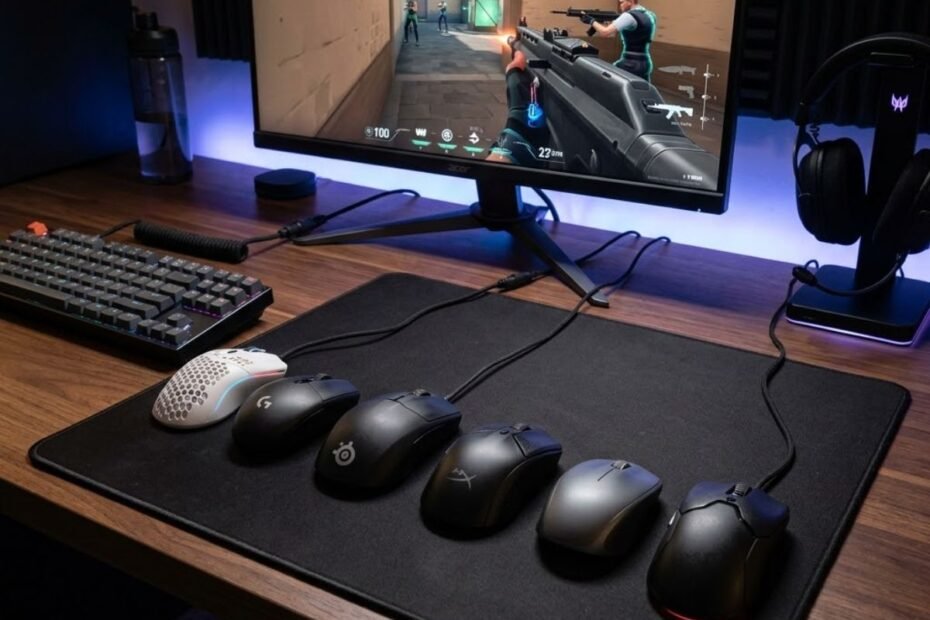
Buying a cheap gaming mouse for FPS games is no longer as risky as it was a few years ago. Modern budget gaming mice have become significantly more competitive, offering reliable sensors, comfortable shapes, and responsive performance that can support serious play in games such as Valorant, Counter-Strike 2, Apex Legends, and Rainbow Six Siege.
However, not every affordable mouse deserves a place on your desk. Some models focus on flashy marketing while neglecting the factors that actually influence aim consistency. Others quietly deliver exceptional performance despite costing a fraction of what premium flagship mice demand.
This guide focuses on identifying the cheap gaming mice that genuinely make sense for FPS players. Instead of chasing specifications or marketing claims, we focus on the practical factors that determine whether a budget mouse can support consistent aiming and competitive gameplay.
Why Some Cheap Gaming Mice Perform Surprisingly Well in FPS Games
Some cheap gaming mice perform surprisingly well because modern FPS performance depends more on execution than price. A mouse does not need premium materials or a triple-digit price tag to provide reliable tracking, accurate movement, and comfortable control during competitive matches.
For many FPS players, the difference between a good budget mouse and a premium flagship mouse is smaller than expected. While expensive models often provide better refinement and additional features, many affordable mice already deliver the core performance required for accurate aiming.
Why Price No Longer Predicts FPS Performance
Price no longer predicts FPS performance because the technologies that once separated premium gaming mice from budget alternatives have become far more accessible. Reliable optical sensors, lightweight shells, responsive switches, and flexible cables now appear in products that cost a fraction of what flagship models charge.
This shift has changed how budget mice should be evaluated. A higher price can still provide advantages, but it no longer guarantees better aim. Many affordable gaming mice now use sensors that can track accurately enough for competitive FPS gameplay, making it possible to achieve strong performance without overspending.
As a result, FPS players should be more concerned with how a mouse performs than how much it costs. Performance-focused shopping often reveals budget options that offer significantly better value than their price suggests.
What Actually Determines Aim Performance in FPS Games
Aim performance is determined by how consistently a mouse translates physical movement into predictable on-screen movement. Factors such as sensor stability, shape compatibility, movement control, and click responsiveness influence aim far more than marketing features or RGB lighting.
The factors below explain what contributes most to FPS aiming performance:
- Tracking Consistency: The sensor should accurately follow fast flicks and slow corrections without unexpected behavior.
- Shape Compatibility: The mouse should support natural hand positioning and comfortable grip mechanics.
- Movement Control: Weight and balance should help players start and stop movement with confidence.
- Click Responsiveness: Buttons should feel predictable during tapping, bursting, and rapid engagements.
- Glide Characteristics: Smooth mouse feet improve movement consistency across the mouse pad.
- Connection Quality: Wired or wireless performance should remain stable during intense gameplay.
When these core elements are executed well, a budget mouse can feel remarkably capable in FPS games. Many players gain more from choosing the right shape and sensor combination than from paying extra for premium branding.
When Spending More Money Still Makes Sense
Premium gaming mice still offer advantages, particularly for players who want the lightest designs, the most refined wireless technology, or the highest level of build quality. These improvements can enhance the overall experience, even if they do not dramatically improve aiming performance for every user.
Competitive players who spend hundreds of hours each month practicing aim may appreciate these refinements more than casual players. Small improvements in comfort, coating quality, weight distribution, and wireless responsiveness can become meaningful over long periods of use.
The table below compares where budget and premium mice typically differ:
| Area | Cheap Gaming Mouse | Premium Gaming Mouse |
|---|---|---|
| Sensor Reliability | Usually excellent for FPS | Excellent |
| Weight Optimization | Good to very good | Typically better refined |
| Build Materials | Functional | More premium |
| Wireless Technology | Varies by model | Often industry-leading |
| Comfort Refinement | Good | Usually better optimized |
| Price-to-Performance | Very high | Lower value efficiency |
While premium mice offer additional refinement, many budget gaming mice already provide enough performance to satisfy the needs of most FPS players.
If you want a broader understanding of the hardware features that influence aiming performance, our guide to gaming mouse for FPS games explains the fundamentals in greater detail.
In summary, cheap gaming mice can absolutely perform well in FPS games when they focus on the elements that matter most: tracking consistency, comfortable control, and reliable execution.
How We Identified the Best Cheap Gaming Mice for FPS Players
The goal of this guide is not simply to find the lowest-priced gaming mice. Instead, the objective is to identify affordable models that deliver meaningful FPS performance while offering strong value for the money.
To achieve this, every recommendation is evaluated through a practical framework designed around real gameplay. Rather than prioritizing marketing specifications, the evaluation focuses on the qualities that influence aiming consistency and long-term usability.
How We Evaluated Real FPS Performance
Real FPS performance is measured by how predictable a mouse feels during gameplay. A good gaming mouse should support flick shots, tracking movements, target transitions, and micro-adjustments without creating unnecessary inconsistencies.
Instead of focusing on maximum DPI figures, the evaluation prioritizes tracking reliability and responsiveness. Most FPS players never use extreme DPI settings, making stable real-world performance significantly more important than headline specifications.
A mouse that behaves consistently across different aiming scenarios creates a stronger foundation for building muscle memory and improving overall accuracy.
Reliable FPS performance is the first requirement for every recommendation in this guide.
How We Assessed Comfort and Control
Comfort and control are evaluated by examining how a mouse interacts with different hand sizes, grip styles, and movement habits. Shape, balance, button placement, and overall handling all contribute to how confident a player feels while aiming.
Even a technically impressive gaming mouse can become difficult to use if its shape feels awkward or uncomfortable. Because FPS games require thousands of repetitive movements, long-term comfort often has a direct impact on consistency.
Control is equally important because players must be able to stop, reposition, and adjust their aim precisely under pressure. A mouse that feels predictable is usually easier to trust during competitive matches.
Comfort and control therefore play a major role in determining which budget mice deserve recommendation.
How We Determined Overall Value
Overall value is determined by comparing practical FPS performance against price. A cheap gaming mouse should offer a meaningful return on investment rather than simply being inexpensive.
Some budget mice perform surprisingly close to products that cost two or three times more. Others save money by cutting corners in areas that directly affect gameplay. Separating these two groups is essential when creating reliable recommendations.
The following process explains how overall value is assessed:
- Analyze Tracking: Evaluate whether the sensor remains stable during common FPS aiming scenarios.
- Review Handling: Assess movement control, balance, and overall usability.
- Evaluate Comfort: Determine grip style compatibility and long-session comfort.
- Inspect Quality: Review buttons, shell construction, cable quality, and durability.
- Compare Price: Measure performance against current market value.
This process helps identify gaming mice that provide genuine FPS value instead of relying on specifications alone.
The table below summarizes the evaluation framework used throughout this guide:
| Category | Purpose | FPS Relevance |
|---|---|---|
| Tracking | Measure movement accuracy | Supports flicks and target tracking |
| Control | Evaluate stability and handling | Improves stopping power and precision |
| Comfort | Assess grip compatibility | Supports consistency over long sessions |
| Responsiveness | Evaluate click feel and reaction speed | Helps with engagements and timing |
| Build Quality | Assess durability and reliability | Improves long-term confidence |
| Value | Compare performance to price | Identifies worthwhile budget options |
This framework focuses on practical FPS performance, ensuring that recommendations are based on real gameplay value rather than marketing claims.
In summary, every gaming mouse in this guide earns its place by delivering reliable FPS performance, comfortable control, and strong value relative to its price.
Quick Comparison of the Best Cheap Gaming Mice for FPS Games
The best cheap gaming mouse for FPS games depends on what problem you are trying to solve. Some players want the safest all-around recommendation, while others prioritize wireless freedom, lightweight movement, tactical precision, or the lowest possible price.
The image below compares several affordable gaming mice that target different FPS play styles:
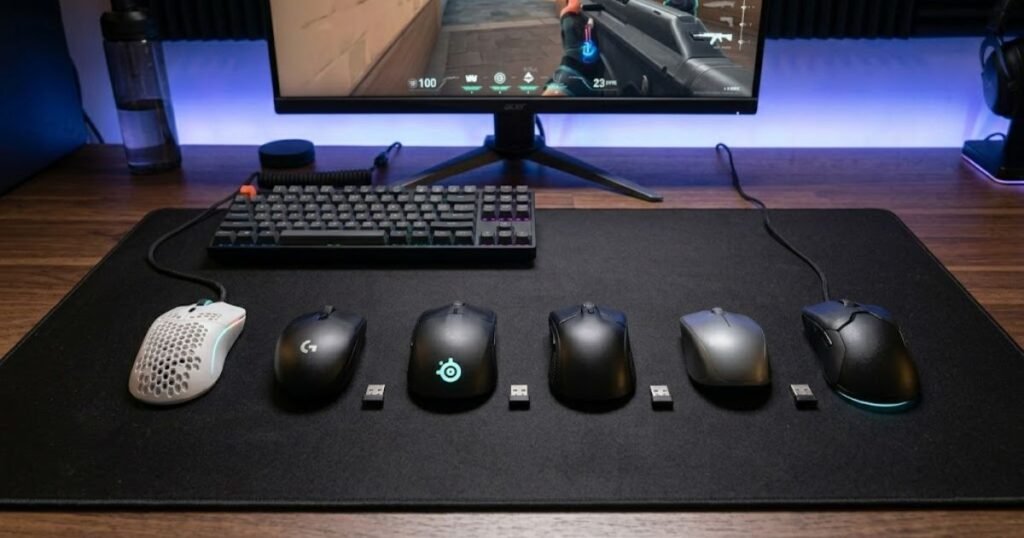
Because every mouse in this guide targets a different type of FPS player, comparing them side by side makes it easier to eliminate options that do not match your needs. Instead of reading every recommendation from start to finish, you can use this comparison as a starting point.
The table below compares the most recommended cheap gaming mice for FPS players:
| Mouse | Connection | Best For | Value Rating |
|---|---|---|---|
| Logitech G305 Lightspeed | Wireless | Most FPS players | Excellent |
| Attack Shark X3 | Wireless | Lightweight wireless gaming | Excellent |
| ATK VXE Dragonfly R1 SE+ | Wireless | Maximum value under $30 | Outstanding |
| SteelSeries Prime | Wired | Tactical FPS players | Very Good |
| Razer Cobra | Wired | Valorant players | Very Good |
| SteelSeries Rival 3 | Wired | CS2 players | Very Good |
| Logitech G203 | Wired | Beginners | Very Good |
| HyperX Pulsefire Fuse | Wired | Ergonomic comfort | Very Good |
| Redragon Gaming Mouse | Wired | Ultra-budget buyers | Good |
Each mouse earns its recommendation for a different reason. The sections below explain why certain models stand out for specific FPS player profiles rather than trying to force one solution onto everyone.
In summary, choosing the right cheap gaming mouse becomes much easier once you identify which category best matches your budget, preferred connection type, and gameplay style.
Best Overall Cheap Gaming Mouse for FPS Players
The Logitech G305 Lightspeed is the best overall cheap gaming mouse for FPS players because it delivers the most balanced combination of reliability, wireless performance, proven track record, and long-term value. It is the safest recommendation for players who want one mouse that can perform well across multiple FPS games without requiring extensive research.
Unlike highly specialized gaming mice, the G305 succeeds by avoiding major weaknesses. It may not be the lightest, the newest, or the most feature-rich option available, but it consistently delivers the performance that most FPS players actually need.
Why the Logitech G305 Remains the Safest Budget Recommendation
The G305 remains one of the easiest gaming mice to recommend because it has already proven itself across years of competitive use. Many budget mice look attractive on paper, but far fewer build the same level of trust among FPS players.
The image below represents the type of balanced gaming mouse many FPS players consider a safe all-around choice:
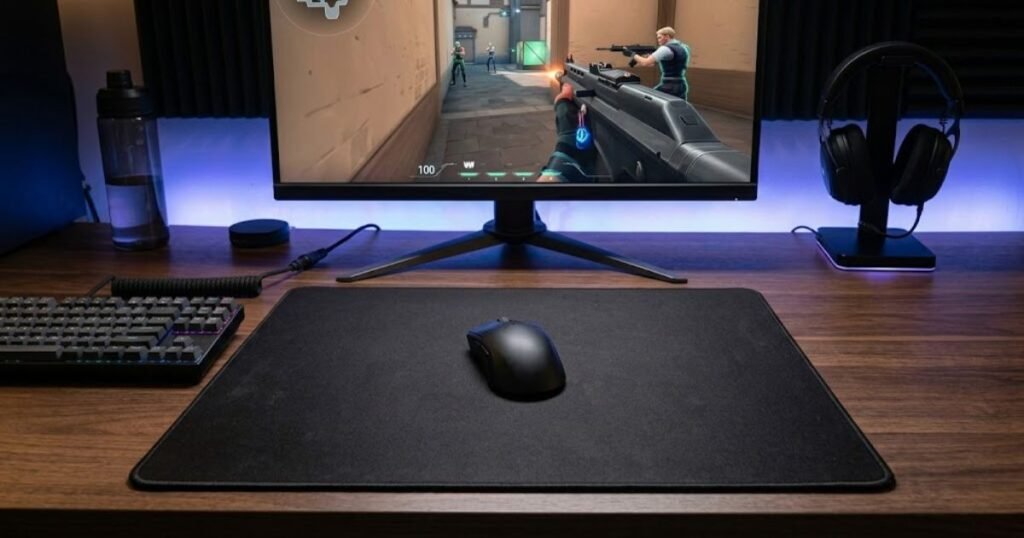
One reason for its popularity is predictability. Players generally know what they are getting with the G305: reliable wireless performance, stable tracking, comfortable handling, and strong overall value. That combination significantly reduces the risk of making a disappointing purchase.
For players who simply want an affordable gaming mouse that works well across different FPS titles, the G305 continues to be one of the most dependable choices available.
One example that perfectly fits these requirements is shown below:

Logitech G305 Lightspeed
The Logitech G305 Lightspeed is a safe budget pick for FPS players who want proven wireless performance, reliable tracking, and strong value at around $26.
- Best For: Most FPS players.
- Connection: Wireless.
- Main Strength: Proven all-around FPS performance.
- Price Note: Around $26.
A balanced wireless choice for FPS players who want reliable performance without premium pricing.
The G305 has remained relevant despite constant competition because it focuses on the areas that directly affect gameplay rather than chasing unnecessary features.
Strengths and Weaknesses for FPS Gaming
The Logitech G305 earns its reputation through consistency rather than specialization. Its strengths make it suitable for a wide range of FPS players, although certain trade-offs still exist.
The factors below summarize the primary strengths and weaknesses of the G305:
- Reliable Wireless Performance: Provides responsive gameplay without cable drag.
- Strong Long-Term Reputation: Backed by years of positive community feedback.
- Versatile Shape: Works for a variety of grip styles and hand sizes.
- Excellent Value: Frequently available at highly competitive pricing.
- Moderate Weight: Heavier than many modern lightweight alternatives.
- Basic Design Philosophy: Prioritizes function over premium aesthetics.
Most of these compromises are relatively minor for budget-conscious FPS players, which helps explain why the G305 remains a common recommendation year after year.
Who Should Buy the Logitech G305
The Logitech G305 is best suited for players who want a dependable all-around FPS gaming mouse without spending premium-level money. It is particularly valuable for users who want to avoid overthinking their purchase decision.
The players below are most likely to benefit from the G305:
- General FPS Players: Want one mouse for multiple FPS titles.
- Wireless Users: Prefer cable-free gameplay without overspending.
- Value-Focused Buyers: Prioritize performance relative to price.
- First-Time FPS Mouse Shoppers: Need a low-risk recommendation.
The G305 may not be the perfect choice for every player, but it remains one of the strongest overall options for anyone seeking a trustworthy budget FPS gaming mouse.
In summary, the Logitech G305 earns its position as the best overall recommendation by providing a balanced experience with very few meaningful weaknesses.
Best Cheap Wireless Gaming Mouse for FPS Games
The Attack Shark X3 is the best cheap wireless gaming mouse for FPS players who prioritize lightweight movement and modern wireless performance. It targets a different audience than the G305 by focusing more heavily on speed, agility, and low-effort movement.
While the G305 appeals to players looking for safety and reliability, the Attack Shark X3 appeals to players who want a lighter and more modern-feeling wireless experience without moving into premium pricing territory.
Why the Attack Shark X3 Appeals to Lightweight FPS Players
The Attack Shark X3 has gained attention because it brings lightweight wireless gaming into a price range that was previously dominated by heavier designs. For many FPS players, reducing mouse weight can make rapid directional changes feel easier and less physically demanding.
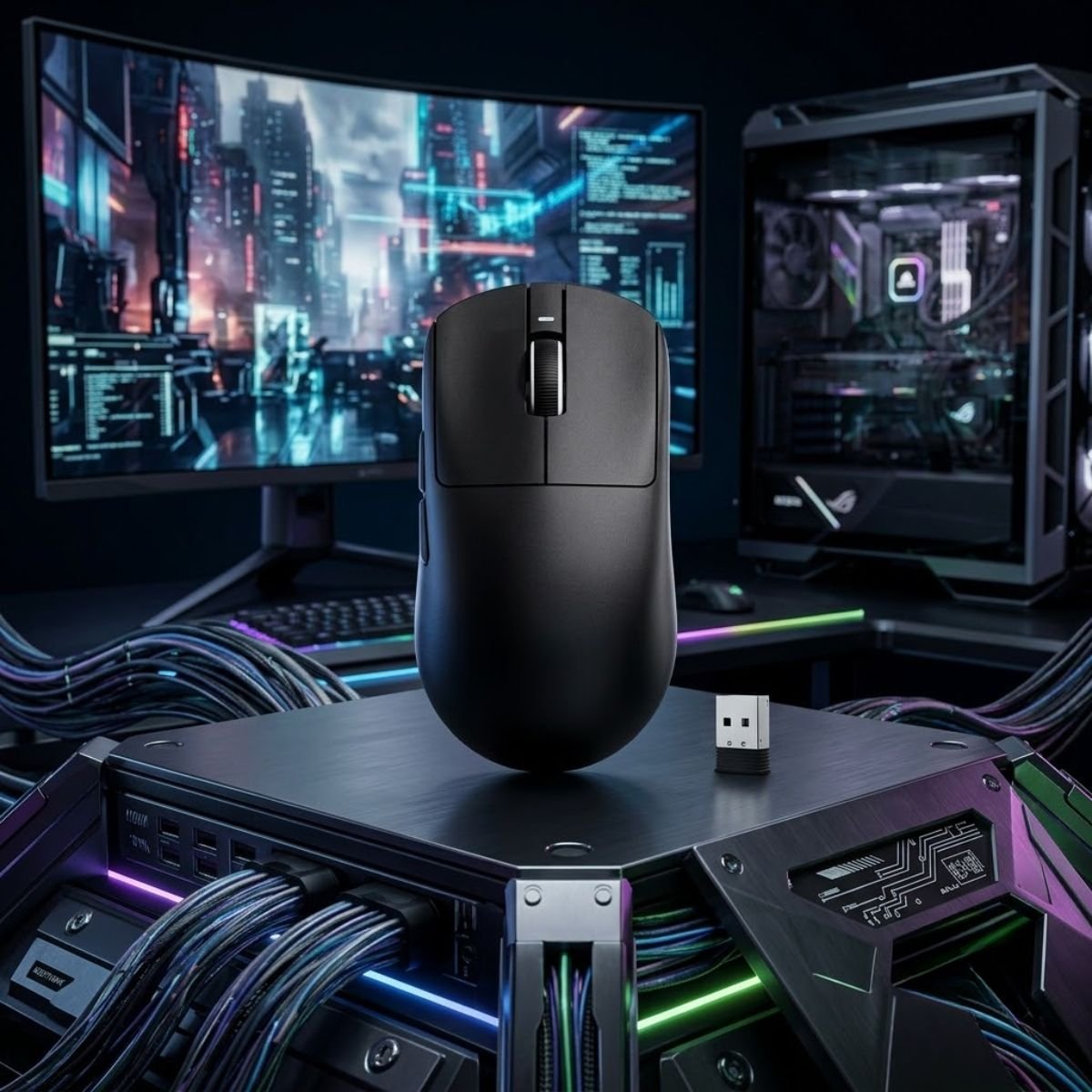
The image below demonstrates why lightweight wireless gaming mice have become increasingly popular among FPS players:
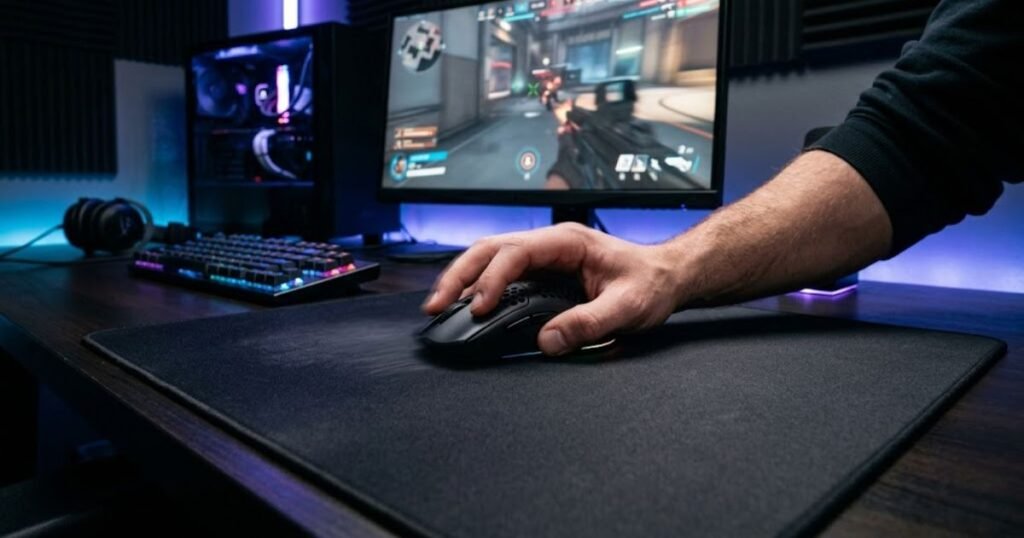
This lighter movement profile can be particularly appealing to players who use lower sensitivities, perform frequent repositioning, or prefer a more agile aiming style. While lightweight design is not automatically better for everyone, it often creates a noticeably different experience compared to traditional budget wireless mice.
The result is a mouse that feels surprisingly modern for its price category and offers characteristics that were once limited to significantly more expensive products.
One example that demonstrates this lightweight wireless approach is shown below:
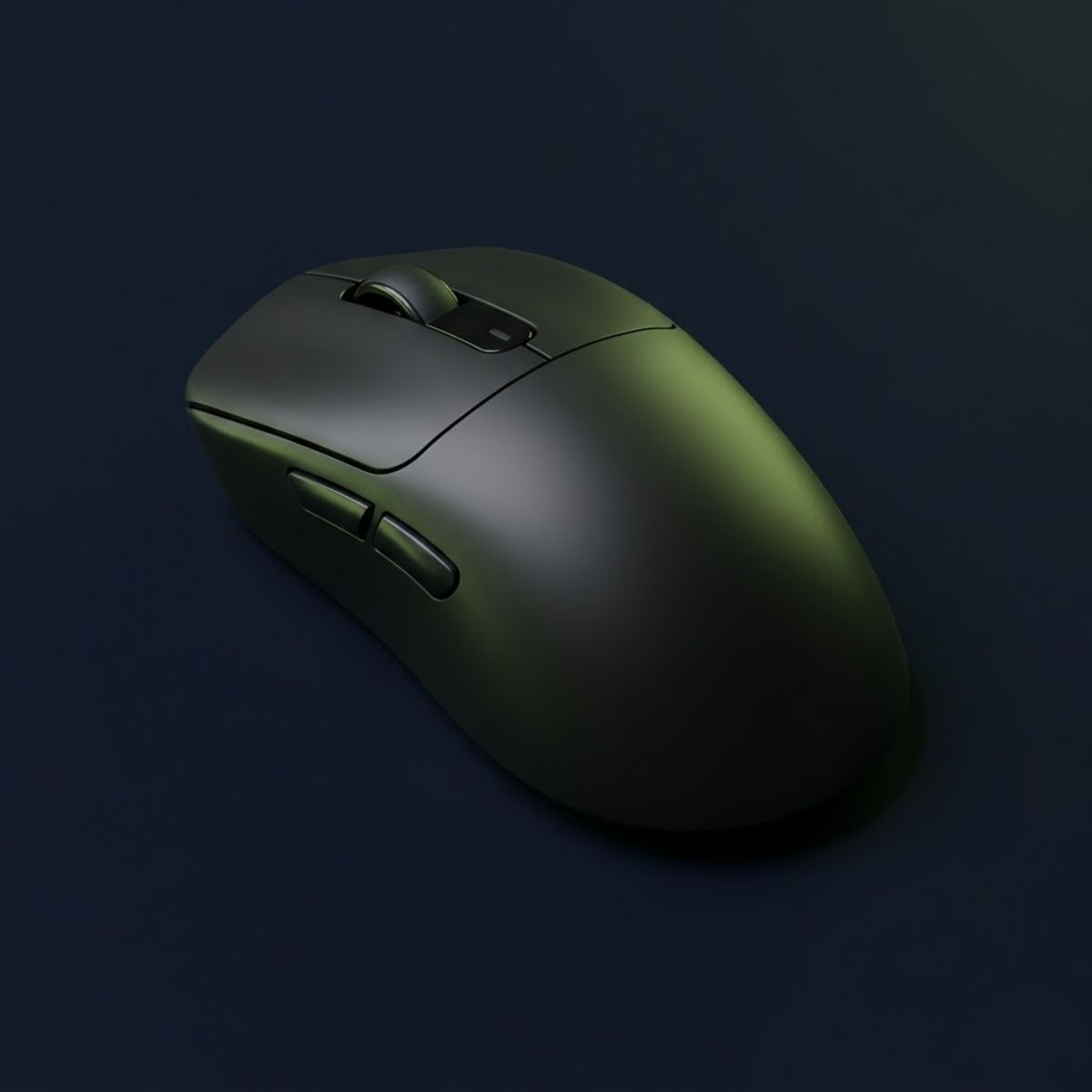
Attack Shark X3
The Attack Shark X3 is a strong cheap wireless gaming mouse for FPS players who want lightweight movement, cable-free control, and modern value.
- Best For: Lightweight wireless FPS gaming.
- Connection: Wireless.
- Main Strength: Lightweight movement at a budget price.
- Sensor: PAW3395 26K DPI optical sensor.
A lightweight wireless option for FPS players who want fast movement without paying flagship prices.
The Attack Shark X3 succeeds because it targets a specific FPS preference rather than trying to be everything for everyone.
Strengths and Weaknesses for Competitive FPS Players
The Attack Shark X3 delivers a strong combination of wireless convenience and lightweight movement, although its value proposition differs slightly from more established gaming brands.
The factors below summarize its strengths and weaknesses:
- Lightweight Feel: Supports quick directional changes and easy repositioning.
- Wireless Freedom: Eliminates cable resistance during gameplay.
- Strong Price-to-Performance: Delivers features often associated with higher price categories.
- Comfortable Handling: Works well for many FPS play styles.
- Shorter Market History: Less proven than long-established gaming mice.
- Brand Familiarity: Some buyers may prefer larger mainstream brands.
These trade-offs are relatively reasonable considering the performance and value the X3 offers within the budget wireless segment.
Who Should Buy the Attack Shark X3
The Attack Shark X3 is ideal for players who specifically want a lightweight wireless gaming mouse without entering premium pricing territory. It fits users who prioritize movement freedom and modern gaming mouse trends.
The players below are most likely to appreciate the Attack Shark X3:
- Low-Sensitivity Players: Frequently move the mouse across large distances.
- Lightweight Mouse Enthusiasts: Prefer faster-feeling movement.
- Wireless FPS Users: Want cable-free gaming at a lower cost.
- Value Hunters: Seek strong specifications for the money.
The Attack Shark X3 is not designed to replace every budget gaming mouse. Instead, it serves players who specifically want an affordable lightweight wireless experience.
In summary, the Attack Shark X3 stands out by delivering a lightweight wireless FPS experience that was once difficult to find at this price level.
Best Value Cheap Gaming Mouse Under $30
The ATK VXE Dragonfly R1 SE+ is the best value cheap gaming mouse under $30 because it combines lightweight wireless performance, a modern sensor setup, and a very aggressive price point. It fits FPS players who want more than a basic entry-level mouse without stepping into premium pricing.
This recommendation is not about being the cheapest option possible. It is about getting the most useful FPS performance from a tight budget, especially for players comparing affordable wireless mice against older wired budget picks.
Why This Mouse Offers Outstanding Value
The ATK VXE Dragonfly R1 SE+ stands out because it gives budget buyers access to features that usually cost more. Its lightweight build, wireless flexibility, and modern gaming-focused design make it a strong pick for players who want a faster-feeling FPS mouse without spending much over entry-level pricing.
For players shopping specifically around the under-$30 range, this mouse makes sense because it does not feel like a basic compromise. It offers enough performance headroom for Valorant, CS2, Apex Legends, and other FPS titles while still staying close to the true cheap gaming mouse category.
One example that delivers exceptional value in this price range is shown below:
ATK VXE Dragonfly R1 SE+
The ATK VXE Dragonfly R1 SE+ is a lightweight wireless gaming mouse for FPS players who want strong value, tri-mode connectivity, and modern performance near the under-$30 range.
- Best For: Value-focused FPS players.
- Connection: 2.4G wireless, Bluetooth, and wired.
- Main Strength: Lightweight wireless value.
- Price Note: Around $26.98.
A strong value-focused wireless gaming mouse for FPS players shopping near the under-$30 range.
If your main goal is stretching every dollar, this is also the type of mouse that fits naturally beside our broader guide to the best gaming mouse under $30.
In short, the Dragonfly R1 SE+ is valuable because it gives budget FPS players a modern wireless experience without asking for flagship money.
Strengths and Weaknesses for FPS Players
The Dragonfly R1 SE+ performs best when judged as a value-focused wireless FPS mouse. It is not the most premium product in the category, but its strengths are directly aligned with what budget-conscious FPS players usually want.
The factors below summarize its main strengths and weaknesses:
- Lightweight Wireless Feel: Helps players move quickly without cable resistance.
- Strong Price Efficiency: Delivers a modern FPS-focused feature set at a low price.
- Flexible Connectivity: Offers more versatility than many older budget wired mice.
- Good FPS Fit: Works well for players who value speed and easy repositioning.
- Lower Brand Familiarity: Some buyers may trust mainstream names more.
- Less Proven Long-Term History: It does not have the same multi-year reputation as older budget staples.
These trade-offs are reasonable because the mouse competes mainly on performance per dollar, not luxury finish or brand prestige.
Who Should Buy the Dragonfly R1 SE+
The Dragonfly R1 SE+ is best for FPS players who want the strongest possible value around the under-$30 range. It is especially useful for players who want a lightweight wireless option but do not want to spend premium money.
The players below are the best fit for this mouse:
- Budget Wireless Buyers: Want wireless freedom without paying flagship prices.
- Low-Sensitivity Players: Benefit from easier repositioning during wide mouse movements.
- Value Hunters: Care more about performance per dollar than brand name.
- FPS Learners: Want capable hardware while still improving fundamentals.
The Dragonfly R1 SE+ is not the safest mainstream recommendation, but it is one of the strongest value plays for FPS players who are comfortable choosing a less traditional budget brand.
In summary, the ATK VXE Dragonfly R1 SE+ is the best under-$30 value pick because it gives budget FPS players a lightweight wireless experience at a price that still feels genuinely affordable.
Best Cheap Gaming Mouse for Tactical FPS Games
The SteelSeries Prime is the best cheap gaming mouse for tactical FPS games because it emphasizes stable handling, a comfortable right-handed shape, and a performance-focused design that suits slower, more deliberate aiming styles. It fits players who value control more than flashy extras.
Tactical FPS games reward patience, crosshair discipline, and confident click timing. A mouse in this category should feel planted, predictable, and easy to control during angle holding, counter-strafing, and controlled target switching.
Why Tactical FPS Players Appreciate This Shape
The SteelSeries Prime works well for tactical FPS players because its shape feels more supportive than many ultra-light symmetrical mice. That support can help players maintain steady hand positioning during long rounds and repeated aim adjustments.
The image below highlights the controlled and deliberate aiming style often associated with tactical FPS games:
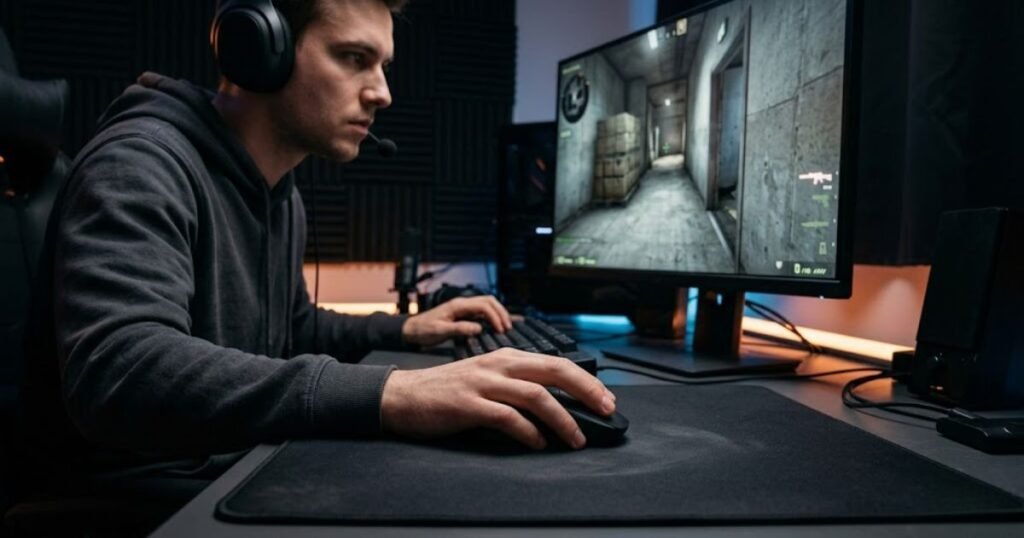
In tactical shooters, comfort is not just a luxury. A stable shape can make it easier to hold angles, reset your grip between fights, and keep your aim controlled during small crosshair corrections. The Prime is not designed to feel extreme or experimental, which is exactly why it can work well for this role.
One example that fits this control-focused tactical FPS profile is shown below:
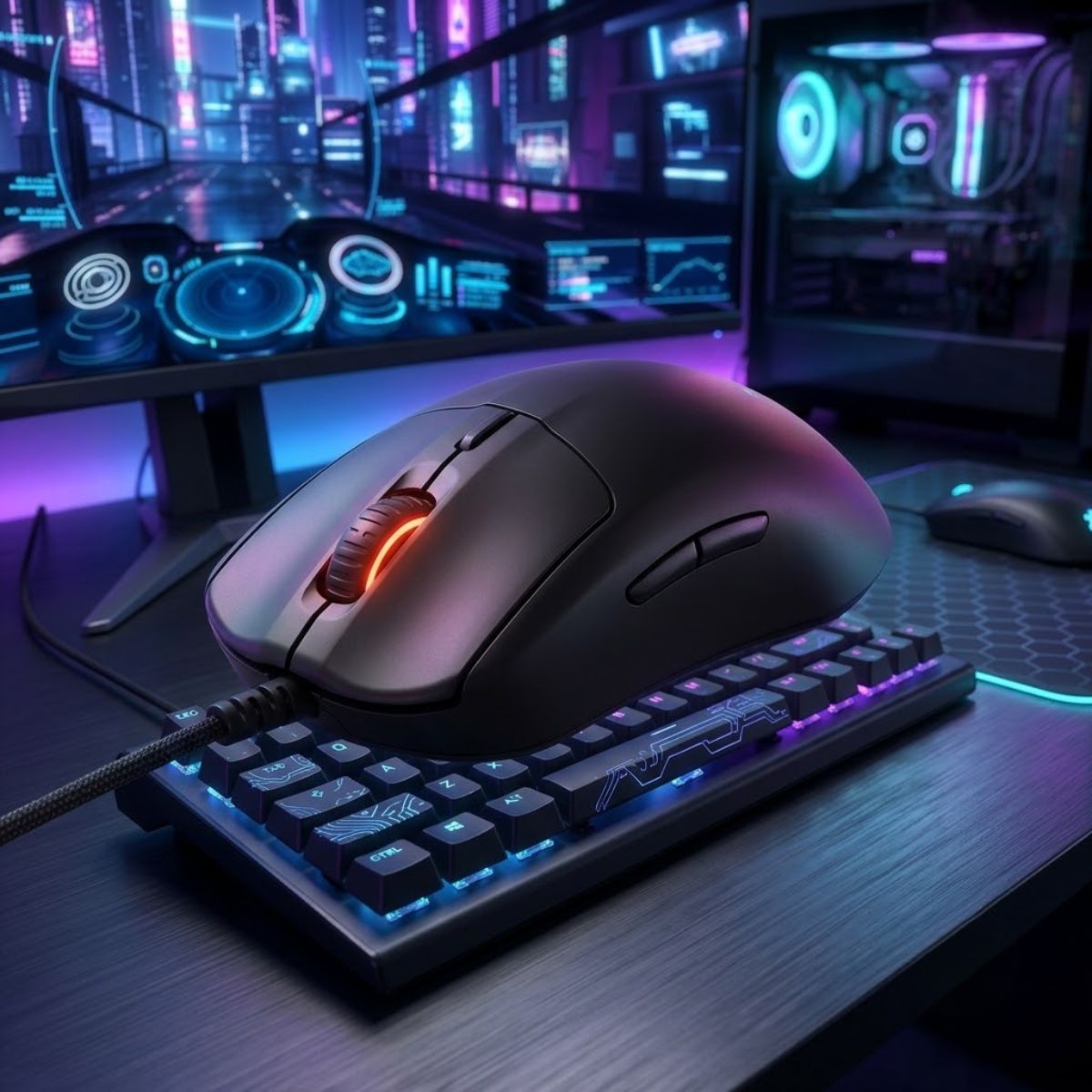
SteelSeries Prime
The SteelSeries Prime is a cheap tactical FPS mouse for players who want a stable ergonomic shape, controlled movement, and a simple esports-focused wired design.
- Best For: Tactical FPS players.
- Connection: Wired.
- Main Strength: Stable ergonomic control.
- Price Note: Around $21.
A budget-friendly tactical FPS mouse built for steady handling, controlled aim, and simple wired performance.
This makes the Prime a smart option for players who want a cheap FPS mouse that feels mature, stable, and less twitchy than many lightweight-focused alternatives.
In short, the SteelSeries Prime earns this category because its shape and handling support calm, controlled FPS gameplay.
Strengths and Weaknesses for Tactical Shooters
The SteelSeries Prime is strongest when used by players who prefer control, structure, and a more traditional ergonomic feel. It is less ideal for players who only care about achieving the lowest possible weight.
The factors below summarize its strengths and weaknesses:
- Stable Shape: Supports controlled hand placement during tactical gameplay.
- Comfortable Ergonomics: Works well for players who dislike flatter symmetrical mice.
- Focused Design: Avoids unnecessary features that do not help FPS performance.
- Good Tactical Control: Feels suited for angle holding and deliberate aim correction.
- Less Agile Feel: May not feel as fast as lighter wireless mice.
- Right-Hand Bias: Not ideal for players who prefer ambidextrous shapes.
These characteristics make the Prime more appealing for tactical FPS control than for players chasing the fastest possible mouse movement.
Who Should Buy the SteelSeries Prime
The SteelSeries Prime is best for FPS players who want a budget mouse with a stable ergonomic feel. It is especially suitable for tactical shooter players who prioritize consistent control over ultra-light speed.
The players below are the strongest fit for the SteelSeries Prime:
- Tactical FPS Players: Prefer controlled aiming and steady hand placement.
- Palm and Relaxed Claw Users: Benefit from the more supportive shell profile.
- Wired Mouse Buyers: Want simple performance without managing wireless charging.
- Control-Focused Players: Value predictability more than maximum agility.
The SteelSeries Prime is not the flashiest cheap gaming mouse, but it makes sense for players who want an affordable FPS mouse that feels stable and intentional.
In summary, the SteelSeries Prime is the strongest tactical FPS pick because it supports controlled aim, steady comfort, and predictable handling at a budget-friendly price.
Best Cheap Gaming Mouse for Valorant Players
The Razer Cobra is the best cheap gaming mouse for Valorant players because it offers a lightweight 58g design, a safe symmetrical shape, responsive optical switches, and a flexible cable at around $29. It fits players who want precise control without moving into premium esports mouse pricing.
Valorant rewards clean crosshair placement, calm micro-adjustments, and fast reaction timing. A budget mouse for Valorant should feel easy to control during small corrections while still being light enough for quick flicks and repositioning.
Why the Razer Cobra Fits Precision-Focused Valorant Players
The Razer Cobra fits Valorant players because it keeps the design simple, light, and focused on control. Its 58g body makes movement feel easier than many traditional budget wired mice, while its symmetrical shape gives claw and fingertip users a familiar FPS-friendly grip.
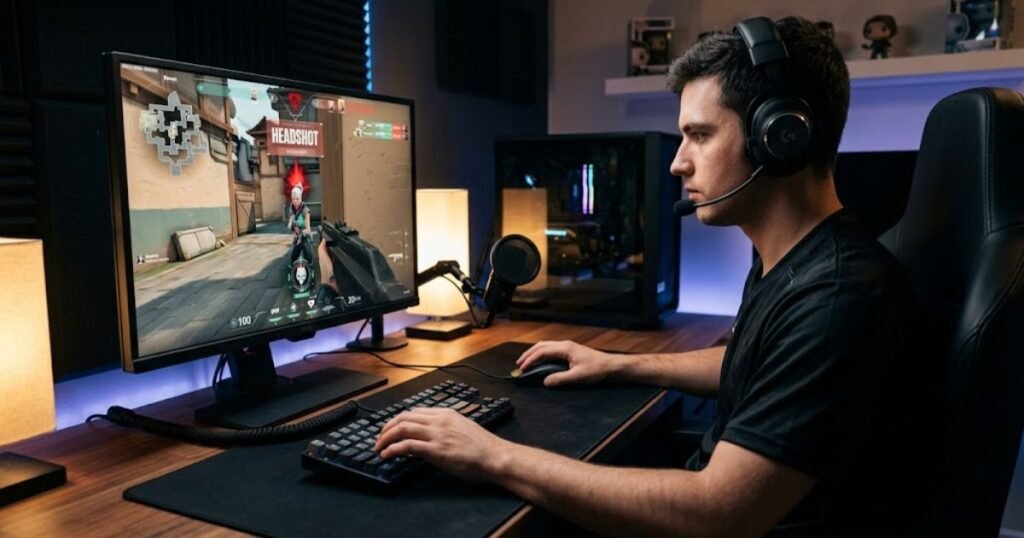
The image below represents the precise aiming style commonly seen in Valorant:
The Gen-3 optical switches also make sense for a tactical shooter where click timing can matter during tap firing and rapid engagements. While premium Razer models offer more advanced sensors and wireless features, the Cobra keeps the core experience affordable and practical.
One example that fits this Valorant-focused recommendation is shown below:
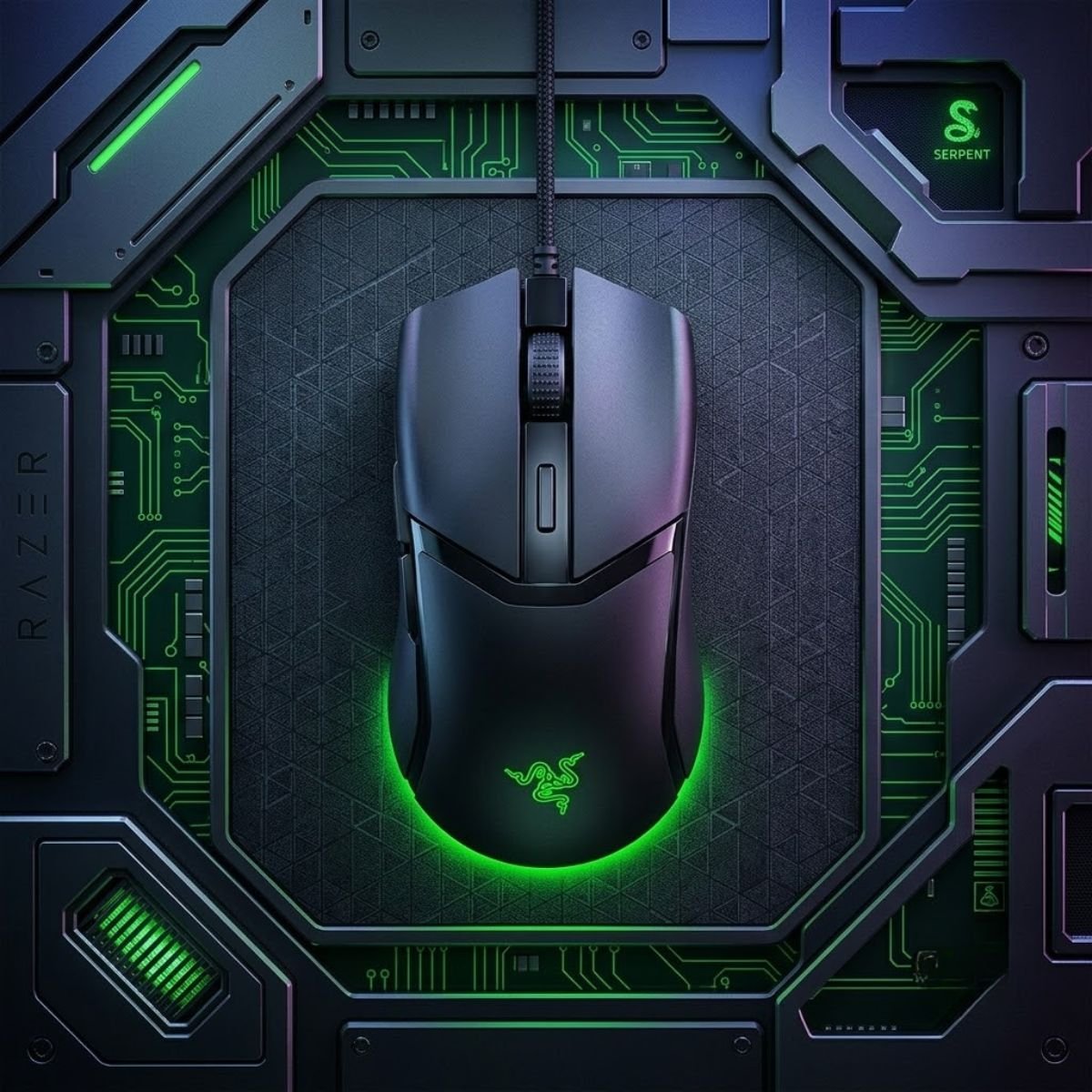
Razer Cobra Wired Gaming Mouse
The Razer Cobra is a 58g wired gaming mouse for Valorant players who want lightweight movement, responsive optical switches, and a safe symmetrical shape at a budget price.
- Best For: Valorant players.
- Connection: Wired.
- Main Strength: Lightweight precision and responsive clicks.
- Price Note: Around $29.
A lightweight wired gaming mouse built for controlled micro-adjustments and fast Valorant aiming.
For players who want a more game-specific shortlist, our guide to the best budget mouse for Valorant goes deeper into what matters for Riot’s tactical FPS.
In short, the Razer Cobra is a strong Valorant pick because it delivers light movement, responsive clicks, and a safe competitive shape without premium pricing.
Strengths and Weaknesses for Valorant
The Razer Cobra performs well in Valorant because its strengths match the way the game is played. It favors precision, controlled movement, and responsive inputs rather than unnecessary size, weight, or feature overload.
The factors below summarize its strengths and weaknesses:
- 58g Lightweight Design: Supports quick flicks and easier repositioning.
- Symmetrical Shape: Works well for claw and fingertip grip players.
- Optical Switches: Provide responsive click behavior for tactical engagements.
- Flexible Cable: Reduces the heavy drag feel common in cheaper wired mice.
- Wired Only: Not ideal for players who strongly prefer wireless setups.
- Limited Premium Features: Focuses on essentials rather than high-end extras.
These strengths make the Cobra feel more FPS-focused than many budget wired mice, especially for players who care about light and precise movement.
Who Should Buy the Razer Cobra
The Razer Cobra is best for Valorant players who want a lightweight wired mouse with responsive clicks and a safe competitive shape. It is especially useful for players who want a recognizable brand without paying for a flagship model.
The players below are the best fit for the Razer Cobra:
- Valorant Players: Need controlled micro-adjustments and quick reaction timing.
- Claw Grip Users: Benefit from the light symmetrical shape.
- Fingertip Grip Users: Appreciate easier movement and repositioning.
- Budget Razer Fans: Want a cheaper option from a major gaming brand.
The Razer Cobra is not the best choice for every FPS player, but it is one of the strongest cheap wired options for Valorant-focused users.
In summary, the Razer Cobra earns its Valorant recommendation by combining light weight, responsive clicks, and practical FPS control at a genuinely budget-friendly price.
Best Cheap Gaming Mouse for CS2 Players
The SteelSeries Rival 3 is the best cheap gaming mouse for CS2 players because it delivers reliable fundamentals at an extremely affordable price. Instead of chasing advanced features, it focuses on consistency, which remains one of the most important qualities in Counter-Strike 2.
CS2 rewards disciplined crosshair placement, efficient movement, and repeatable mechanics. Because of this, many players benefit more from a predictable mouse than from a feature-packed model that adds unnecessary complexity.
Why Consistency Matters More Than Features in CS2
CS2 is a game where small aiming mistakes are heavily punished. Winning duels often depends on maintaining stable crosshair placement and executing clean adjustments rather than performing constant high-speed movements.
The SteelSeries Rival 3 fits this environment because it focuses on dependable everyday performance. Its familiar shape, comfortable handling, and straightforward design make it easy for players to develop consistent habits without fighting against the mouse itself.
One example that matches this consistency-focused CS2 approach is shown below:
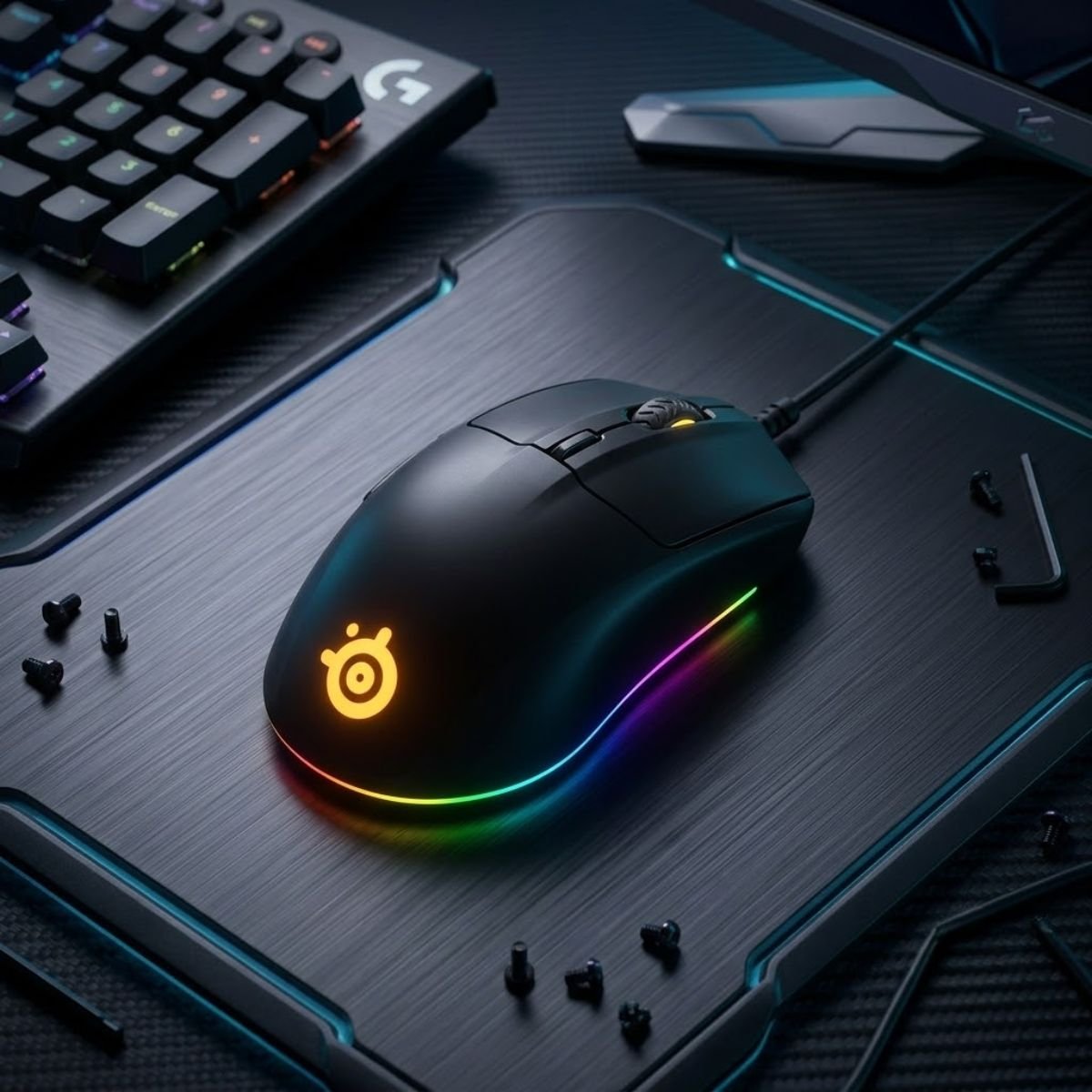
SteelSeries Rival 3 Gaming Mouse
The SteelSeries Rival 3 is an affordable gaming mouse that focuses on reliability, comfort, and consistent FPS performance, making it a strong choice for CS2 players shopping on a budget.
- Best For: CS2 players.
- Connection: Wired.
- Main Strength: Reliable FPS fundamentals.
- Price Note: Around $18.
A dependable budget gaming mouse built around consistency, comfort, and practical FPS performance.
Players looking for more CS2-specific recommendations can also explore our guide to the best budget mouse for CS2.
In short, the Rival 3 succeeds by prioritizing reliability and predictability over flashy specifications.
Strengths and Weaknesses for CS2 Players
The Rival 3 performs best when viewed as a practical and affordable FPS mouse. Its strengths support the fundamentals of CS2, although it does not try to compete with lightweight enthusiast products.
The factors below summarize its strengths and weaknesses:
- Affordable Price: One of the lowest-cost recommendations in this guide.
- Comfortable Shape: Easy for most players to adapt to.
- Predictable Handling: Supports consistent daily practice.
- Strong Entry-Level Value: Delivers reliable FPS performance for the price.
- Not Ultra-Lightweight: Heavier than many modern enthusiast mice.
- Basic Feature Set: Focuses on essentials rather than premium extras.
These trade-offs are acceptable because the Rival 3 is designed to provide dependable FPS performance rather than chase enthusiast-level specifications.
Who Should Buy the SteelSeries Rival 3
The Rival 3 is ideal for players who want a simple and affordable FPS mouse that can support long-term improvement. It is particularly appealing to newer CS2 players and budget-conscious competitors.
The players below are the strongest fit for the Rival 3:
- CS2 Players: Want reliable fundamentals at a low price.
- Budget Buyers: Prefer spending less while maintaining solid performance.
- New FPS Players: Need a straightforward recommendation.
- Practical Gamers: Value consistency more than advanced features.
The Rival 3 may not be the most exciting mouse on the market, but it remains one of the easiest budget recommendations for CS2-focused players.
In summary, the SteelSeries Rival 3 earns its place by providing affordable, predictable, and practical FPS performance for CS2 players.
Best Cheap Gaming Mouse for Beginners
The Logitech G203 is the best cheap gaming mouse for beginners because it offers a familiar shape, straightforward setup process, and a trusted reputation within the gaming community. It helps new FPS players focus on learning mechanics instead of worrying about hardware.
Many beginners make the mistake of chasing advanced specifications before developing strong fundamentals. A simple and reliable mouse is often the better starting point.
Why the Logitech G203 Is an Easy First FPS Mouse
The G203 succeeds because it removes complexity from the buying decision. New players do not need to research advanced wireless technology, exotic shapes, or premium esports features to start improving their aim.
Its balanced shape and accessible price make it one of the easiest gaming mice to recommend to someone entering the FPS genre for the first time. Instead of overwhelming players with options, it provides a straightforward path into competitive gaming.
One example that makes sense for first-time FPS players is shown below:

Logitech G203 LIGHTSYNC
The Logitech G203 LIGHTSYNC is one of the easiest gaming mice to recommend to beginners thanks to its familiar shape, reliable performance, and affordable price.
- Best For: New FPS players.
- Connection: Wired.
- Main Strength: Beginner-friendly design.
- Price Note: Frequently available under $30.
A trusted entry-level gaming mouse that helps new FPS players learn aiming fundamentals without overspending.
The G203 remains popular because it solves a beginner problem: finding a gaming mouse that works well without requiring extensive knowledge about gaming hardware.
In short, the G203 is easy to recommend because it offers a low-risk introduction to FPS gaming.
Strengths and Weaknesses for New FPS Players
The Logitech G203 focuses on accessibility and simplicity. While experienced enthusiasts may want more advanced features, beginners often benefit from its straightforward design.
The factors below summarize its strengths and weaknesses:
- Beginner-Friendly Shape: Easy for most players to learn.
- Affordable Pricing: Often available below $30.
- Trusted Brand: Supported by Logitech’s long gaming history.
- Simple Setup: Easy to use immediately after purchase.
- Wired Connection: Lacks wireless flexibility.
- Basic Specifications: Designed for practicality rather than innovation.
These characteristics make the G203 an excellent learning tool even if more advanced options exist for experienced players.
Who Should Buy the Logitech G203
The G203 is best suited for players entering the FPS genre, younger gamers, and buyers who want a reliable mouse without spending unnecessary money.
The players below benefit most from the G203:
- New FPS Players: Learning aiming fundamentals.
- Students: Shopping with a limited budget.
- Casual Gamers: Want a dependable gaming mouse.
- First-Time Buyers: Need a simple recommendation.
The G203 continues to earn recommendations because it offers a practical starting point for FPS gaming without creating unnecessary complications.
In summary, the Logitech G203 remains one of the strongest beginner-friendly gaming mice available at a budget price.
Best Cheap Ergonomic Gaming Mouse for FPS Games
The HyperX Pulsefire Fuse is the best cheap ergonomic gaming mouse for FPS players who prefer a more supportive hand position. It targets users who prioritize comfort and stability during long gaming sessions rather than chasing the lightest possible design.
Not every FPS player enjoys small symmetrical mice. Some perform better with an ergonomic shape that naturally supports the hand and reduces fatigue over time.
Why Some FPS Players Prefer Ergonomic Shapes
Ergonomic gaming mice are designed to support the natural contours of the hand. This approach can help some players maintain comfort during extended practice sessions while reducing the need for constant grip adjustments.
Comfort becomes increasingly important as gaming sessions grow longer. While lightweight symmetrical mice dominate many competitive discussions, they are not automatically the best choice for every player.
One example that demonstrates this ergonomic approach is shown below:
The Pulsefire Fuse exists for players who want their gaming mouse to feel supportive rather than minimalistic.
In short, ergonomic shapes appeal to players who value comfort and stability throughout extended FPS sessions.
Strengths and Weaknesses for Long Gaming Sessions
The Pulsefire Fuse focuses on comfort-oriented performance. Its strengths become most noticeable during longer sessions where hand support matters more than raw agility.
The factors below summarize its strengths and weaknesses:
- Ergonomic Design: Provides additional hand support.
- Comfort-Oriented Shape: Helps reduce fatigue during long sessions.
- Reliable Everyday Performance: Suitable for a variety of FPS games.
- Distinct Alternative: Offers something different from symmetrical competitors.
- Less Agile Feel: Not as movement-focused as lightweight options.
- Larger Profile: May not suit players who prefer compact shapes.
These characteristics make the Pulsefire Fuse more appealing for comfort-focused users than for players chasing maximum movement speed.
Who Should Buy the HyperX Pulsefire Fuse
The HyperX Pulsefire Fuse is ideal for FPS players who prioritize comfort, support, and long-session usability. It serves as a useful alternative to the lightweight trend dominating the market.
The players below are the strongest fit for the Pulsefire Fuse:
- Palm Grip Players: Prefer additional hand support.
- Comfort-Focused Gamers: Value long-session usability.
- Larger-Hand Users: Often prefer more supportive shapes.
- FPS Players Seeking Ergonomics: Want an alternative to symmetrical designs.
The Pulsefire Fuse is not designed to compete with ultra-lightweight mice. Instead, it focuses on delivering a more comfortable FPS experience.
In summary, the HyperX Pulsefire Fuse stands out as a budget-friendly ergonomic option for players who prioritize comfort over trend-driven specifications.
Best Ultra Budget Gaming Mouse for FPS Games
The Redragon Gaming Mouse is the best ultra-budget gaming mouse for FPS players because it provides a functional entry point into gaming hardware at an extremely affordable price. It targets buyers who need the lowest possible cost while still wanting a dedicated gaming mouse.
Ultra-budget recommendations serve a different purpose than value recommendations. The goal is not maximizing performance per dollar. The goal is finding a mouse that remains usable for FPS gaming while staying within a very limited budget.
How Much Performance Can You Get for the Lowest Price?
Budget constraints do not always allow players to buy the strongest value option. In some situations, affordability becomes the primary requirement, which is where ultra-budget gaming mice become relevant.
The Redragon Gaming Mouse succeeds because it provides gaming-focused features at a price point that remains accessible to almost anyone building an entry-level setup.
One example that fits this ultra-budget category is shown below:
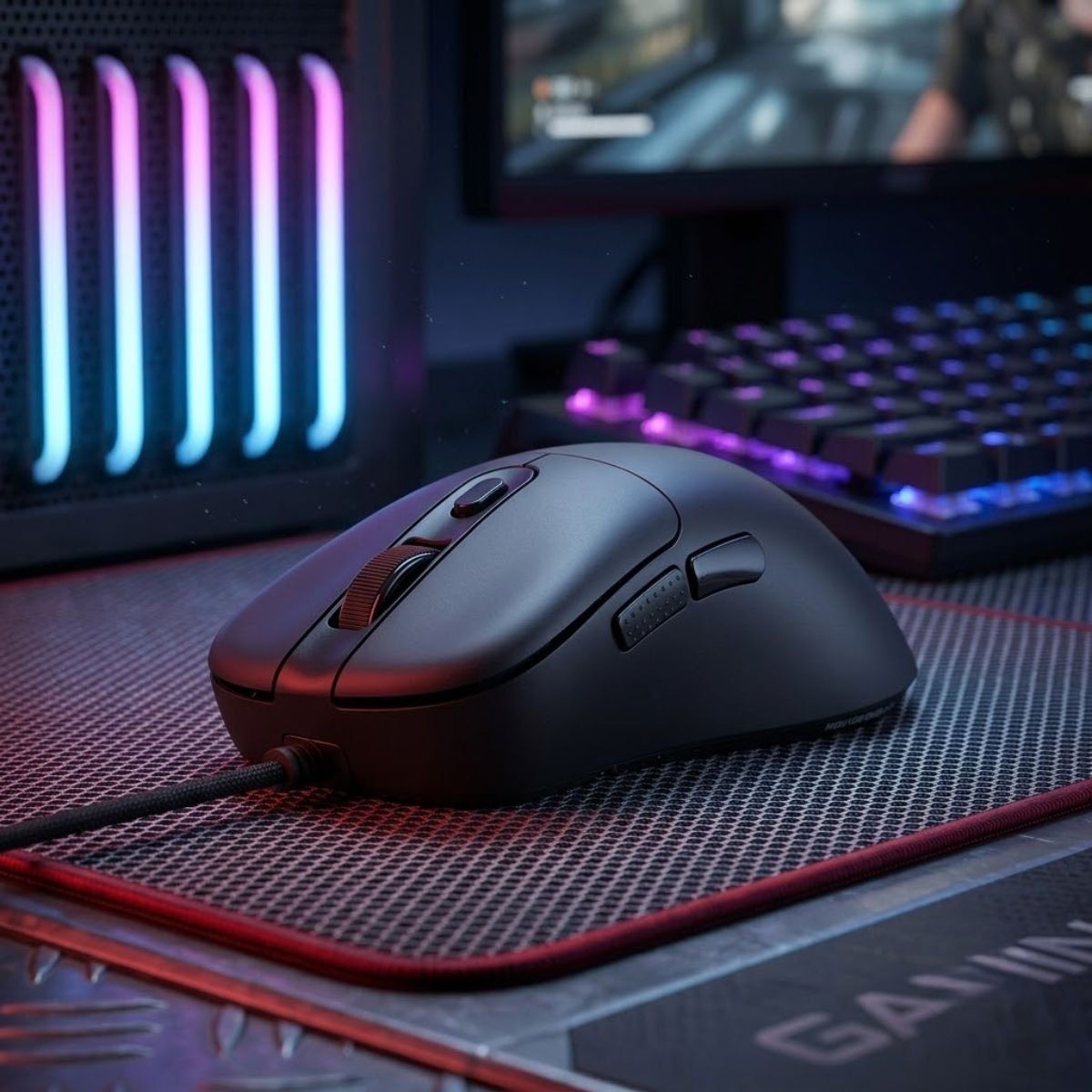
Redragon Wired Gaming Mouse
The Redragon Wired Gaming Mouse provides an affordable entry point into FPS gaming, offering gaming-focused features at a price that is accessible to almost any budget-conscious player.
- Best For: Ultra-budget buyers.
- Connection: Wired.
- Main Strength: Extremely affordable pricing.
- Price Note: Around $15.
A low-cost gaming mouse that makes FPS gaming accessible to players working with extremely limited budgets.
While it cannot match the refinement of more expensive recommendations, it can still serve as a practical starting point for budget-conscious FPS players.
In short, the Redragon focuses on affordability first and performance second.
Strengths and Weaknesses for Budget Buyers
The Redragon Gaming Mouse should be evaluated through the lens of affordability. Its strengths come from accessibility rather than advanced performance.
The factors below summarize its strengths and weaknesses:
- Very Low Price: One of the most affordable options available.
- Gaming-Oriented Design: Better suited for FPS gaming than a standard office mouse.
- Accessible Entry Point: Useful for extremely tight budgets.
- Easy Availability: Widely available through online retailers.
- Lower Overall Refinement: Not as polished as higher-value recommendations.
- More Basic Performance: Designed for affordability first.
These limitations are expected at this price level and should be viewed within the context of the mouse’s intended audience.
Who Should Buy the Redragon Gaming Mouse
The Redragon Gaming Mouse is best for buyers who need the lowest-cost gaming mouse recommendation in this guide. It fills a specific role that more expensive products do not address.
The players below are the strongest fit for the Redragon:
- Ultra-Budget Buyers: Need the lowest possible purchase price.
- Entry-Level Gamers: Building a first gaming setup.
- Backup Mouse Users: Need an inexpensive secondary mouse.
- Casual FPS Players: Want a dedicated gaming mouse at minimal cost.
The Redragon is not the best-performing mouse in this guide, but it fulfills an important role for players whose budget leaves few alternatives.
In summary, the Redragon Gaming Mouse earns its recommendation by making FPS gaming more accessible to players with extremely limited budgets.
How to Choose the Right Cheap Gaming Mouse for Your FPS Play Style
The best cheap gaming mouse depends on your play style, grip preference, and the types of FPS games you play most often. Choosing based on real usage is usually more effective than focusing on specifications alone.
Many players compare sensors, DPI ratings, and marketing features before considering how a mouse will actually feel during gameplay. While technical specifications matter, comfort and handling often have a larger impact on long-term aiming consistency.
Choose Based on the FPS Games You Play Most
The FPS games you play can influence which gaming mouse characteristics feel most beneficial. Tactical shooters often reward control and precision, while faster-paced titles may favor lighter and more agile designs.
The table below summarizes how different FPS genres influence mouse selection:
| FPS Genre | Priority | Examples |
|---|---|---|
| Tactical FPS | Control and precision | Valorant, CS2 |
| Movement FPS | Speed and agility | Apex Legends |
| Hybrid FPS | Balanced handling | Rainbow Six Siege |
| Casual FPS | Comfort and versatility | Battlefield, XDefiant |
Understanding the demands of your primary FPS game can help eliminate options that do not match your preferred style of play.
Choose Based on Your Grip Style
Grip style influences comfort, movement control, and how naturally a gaming mouse fits your hand. A shape that works well for one player may feel awkward for another depending on how the mouse is held.
The points below explain how grip style affects mouse selection:
- Palm Grip: Often benefits from supportive shapes and additional hand contact.
- Claw Grip: Usually works well with versatile medium-sized shapes.
- Fingertip Grip: Frequently favors lighter and more compact designs.
- Hybrid Grip: Often performs best with balanced all-around shapes.
Selecting a shape that complements your grip style can improve comfort and consistency more than small specification differences.
Choose Based on Your Budget Expectations
Not every budget buyer has the same goal. Some players simply want the cheapest usable gaming mouse, while others are willing to spend slightly more for stronger long-term value.
The table below shows how different budget levels affect buying priorities:
| Budget Range | Primary Goal | Typical Buyer |
|---|---|---|
| Under $20 | Lowest possible cost | Entry-level buyers |
| $20–$30 | Maximum value | Budget FPS players |
| $30–$50 | Additional refinement | Competitive players |
Defining your budget expectations early can help prevent overspending on features that may not improve your actual FPS performance.
In summary, the best cheap gaming mouse is the one that matches your FPS game, grip style, and budget rather than the one with the longest specifications list.
Common Mistakes When Buying a Cheap Gaming Mouse for FPS Games
Many FPS players waste money on the wrong gaming mouse because they focus on marketing claims instead of practical performance. Avoiding a few common mistakes can dramatically improve the chances of finding a mouse that genuinely fits your needs.
The mistakes below appear repeatedly among budget buyers and often lead to unnecessary upgrades later.
Prioritizing Specifications Over Shape
One of the most common mistakes is assuming that higher specifications automatically create a better gaming experience. In reality, shape compatibility often has a greater influence on comfort and aiming consistency.
A mouse that fits your hand naturally is usually easier to control than a technically superior mouse that feels uncomfortable.
Ignoring Long-Term Comfort
Some buyers focus entirely on performance and forget that FPS games often involve hundreds of hours of practice. Comfort becomes increasingly important as gaming sessions grow longer.
Discomfort can affect grip consistency, concentration, and overall enjoyment even if the mouse performs well technically.
Buying Based Only on Price
The cheapest gaming mouse is not always the best value. Extremely low prices sometimes come with compromises that affect durability, handling, or overall usability.
The list below highlights buying mistakes worth avoiding:
- Choosing a mouse only because it is inexpensive.
- Ignoring shape and grip compatibility.
- Overvaluing DPI and marketing specifications.
- Skipping reviews from FPS-focused users.
- Expecting premium features at entry-level prices.
Avoiding these mistakes makes it much easier to identify budget gaming mice that provide genuine long-term value.
In summary, successful budget mouse purchases are usually driven by comfort, usability, and practical performance rather than marketing claims.
Who Should Buy a Cheap Gaming Mouse for FPS Gaming?
A cheap gaming mouse is the right choice for many FPS players because modern budget models are far more capable than they were in the past. The key is understanding whether your needs align with what affordable gaming mice are designed to provide.
For many players, a well-chosen budget mouse can deliver nearly everything needed for competitive FPS gaming without requiring a premium investment.
Players Who Prioritize Value Over Premium Features
Many FPS players simply want reliable performance without paying extra for features they may never use. These buyers often benefit the most from budget gaming mice because they focus on practical gameplay improvements rather than luxury additions.
A good budget gaming mouse can provide accurate tracking, comfortable handling, and dependable responsiveness while keeping costs under control.
Players Still Developing Their Preferences
Newer FPS players often do not yet know which shape, weight, or grip style suits them best. Spending heavily before understanding these preferences can lead to unnecessary regret.
Starting with a quality budget gaming mouse allows players to learn what they like before considering more expensive upgrades later.
Players Building a Budget Gaming Setup
Building a gaming setup requires balancing multiple components. Spending less on a mouse can free up budget for other upgrades that may have a greater impact on the overall experience.
The players below are the strongest candidates for a cheap gaming mouse:
- Budget-Conscious FPS Players: Want the best performance per dollar.
- Students: Need reliable gaming gear without overspending.
- New FPS Players: Are still learning their preferences.
- Secondary Setup Users: Need an affordable backup gaming mouse.
- Casual Competitive Players: Want solid performance without premium pricing.
These players often gain the most value from budget gaming mice because their needs align closely with what modern affordable gaming hardware can deliver.
In summary, cheap gaming mice are an excellent choice for players who prioritize value, practicality, and reliable FPS performance.
Who Should Skip Cheap Gaming Mice and Spend More?
While budget gaming mice work well for many players, they are not the perfect solution for everyone. Certain users may benefit from spending more if they have highly specific requirements or advanced performance expectations.
The goal is not to spend more for the sake of spending more. Instead, the goal is to determine whether premium features will provide meaningful benefits for your situation.
Highly Competitive Players Seeking Maximum Refinement
Some competitive players spend hundreds of hours practicing aim and competing in ranked environments. At that level, small improvements in build quality, weight optimization, coatings, and wireless technology may become more noticeable.
These players are often looking for refinement rather than basic functionality, which is where premium gaming mice can justify their higher prices.
Players Who Already Know Their Exact Preferences
Experienced FPS players sometimes reach a point where they know precisely what shape, weight, and feature set they prefer. If a specific premium mouse perfectly matches those requirements, paying more may be reasonable.
In these situations, the purchase decision becomes less about value and more about achieving a highly personalized setup.
Players Demanding Premium Wireless Technology
Modern budget wireless mice have improved dramatically, but flagship wireless products still lead the market in certain areas. Players who want the latest wireless innovations may need to move beyond the budget category.
The table below summarizes situations where spending more may make sense:
| Player Type | Reason | Potential Benefit |
|---|---|---|
| Competitive Enthusiasts | Seek maximum refinement | Improved overall experience |
| Experienced Users | Know exact preferences | Better shape matching |
| Premium Wireless Users | Want advanced technology | Higher-end wireless features |
| Long-Term Upgraders | Plan to keep one mouse for years | Greater long-term satisfaction |
These situations represent exceptions rather than the rule. Most FPS players can still achieve excellent results with well-chosen budget gaming mice.
In summary, spending more becomes worthwhile when premium features solve a specific need rather than simply offering a higher price tag.
Frequently Asked Questions About Cheap Gaming Mice for FPS Games
Cheap gaming mice continue to improve every year, which naturally raises questions about performance, reliability, comfort, and long-term value. The answers below address the most common concerns FPS players have before choosing a budget gaming mouse.
Can a cheap gaming mouse perform well in competitive FPS games?
Yes. Many modern budget gaming mice offer reliable sensors, responsive clicks, and comfortable shapes that are fully capable of supporting competitive FPS gameplay.
What matters more than price when choosing a gaming mouse?
Shape compatibility, comfort, and overall handling usually have a greater impact on gameplay than price alone.
Are wireless budget gaming mice worth buying?
Yes. Several affordable wireless gaming mice now provide stable performance that is suitable for FPS gaming.
Do I need a premium sensor for FPS games?
No. Most modern gaming mouse sensors already provide enough accuracy for competitive FPS play.
Which grip style benefits most from lightweight gaming mice?
Fingertip and claw grip users often prefer lightweight designs, although preferences vary between individuals.
Can beginners use the same gaming mice as experienced players?
Yes. Many gaming mice recommended for beginners are also used successfully by experienced FPS players.
How important is mouse weight for FPS gaming?
Mouse weight influences movement feel and control, but the ideal weight depends on personal preference.
How long should a budget gaming mouse last?
A quality budget gaming mouse can often provide several years of reliable use when properly maintained.
Should I choose a gaming mouse based on DPI numbers?
No. Extremely high DPI figures rarely provide meaningful advantages for FPS players.
What is the biggest mistake budget buyers make?
The most common mistake is ignoring shape and comfort while focusing only on specifications.
Can a cheap gaming mouse compete with expensive esports mice?
In many situations, yes. Comfort, consistency, and skill often matter more than premium features.
When should I upgrade from a budget gaming mouse?
You should consider upgrading when you have clearly identified limitations that a premium mouse can realistically solve.
Final Verdict: What Is the Best Cheap Gaming Mouse for FPS Games?
The best cheap gaming mouse for FPS games depends on your individual needs, but several models stand out for different reasons. The Logitech G305 remains the safest overall recommendation, the Attack Shark X3 offers excellent lightweight wireless value, and the ATK VXE Dragonfly R1 SE+ delivers one of the strongest price-to-performance ratios in the category.
Players who prioritize tactical shooters may prefer the SteelSeries Prime, while Valorant players can benefit from the lightweight design of the Razer Cobra. Beginners often find the Logitech G203 easier to start with, and extremely budget-conscious buyers can still find usable options from Redragon.
Ultimately, the best cheap gaming mouse is not necessarily the cheapest option available. It is the one that best matches your FPS games, grip style, comfort preferences, and budget expectations.
If you want a broader comparison of FPS-focused gaming mice across multiple price categories, visit our guide to the top best gaming mouse for FPS games in 2026.
In summary, modern budget gaming mice offer enough performance for most FPS players, making it possible to achieve competitive results without spending premium-level money.
Thanks for reading, and good luck finding the right FPS mouse.