
Gaming Keyboard for FPS: How to Choose the Right One
A good gaming keyboard for FPS comes down to five things: consistent actuation, fast key reset, a size that leaves room for your mouse, switches that match your budget, and a connection that never adds hesitation to your input. Nothing else on the spec sheet matters as much as those five.
What Makes a Gaming Keyboard Good for FPS?
A good FPS gaming keyboard prioritizes consistent input, low latency, predictable actuation, fast key reset, and a layout that supports movement without wasting desk space.
The Core Performance Factors That Matter
Every FPS keypress you make for movement, crouching, jumping, or reloading needs to register the same way, every time. Actuation consistency, key reset speed, reliable rollover on overlapping keys, and overall input latency are what actually change how a keyboard feels mid-match.
Features That Matter Less for Competitive FPS
RGB lighting, dedicated macro clusters, decorative keycap sets, and companion software themes do not change how fast a key registers. They can make a keyboard nicer to own without moving the needle on in-game responsiveness.
Why Faster Does Not Always Mean Better
A keyboard that sounds fast on the spec sheet is not automatically better if actuation feels inconsistent or the layout eats into your mousepad space. The biggest gains usually come from matching the keyboard to your movement habits, not chasing the largest number.
Key performance factors and secondary feature trade-offs for competitive FPS keyboards:
| Category | Examples | Why It Matters for FPS |
|---|---|---|
| Core performance factor | Actuation consistency, key reset speed, rollover | Directly changes how movement and combat inputs register |
| Core performance factor | Input latency, size and layout | Affects reaction speed and the mouse space available on your desk |
| Secondary feature | RGB lighting, macro keys, keycap sets | Changes how the keyboard looks and feels to own, not how fast it responds |
| Secondary feature | Companion software themes, media keys | Convenience additions with no effect on in-game input |
Core FPS Keyboard Performance Factors vs Secondary Features Comparison
Prioritizing core mechanical responsiveness over cosmetic lighting guarantees that your keyboard investment translates directly into faster, more reliable in-game character control.
How Keyboard Latency Affects FPS Performance
Keyboard latency determines how quickly a physical key press becomes an input the game can register, making consistency and responsiveness more important than headline specifications alone.
What Keyboard Latency Actually Measures
Keyboard latency is the time between a physical keypress and the moment that input reaches the game engine. It is shaped by several stages happening in sequence, from switch registration to how the connection reports the input to your PC.
Why Consistent Input Matters More Than a Single Latency Number
A keyboard that is consistently a few milliseconds slower is easier to play around than one that is fast on average but occasionally spikes. Inconsistent input is what actually breaks timing on strafes and peeks, not a small gap in the average number.
When Lower Latency Can Make a Practical Difference
At a high level of competitive play, where reaction windows are measured in single-digit milliseconds, a lower-latency, well-implemented keyboard can add a small, real edge. For most other players, layout and actuation will change gameplay far more.
Latency-related specifications and their practical impact on FPS movement response:
| Specification | What It Affects | Practical Impact |
|---|---|---|
| Debounce time | Delay before a keypress is confirmed as intentional | Lower is generally better, but very low settings can cause accidental double-presses |
| Polling rate | How often the keyboard reports its state to the PC | Biggest gain comes from a low rate to a moderate one; gains shrink at the high end |
| Switch actuation type | The exact point in the keystroke where a signal fires | Optical and magnetic switches tend to register more consistently over time |
| USB report consistency | Variance between individual key presses | A steady, predictable response matters more for FPS timing than a lower average |
Keyboard Latency Specifications and Their Practical Competitive Impact
While marketing often highlights extreme polling figures, internal debouncing and switch registration consistency dictate actual in-game responsiveness far more than USB reporting alone.
How Actuation and Key Reset Affect FPS Movement
Actuation and reset behavior determine how quickly a key responds and becomes ready for another input, which can matter most during movement-heavy FPS play.
What an Actuation Point Means
The actuation point is how far you have to press a key before it registers. A shorter actuation point means the game recognizes your input earlier in the keystroke, which can make movement keys feel more immediate.
How Adjustable Actuation Changes Keyboard Control
Some switches let you set the actuation point yourself, from a short, hair-trigger press to a deeper one. This lets you tune movement keys for speed and single-use ability binds for extra intentionality.
Why Key Reset Matters for Repeated Movement Inputs
Reset is how far a key has to travel back up before it can register another press. FPS movement often relies on quick repeated taps, so a key that resets slowly can fight you during fast direction changes even if its initial actuation is fast.
Actuation and key reset behavior across primary competitive FPS gameplay scenarios:
| Use Case | Actuation Preference | Reset Preference |
|---|---|---|
| Strafing & counter-strafing | Shorter, lighter actuation | Fast, short reset distance |
| General typing & utility binds | Standard actuation | Standard reset |
| Single-tap ability keys | Adjustable, slightly heavier actuation | Consistent, predictable reset |
Actuation and Key Reset Characteristics Across FPS Gameplay Scenarios
Matching your actuation depth to specific key roles ensures crisp movement transitions without increasing accidental misclicks on high-consequence ability binds.
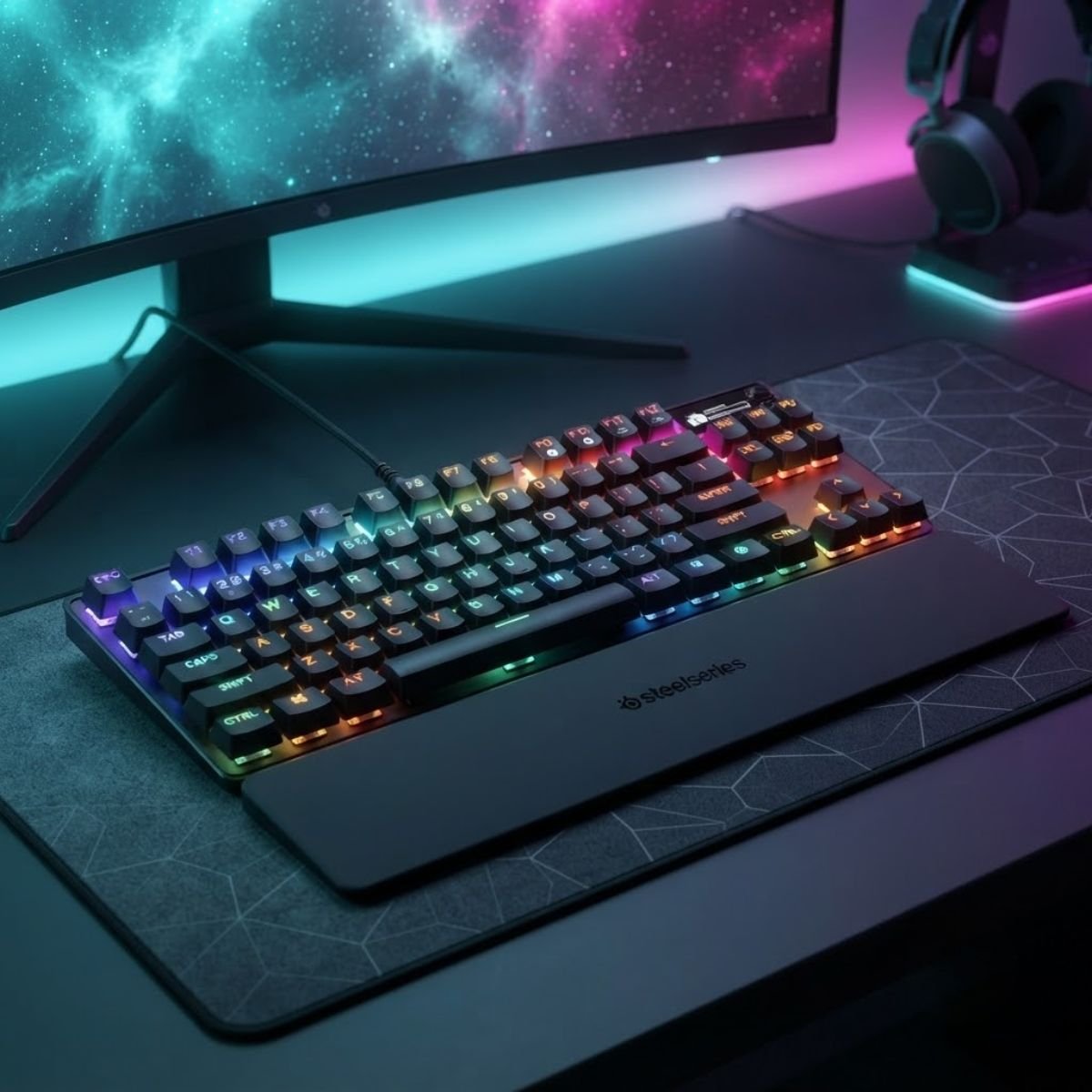
SteelSeries Apex Pro TKL Gen 3
Engineered with OmniPoint 3.0 Hall Effect switches offering 0.1 mm to 4.0 mm adjustable actuation, Rapid Trigger sensitivity, and protection against accidental keystrokes.
Does Rapid Trigger Matter for FPS Gaming?
Rapid Trigger can be useful for FPS players who rely heavily on rapid directional inputs because it allows key activation and reset behavior to respond to movement rather than a fixed reset point.
What Rapid Trigger Changes
Instead of one fixed point for pressing and one for releasing, Rapid Trigger continuously tracks key travel and resets the key the moment it starts moving back up, even by a tiny amount, making it ready to fire again almost instantly.
Where Rapid Trigger Can Help
Players who rely on fast, repeated direction changes, like counter-strafing in tactical shooters, tend to notice the biggest benefit, since the key resets faster between taps without needing a full release.
When Rapid Trigger Is Not a Priority
If your movement style is not built around rapid, repeated taps, or you mainly play titles that do not reward counter-strafing, Rapid Trigger is unlikely to change how the game feels. It is not a requirement for a keyboard to be FPS-ready.
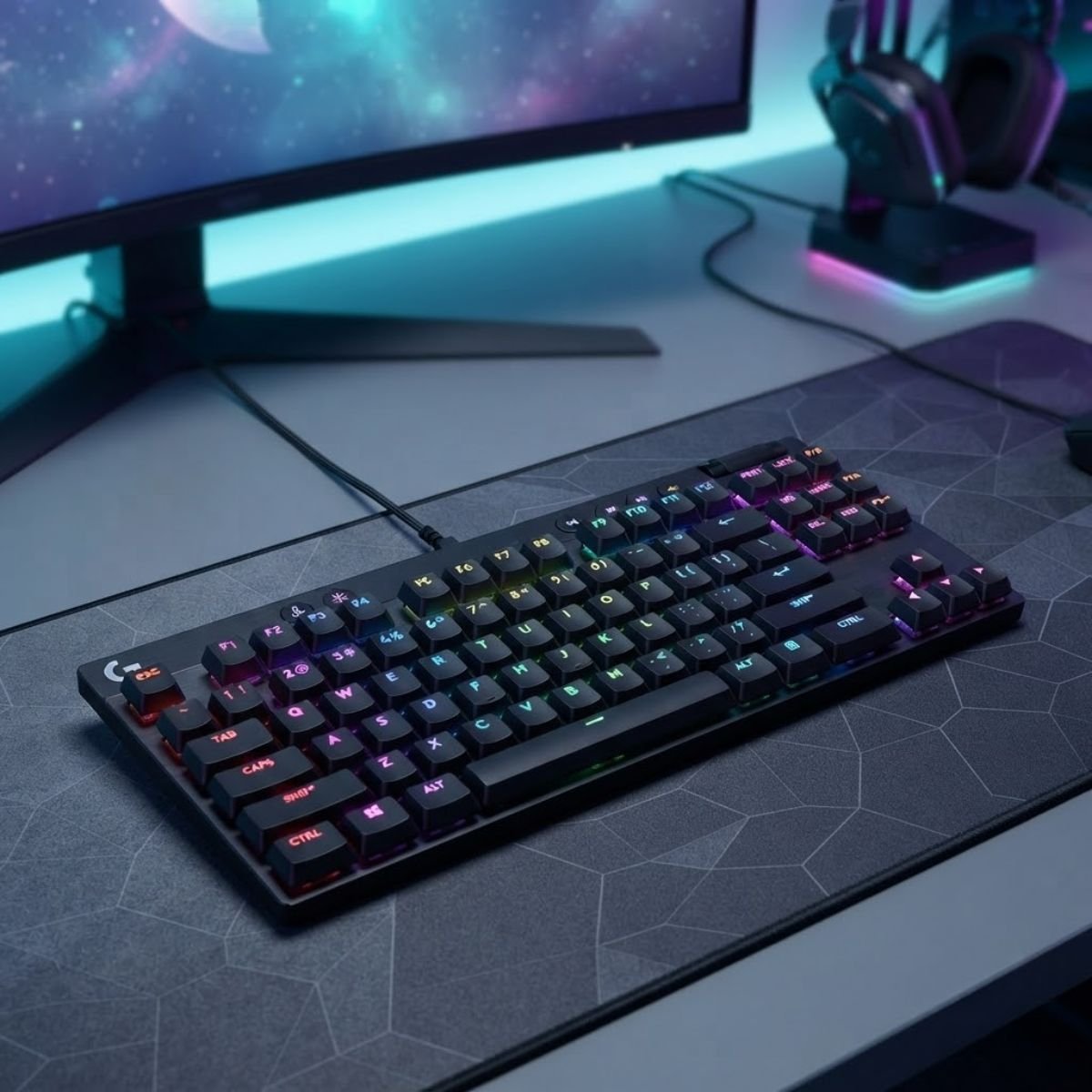
Logitech G PRO X TKL Rapid
Magnetic analog switches built specifically for competitive FPS titles, delivering instant Rapid Trigger counter-strafing resets and customizable actuation points on the fly.
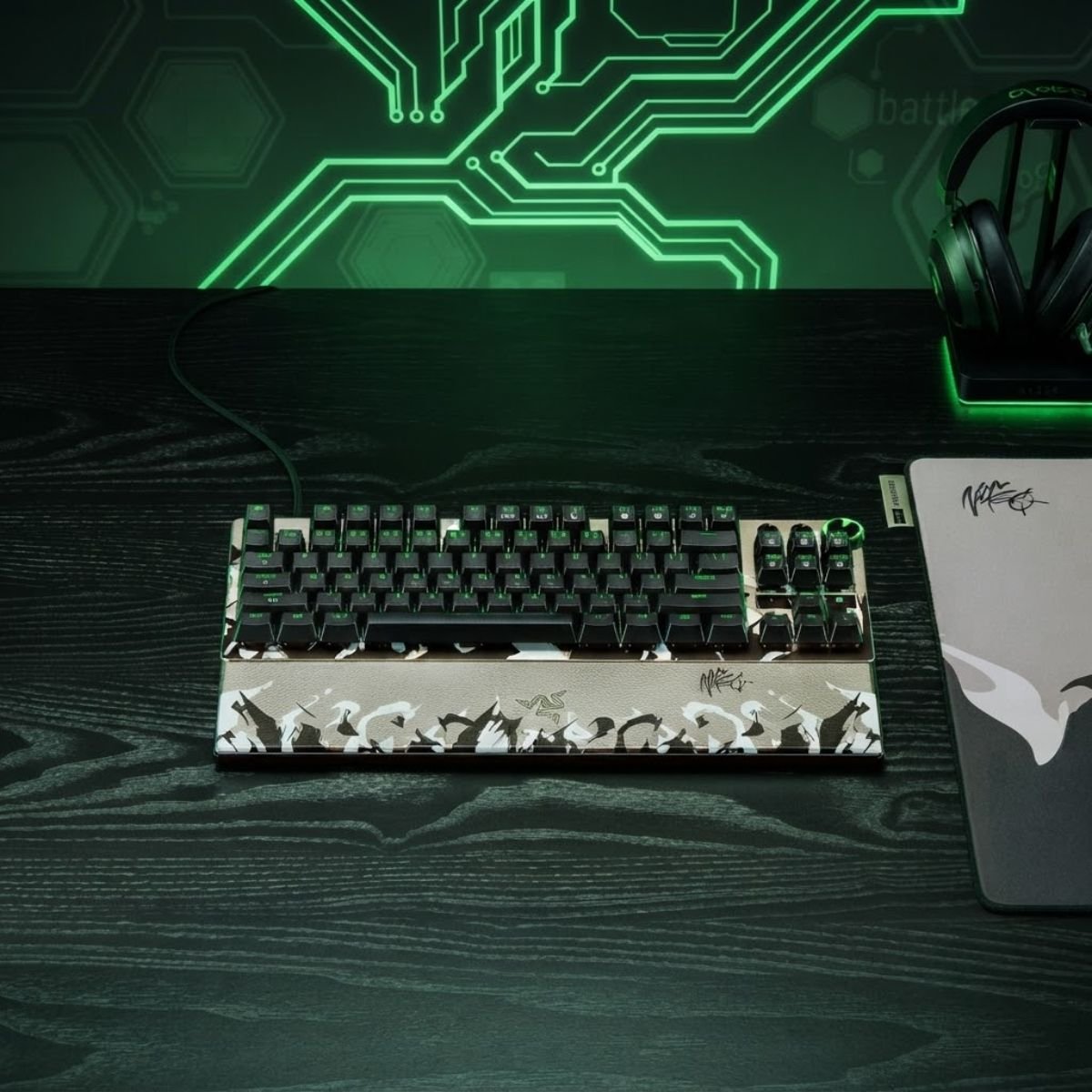
Razer Huntsman V3 Pro Tenkeyless 8KHz
Equipped with Gen-2 Analog Optical Switches and native 8000Hz polling rate, delivering ultra-fine 0.1 to 4.0 mm actuation tuning and instant Rapid Trigger response.
Mechanical, Optical, and Hall Effect Switches for FPS
Switch technology affects actuation behavior, feel, customization, and responsiveness, but no switch type is automatically the best choice for every FPS player.
Mechanical Switches
Mechanical switches use physical metal contacts to register a keypress. They come in linear, tactile, and clicky variants, offer the widest range of feel and sound, and are generally the easiest to find, customize, and hot-swap.
Optical Switches
Optical switches register a keypress by interrupting a beam of light instead of touching metal contacts. That design tends to reduce contact bounce and can feel very consistent, though actuation is usually fixed rather than adjustable.
Hall Effect Switches
Hall Effect (magnetic) switches detect the position of a magnet inside the switch, enabling continuous, adjustable actuation and features like Rapid Trigger. They usually cost the most of the three, but offer the most tunability.
Which Switch Technology Fits Different FPS Players?
A budget-conscious player who values customization is usually well served by mechanical switches. A player who wants a reliable, consistent feel without much tinkering can lean toward optical. A player chasing adjustable actuation and Rapid Trigger for fast movement mechanics will get the most from Hall Effect.
Mechanical, optical, and Hall Effect switch technologies evaluated for FPS performance:
| Switch Type | How It Registers Input | Best Fit For |
|---|---|---|
| Mechanical | A physical metal contact closes a circuit | Players who want the widest choice of feel, sound, and hot-swap options |
| Optical | A beam of light is interrupted at the actuation point | Players who want consistent, low-bounce input without adjusting settings |
| Hall Effect (magnetic) | A magnet’s position is measured continuously | Players who want adjustable actuation and Rapid Trigger-style features |
Mechanical, Optical, and Hall Effect Switch Comparison for FPS Players
While standard linear mechanical switches remain the dependable budget benchmark, magnetic Hall Effect switches provide measurable movement advantages for players who actively counter-strafe.
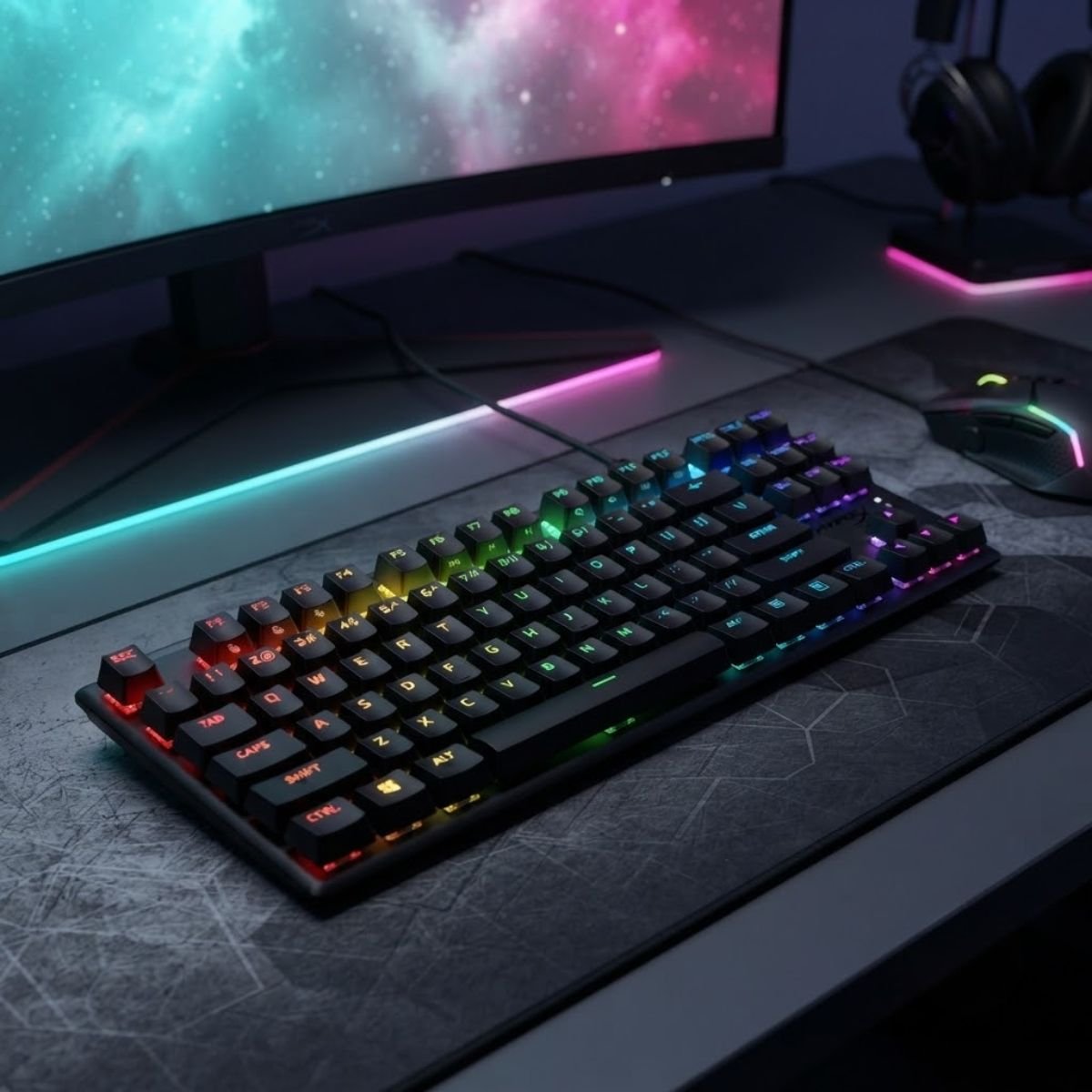
HyperX Alloy Origins Core PBT
Custom HyperX Red linear mechanical switches paired with a full aircraft-grade aluminum body and pre-installed PBT keycaps for reliable competitive movement control.
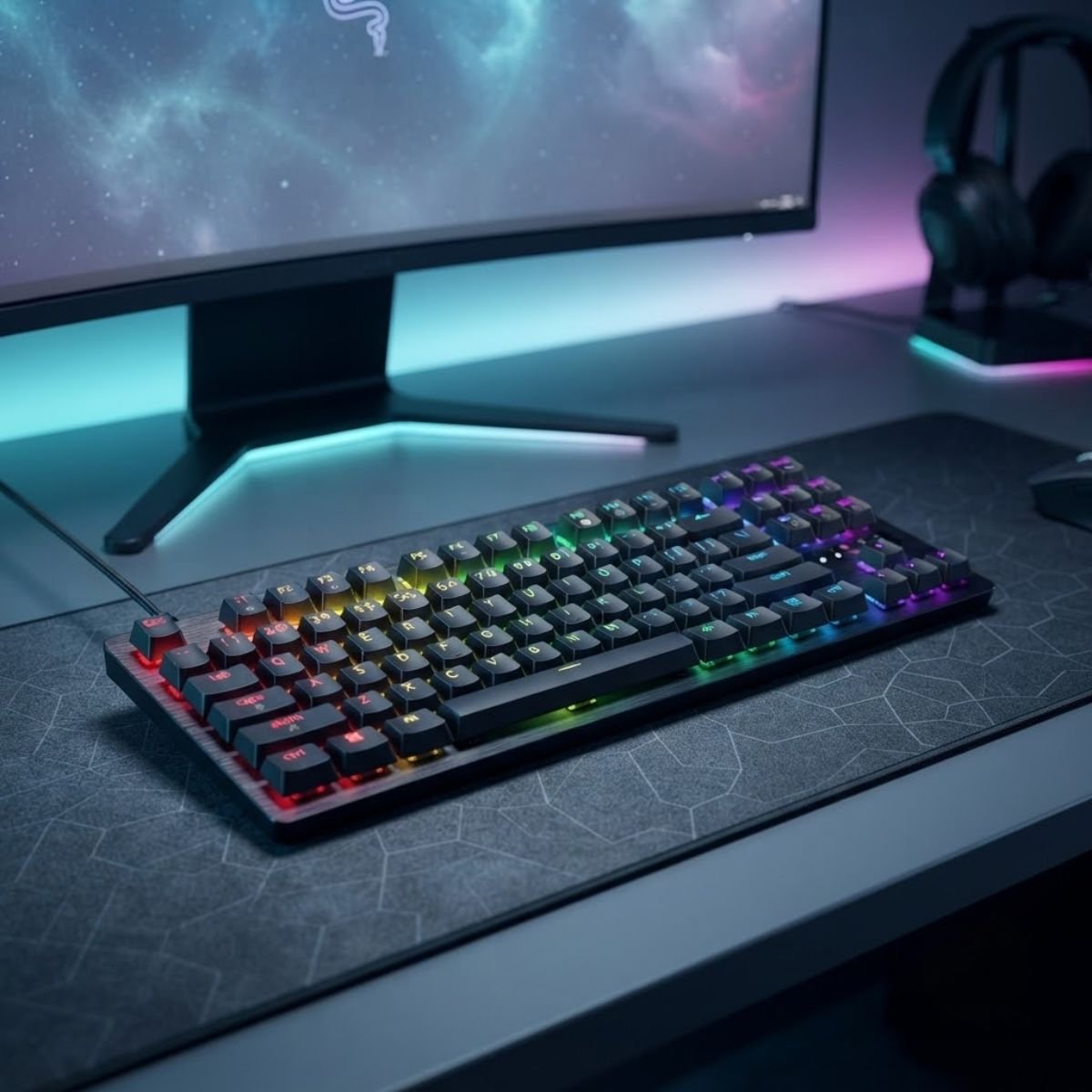
Razer Huntsman V3 TKL 8KHz (Amazon Edition)
Zero-debounce optical actuation provides pure light-speed signal transmission and rapid reset mechanics without mechanical contact wear or physical bounce delay.
Which Keyboard Size Is Best for FPS?
TKL, 75%, 65%, and 60% keyboards are often better suited to FPS setups than full-size keyboards because they provide more mouse space, but the best layout depends on the player’s workflow.
60% Keyboards
Drops the function row, arrow keys, and navigation cluster entirely, leaving the smallest footprint and the most mousepad room. Best for players comfortable using key combinations for anything the board does not have a dedicated key for.
65% Keyboards
Keeps arrow keys and a few navigation keys in a compact frame, a common pick for players who still want quick access to arrows without giving up much desk space.
75% Keyboards
Adds the function row back in a tightly stacked layout, giving you F-key shortcuts and media controls while staying noticeably smaller than a TKL board.
TKL Keyboards
Removes the numpad but keeps the full function row, arrow keys, and navigation cluster, making it one of the most common sizes for FPS setups that still want a familiar layout minus the numpad.
Full-Size Keyboards
Includes the numpad, which most FPS players never touch mid-match. It gives up the most desk space and pushes your mouse hand further from center, making it the least common choice for competitive setups.
Keyboard size comparison evaluating mouse clearance, layout tradeoffs, and FPS suitability:
| Size | Mouse Space | Functionality | Best For |
|---|---|---|---|
| 60% | Maximum | Minimal — no arrows, no F-row | Players fully committed to a compact desk setup |
| 65% | Very high | Arrow keys retained | Players who want a compact board but still use arrow keys |
| 75% | High | Arrow keys + F-row in a compact stack | Players who want function key access without a full-size footprint |
| TKL | Moderate | Full layout minus numpad | Most FPS setups — familiar layout with better mouse room |
| Full-size | Lowest | Everything, including numpad | Players who genuinely use the numpad for other tasks |
Keyboard Sizes Compared by Mouse Clearance and FPS Ergonomics
Opting for a Tenkeyless or compact format prevents your mouse from physically colliding with the keyboard chassis during wide defensive swipes and aggressive flick shots.
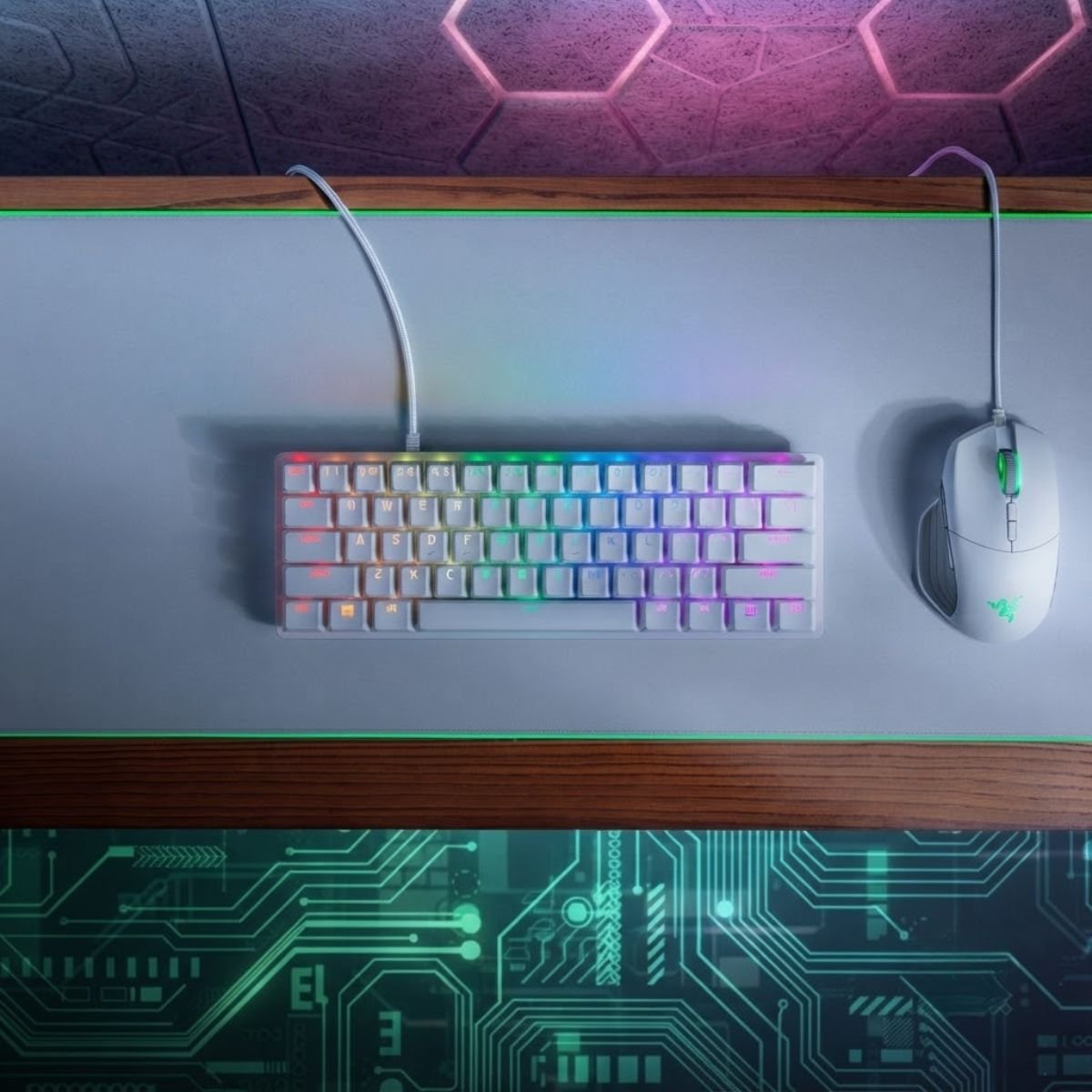
Razer Huntsman Mini 60%
Ultra-compact 60% layout designed to free up maximum desk space for low-sensitivity mouse swiping, powered by fast Razer Linear Optical switches.
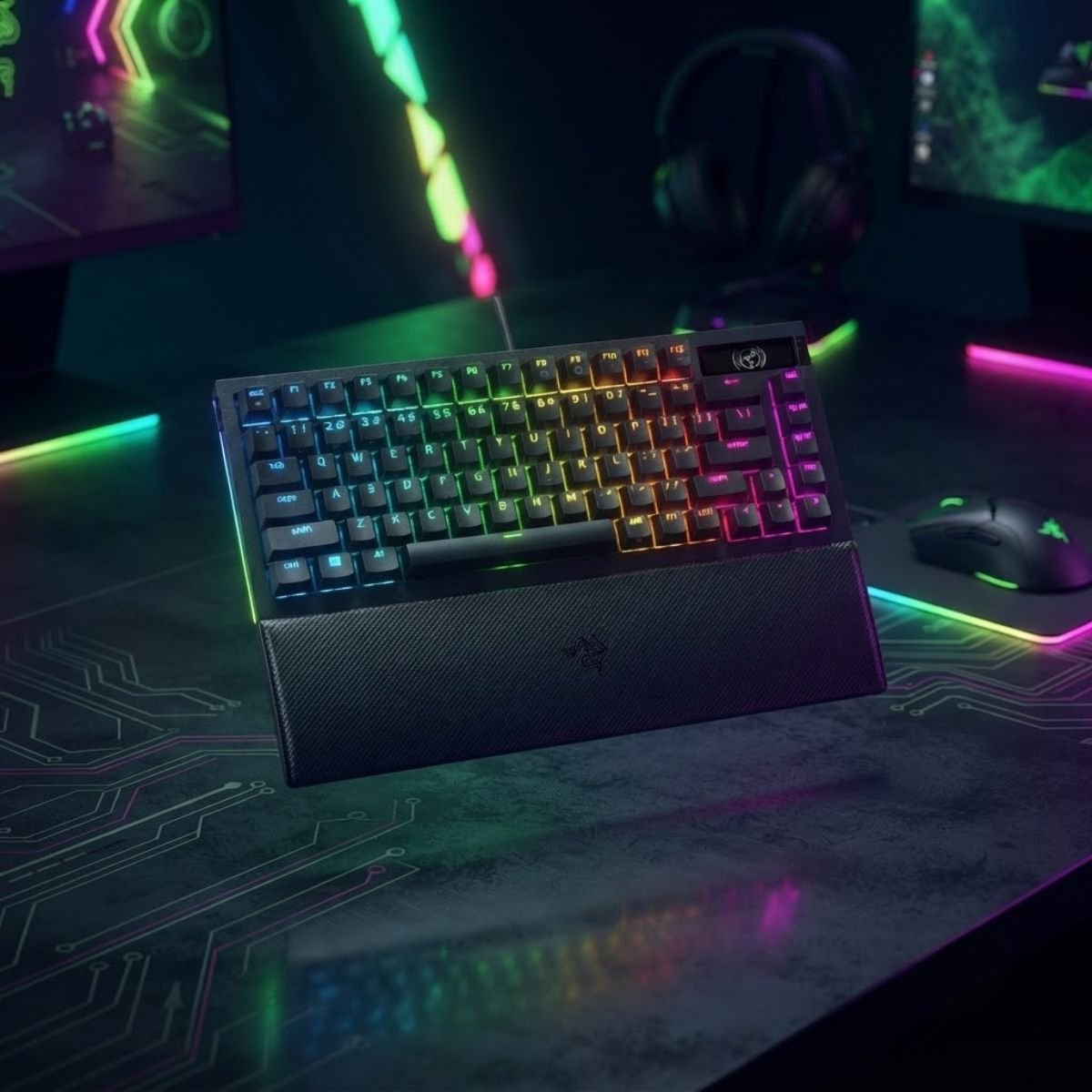
Razer BlackWidow V4 Pro 75%
Compact 75% layout keeping arrow and navigation keys, equipped with a gasket-mounted FR4 plate, sound dampening foam, and hot-swappable mechanical switch sockets.
What Polling Rate Should an FPS Keyboard Have?
A higher keyboard polling rate can reduce the interval between input reports, but polling rate should be evaluated alongside actual latency and system behavior rather than treated as the main performance metric.
What Keyboard Polling Rate Means
Polling rate is how many times per second the keyboard reports its state to your PC. A higher polling rate means the system gets updates more often, which can shorten the time between a keypress and when it is seen.
How Polling Rate Relates to Input Reporting
Going from a low polling rate to a moderate one produces a noticeable drop in reporting delay. Pushing from an already high rate to an even higher one produces a much smaller change.
Why Polling Rate Alone Does Not Define Keyboard Performance
A keyboard can have an impressively high polling rate on the box and still feel inconsistent if actuation, debounce handling, or build quality are not dialed in. It is one input into responsiveness, not the whole picture.
Wired vs Wireless Gaming Keyboards for FPS
Wired keyboards remain the simplest choice for predictable connectivity, while modern wireless keyboards can also be suitable for FPS when their wireless implementation delivers stable and consistent input.
Wired Keyboard Advantages
Reliable, simple, and the safest default for predictable performance without extra variables.
- No battery anxiety
- Usually the most affordable performance tier
- Fewer variables to troubleshoot
- Cable routing needs a little desk management
Wireless Keyboard Advantages
A well-implemented low-latency connection can perform close to wired, at the cost of battery management.
- No cable to route across the desk
- Modern low-latency wireless closes most of the gap
- Battery life needs to be tracked
- Implementation quality varies a lot between models
What FPS Players Should Check Before Choosing Wireless
Look for a dedicated low-latency wireless mode rather than general Bluetooth, confirm the manufacturer documents real latency or polling data for that mode, and check realistic battery life under active gaming use rather than idle use.
Wired and wireless connection factors compared across competitive FPS environments:
| Factor | Wired | Wireless |
|---|---|---|
| Setup complexity | Plug in and play | Needs pairing and a charging routine |
| Ongoing cost | One-time purchase | May need battery replacement or charging accessories |
| Desk cleanliness | One cable to manage | Cleaner desk, one less cable |
| Performance ceiling | Consistently high out of the box | High, but depends entirely on implementation quality |
Wired vs Wireless Gaming Keyboards Comparison for FPS Setups
Because keyboards remain stationary during gameplay unlike mice, wired connections remain the most dependable, cost-effective choice for competitive esports reliability.
Which FPS Keyboard Features Are Actually Worth Paying For?
The most valuable upgrades are the features that directly affect input behavior, movement control, consistency, and usability rather than cosmetic gaming features.
Features Worth Prioritizing
Consistent actuation, reliable key reset, solid stabilizers, and genuine anti-ghosting or rollover on your movement keys are the features that change how the keyboard performs during a match.
Features Worth Treating as Secondary
Hot-swappable switches, programmable macro layers, and onboard profile storage are useful conveniences, especially if you plan to tune or upgrade the board later, but they do not change raw responsiveness.
Features That Are Mostly About Personal Preference
RGB lighting, keycap material and profile, deck material, and aesthetic finishes affect how much you enjoy owning the keyboard, not how it performs in a match.
Feature priority tiers separating essential FPS hardware from non-essential marketing extras:
| Priority Tier | Examples | Why |
|---|---|---|
| Essential | Actuation consistency, key reset, rollover on the WASD cluster | Directly affects how movement and combat inputs register |
| Useful upgrade | Hot-swap sockets, adjustable actuation, onboard memory | Adds tuning flexibility and future-proofing without changing base performance |
| Personal preference | RGB, keycap sets, deck material, aesthetic finish | Changes how the board looks and feels to own, not how it performs |
Feature Priority Hierarchy for Competitive FPS Keyboards
Focusing your spending on Tier 1 and Tier 2 capabilities guarantees maximum mechanical return without overpaying for visual novelties that do not improve your K/D ratio.
How Much Should You Spend on an FPS Gaming Keyboard?
The right budget depends on which performance features you actually need, because spending more does not automatically produce a better competitive FPS experience.
Entry-Level FPS Keyboards
Covers a solid mechanical or optical board with dependable actuation and a sensible FPS-friendly size, without adjustable actuation or Rapid Trigger.
Mid-Range FPS Keyboards
This is where hot-swappable switches, better stabilizers, and sometimes early Hall Effect or adjustable-actuation options start to appear.
Premium FPS Keyboards
Gets you Hall Effect switches, fully adjustable actuation, Rapid Trigger, and the most refined build quality, aimed at players who will actually use those tuning options.
When a Premium Keyboard Is Actually Worth It
Premium pricing is worth it once you already know your movement style benefits from adjustable actuation and Rapid Trigger. It is a weaker investment if you are still deciding on grip, layout, or board size.
FPS keyboard price tiers and hardware expectations across budget segments:
| Budget Range | What You Typically Get | Best Suited For |
|---|---|---|
| Entry-level | Dependable mechanical or optical switches, FPS-friendly size, basic build | Players who want reliable performance without paying for tuning features they may not use |
| Mid-range | Hot-swap sockets, better stabilizers, some adjustable-actuation options | Players who want room to tune or upgrade later |
| Premium | Hall Effect switches, full actuation control, Rapid Trigger, refined build | Players who already know they benefit from adjustable actuation and fast reset |
FPS Gaming Keyboard Price Tiers and Hardware Capabilities
Investing in the 60 to 120 USD tier satisfies virtually all competitive requirements, while moving above 130 USD is primarily justified when you require dynamic Rapid Trigger tuning.
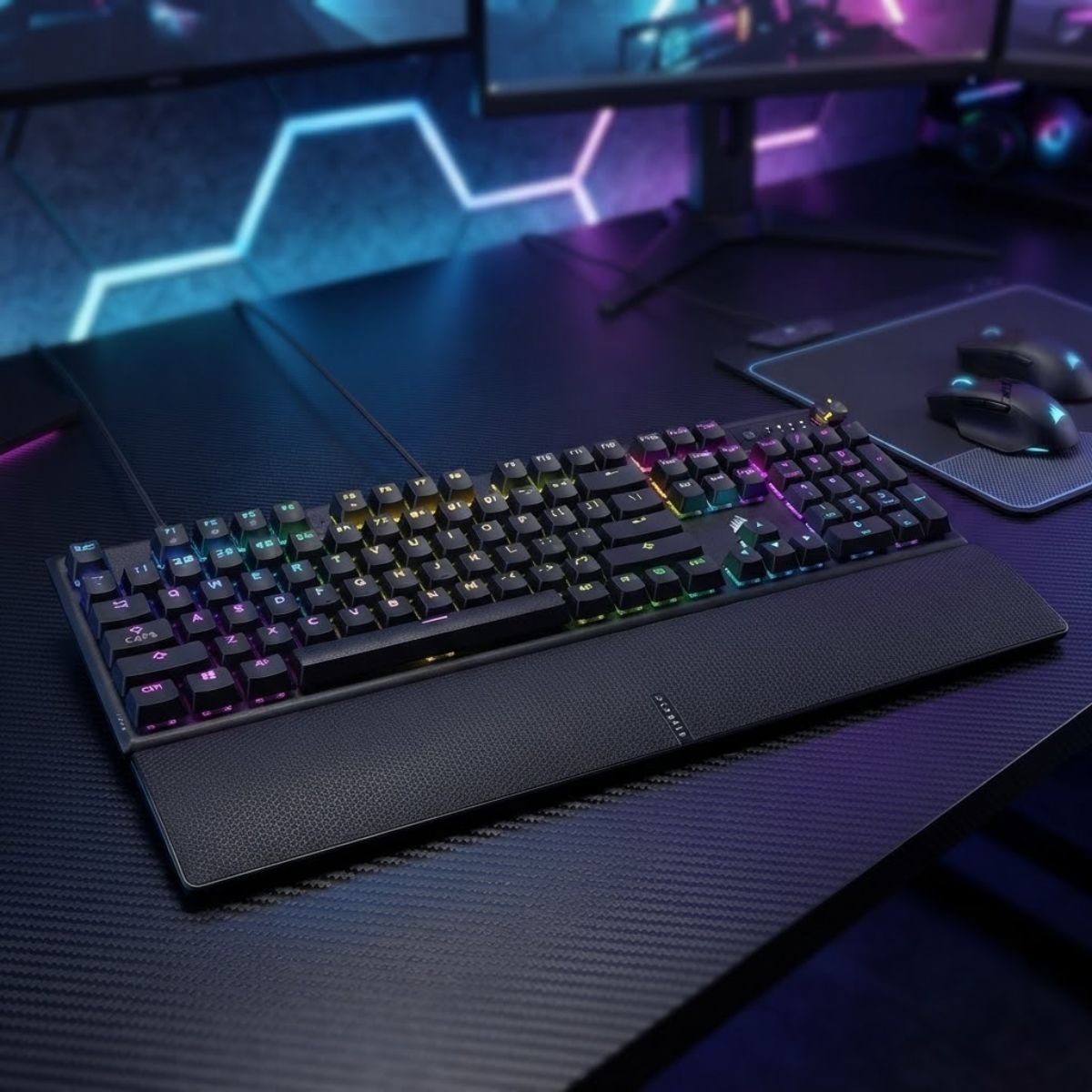
CORSAIR K70 CORE RGB Mechanical
Pre-lubed CORSAIR MLX Red linear switches, dual sound-dampening foam layers, multi-function rotary dial, and a magnetic palm rest for versatile gaming and typing.
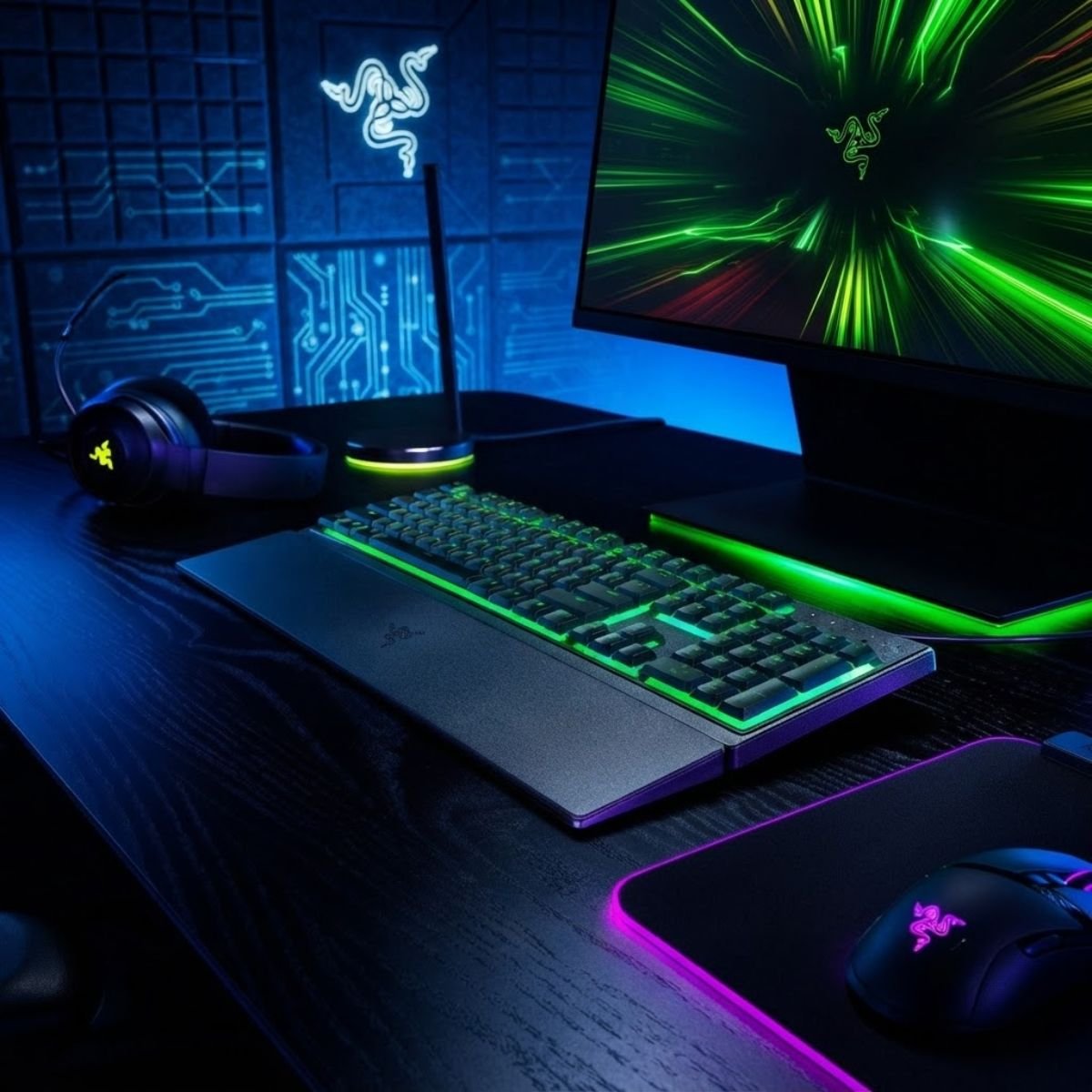
Razer Ornata V3 X
Low-profile membrane keys with silent keypresses, spill-resistant construction, and an included wrist rest, providing a comfortable, accessible entry into FPS gaming.
How to Choose a Gaming Keyboard for Your FPS Setup
Choose an FPS keyboard by matching performance features, switch behavior, layout, desk space, budget, and personal movement style rather than buying based on one specification.
-
1
Identify Your FPS Priorities
Decide whether your biggest limitation is layout and desk space, input consistency, or comfort during long sessions. That answer points you toward different keyboard categories before you even look at switches.
-
2
Choose the Right Form Factor
Pick the smallest layout that still includes the keys and shortcuts you actually use, based on your available desk space and mouse sensitivity.
-
3
Decide Which Input Technologies You Need
Match switch technology and actuation flexibility to your movement style: standard mechanical or optical for most players, Hall Effect with Rapid Trigger if your style leans on fast, repeated taps.
-
4
Set a Realistic Budget
Set a budget range based on the features you identified in the steps above, not on the most expensive model available, so you are not paying for tuning options you will not use.
-
5
Compare Specific Keyboard Models
Once you know your size, switch technology, and budget, compare individual models within that narrowed set rather than starting from a full, unfiltered market.
Step-by-step decision framework matching player profiles to specific keyboard classes:
| Player Profile | Top Priorities | Recommended Direction |
|---|---|---|
| Competitive ranked grinder | Consistency, fast reset, compact size | Hall Effect or high-quality optical, TKL or smaller |
| Casual FPS player | Comfort, reliability, reasonable price | Entry to mid-range mechanical, TKL or 75% |
| Movement-heavy player | Adjustable actuation, fast reset | Hall Effect with Rapid Trigger, 65% or smaller |
| Budget-conscious upgrader | Value, dependable performance | Entry-level mechanical or optical, TKL |
FPS Player Profile Decision Framework and Recommended Keyboard Directions
Filtering by your primary in-game movement demands narrows the market down to a focused shortlist that fits both your physical desk layout and competitive playstyle.
Common Mistakes When Choosing an FPS Gaming Keyboard
The biggest mistakes are choosing based on marketing specifications, assuming the most expensive keyboard is automatically better, and ignoring layout, consistency, and personal control preferences.
Choosing Based Only on Polling Rate
Chasing the highest polling rate number while ignoring actuation consistency, build quality, and layout — the factors that affect feel far more in practice.
Assuming Hall Effect Automatically Means Better
Hall Effect adds tuning flexibility, but a well-built mechanical or optical board can still outperform a poorly implemented Hall Effect one.
Ignoring Keyboard Size and Mouse Space
Buying a full-size board and then fighting for mousepad room every match, when a smaller layout would have solved the problem before it started.
Paying for Features You Will Never Use
Paying a premium for adjustable actuation or Rapid Trigger without a movement style that actually benefits from either.
Comparing Specifications Without Considering Real Use
Lining up spec sheets side by side without asking how each number actually changes a real match.
Which Type of FPS Player Should Choose Which Keyboard?
Different FPS players benefit from different keyboard priorities, so the right choice depends on playstyle, movement demands, desk space, and budget.
Competitive FPS Players
Prioritize consistency, fast reset, and a compact layout, often paired with adjustable actuation once their movement style is established.
Casual FPS Players
Prioritize comfort and reliability over tuning depth, and are usually well served by a dependable mechanical or optical TKL board.
Movement-Focused Players
Get the most from Hall Effect switches and Rapid Trigger, since their playstyle leans on fast, repeated directional inputs.
Players With Limited Desk Space
Benefit most from 60% or 65% layouts that free up mousepad room without sacrificing the keys they actually use.
Players Upgrading From a Basic Keyboard
Should prioritize actuation consistency and build quality first — that upgrade alone is usually a bigger jump than chasing premium tuning features immediately.
Targeted keyboard recommendations aligned with distinct FPS gamer archetypes:
| Player Type | Priorities | Suitable Direction |
|---|---|---|
| Competitive | Consistency, fast reset, compact size | Optical or Hall Effect, TKL or smaller |
| Casual | Comfort, reliability, price | Mechanical, TKL or 75% |
| Movement-focused | Adjustable actuation, Rapid Trigger | Hall Effect, 65% or smaller |
| Limited desk space | Maximum mouse room | 60% or 65% |
| Upgrading from basic | Actuation consistency, build quality | Entry to mid-range mechanical or optical |
FPS Player Archetypes and Hardware Configuration Guidance
Selecting hardware that matches your specific competitive routine ensures you extract tangible mechanical benefits without paying for redundant features.
FPS Gaming Keyboard Buying Checklist
Before buying, verify the keyboard’s input behavior, switch technology, layout, connectivity, software features, build quality, and compatibility with your setup.
Performance Checks
- Actuation feels consistent across every key you use for movement
- Key reset is fast enough for repeated taps if you counter-strafe
- Reliable rollover or anti-ghosting on your WASD and modifier cluster
- Polling rate and latency are documented by the manufacturer, not just implied
Physical and Layout Checks
- Size leaves enough room for your mouse sensitivity and swipe distance
- Stabilizers feel solid on larger keys like space and shift
- Keycap material and switch feel match your comfort preference
- Build quality feels solid, without excess flex
Software and Compatibility Checks
- Software works on your operating system without forcing an unwanted account
- Onboard memory is available if you play on more than one PC
- Actuation settings save to the keyboard itself, not just the software
- Warranty and return window match how confident you are before buying
Frequently Asked Questions About Gaming Keyboards for FPS
Quick answers to the most common decision-stage questions about choosing a gaming keyboard for FPS, without repeating the full sections above.
What Is the Best Keyboard Size for FPS Games?+
There is no single best size, but TKL, 75%, 65%, and 60% layouts are the most common FPS choices because they free up mousepad space compared to a full-size board. The right pick depends on how many extra keys you actually use.
Is a 60% Keyboard Good for FPS?+
Yes, for players comfortable using key combinations for arrows and function keys. A 60% layout gives you the most desk space of any size, which can help players with wide mouse swipes or small desks.
Is TKL Better Than Full-Size for FPS?+
TKL is generally better suited to FPS than full-size because it removes the numpad most players never use mid-match, freeing up desk space while keeping the full function row and arrow keys.
Do FPS Players Need a Hall Effect Keyboard?+
No. Hall Effect switches add adjustable actuation and Rapid Trigger, which help players whose movement style relies on fast, repeated taps, but a well-built mechanical or optical keyboard is enough for most FPS players.
Is Rapid Trigger Worth It for FPS?+
Rapid Trigger is worth it for players who counter-strafe or make frequent rapid direction changes. It is less impactful for players whose FPS movement does not depend on quick repeated taps.
Does Keyboard Polling Rate Matter for FPS?+
Polling rate matters up to a point. Moving from a low rate to around 1000Hz makes a real difference; going higher produces smaller, harder-to-feel gains and should not be treated as the main performance metric.
Is Wired Better Than Wireless for FPS?+
Not automatically. Wired keyboards are simpler and more predictable, but a well-implemented low-latency wireless keyboard can perform close to wired. Implementation quality matters more than the connection type alone.
What Actuation Point Is Best for FPS?+
There is no universal best actuation point. Shorter actuation tends to feel faster for movement keys, while a slightly deeper actuation can reduce accidental presses on single-use ability binds. Adjustable switches let you set both.
Are Mechanical Keyboards Good for FPS?+
Yes. Mechanical switches offer a wide range of feel, strong customization and hot-swap options, and dependable performance, making them a solid, budget-friendly choice for most FPS players.
How Much Should I Spend on an FPS Gaming Keyboard?+
Your budget should match the features you will actually use. Entry-level boards cover dependable performance, mid-range adds tuning flexibility, and premium pricing pays off mainly for players who already need adjustable actuation and Rapid Trigger.
What Keyboard Features Matter Most for Competitive FPS?+
Actuation consistency, fast key reset, reliable rollover, and a size that leaves room for your mouse matter most. RGB lighting, macro clusters, and aesthetic extras matter far less.
How Do I Choose the Right FPS Gaming Keyboard?+
Start with your FPS priorities, choose the smallest form factor that fits your needs, decide which input technology matches your movement style, set a realistic budget, then compare specific models within that narrowed shortlist.
What Should You Look for in an FPS Gaming Keyboard?
The right FPS gaming keyboard should deliver reliable input, suitable actuation behavior, an appropriate form factor, consistent performance, and only the features that meaningfully support your playstyle.
The Best Priorities for Most FPS Players
For the majority of FPS players, consistent actuation, a dependable key reset, and a size that fits your desk and mouse sensitivity will do more for your game than any premium feature.
When to Consider Advanced Keyboard Technology
Adjustable actuation and Rapid Trigger are worth considering once you already know your movement style benefits from fast, repeated taps, not before you have settled on a comfortable layout and grip.
When a Simpler Keyboard Is the Better Choice
If you are still new to competitive FPS or unsure about layout preferences, a reliable entry to mid-range mechanical or optical keyboard gives you real performance without locking in features you might not use.
Ready to compare real models?
The best FPS gaming keyboard is the one whose performance characteristics solve your actual problem, not the one with the longest spec sheet. Once you know your size, switch type, and budget, the next step is comparing models side by side.
GearTP guides are written for informational and educational purposes to help you make a more confident gaming gear decision. As an Amazon Associate, GearTP earns from qualifying purchases.