
FPS Mouse Pad Guide
Gaming Mouse Pad for FPS Games
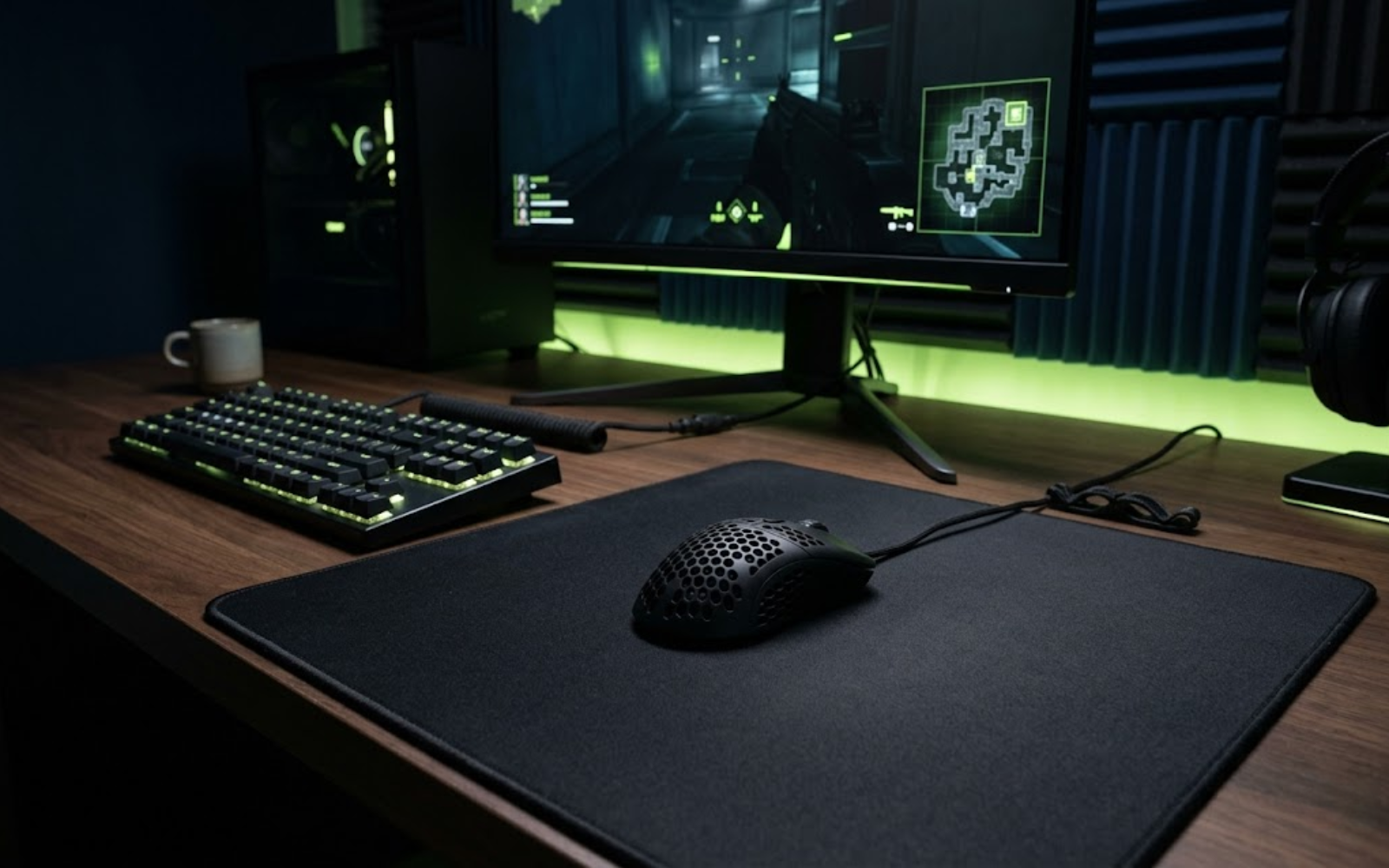
A gaming mouse pad for FPS games gives your mouse a consistent surface for tracking, flicks, micro-adjustments, and stopping power. This guide helps you choose the right size, surface type, and glide feel for competitive shooters like Valorant, CS2, Apex Legends, and Call of Duty.
Mouse Pad Fundamentals
What Is a Gaming Mouse Pad for FPS Games?
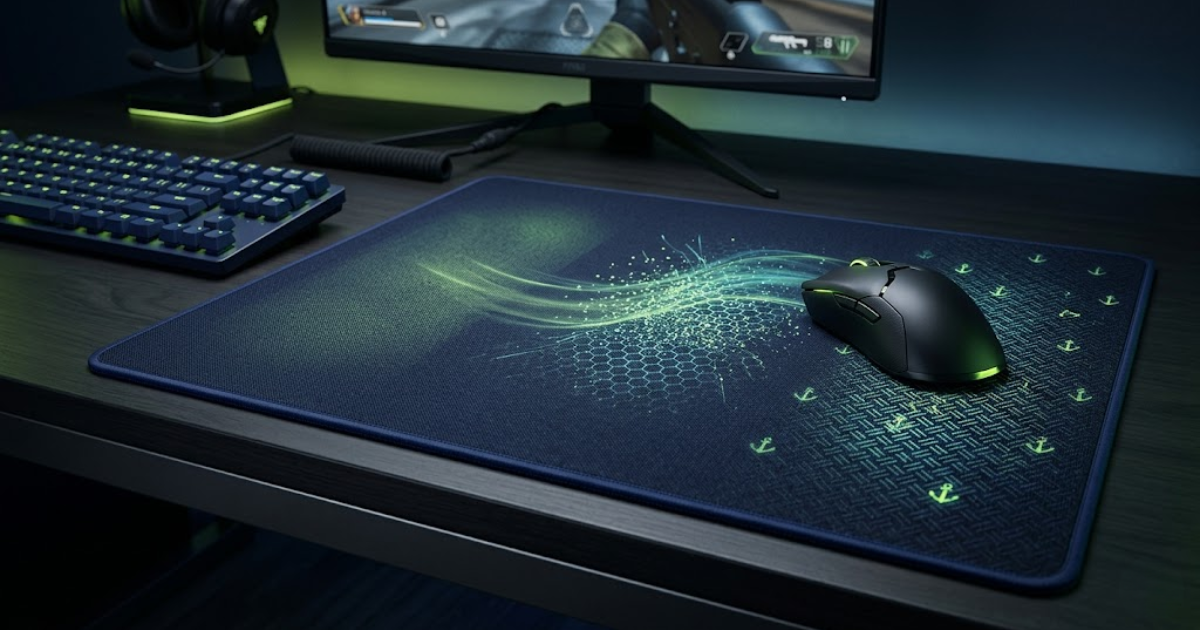
A gaming mouse pad for FPS games is a performance surface designed to make mouse movement more consistent, controlled, and predictable. It helps your sensor track accurately, your mouse feet glide smoothly, and your hand stop the mouse with better precision during flicks, tracking, and micro-adjustments.
Consistent Tracking Surface
A good FPS mouse pad gives the sensor a stable texture to read, which helps reduce unpredictable cursor movement during fast swipes and small corrections.
Controlled Glide Feel
The surface changes how easily the mouse starts moving, how smoothly it travels, and how much control you feel when adjusting your crosshair.
Reliable Stopping Power
Stopping power helps you slow down and stop the mouse after a flick, which matters in tactical FPS games where small corrections decide duels.
How Is a Gaming Mouse Pad Different From a Regular Mouse Pad?
A gaming mouse pad is built for repeated fast movement, larger aiming space, and more predictable glide than a regular office pad. Regular pads usually focus on basic desk comfort, while FPS pads focus on aim consistency.
What Makes an FPS Mouse Pad Different?
An FPS mouse pad is different because its surface, size, base, and edge quality are designed around precise aiming. The goal is not only smooth movement, but repeatable movement under pressure.
Who Should Use an FPS Gaming Mouse Pad?
FPS players should use a gaming mouse pad if they play games like Valorant, CS2, Apex Legends, Call of Duty, or Overwatch and want more consistent mouse control across long sessions.
A gaming mouse pad is part of your aim system
Your mouse, sensitivity, grip style, and mouse pad all work together. If the pad surface feels inconsistent, too small, too slow, or too slippery, your aim can feel harder to repeat even when your mouse settings are correct.
Aim Control Fundamentals
Why Do Mouse Pads Matter for FPS Aim?
Mouse pads matter for FPS aim because they affect how consistently your mouse starts, moves, corrects, and stops. A predictable FPS mouse pad helps flick shots, tracking, micro-adjustments, and low-sensitivity arm movement feel more repeatable during competitive gameplay.
Flick Shots Need Predictable Stopping
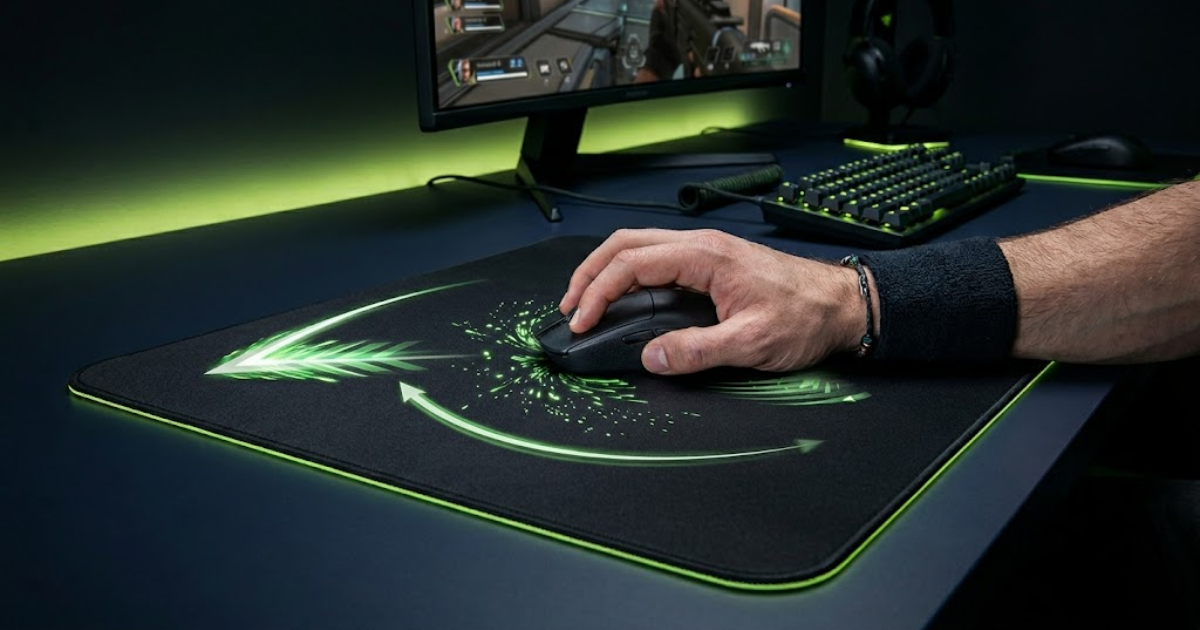
Flick shots depend on fast movement followed by a clean stop. If the pad feels too slippery, muddy, or inconsistent, your crosshair can overshoot or stop short.
Tracking Needs Smooth Glide
Tracking moving targets feels better when the mouse glides evenly across the surface. A rough or worn pad can make continuous movement feel shaky.
Micro-Adjustments Need Surface Control
Small aim corrections require enough friction to slow the mouse without making it feel stuck. This matters in tight angles, headshot corrections, and long-range fights.
How Mouse Pads Affect Low-Sensitivity Aim
Low-sensitivity players need more space for wide arm movement, large flicks, and repeated resets. A larger FPS mouse pad gives the mouse room to travel without forcing cramped movement.
How Mouse Pads Affect Aim Consistency Over Time
A consistent surface helps your hand learn the same movement repeatedly. When glide changes across the pad or after long sessions, your aim can feel less predictable.
Aim consistency starts with a surface you can trust
A gaming mouse pad will not replace aim training, but it can remove unnecessary inconsistency from your setup. When the surface feels predictable, your hand can focus on timing, crosshair placement, and cleaner corrections instead of fighting the pad.
Regular Pad vs FPS Pad
Regular Mouse Pad vs FPS Gaming Mouse Pad
A regular mouse pad is usually made for basic desk comfort, while an FPS gaming mouse pad is built for consistent glide, larger movement space, and more controlled stopping. For competitive FPS games, the difference matters most when you flick, track, reset, or play on lower sensitivity.
Made for casual cursor movement
Regular pads can feel fine for browsing, school work, and office use, but they often lack the size and surface consistency needed for repeated FPS aim movement.
- Small surface limits low-sensitivity aiming.
- Inconsistent texture can affect smooth tracking.
- Weak base may slide during fast swipes.
- Lower durability can make glide feel uneven.
Built for repeatable aim control
FPS pads are designed to make movement feel more predictable across flicks, tracking, micro-adjustments, and resets during long competitive sessions.
- Larger surface gives more room for arm aiming.
- Stable texture supports consistent sensor tracking.
- Better base helps reduce pad movement.
- Surface feel is tuned for control, speed, or balance.
When a Regular Mouse Pad Is Enough
A regular mouse pad is enough if you play casually, use high sensitivity, or do not care about repeatable aim feel. It is not the best choice if you practice ranked FPS games often.
When an FPS Mouse Pad Is Worth It
An FPS mouse pad is worth it when your current pad feels too small, too slippery, too muddy, or inconsistent across the surface. It gives your mouse a better base for controlled aim.
Choose the surface that matches your aim
The main upgrade is not decoration. The real reason to use an FPS gaming mouse pad is to make mouse movement feel more stable, predictable, and easier to repeat under pressure.
Choose Your Surface Feel
Control vs Speed Mouse Pads Explained
Control mouse pads give more stopping power for precise flicks, while speed mouse pads give faster glide for wide tracking movement. For most FPS players, the right choice depends on whether they need more crosshair control or faster mouse movement.
Better for stopping power and precision
Control pads create more friction between the mouse feet and the surface. This makes it easier to stop the mouse after a flick and make small corrections without overshooting.
- Best for Valorant, CS2, and tactical FPS games.
- Helps with angle holding and headshot precision.
- Feels safer for low to medium sensitivity players.
- Can feel slower if you prefer fast tracking aim.
The safest starting point for most FPS players
Balanced pads sit between control and speed. They offer enough glide for tracking while still giving enough stopping power for tactical shooters.
Better for fast glide and tracking aim
Speed pads reduce friction so the mouse moves faster with less effort. They can feel great for tracking-heavy games, but they require better hand control.
- Best for Apex Legends, Overwatch, and fast shooters.
- Helps with wide tracking and quick target switching.
- Feels smoother for players who dislike surface drag.
- Can make flick stopping harder for some players.
Surface feel should match your aim style
Control pads are usually safer for tactical accuracy, while speed pads reward players with strong mouse control and tracking mechanics. If you are building your first serious FPS setup, a balanced control pad is often the easiest place to start.
Surface Material Guide
Cloth vs Hybrid vs Hard vs Glass Mouse Pads
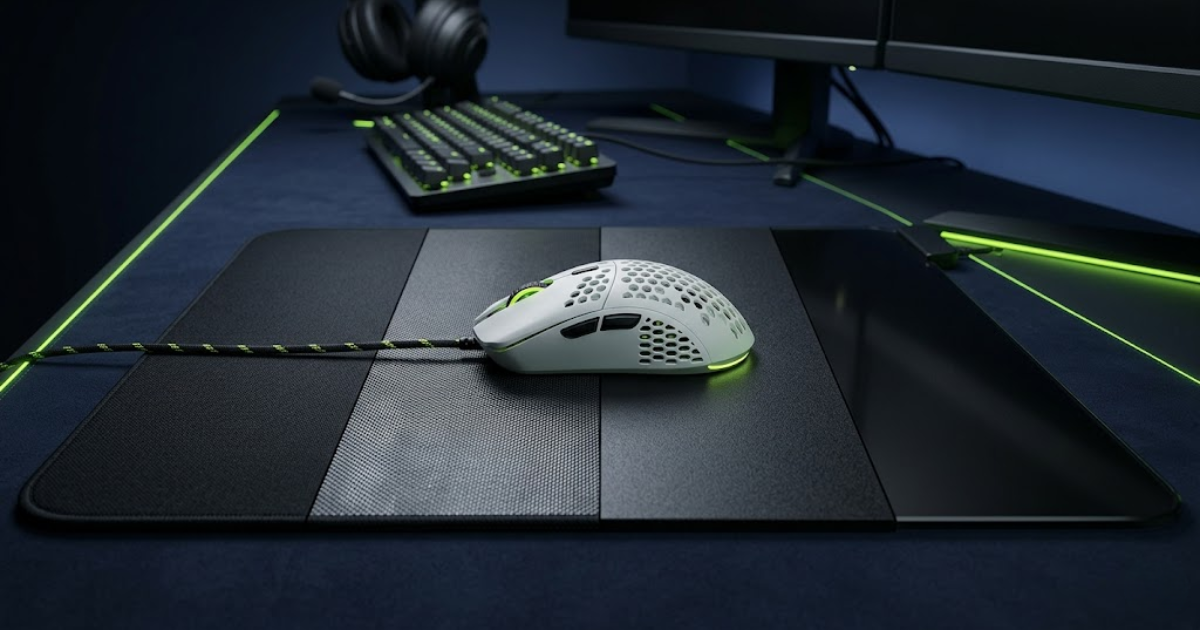
Cloth, hybrid, hard, and glass mouse pads feel different because each material changes friction, glide speed, stopping power, comfort, and durability. For FPS games, the best material depends on whether you want safer control, faster tracking, or a more premium low-friction surface.
Cloth Mouse Pads
Cloth pads are the most common FPS choice because they feel comfortable, controlled, and forgiving. They are usually best for tactical shooters and players who want safer stopping power.
Hybrid Mouse Pads
Hybrid pads combine cloth-like flexibility with a faster textured surface. They work well for players who want more speed without fully giving up control.
Hard Mouse Pads
Hard pads feel fast, firm, and low-friction. They can help with quick movement, but they may feel less forgiving for precise flick stopping.
Glass Mouse Pads
Glass pads offer extremely fast glide, strong durability, and a premium feel. They reward skilled control but can feel too slippery for some tactical FPS players.
Quick material decision guide
Use the material as your first filter before comparing brands or prices. The surface type decides the general feel of the pad before any model-specific details matter.
Most FPS players should start with cloth or hybrid
Cloth pads are usually the safest choice for aim consistency, while hybrid pads are better if you want more speed without losing all stopping power. Hard and glass pads can feel amazing, but they require better mouse control and are less forgiving for some FPS players.
Mouse Pad Size Guide
Best Mouse Pad Size for FPS Games
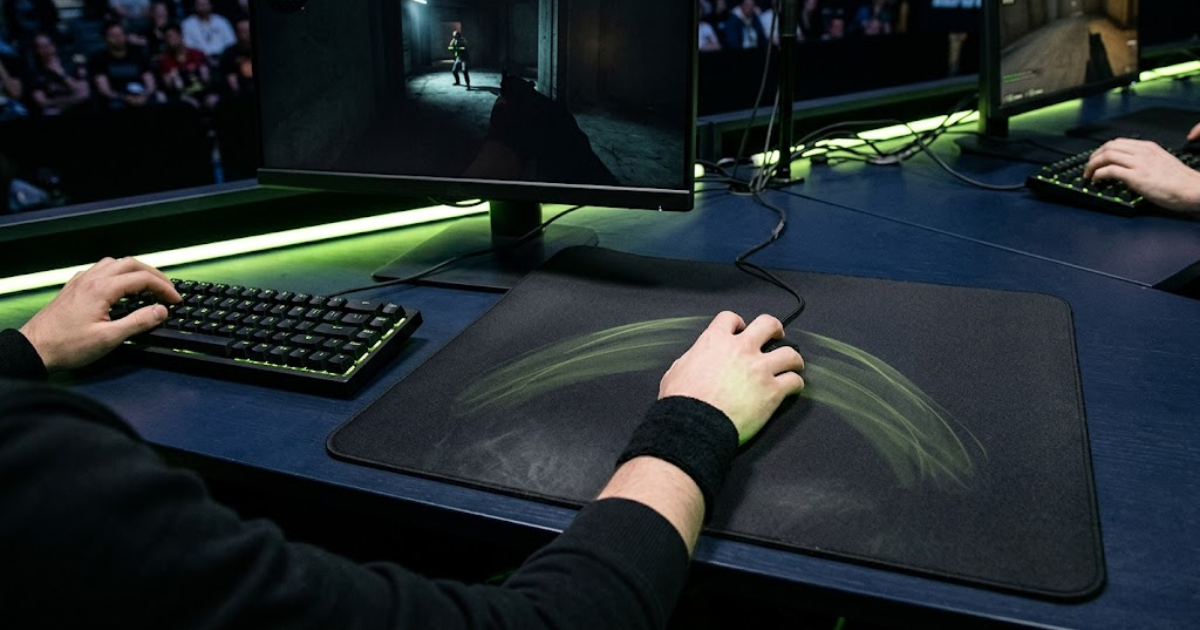
The best mouse pad size for FPS games is usually Large or XL because competitive players need enough room for flicks, tracking, and low-sensitivity arm movement. Small pads can work for high sensitivity, but they often limit movement space in tactical and tracking-heavy shooters.
Small Mouse Pads
Small mouse pads are compact and easy to fit on tight desks, but they usually limit wide arm movement. They are only practical for players who use high sensitivity and rarely lift or reset the mouse.
Large Mouse Pads
Large mouse pads are a better starting point for FPS players because they give more room for controlled flicks, short tracking movements, and normal mouse resets without taking over the entire desk.
XL Mouse Pads
XL mouse pads are usually the safest size for competitive FPS because they support low-sensitivity aiming, wide arm movement, and repeated resets without forcing your hand into cramped movement.
Deskmat Mouse Pads
Deskmat mouse pads cover more of the desk and create a clean setup, but bigger is not always better. Choose a deskmat only if the surface quality is good and your keyboard placement does not interfere with mouse movement.
Low-sens players need more space
Low-sensitivity FPS players move the mouse farther for the same in-game turn. A Large or XL pad helps prevent the mouse from hitting the edge during flicks, tracking, and quick resets.
High-sens players can use less space
High-sensitivity players need less physical movement, so a Large pad may be enough. However, a tiny pad can still make micro-adjustments and emergency resets feel cramped.
Quick size rule for FPS players
Choose the smallest pad that still gives you enough room to flick, track, and reset without thinking about the edge. For most players, that means Large at minimum and XL if you use low sensitivity.
Comfort & Desk Feel
How Mouse Pad Thickness Affects FPS Performance
Mouse pad thickness affects comfort, desk feel, pressure distribution, and how stable aiming feels during long sessions. It does not directly improve sensor performance, but it can change how firm, soft, or supported your mouse movement feels in FPS games.
Thin Mouse Pads
Thin mouse pads feel firmer and more direct because your hand and mouse sit closer to the desk. They can feel responsive, but they offer less cushioning for long sessions or uneven desk surfaces.
Medium Thickness Mouse Pads
Medium thickness mouse pads are usually the safest choice for FPS players because they balance comfort, desk stability, and consistent movement feel without feeling too soft or too firm.
Thick Mouse Pads
Thick mouse pads add more cushioning and can help on slightly uneven desks. They may feel more comfortable, but some players notice a softer, less direct surface response.
Does Thickness Affect Sensor Tracking?
Modern gaming mouse sensors usually track well on thin, medium, and thick pads. Surface texture and consistency matter more than thickness when it comes to sensor accuracy.
What Thickness Is Best for FPS Games?
For most FPS players, medium thickness is the best starting point because it gives enough comfort without making the mouse pad feel too soft or unstable.
Thickness is mostly about comfort, not raw aim performance
A thicker mouse pad can feel more comfortable, but it will not automatically make aim better. For FPS games, size, surface material, glide consistency, and stopping power usually matter more than thickness alone.
Game-Specific Mouse Pad Choice
Best Mouse Pad Type by FPS Game
The best mouse pad type depends on how your main FPS game handles aiming. Tactical shooters usually reward control and stopping power, while tracking-heavy shooters often feel better with balanced or faster surfaces.
Match the pad to the type of aim your game demands
Games with tight angles and headshot precision need more stopping power. Games with constant movement, verticality, and tracking usually benefit from smoother glide and easier direction changes.
Control or balanced control pad
Valorant rewards clean stops, precise angle holding, and small headshot corrections. A control pad helps reduce overshooting when you flick or adjust onto a target.
Control pad with stable glide
CS2 benefits from predictable stopping power, spray control, and stable crosshair placement. A slower cloth or balanced control pad is usually safer than an extreme speed surface.
Balanced or speed pad
Apex has more tracking, movement, and longer target-following fights. A balanced or faster pad can help the mouse move smoothly across wider aim paths.
Balanced speed pad
Call of Duty often mixes fast target switching with close-range tracking. A balanced speed pad gives quick movement without making the surface feel completely slippery.
Hybrid or speed pad
Overwatch has vertical movement, tracking-heavy heroes, and frequent direction changes. Hybrid or speed surfaces can feel smoother for continuous aim movement.
One mouse pad can work across many FPS games
You do not need a different mouse pad for every shooter. If you play multiple FPS games, a balanced cloth or hybrid pad is usually the safest choice because it gives enough control for tactical games and enough glide for tracking-heavy games.
Sensitivity & Movement Space
Mouse Sensitivity and Mouse Pad Choice
Mouse sensitivity affects mouse pad choice because lower sensitivity needs more physical space, while higher sensitivity needs less movement but more surface control. For FPS games, your mouse pad should match how far your hand actually moves during flicks, tracking, and resets.
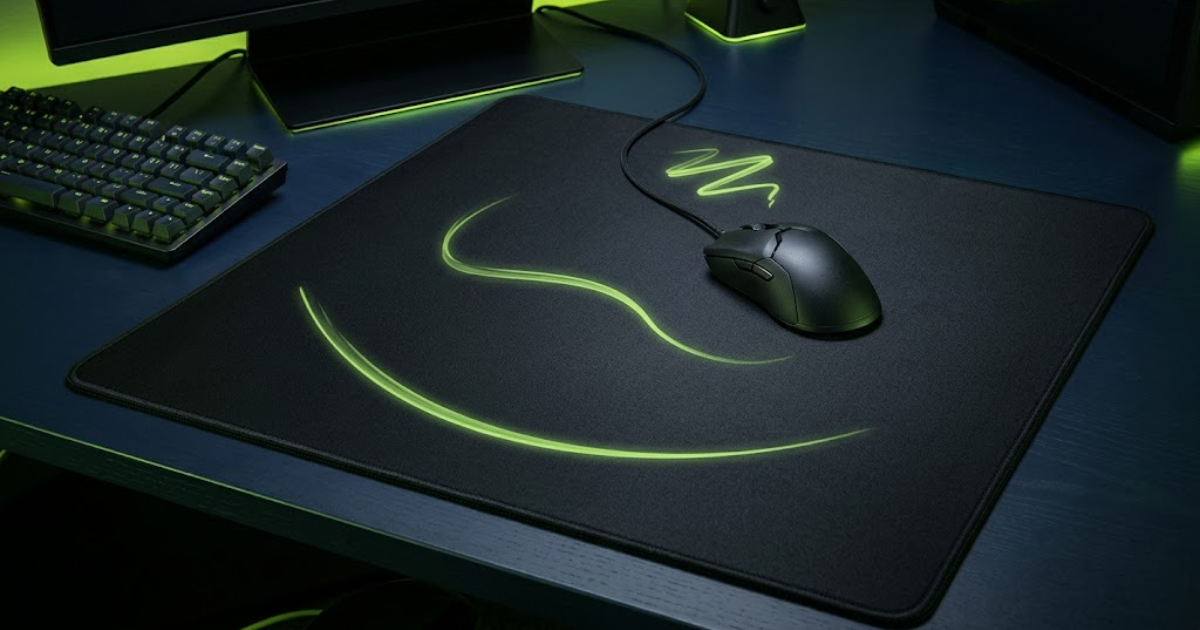
Your sensitivity decides how much pad space you need
A player using low sensitivity may need most of the pad for one wide turn, while a high-sensitivity player may only use a small area. The goal is to avoid running out of space without making the surface feel oversized or uncomfortable.
Needs more room for arm aiming
Low-sensitivity FPS players move farther across the pad for flicks, tracking, and turns. They usually need a Large or XL mouse pad with enough space for repeated resets.
Works best with balanced space
Medium-sensitivity players can use Large or XL pads depending on comfort. This range usually works well with balanced cloth or hybrid surfaces.
Needs control more than size
High-sensitivity players use less physical space, but they still need a consistent surface. A control or balanced pad can make small micro-adjustments easier to repeat.
Simple sensitivity decision path
Use your real in-game movement style instead of copying another player’s setup. The best mouse pad is the one that supports your sensitivity without making your hand feel cramped or unstable.
- Check your movement: Notice whether you aim mostly with your wrist, arm, or a mix of both.
- Measure your space: Make sure your mouse can complete common flicks and turns without hitting the pad edge.
- Match the surface: Use more control if small corrections feel shaky, or more speed if tracking feels restricted.
Do not choose mouse pad size without checking sensitivity
Sensitivity changes how much physical movement your setup needs. Low-sensitivity players should prioritize space, medium-sensitivity players should prioritize balance, and high-sensitivity players should prioritize consistent control.
Competitive Player Insights
How Pro FPS Players Choose Mouse Pads
Professional FPS players usually choose mouse pads based on consistency, surface feel, stopping power, and available movement space. Most pros care more about repeatable aim performance than marketing claims or visual design.
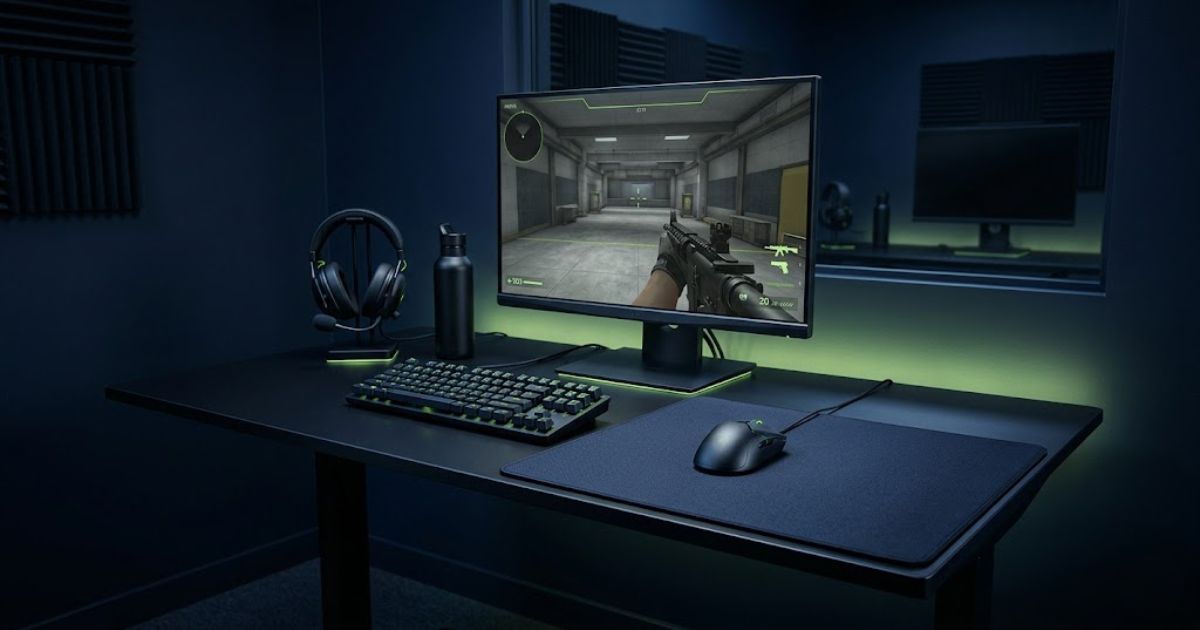
Consistency beats specifications
Most competitive players do not chase the fastest or most expensive mouse pad available. They usually stay with a surface that feels predictable every day because muscle memory depends on repeatable movement.
Consistent Glide
The surface should feel the same across the entire mouse pad without unexpected slow or fast zones.
Reliable Stopping Power
Players need confidence that the mouse will stop where they expect during flicks and micro-adjustments.
Enough Movement Space
Large surfaces support low-sensitivity aiming and repeated arm movement without hitting the edge.
Comfort During Practice
A mouse pad should remain comfortable during long scrims, ranked sessions, and tournament preparation.
Pros use the fastest mouse pads available
Many players assume faster always means better performance.
Most pros prioritize control and consistency
Competitive players often prefer balanced or control-oriented surfaces because they make precision aiming easier to repeat under pressure.
Follow principles, not trends
The best mouse pad for FPS games is not necessarily the newest or most expensive option. The surface that supports your aim style, sensitivity, and daily consistency will usually perform better than chasing specifications alone.
Competitive Feature Checklist
Best Mouse Pad Features for Competitive FPS Players
The best mouse pad features for competitive FPS players are consistent glide, reliable stopping power, durable surface construction, stitched edges, and enough usable space for unrestricted mouse movement. These features matter more for long-term aiming consistency than decoration or marketing terms.
Judge a mouse pad by how repeatable it feels in-game
A good FPS mouse pad should help your hand repeat the same movement again and again. The features below matter because they affect how the mouse starts, moves, stops, and stays consistent over many hours of practice.
Consistent Glide
Consistent glide means the mouse feels the same across the entire surface. This helps reduce random slow spots and makes flicks, tracking, and corrections easier to repeat.
Reliable Stopping Power
Stopping power helps the mouse slow down after a fast movement. It matters most when you flick toward a target, stop, and make a small final correction.
Durable Surface Construction
A durable surface keeps its feel longer. If the pad wears down quickly, the glide can become muddy, uneven, or harder to predict during ranked sessions.
Stitched Edges
Stitched edges help prevent fraying and extend the lifespan of the pad. They are not the most important performance feature, but they improve durability and long-term usability.
Large Usable Surface Area
Usable surface area matters because low-sensitivity players need room for wide arm movement, repeated resets, and tracking without hitting the edge of the pad.
Not every feature matters equally
If you are choosing a mouse pad for FPS games, prioritize the features that affect aim feel first. Cosmetic details should come after performance, comfort, and consistency.
Performance features should come before visual design
Competitive FPS players should choose a mouse pad based on how consistently it performs during real aim movement. A clean design is nice, but consistent glide, stopping power, and enough usable space are what actually support better aim confidence.
Setup Diagnosis
Signs You Picked the Wrong Mouse Pad
You may have picked the wrong mouse pad if your aim feels inconsistent, your mouse runs out of space, your flicks overshoot, or the surface feels too muddy or too slippery. These problems usually mean the pad does not match your sensitivity, game style, or preferred surface feel.
Your mouse pad should not fight your aim
A bad mouse pad choice usually shows up during ranked games, fast corrections, long tracking fights, or repeated practice sessions. Use the signs below to identify the exact mismatch before replacing your pad.
You overshoot targets often
If your flicks keep going past the target, the surface may be too fast or may not give enough stopping power for your hand control.
Your mouse feels muddy
If starting movement feels heavy or sticky, the pad may be too slow, worn down, dirty, or affected by humidity.
You run out of space
If your mouse keeps hitting the edge during flicks or turns, the pad is probably too small for your sensitivity.
Your glide changes across the pad
If one area feels faster or slower than another, the surface may be worn unevenly and harder to trust.
Your micro-adjustments feel shaky
If tiny corrections feel unstable, the pad may not give the right balance of friction and glide for your aim style.
Your arm movement feels restricted
If your posture or desk position forces short, cramped movement, the pad size or placement may not support FPS aiming.
How to fix the mismatch
Do not replace your mouse pad randomly. Identify the exact problem first, then choose the next pad based on size, surface speed, stopping power, and comfort instead of copying another player’s setup.
- Overshooting usually points toward more control.
- Muddy movement usually points toward a faster or cleaner surface.
- Running out of space usually points toward Large or XL sizing.
- Uneven glide usually points toward cleaning or replacing the pad.
A wrong mouse pad makes good aim harder to repeat
If your pad makes movement feel unpredictable, your aim practice becomes less reliable. The right FPS mouse pad should support your movement style instead of adding extra friction, instability, or space limits.
GearTP Recommended Pick
Best Gaming Mouse Pad for Most FPS Players
The best gaming mouse pad for most FPS players is a balanced control pad with consistent glide, reliable stopping power, and enough space for low to medium sensitivity. This type of pad works well across tactical shooters, tracking-heavy games, and everyday ranked play without feeling too slow or too slippery.
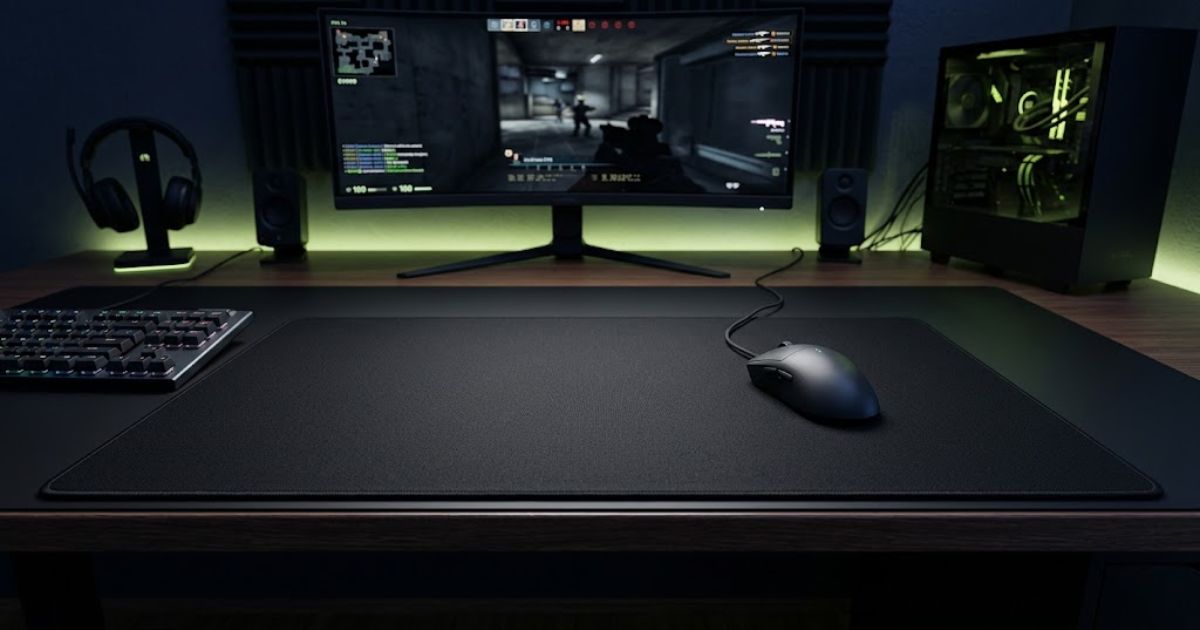
Choose balanced control if you want one safe FPS mouse pad
A balanced control pad gives enough friction for precise stops while still allowing smooth tracking movement. That makes it one of the safest choices for players who switch between Valorant, CS2, Apex Legends, Call of Duty, and other FPS games.
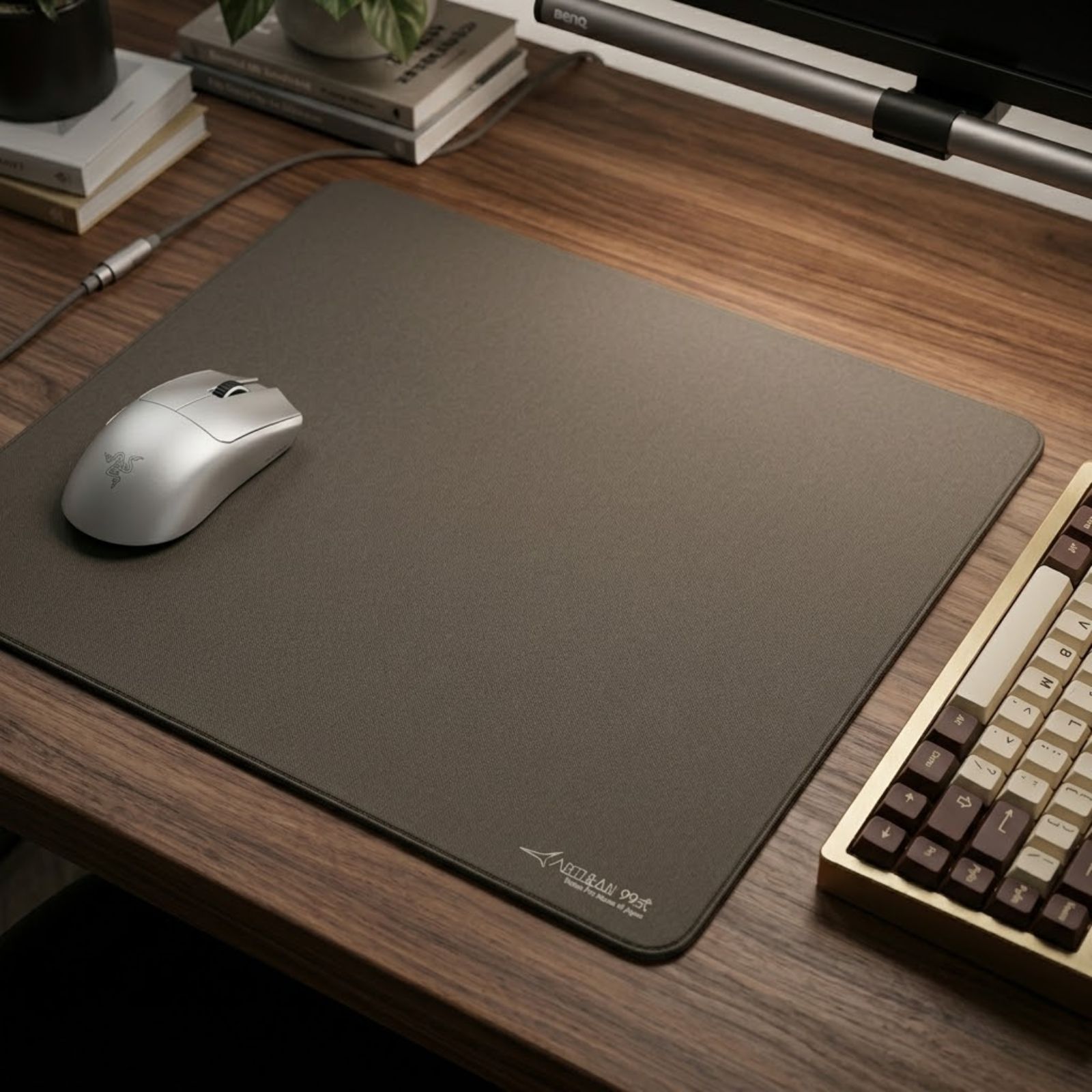
Recommended Pick
ARTISAN NINJA FX Type-99 MID XL Gray
The ARTISAN NINJA FX Type-99 MID XL Gray is a premium control-focused cloth mouse pad designed for FPS players who want predictable glide, reliable stopping power, and long-term aiming consistency.
Good for ranked FPS consistency
Competitive players benefit from a pad that makes flicks and corrections feel repeatable instead of chasing an extreme speed surface.
Easy to adapt across games
Casual players can use a balanced control pad across different shooters without needing a separate pad for every game.
XL size gives more usable room
Low-sensitivity players need enough surface area for arm aiming, wide flicks, and mouse resets during longer fights.
Most FPS players should avoid extreme choices first
Unless you already know you want an ultra-fast or ultra-slow surface, start with a balanced control mouse pad. It gives you a reliable baseline for aim consistency before you experiment with more specialized surfaces.
Low Sensitivity Recommendation
Best Mouse Pad for Low Sensitivity FPS Players
The best mouse pad for low sensitivity FPS players is a Large, XL, or XXL pad with enough space for wide arm movement, flicks, tracking, and resets. Low-sens players should prioritize surface area first, then choose between premium control and value-focused desk coverage.
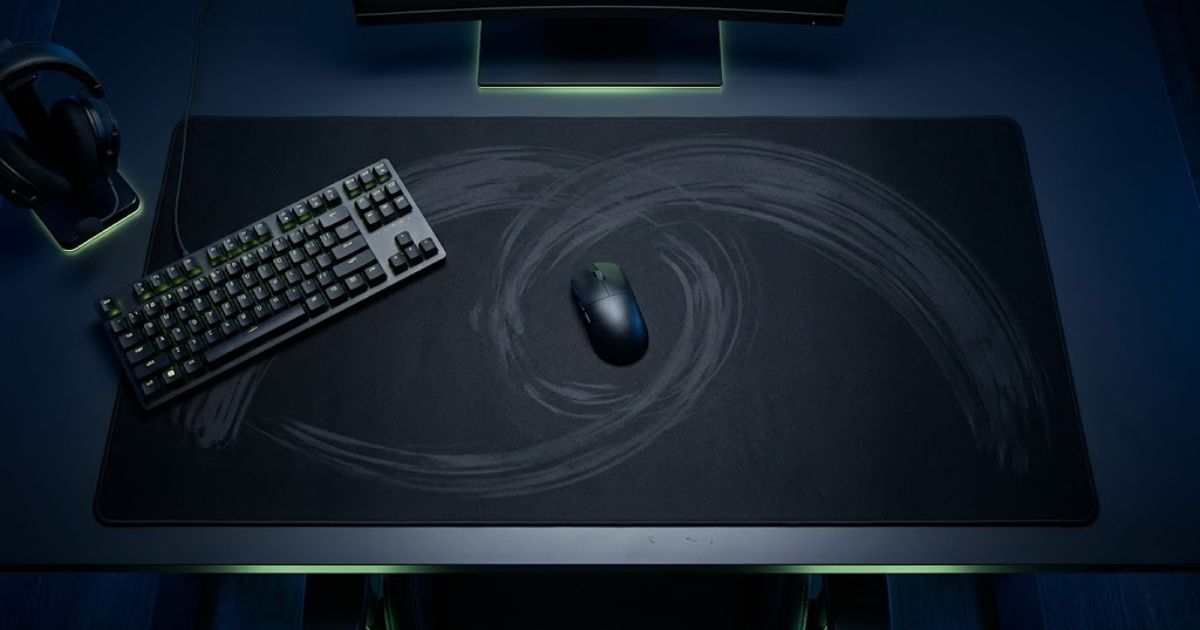
More physical movement needs more usable surface
Low-sensitivity players move the mouse farther for the same in-game turn. A small pad can interrupt flicks, tracking, and resets, while a larger surface lets your arm move naturally without worrying about the edge.
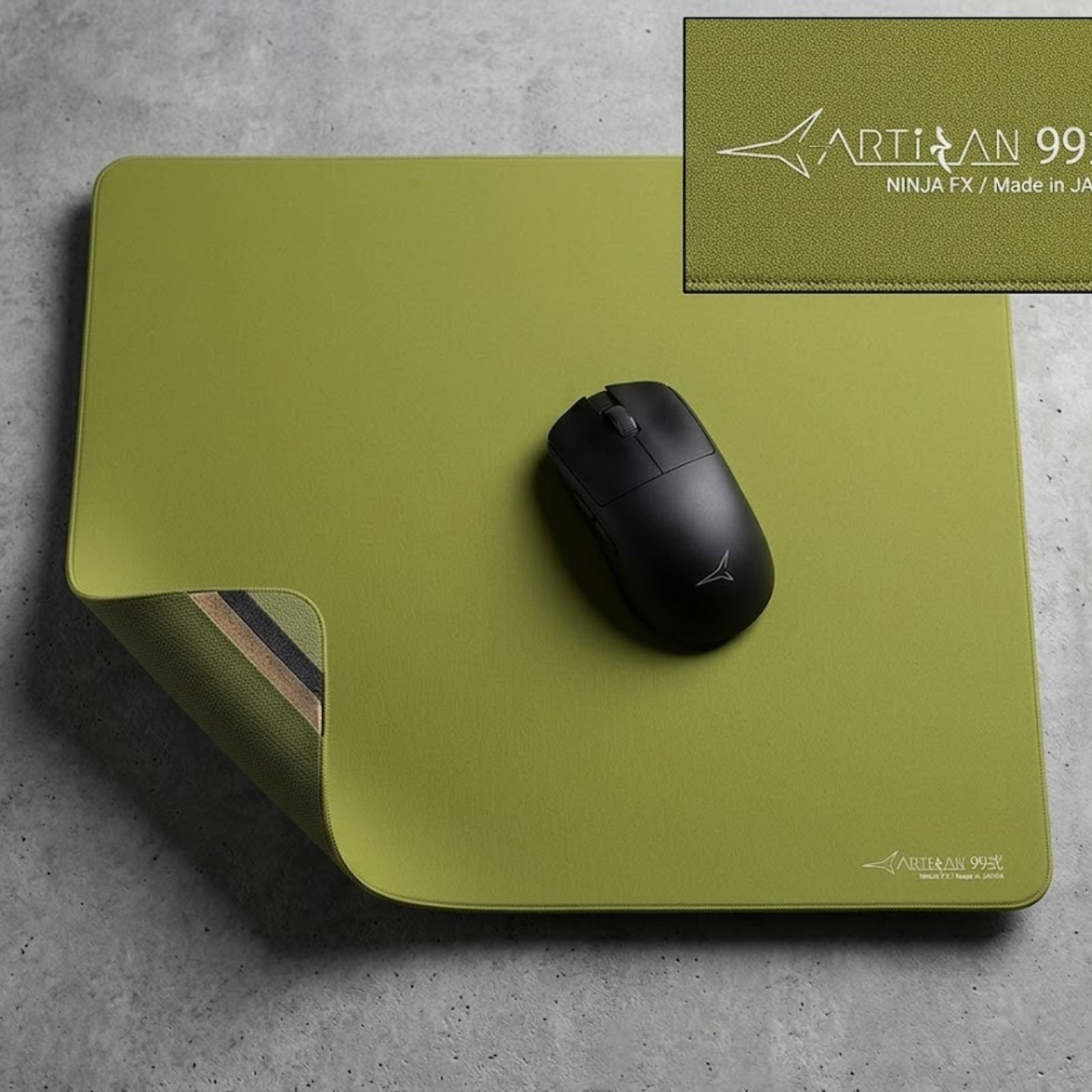
Best Premium Pick
ARTISAN NINJA FX Type-99 MID XL Matcha
A premium XL control mouse pad for low-sensitivity FPS players who want consistent glide, dependable stopping power, and a refined cloth surface for tactical aim.
Check Price on Amazon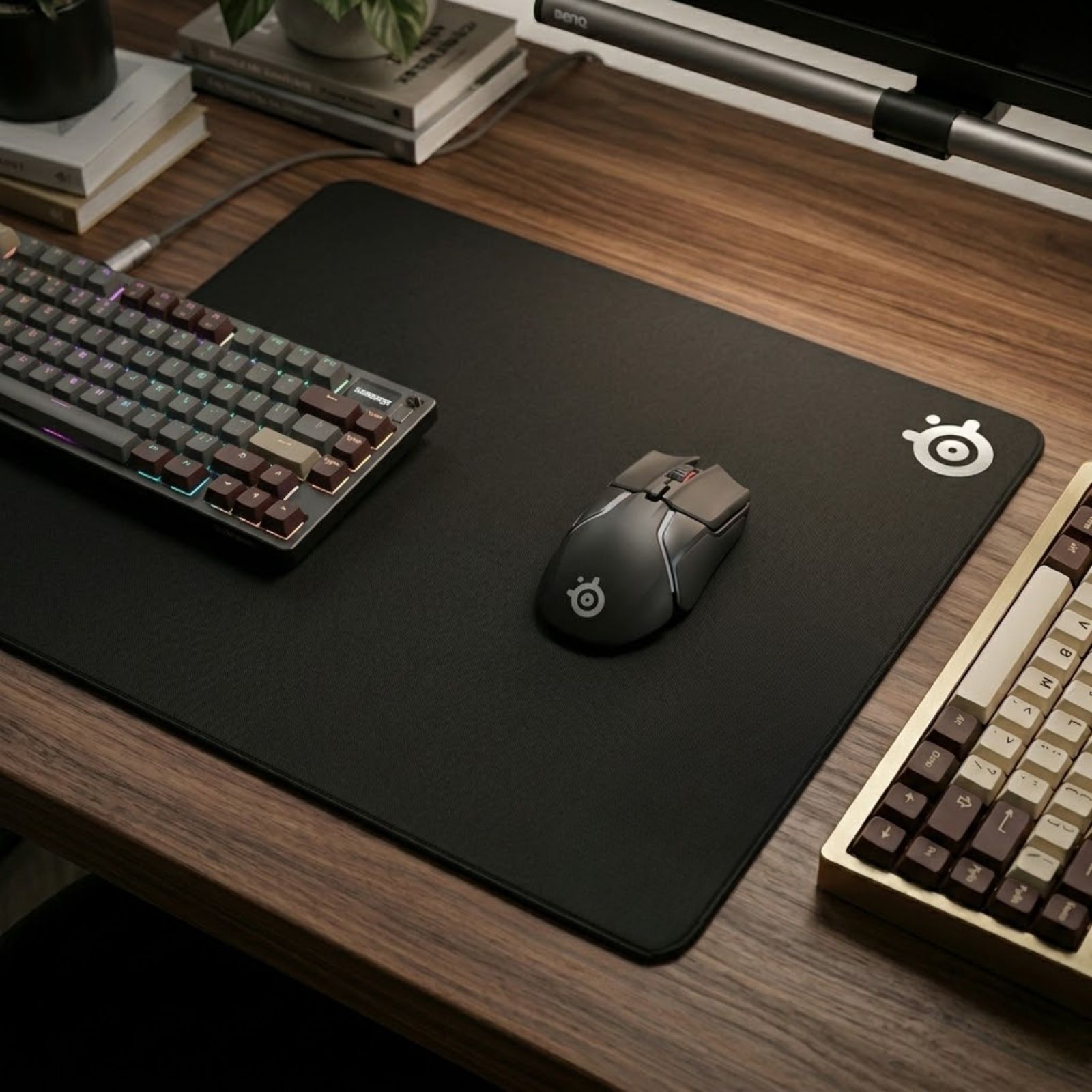
Best Value Pick
SteelSeries QcK Gaming Mouse Pad XXL
A value-focused XXL cloth mouse pad that gives low-sensitivity players a massive surface for arm aiming, mouse resets, and everyday FPS practice.
Check Price on AmazonLow-sensitivity players should buy space before hype
A low-sens setup needs room to move. Premium surfaces can improve feel, but the first requirement is enough usable mouse pad area for wide flicks, tracking, and resets without running into the edge.
Tactical FPS Recommendation
Best Control Mouse Pad for Tactical FPS Players
The best control mouse pads for tactical FPS players provide predictable glide, reliable stopping power, and precise micro-adjustments. Control-focused surfaces help players stop the mouse more confidently during flicks, angle holding, and crosshair corrections in games like Valorant and CS2.
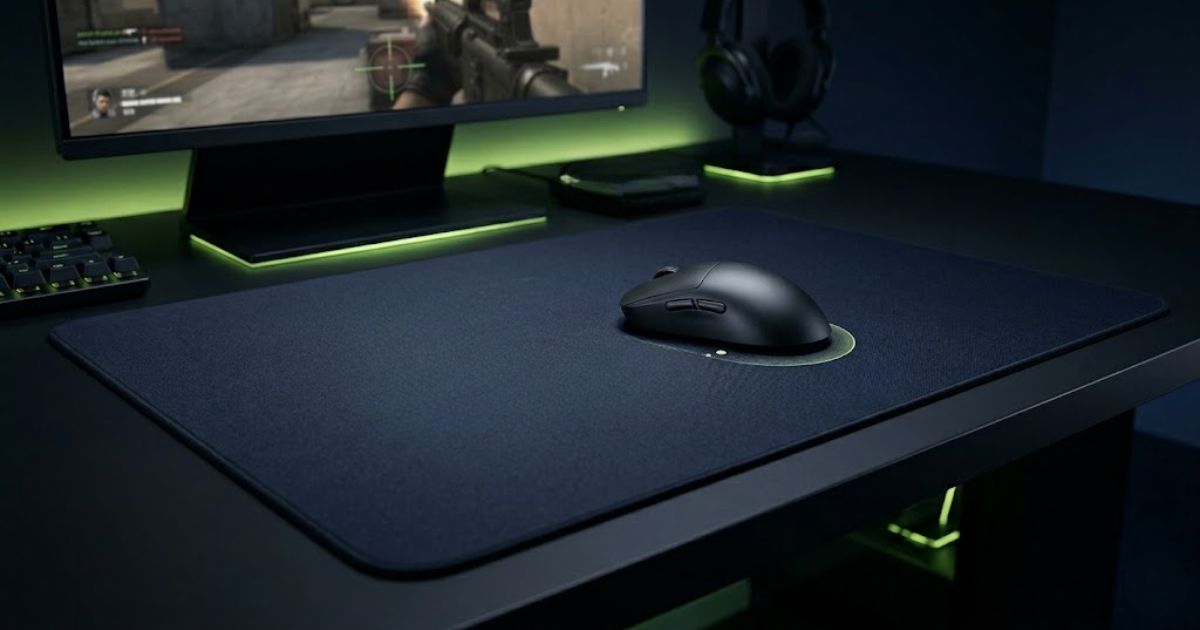
Stopping power matters when every pixel counts
Tactical FPS games reward calm crosshair placement, clean flick stops, and small corrections. A control mouse pad helps reduce overshooting and gives your hand more confidence when you stop the mouse under pressure.
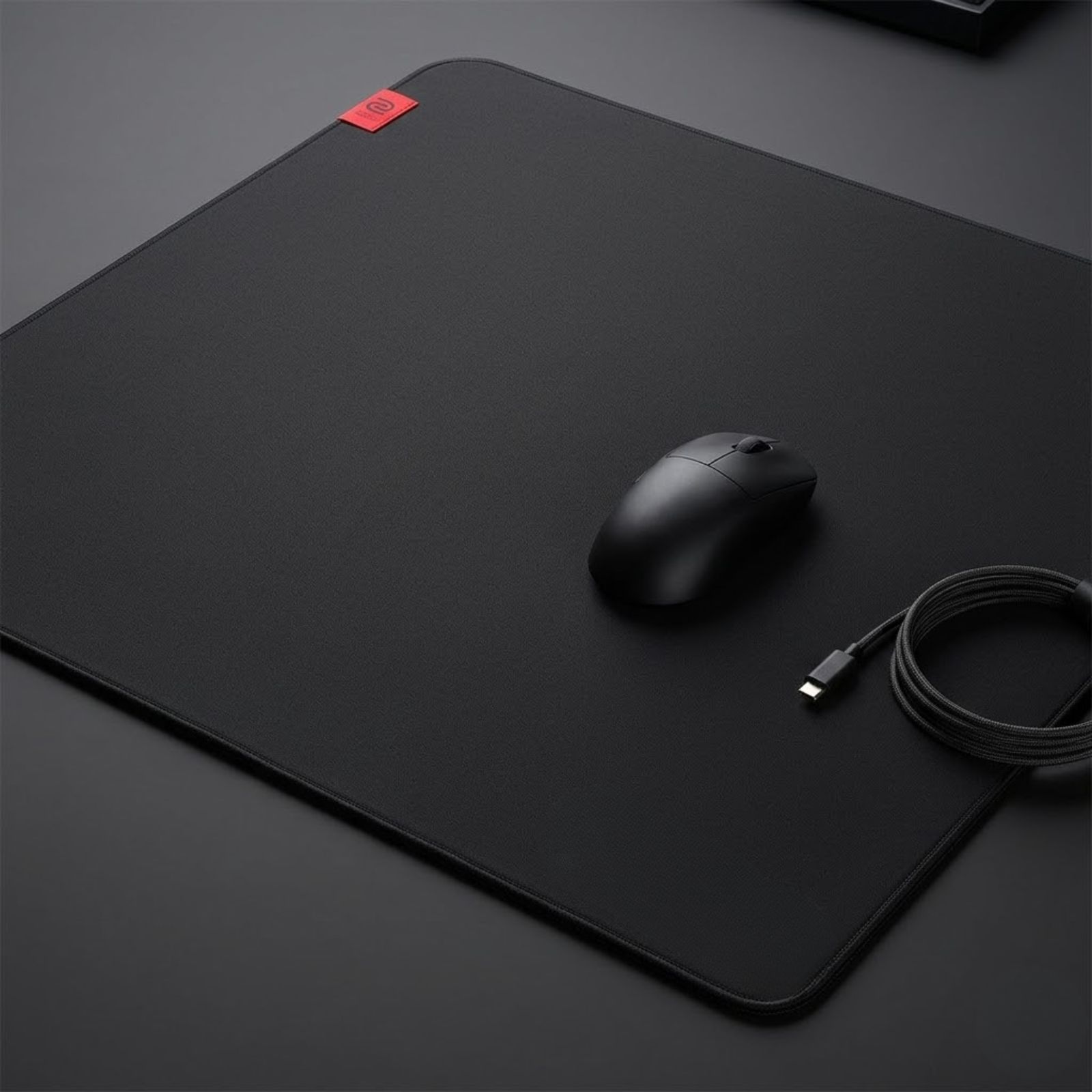
Maximum Tactical Control
BenQ ZOWIE G-SR III
A control-focused esports mouse pad for players who want slower glide, stronger stopping power, and reliable micro-adjustments in tactical FPS games.
Check Price on Amazon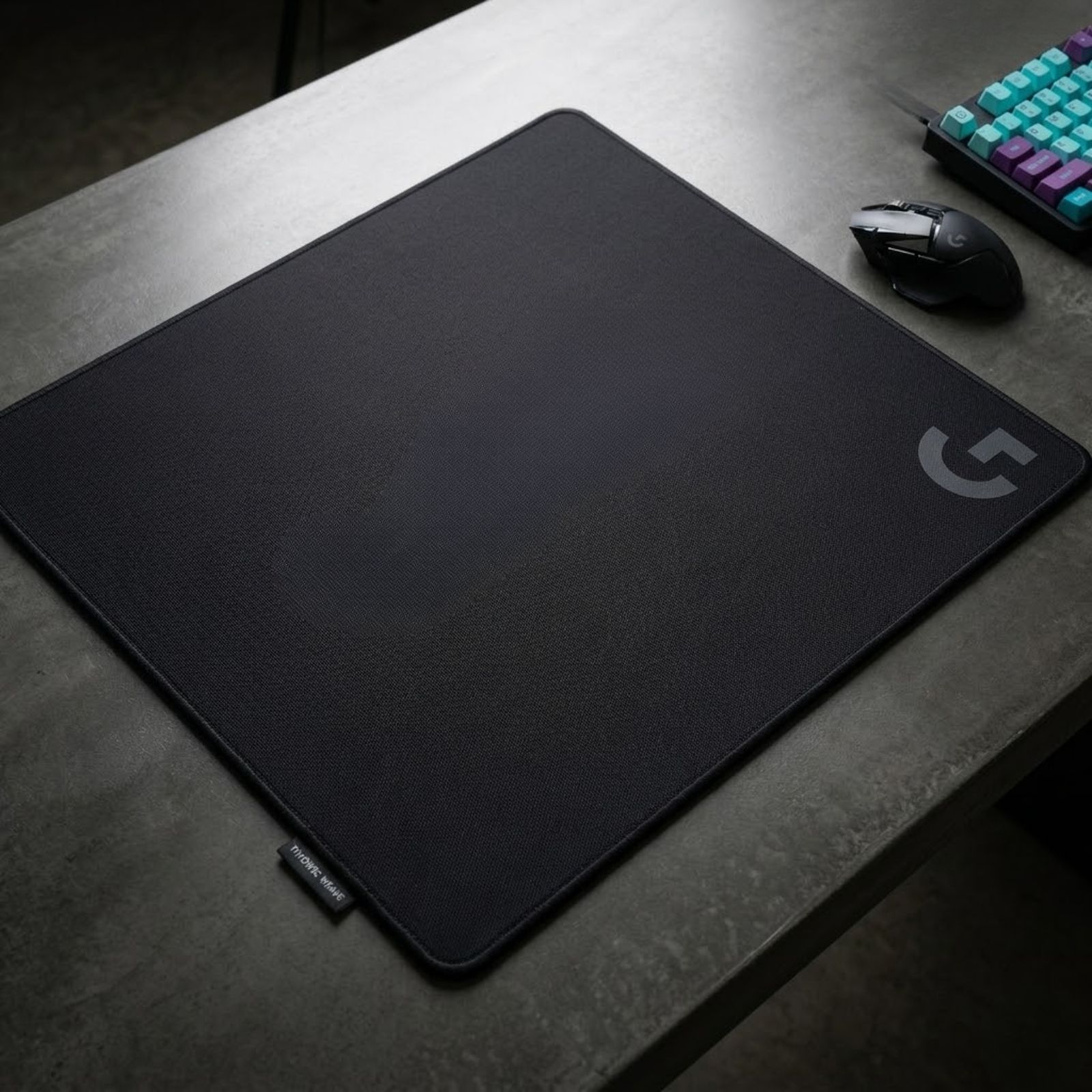
Balanced Control
Logitech G640 Large Cloth Gaming Mouse Pad
A versatile cloth gaming mouse pad with moderate surface friction, making it easier to adapt across tactical shooters and faster FPS titles.
Check Price on AmazonControl mouse pads are safest for tactical FPS precision
Tactical FPS players should prioritize predictable stopping power over extreme speed. The ZOWIE G-SR III leans toward stronger control, while the Logitech G640 gives a more versatile balanced-control feel for players who switch between different FPS titles.
Speed Pad Recommendation
Best Speed Mouse Pad for Fast-Paced FPS Games
The best speed mouse pads for fast-paced FPS games reduce surface friction and help the mouse move more freely during tracking, target switching, and reactive aim. Speed pads work best for players who prefer smooth glide over heavy stopping power.
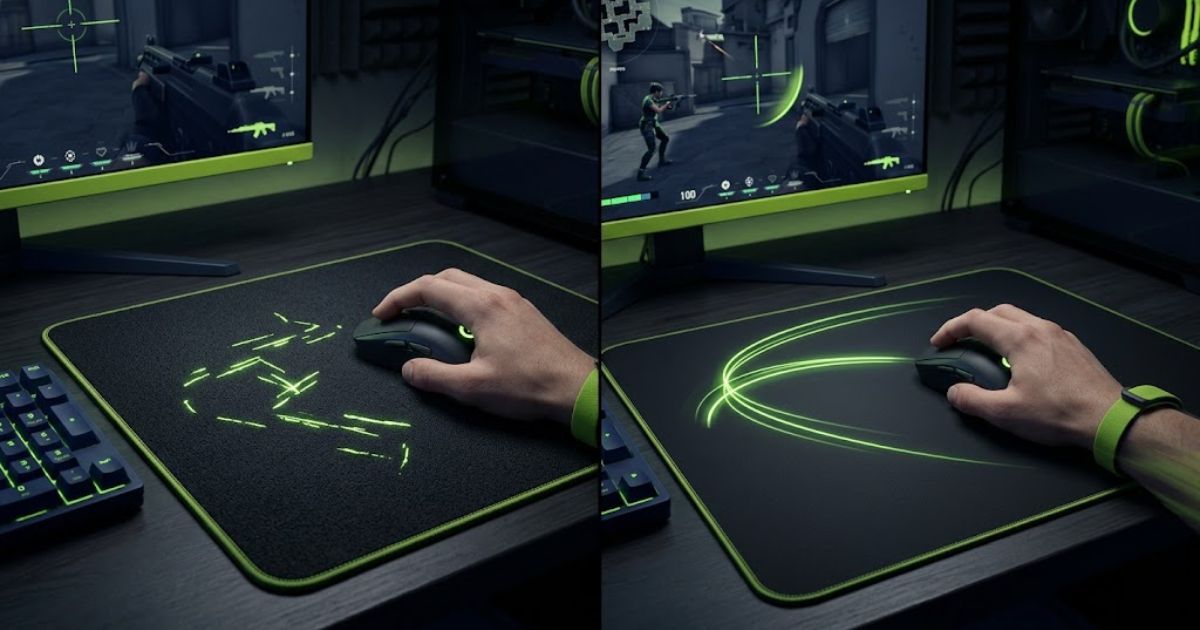
Speed pads trade stopping power for movement freedom
A speed pad makes it easier to start and continue mouse movement. That helps with tracking-heavy fights, but it also means your hand needs better control when stopping after fast flicks.
Mouse pad speed spectrum
Speed pads sit closer to the fast-glide side of the spectrum. They are not automatically better than control pads, but they can feel better for players who value fluid movement.
Smoother target following
Speed pads help when you need to keep your crosshair moving smoothly across a target instead of stopping on a single angle.
Less resistance during swipes
A faster surface can make quick swipes feel easier, especially if you dislike the drag of slower control pads.
Better for constant direction changes
Games with rapid strafing, vertical movement, and close-range fights often feel more natural on a faster surface.
Why choose a speed pad?
- Smoother tracking in games like Apex Legends and Overwatch.
- Faster target switching with less surface resistance.
- More fluid movement for reactive aim and close-range fights.
What are the trade-offs?
- Less stopping power than control-focused mouse pads.
- Harder flick control if your hand is not used to fast glide.
- Less forgiving for tactical FPS players who overshoot often.
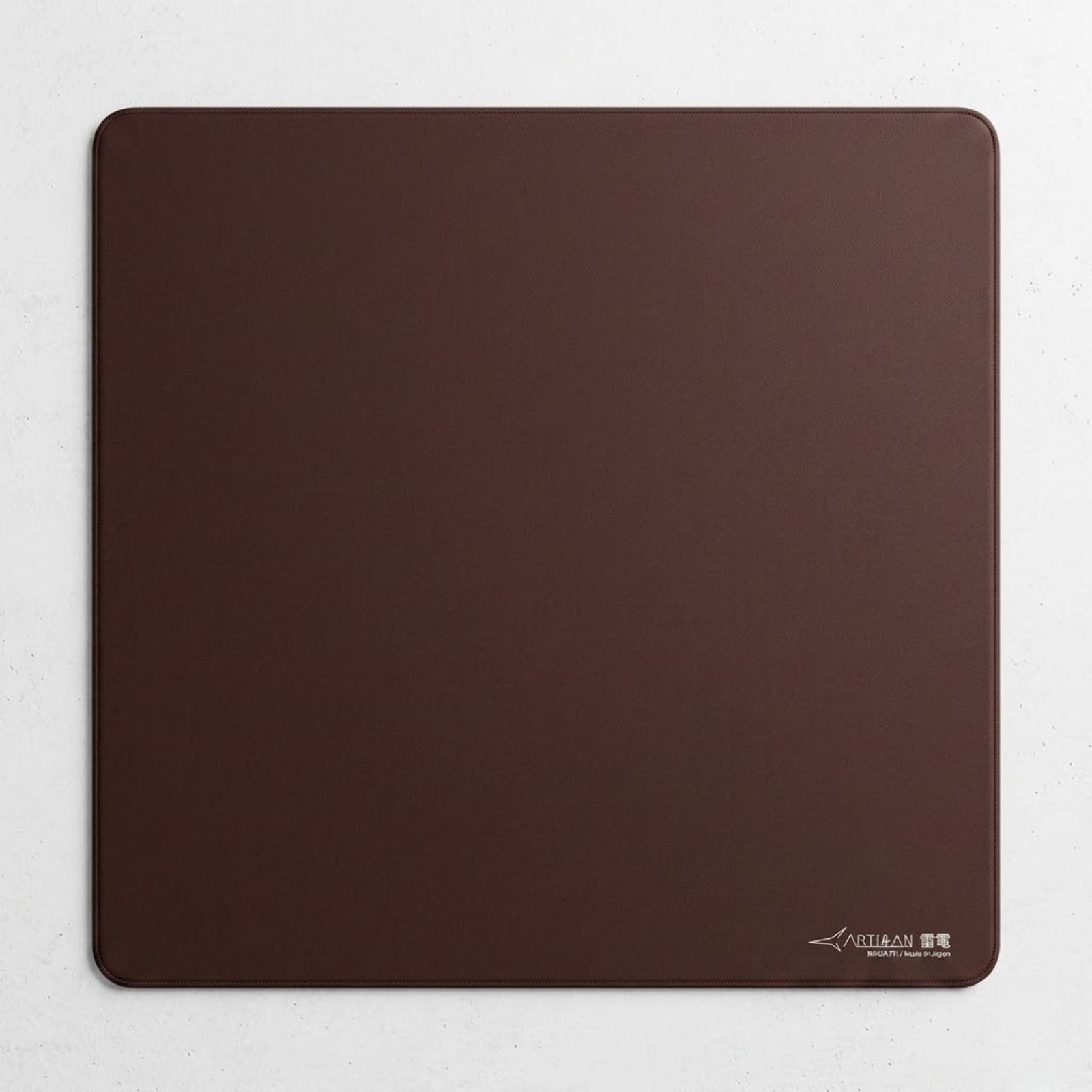
Premium Speed Pick
ARTISAN Raiden MID XL Coffee Brown
A premium speed cloth mouse pad for players who want very low friction, smooth tracking, and a fluid glide feel in fast-paced FPS games.
Check Price on Amazon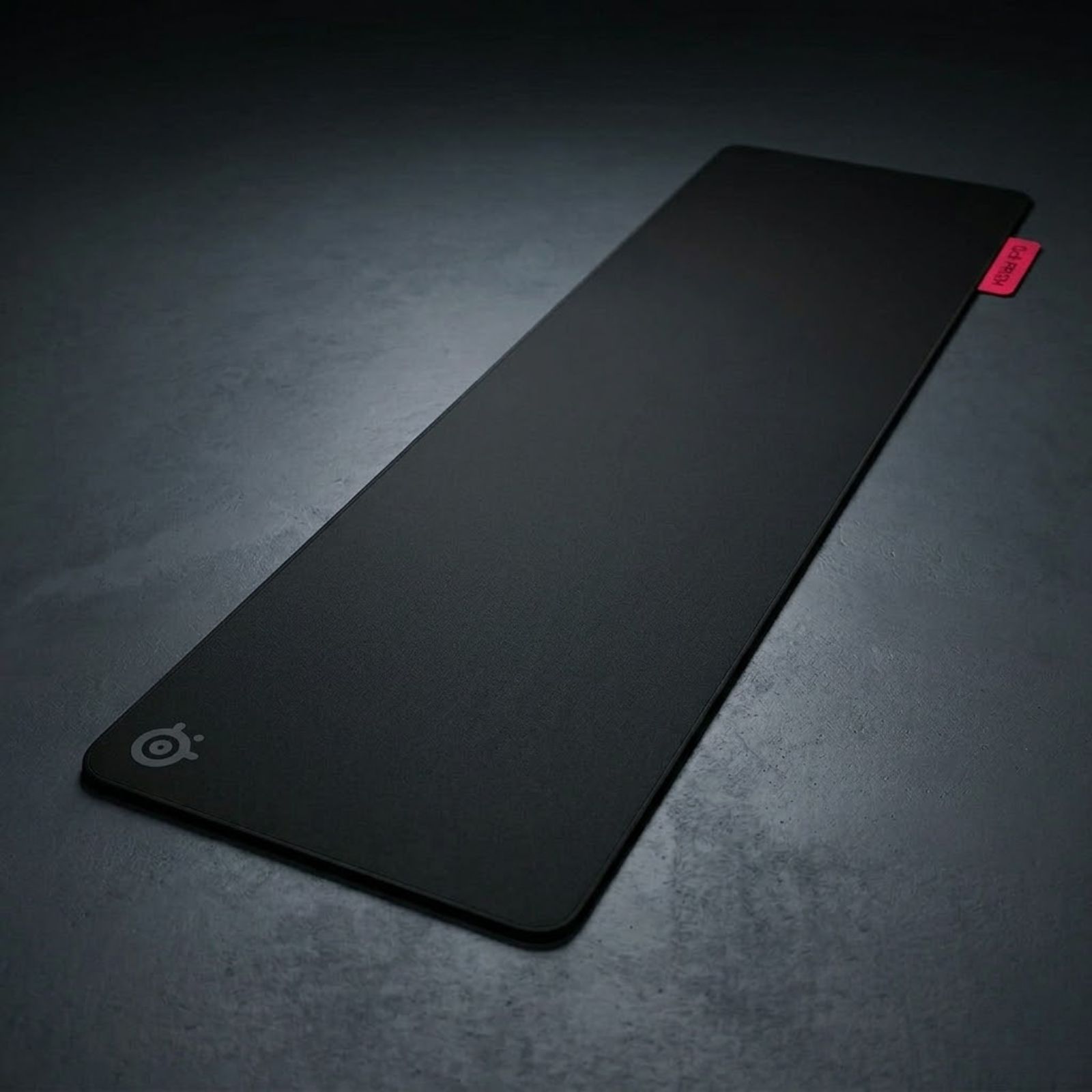
Balanced Speed Pick
SteelSeries QcK Performance Speed XL
A more approachable speed mouse pad that offers smoother movement than traditional control pads without feeling too extreme for most FPS players.
Check Price on AmazonSpeed pads are best when tracking matters more than hard stopping
Choose a speed mouse pad if you want smoother tracking, faster target switching, and less resistance during movement. If you often overshoot in tactical FPS games, a control or balanced control pad may still be the safer choice.
Budget FPS Recommendation
Best Budget Gaming Mouse Pads for FPS Players
The best budget gaming mouse pads for FPS players provide enough space, consistent glide, and reliable tracking performance without requiring a premium price. Most players can achieve excellent aiming consistency on affordable cloth mouse pads if they choose the right size and surface type.
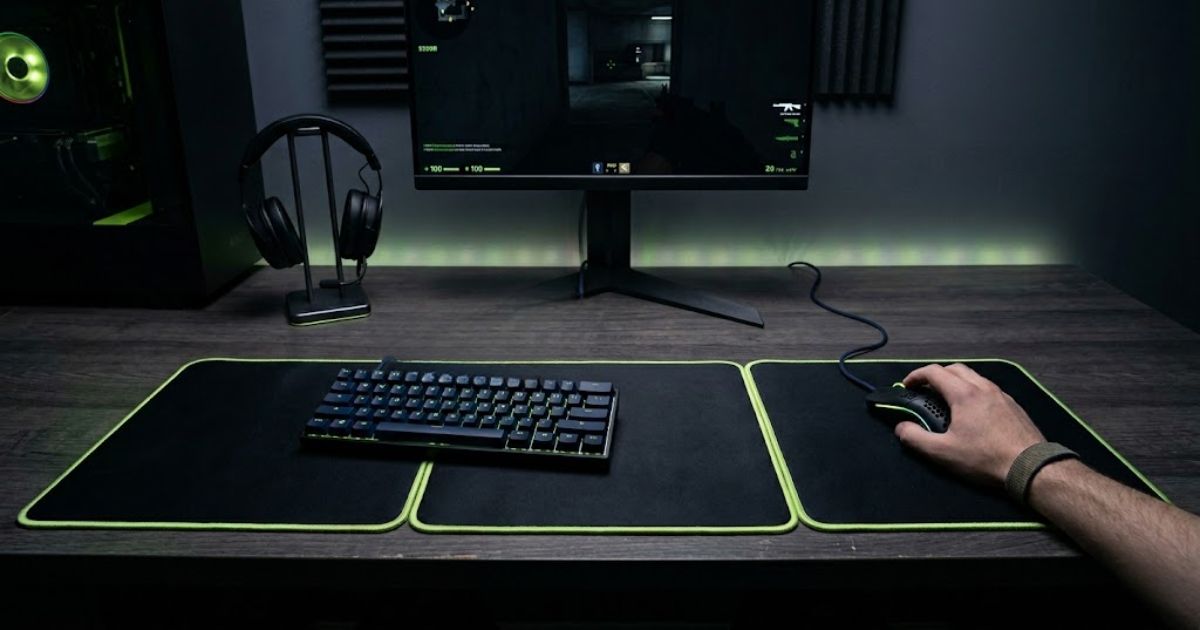
Spend for surface quality before looks
A budget mouse pad can still work well for FPS games if it gives you a stable cloth surface, enough room for your sensitivity, and a base that does not slide during fast movement.
What matters more than price?
A low price only makes sense if the mouse pad still supports consistent aiming. Before buying, check for the core features that affect how the mouse actually moves.
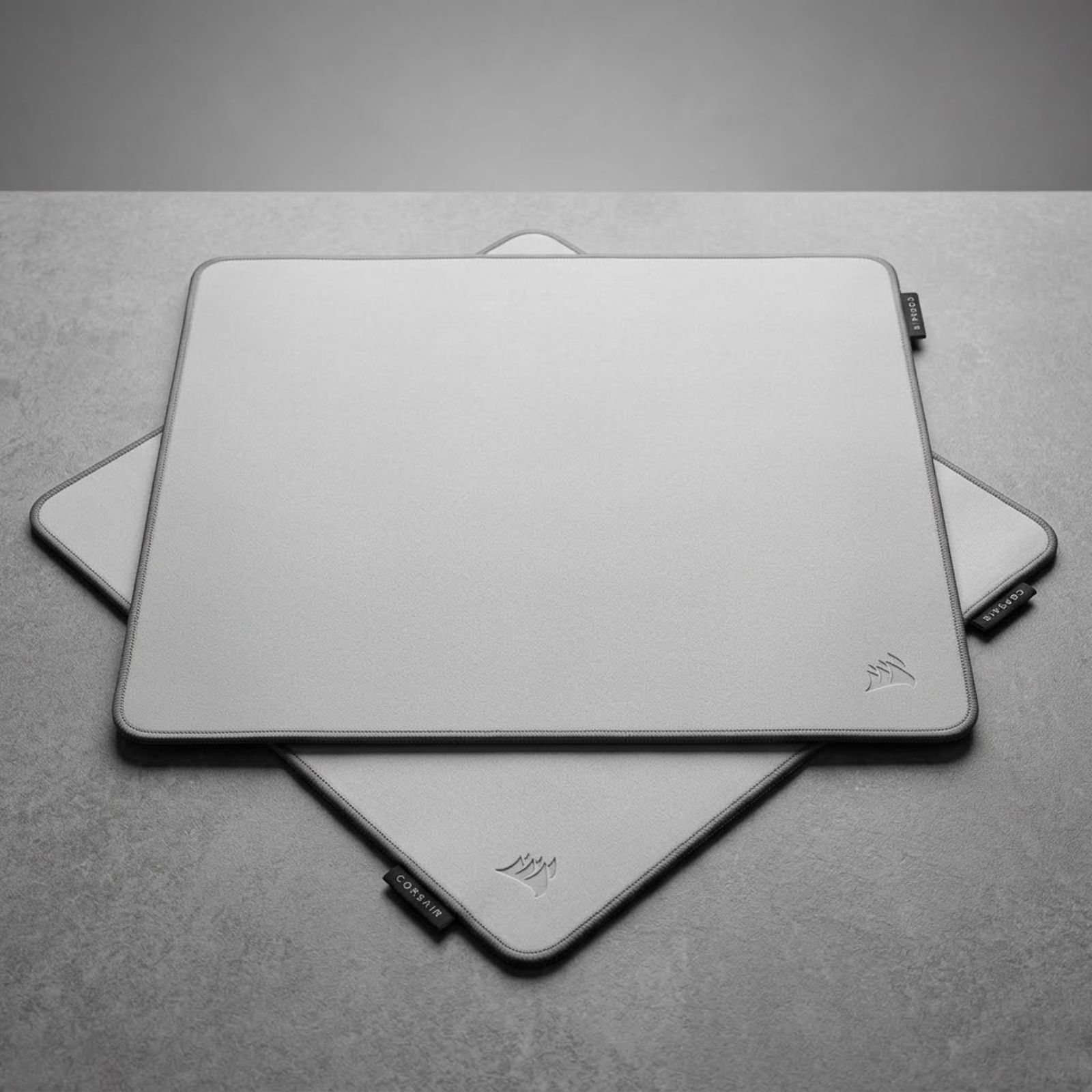
Best Value Control Pick
Corsair MM PRO Control Cloth Large Gaming Mouse Pad
A budget-friendly control gaming mouse pad with a stable cloth surface, stitched edges, and dependable stopping power for FPS players who value precision.
Check Price on AmazonBest Large Budget Pick
SteelSeries QcK Gaming Mouse Pad XXL
A large cloth mouse pad that gives budget-focused FPS players more desk coverage for arm aiming, low-sensitivity movement, and daily practice.
Check Price on AmazonBest Balanced Budget Pick
Logitech G640 Large Cloth Gaming Mouse Pad
A balanced cloth mouse pad with moderate surface friction, making it a practical choice for players who switch between tactical and faster FPS titles.
Check Price on AmazonA budget mouse pad can still be good for FPS
You do not need to start with an expensive mouse pad to improve consistency. A good budget cloth pad with enough space, a stable base, and predictable glide is often enough for beginners and most everyday FPS players.
Final Buying Guide
How to Choose the Right Gaming Mouse Pad for FPS Games
The right gaming mouse pad for FPS games is the one that matches your game type, sensitivity, desk space, and preferred surface feel while helping you aim more consistently. If you want a deeper breakdown of mouse pad types, materials, sizing, and FPS-specific buying considerations, visit our gaming mouse pad for FPS games guide.
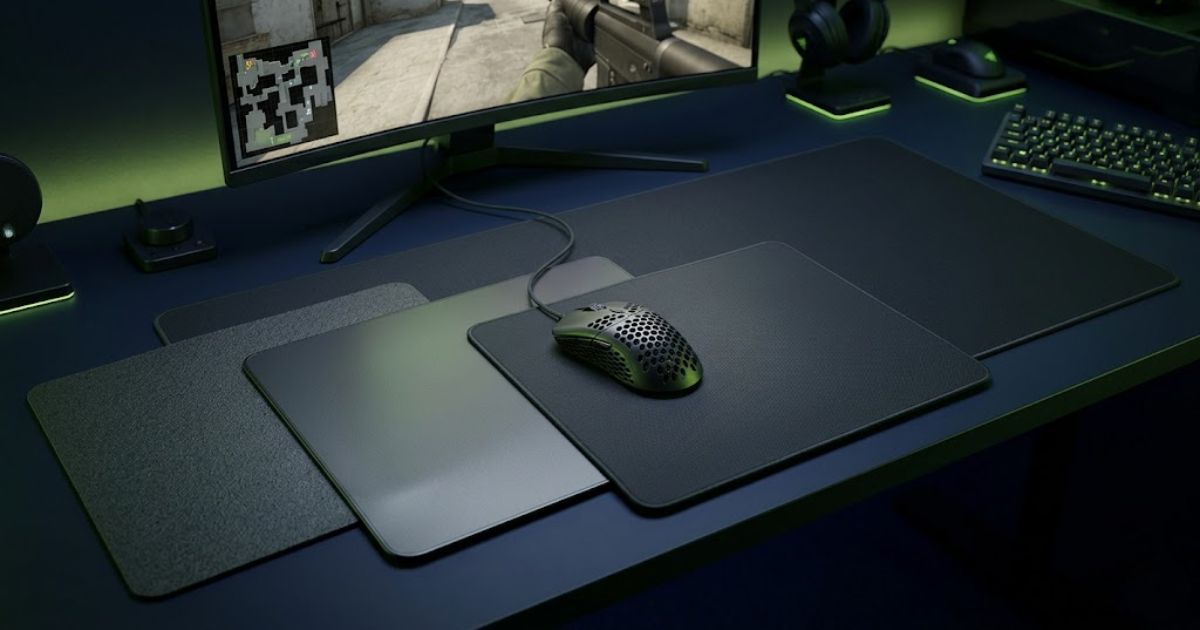
Most FPS players only need to answer four questions
Instead of chasing trends or buying the most expensive mouse pad, focus on your games, sensitivity, available space, and preferred glide feel. Those four factors usually determine the best mouse pad choice.
What FPS games do you play?
- Valorant or CS2: Choose a control-focused cloth pad.
- Apex or Overwatch 2: Choose a faster speed-oriented surface.
- Mixed FPS games: Choose a balanced hybrid or control cloth pad.
What sensitivity do you use?
- Low sensitivity: Choose an XL or XXL mouse pad.
- Medium sensitivity: Choose a large or XL mouse pad.
- High sensitivity: Choose a medium or large mouse pad.
How much desk space do you have?
- Small desk: Choose a large pad if it fits your keyboard layout.
- Medium desk: Choose an XL pad for more movement space.
- Large desk: Choose an XXL pad if you use low sensitivity.
Do you prefer control or speed?
- More control: Choose ARTISAN Type-99 or similar control pads.
- Balanced feel: Choose ARTISAN Zero or a hybrid cloth pad.
- More speed: Choose ARTISAN Raiden or another speed-focused pad.
Best Control Pick for Tactical FPS
ARTISAN NINJA FX Type-99 MID XL Matcha
If your main focus is tactical FPS games such as Valorant and CS2, the ARTISAN NINJA FX Type-99 MID XL Matcha is one of the strongest control-focused options available today. Its combination of stopping power, consistency, and premium build quality makes it a compelling choice for players who prioritize precision over raw glide speed.
Check Price on AmazonThe best mouse pad is the one that matches your playstyle
There is no single perfect gaming mouse pad for every FPS player. The best choice depends on your games, sensitivity, desk space, and preferred glide feel. Matching those factors to the right surface type will improve consistency more than chasing trends or expensive gear.
Frequently Asked Questions
Frequently Asked Questions About Gaming Mouse Pads for FPS Games
Choosing a gaming mouse pad can seem simple at first, but factors like surface type, size, sensitivity, stopping power, and durability often create additional questions. The answers below address the most common concerns FPS players have when selecting a gaming mouse pad for competitive gaming.
General Questions
What is the best gaming mouse pad for FPS games?
The best gaming mouse pad for FPS games depends on your sensitivity, preferred surface feel, and the games you play. Most competitive FPS players perform well with a large cloth control pad that offers consistent glide and reliable stopping power.
Do gaming mouse pads actually improve aiming?
Gaming mouse pads can improve aiming consistency by providing a stable tracking surface, predictable glide, and better control during flicks, tracking, and micro-adjustments.
What size mouse pad is best for FPS gaming?
Most FPS players benefit from an XL mouse pad because it provides enough room for low-sensitivity arm movements without forcing frequent mouse resets.
Are larger mouse pads better for low-sensitivity players?
Yes. Low-sensitivity players typically move their mouse farther across the desk, making larger mouse pads more comfortable and practical for consistent aiming.
Performance & Technical Questions
What is the difference between a control pad and a speed pad?
A control pad provides more stopping power and resistance, while a speed pad reduces friction and allows faster mouse movement. Control pads are often preferred in tactical shooters, while speed pads can benefit tracking-heavy games.
Are cloth mouse pads better than hard mouse pads for FPS games?
Cloth mouse pads are generally more popular among FPS players because they offer better comfort, control, and consistency during long gaming sessions.
What mouse pad do professional FPS players use?
Many professional FPS players use large cloth control pads because they provide predictable glide, reliable stopping power, and enough space for low-sensitivity aiming styles.
Does mouse pad thickness affect performance?
Thickness does not directly improve sensor performance, but a thicker mouse pad can increase comfort and help smooth out uneven desk surfaces.
Buying Questions
How long does a gaming mouse pad last?
A quality gaming mouse pad can last several years when cleaned regularly and used on a stable desk surface. Lifespan varies depending on material quality and usage frequency.
Should I choose a mouse pad based on my game or sensitivity?
Ideally, you should consider both. Game type influences whether you need more control or speed, while sensitivity determines how much surface area you need.
Is an expensive gaming mouse pad always better?
Not necessarily. Premium mouse pads often provide better materials and consistency, but many budget-friendly cloth mouse pads perform extremely well for most FPS players.
What is the safest mouse pad choice for most FPS players?
For most FPS players, a large cloth control pad offers the best balance of comfort, control, consistency, and long-term usability across different FPS games.
Final Recommendation
The Best Gaming Mouse Pad Depends on How You Play
The best gaming mouse pad is not necessarily the most expensive one. The right choice depends on your preferred FPS games, sensitivity, available desk space, and whether you value control, speed, or overall versatility.
Balanced Control Cloth Pad
A balanced control surface provides predictable glide, reliable stopping power, and enough consistency for nearly every competitive FPS title.
Control Mouse Pad
Players who focus on Valorant and CS2 usually benefit from a slower surface that helps improve stopping precision and micro-adjustments.
Speed Mouse Pad
Games that require continuous tracking often feel smoother on lower-friction surfaces that support fluid mouse movement.
Value Cloth Pad
Affordable cloth mouse pads can still provide excellent FPS performance when size and surface consistency are prioritized.
Best Overall FPS Mouse Pad
ARTISAN NINJA FX Type-99 MID XL Matcha
If you want a single recommendation that works for most competitive FPS players, the ARTISAN Type-99 MID XL Matcha is the safest choice. It combines consistent control, dependable stopping power, premium build quality, and enough surface area for low-sensitivity aiming styles.
- Excellent control for tactical FPS games
- Consistent glide across the entire surface
- Large size for low-sensitivity players
- Premium build quality and durability
Focus on Consistency, Not Marketing
A gaming mouse pad should help you build consistent aim over hundreds of hours of practice. Surface feel, size, and comfort will have a greater long-term impact on your performance than chasing trends or buying the most expensive option available.
We hope this guide helps you choose a gaming mouse pad that fits your FPS aim style, sensitivity, desk space, and competitive setup.